How To Remove Background On Picture
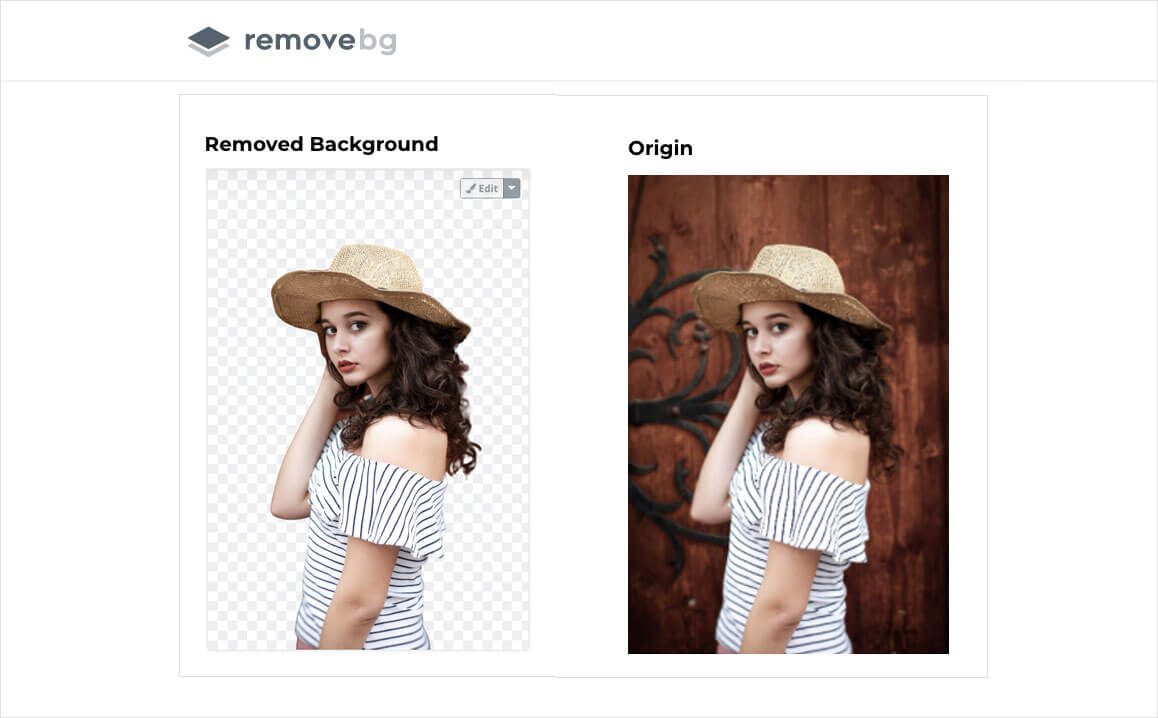
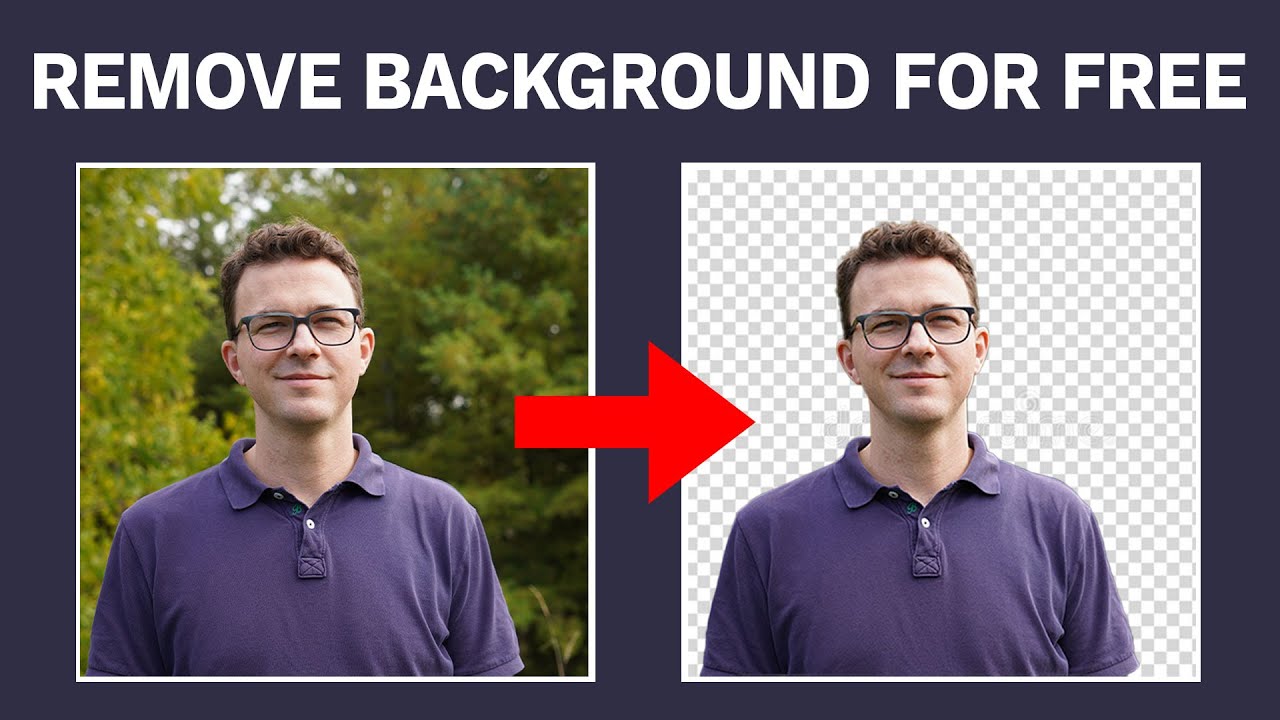
Ever snapped a photo that would be perfect if only that random stranger, your messy coffee mug, or your dog’s tail weren’t photobombing the background? We’ve all been there, and it’s the silent killer of great selfies and product shots. But here’s the good news: removing a background is no longer a job for a professional designer with a fancy degree—it’s something you can master in under two minutes.
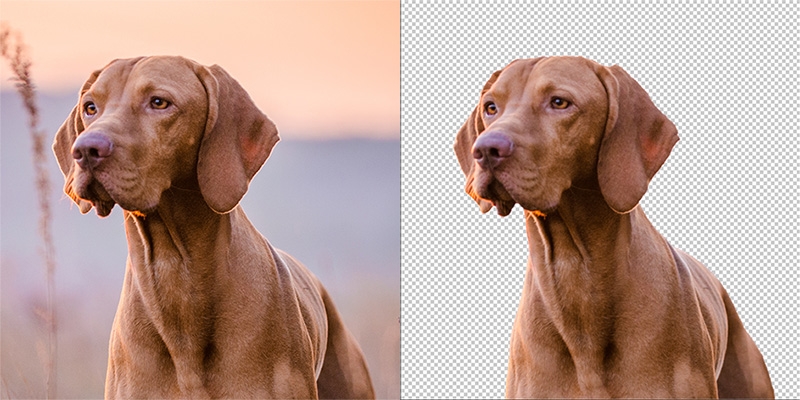
Think of it as digital magic. You’re about to take the boring, cluttered world behind your subject and simply make it vanish. Suddenly, your lunch photo looks like a menu cover, and your pet’s portrait is ready for a gallery wall. This isn’t just a tech trick; it’s your secret weapon for making everything in your life look a little more polished and fun.
Why Bother? The Fun Factor
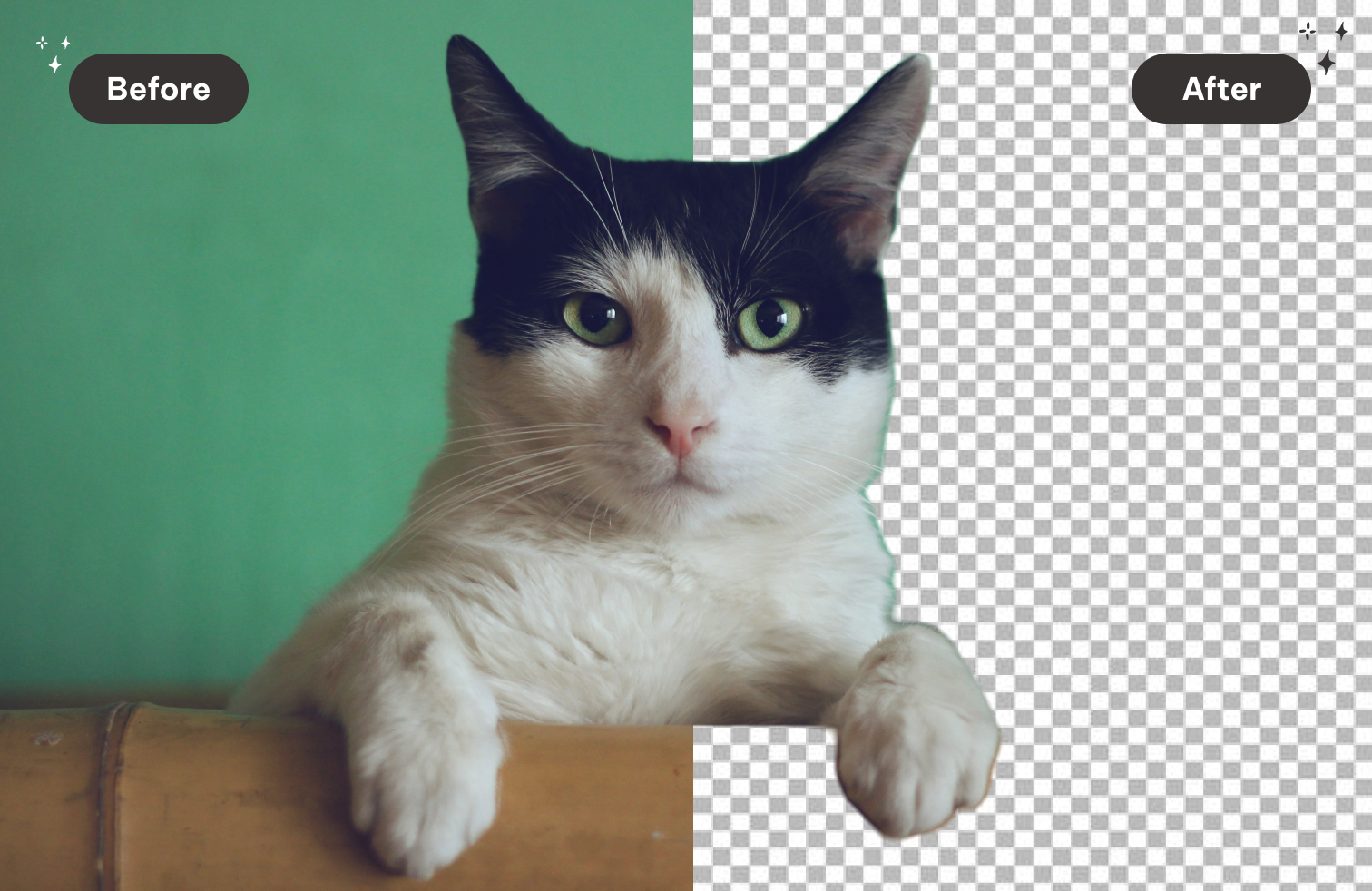
Why should you care? Because backgrounds are visual noise, and removing them lets the real star shine—whether that’s you, your product, or your adorable cat. Once you clear the clutter, you can drop that subject onto a tropical beach, a neon neon gradient, or a plain white canvas for a professional headshot. It’s like having a personal green screen right in your pocket, and it makes your social media feed look instantly cooler.
Must Read
Plus, it’s just plain satisfying to watch that one-click removal work its magic. Seriously, it scratches an itch you didn’t know you had. You’ll start looking at every photo differently, thinking, “What can I erase today?”
Your Simple Toolkit: No PhD Required
You don’t need expensive software or a degree in graphic design. Most modern phones have a built-in tool—like iOS’s “Copy Subject” or Google’s Magic Eraser—that works with a simple long-press or tap. For more control, free web tools like Canva, Remove.bg, or Photopea let you upload a picture and do the heavy lifting in seconds.

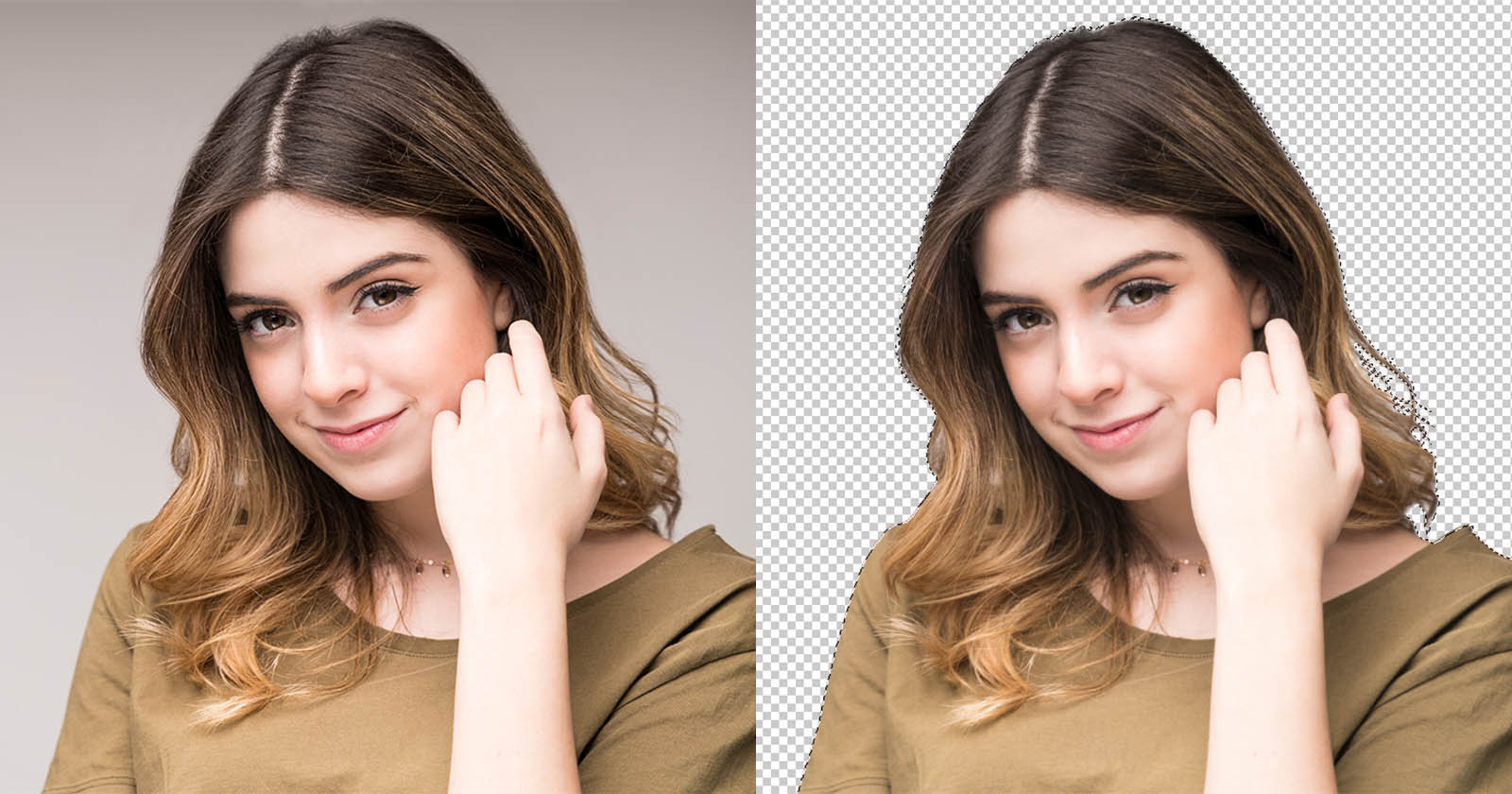
Here’s the golden rule: start with a clear subject. If your subject has messy hair or complex edges, don’t panic—most tools have a “refine edge” brush. Just imagine you’re carefully trimming a hedge; you get to gently nudge that boundary until it’s perfect. Patience beats perfectionism here.
The Quick 3-Step Magic Process
First, upload your image to your chosen tool. Second, hit the “Remove Background” button and watch the checkerboard appear—that’s your transparent stage. Third, if needed, use the eraser or restore brush to clean up any stray pixels, then download your new, clean cutout.
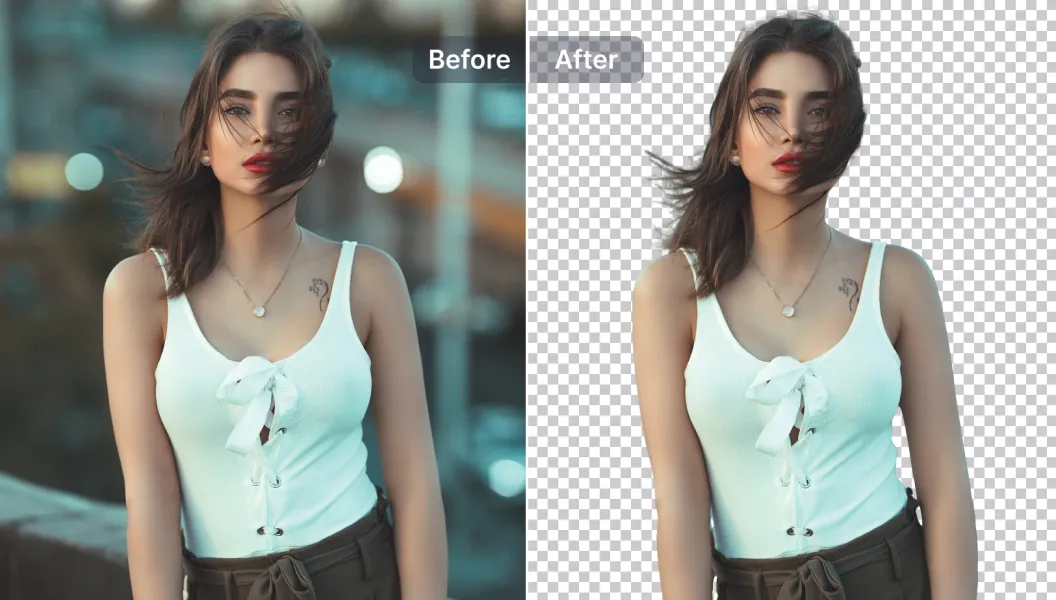
That’s it. No, really—that’s the whole secret. The tools have become so smart that they detect the subject like your eye does, and they do the heavy lifting for you. You’re not a designer anymore; you’re a director of visual storytelling.
Make It Yours: Creative Bragging Rights
Now for the fun part—what do you do with your new floating cutout? Create custom stickers for your texts, design a branded recipe card, or make a hilarious meme where your friend stands on the moon. You can even make a professional-looking resume photo without paying a studio.
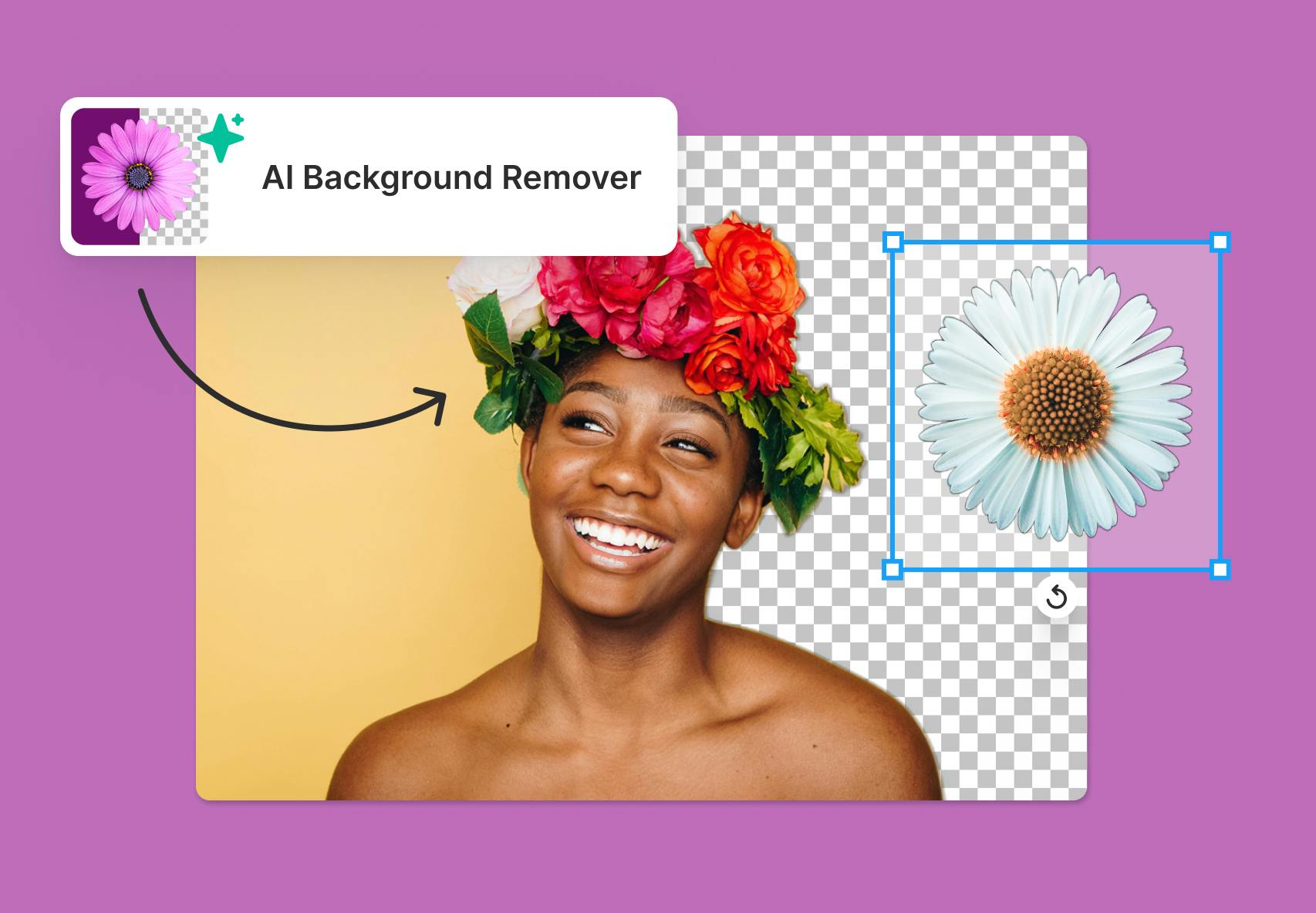
This skill turns an ordinary hour into a creative playground. You’ll start composing shots specifically to remove the background later, which sounds silly but makes you a better photographer. You’ll notice lighting, angles, and composition in a whole new light.
So go ahead, pick a photo right now—even that old blurry one from last year—and give it a digital makeover. You possess the power to edit your world, one pixel at a time. And the best part? The more you play, the more you’ll realize that this tiny skill isn’t just about cleaning up images; it’s about seeing potential everywhere. So get out there, snap something, erase the noise, and let your true subject—and your own creativity—finally take center stage. You’ve got this.