How To Remove Background In A Photo
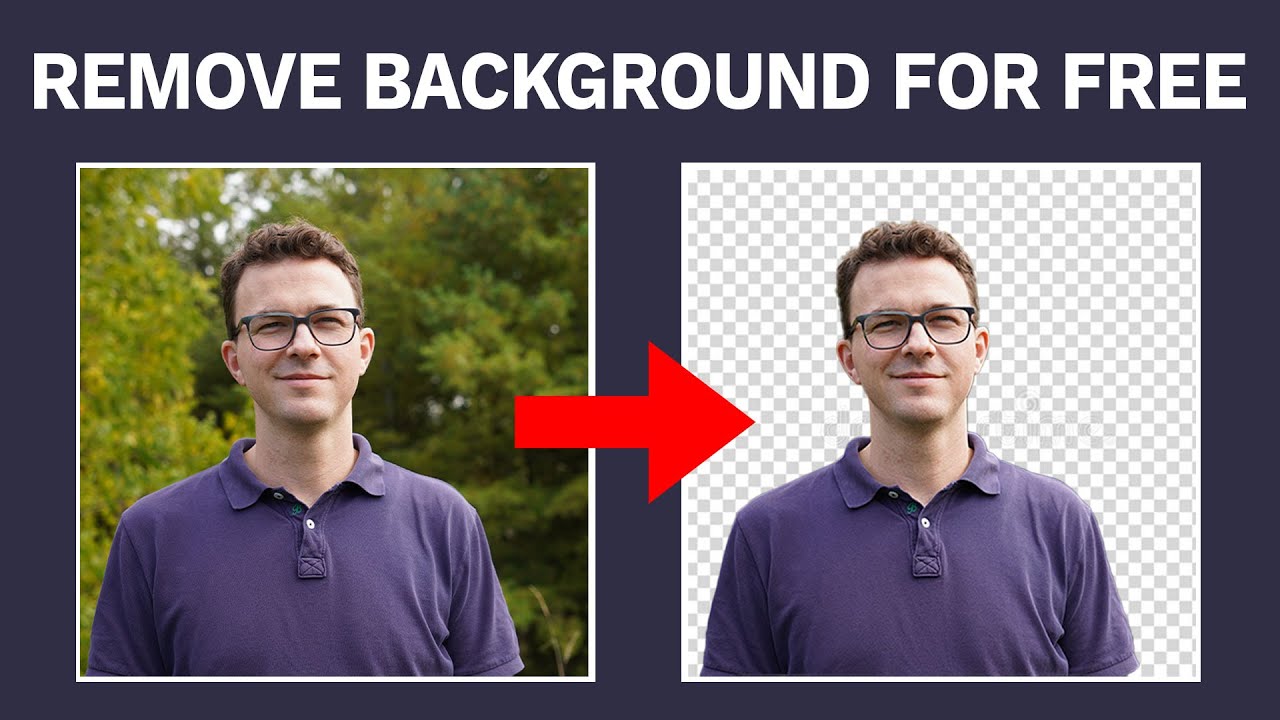
So, you’ve got a photo of your dog doing something majestic, but the background looks like a crime scene featuring your laundry pile. Or maybe you need a headshot for LinkedIn, and your “home office” background is just a bookshelf holding up a half-eaten bag of chips. Fear not, my friend—removing a background is easier than explaining to your mom why you need a “personal branding” photo in the first place.
The Magic Eraser for Your Digital Life
Think of background removal as digital plastic surgery—but without the recovery time or the judgmental looks from your cat. The good news? You don’t need a $2,000 software suite or a degree in pixel whispering. You’ve got options, and most of them are free, fast, and embarrassingly easy.
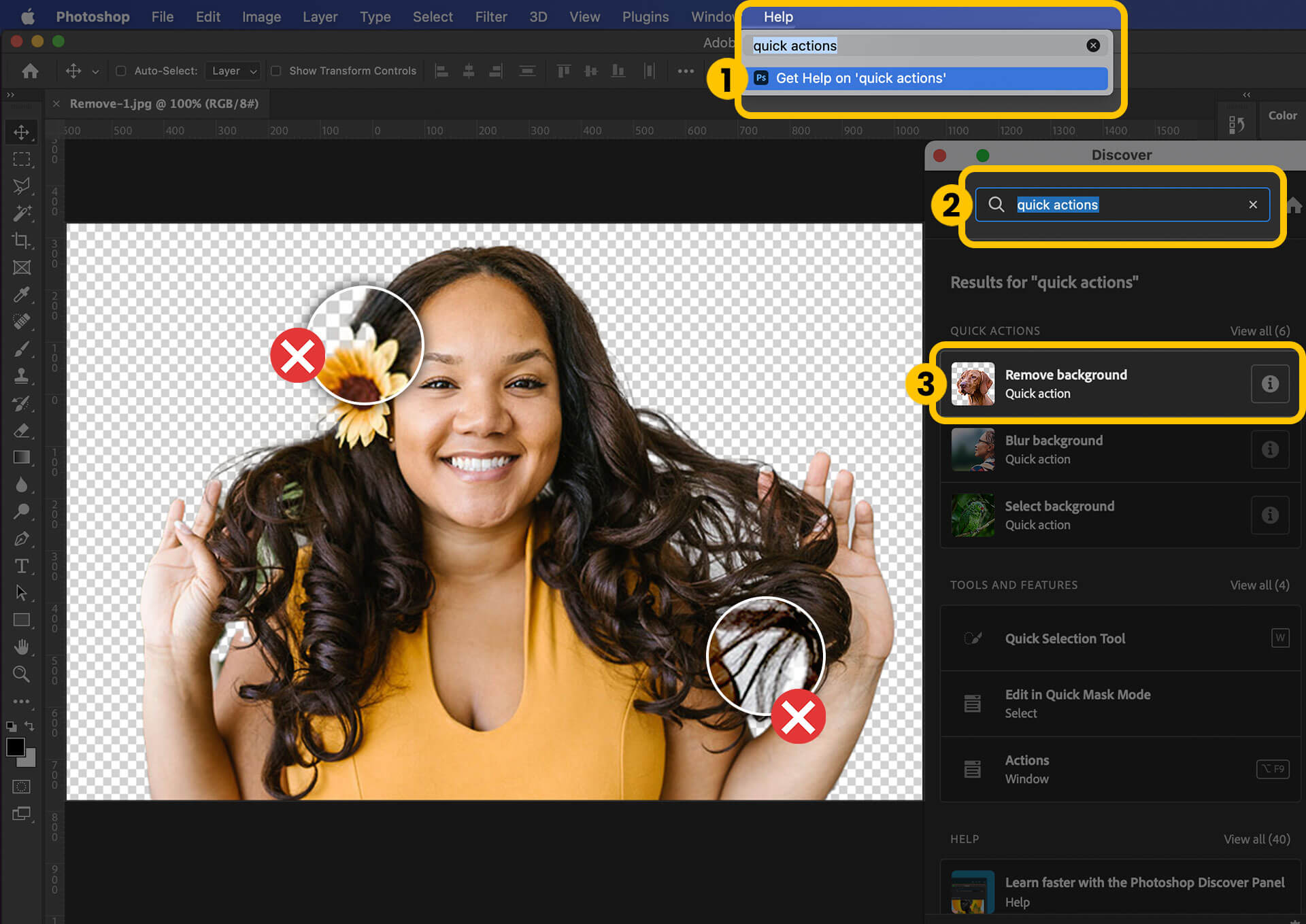
First, the old-school method: the lasso tool. It’s been around since dinosaurs roamed the Earth (or, you know, 1998). You manually trace around your subject like you’re drawing a circle around a typo on a printed page. It works, but it’s about as fun as watching paint dry—unless you’re tracing around hair, in which case you’ll age 10 years in 10 minutes.
Must Read
Meet Your New Best Friend: The One-Click Wonder
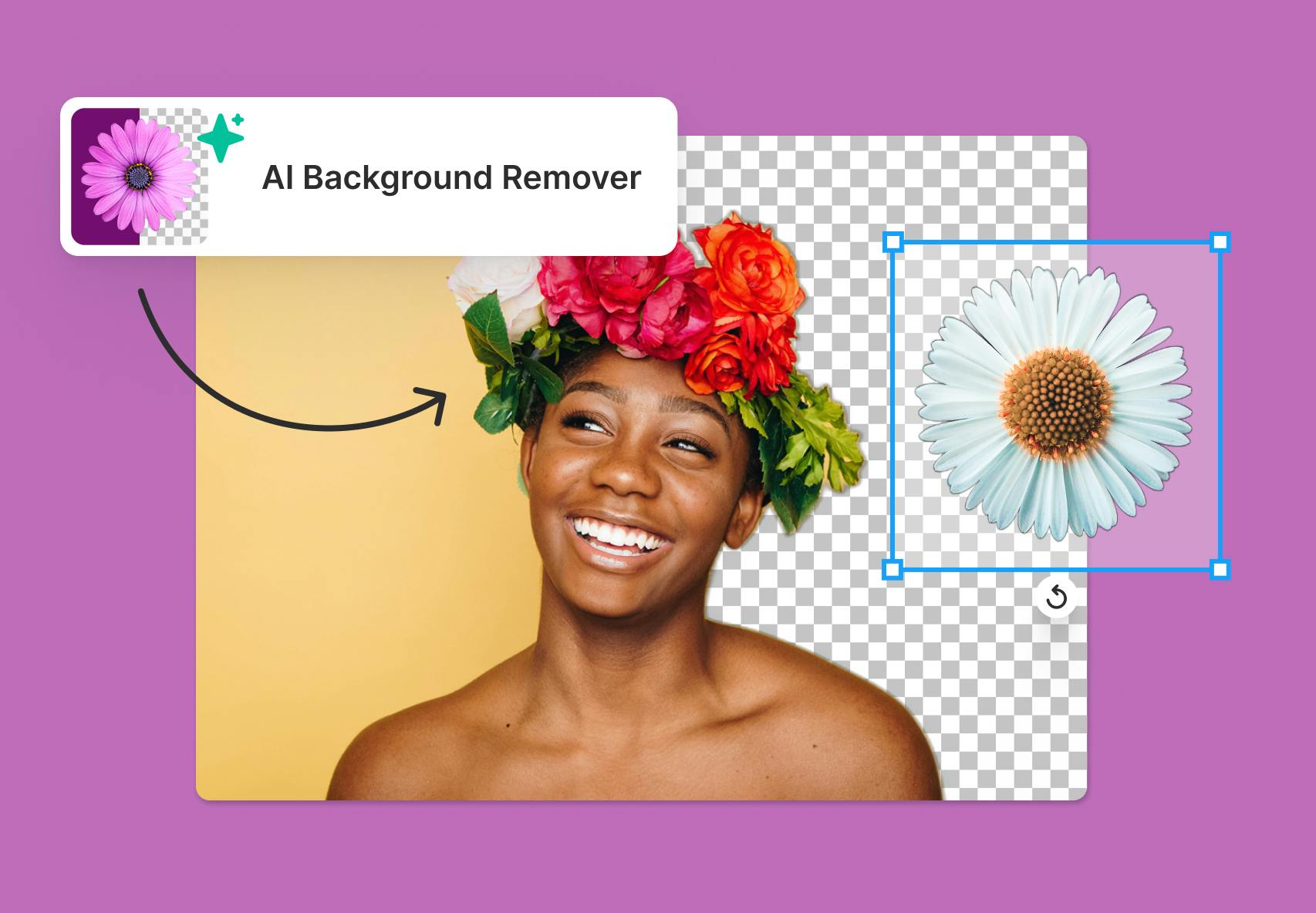
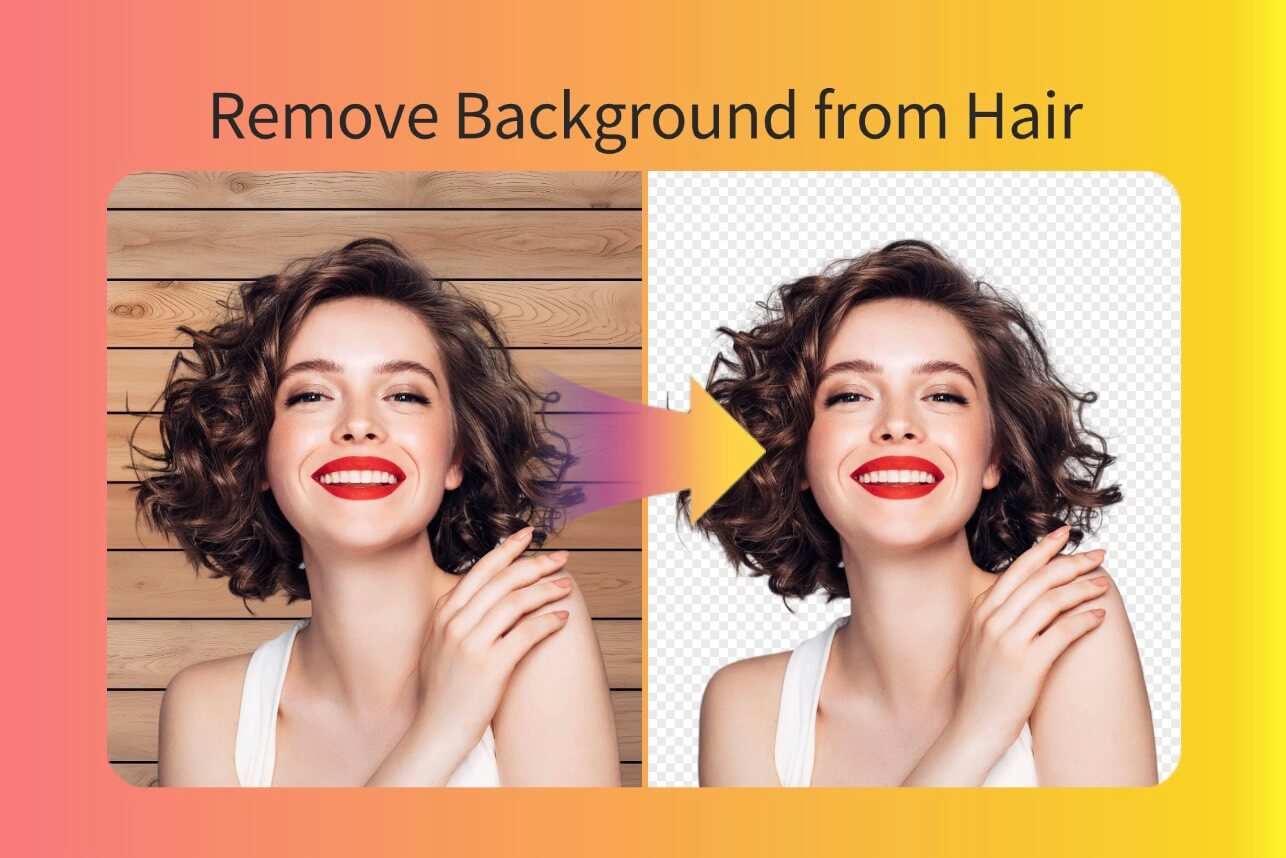
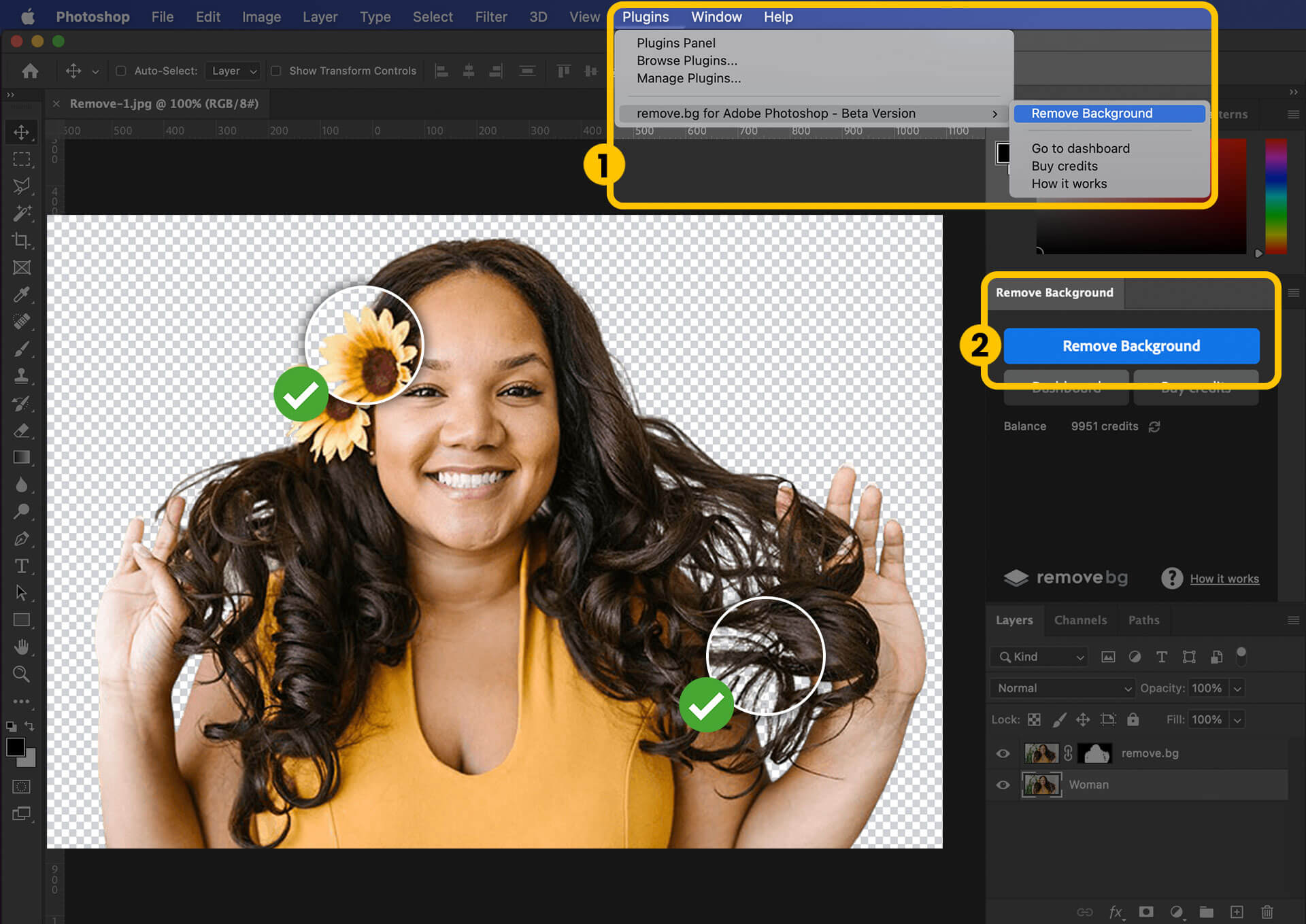
Here’s where the modern miracle comes in. Websites like Remove.bg or Canva use artificial intelligence that’s smarter than your average goldfish. You upload a photo, and in under five seconds, the background vanishes like your motivation on a Monday morning. No tracing, no crying, no third cup of coffee required.
But don’t just trust the hype—test it on a photo with complicated edges, like a fluffy cat or a head of curly hair. The AI will either nail it perfectly or give you a subject that looks like it was cut out with a butter knife. Pro tip: if the AI butchers your hair, just say you were going for an “abstract avant-garde” look. No one will know.

The Dark Side of the Backgroundless Void
Once you remove the background, you’re left with a floating head or a dog in a void. That’s not a final product—that’s a lonely dystopian nightmare. So you need to add a new background. Slap on a solid color, a scenic beach, or, if you’re feeling spicy, a galaxy filled with unicorns. The choice is yours, and that’s terrifyingly powerful.
Here’s a surprising fact: the average person spends 47 minutes a week staring at their own face while editing photos. That’s nearly 41 hours a year—time you could spend learning guitar, baking sourdough, or arguing with strangers online. Background removal is your escape hatch from that time-suck.

When to Skip the Tech and Go Old School
If your photo has a person with transparent sunglasses or a glass of water in front of them, even the best AI will have a meltdown. In that case, you have two choices: use the “pen tool” like a Photoshop Jedi, or just take a new photo. Honestly, taking a new photo is cheaper than therapy, and I say that with love.
Finally, remember the golden rule: always save a copy of the original. Because once you delete that background, you can’t un-ring the bell. You might realize later that your messy kitchen actually gave the photo “warmth” and “authenticity.” Or you might realize you look like a floating crime suspect. Either way, the original is your safety net.
So go forth, remove that clutter, and let your face shine against a background of pure, unadulterated nothingness. Then, for heaven’s sake, add something fun behind you—like a llama. The internet will thank you.