How To Read Wsj On Apple News Plus
Okay, let’s be real for a second. You’ve got Apple News+ and you’re thinking, “Sweet, I’ll finally read the Wall Street Journal without selling a kidney.” Then you open the app and… what is this sorcery? You see a headline, a blurry preview, and a giant padlock that looks more intimidating than a gym manager on January 2nd. Fret not, my financially curious friend, because I’m here to be your digital sherpa through this paywall jungle.
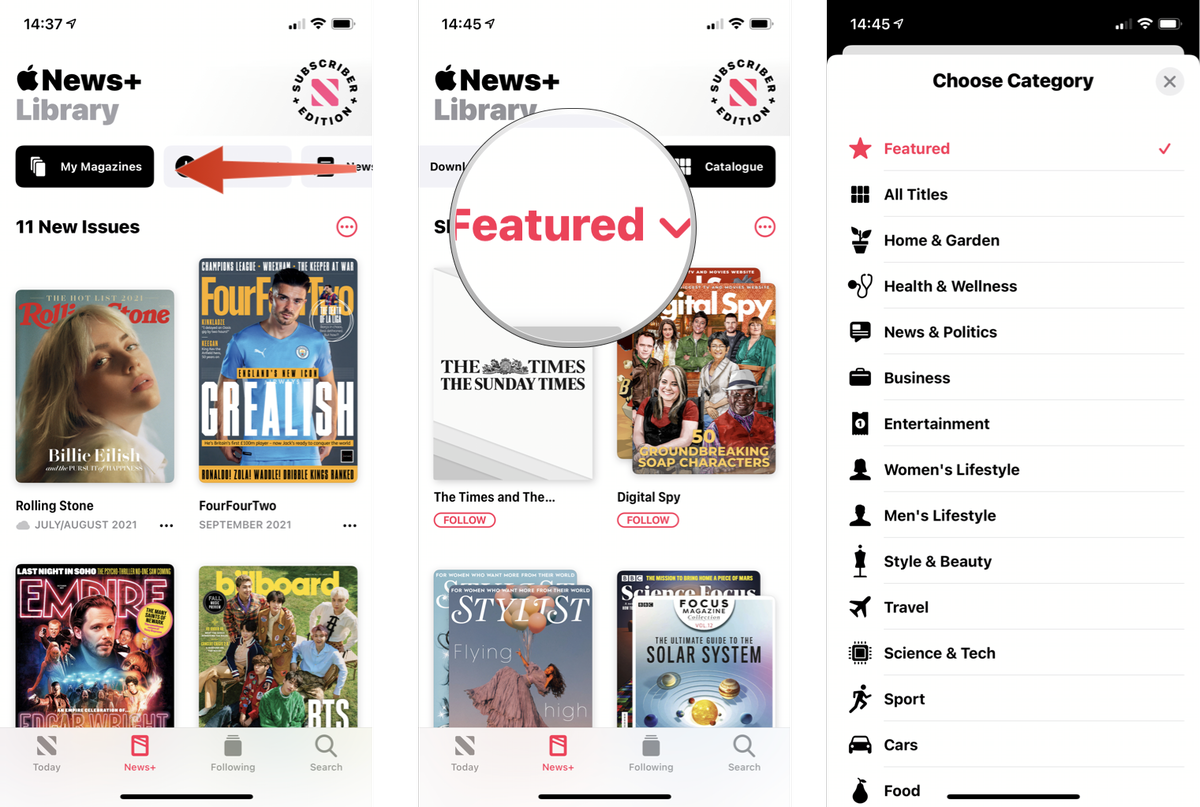
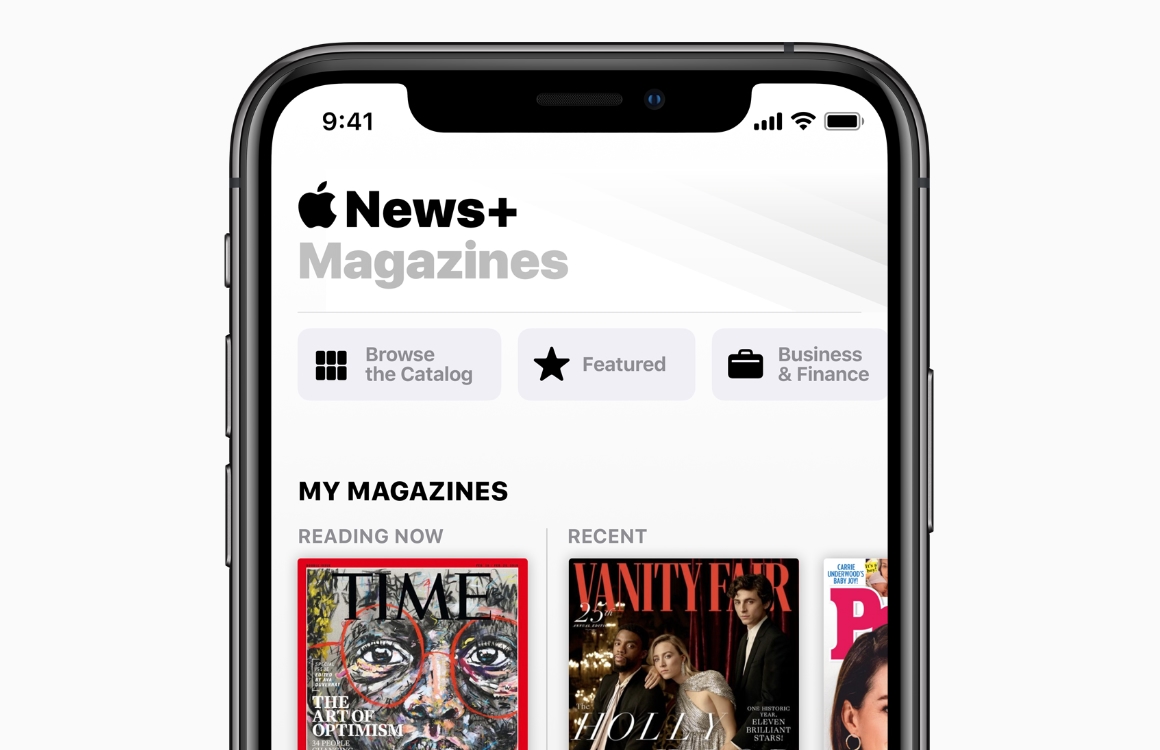
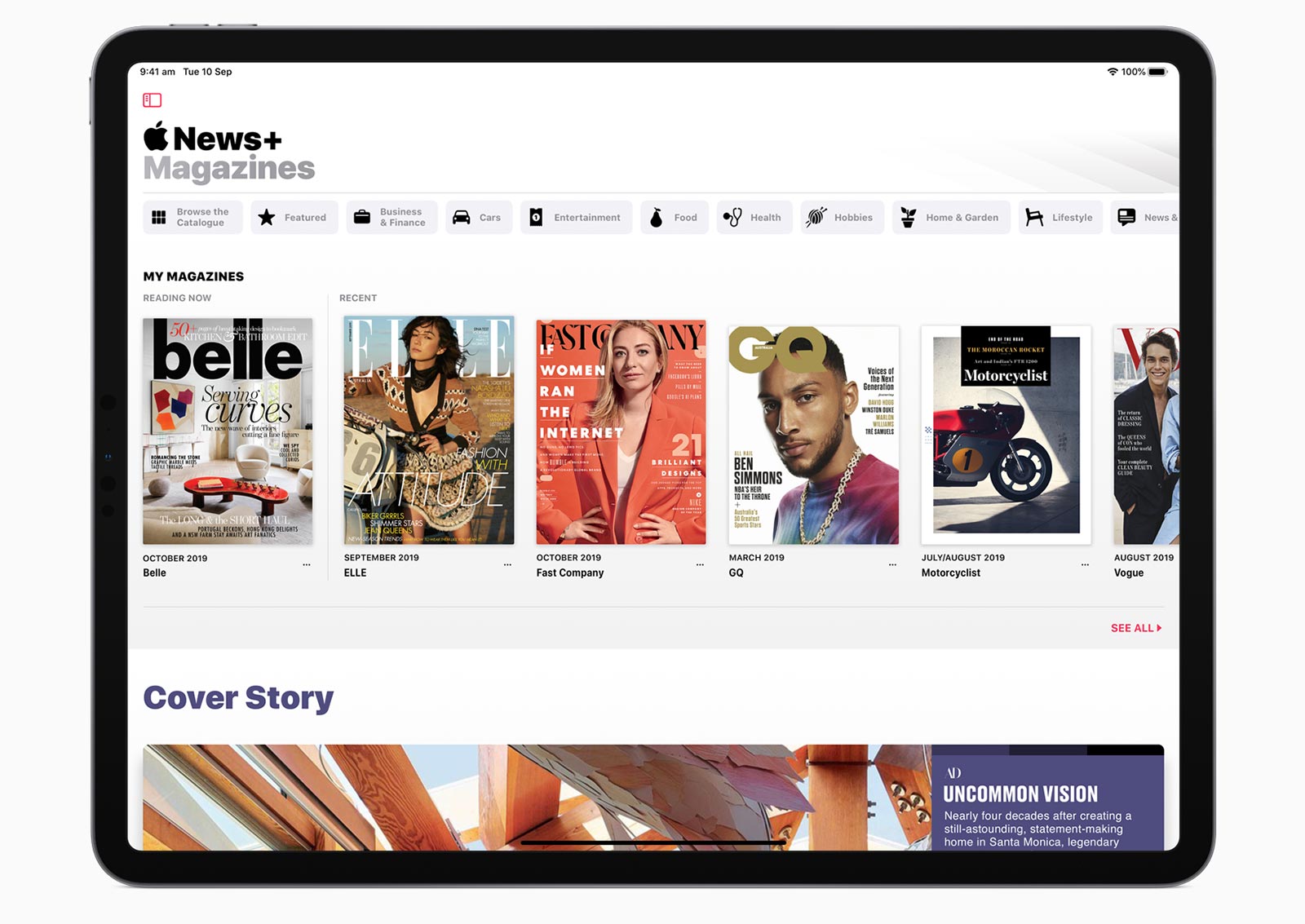
First things first: the single biggest mistake people make is searching for “WSJ” in the general Apple News tab. That’s like looking for a specific book in a library by just walking in and yelling “BOOKS!” Instead, you need to open the News+ section at the bottom of the app. It’s the little icon that looks like a magazine, and it’s your golden ticket. Tap it, and then scroll down until you see the “News+” banner with a bunch of magazine covers. The WSJ is in there, but it’s buried like a truffle.
The Secret Handshake: Finding the Journal
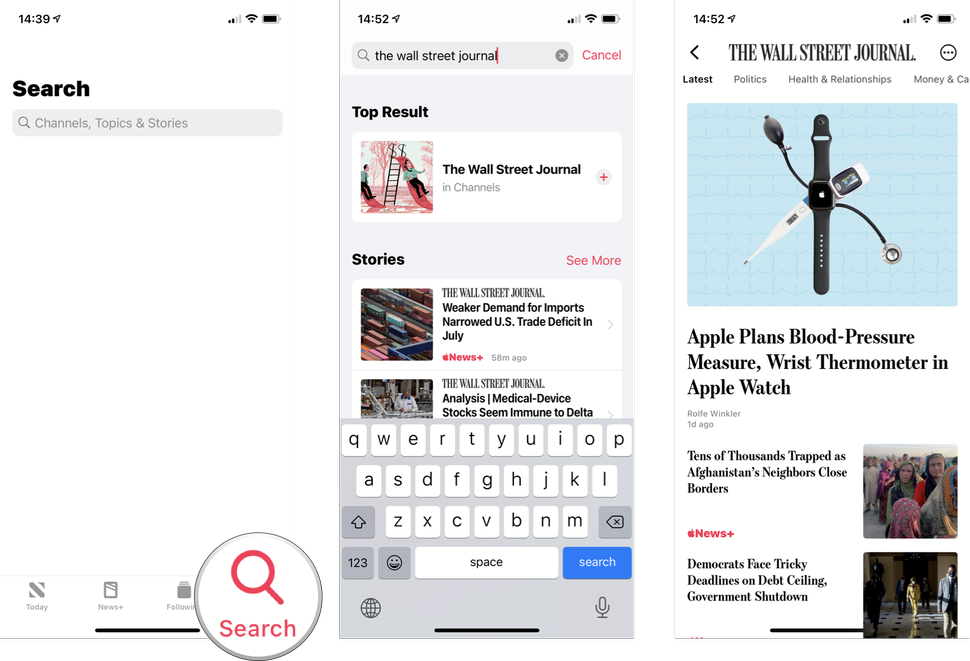
Once you’re in the News+ section, look for the “Browse” tab at the top right. No, not the “Today” tab—that’s just the algorithmic abyss. Tap “Browse,” then scroll down to “Newspapers.” You’ll see a list that includes the Wall Street Journal, the New York Times, and the LA Times. If you don’t see it, try typing “Wall Street Journal” into the search bar, but make sure you tap the “News+” filter underneath it. Otherwise, you’ll just get a bunch of tweets from random finance bros.
Must Read
Here’s the kicker: not everything in the WSJ is included in your Apple News+ subscription. I know, I know—it’s like ordering a pizza and finding out the crust is extra. But Apple wrangled a deal for a curated selection of articles. You’ll get most top stories, market data, and opinion pieces, but some “premium” columns or special reports might still be behind a separate paywall. If you see a “Subscribe” button that looks way too expensive, just pretend it’s a piece of modern art. Move along.
How to Actually Read Without Getting Angry
When you tap on a WSJ article inside Apple News+, don’t expect the full, traditional website layout with three columns and a live ticker. Instead, you’ll get a clean, formatted version that’s actually nicer to read on your phone. The charts might look slightly different, but the data is there. And here’s a pro tip: save articles for offline reading by tapping the download arrow at the bottom. Perfect for your morning commute when the subway WiFi is a cruel joke.

Another trick: Use the “Follow” button. Find the WSJ’s channel page in Apple News, tap “Follow,” and then every morning you’ll get their top headlines mixed into your “Today” feed. It’s like having a tiny, grouchy economist whisper market news into your ear while you sip coffee. But wait, there’s a catch—the WSJ channel page on Apple News is sometimes a chaotic mix of free and News+ articles. The free ones will have a little “+“ icon next to them. Those are yours. The others? Just pretend they’re ads.
The “Read Now” vs. “Edition” Confusion
You’ll notice two types of content: “Read Now” articles (the live, breaking stuff) and “The WSJ edition” (a snapshot of the day’s paper). The edition is a digital replica of the print newspaper, and it’s a dream for nostalgics. You can swipe through pages like you’re flipping actual paper, minus the ink stains on your fingers. To find it, go to the WSJ page inside News+, and look for “Current Issue” at the top. Tap that, and you’ll get the full front page, business, markets, and even the crossword. Yes, the crossword is included, and yes, I’ve spent 45 minutes on a single clue and felt like a genius for solving “3-Down: Capital of Peru” (it’s Lima, you’re welcome).

The edition updates around 10 AM Eastern, so don’t panic if you wake up at 6 AM and only see yesterday’s news. You’re not late to the party; the party just hasn’t started yet. And if you’re an audio learner, tap the little headphones icon on any article to listen to a robotic voice read it to you. It’s not as soothing as a podcast, but it’s better than silence during a tedious spreadsheet session.
What You Should Ignore (For Your Sanity)
Don’t bother trying to read WSJ’s “Live” updates inside Apple News+. They refresh so slowly that you’ll think your phone is buffering in 2005. Also, do not try to use the app’s “Share” button to send a WSJ article to another person who doesn’t have News+. That’s like handing them a sealed treasure chest with no key. They’ll just see a paywall and curse your name.
/article-new/2019/04/wsjapplenewssharesheet-800x559.jpg)
Instead, if you really love an article, take a screenshot and text it to them with a caption like, “Look at this market chaos.” That’s the modern, petty way to share financial news. And hey, if you can’t find a specific article, use Google. Search the headline plus “Apple News+” and sometimes a direct link will pop up that opens right in the app. It’s a secret hack that works about 60% of the time, every time.
So there you have it. With these tricks, you’ll be reading the WSJ on Apple News+ like a boss, without the frustration of a dead-end paywall. You might not get every single word, but you’ll get enough to sound intelligent at dinner parties and to confidently nod when someone mentions “the Fed.” And that, my friend, is the real win. Now go forth, tap that News+ tab, and read about the markets while wearing pajama pants. Financial literacy never looked so comfy.