How To Order In Store Pickup Walmart
You know that feeling—the one where you’re staring at a spice rack in the grocery aisle, and you’d rather be anywhere else on Earth? That’s exactly why Walmart’s in-store pickup exists. It’s not just a service; it’s a lifestyle upgrade for anyone who values their time more than a leisurely stroll through the cleaning supplies.
Think of it as your personal shopping ghost—you do the clicking, and someone else does the walking. Before you even open the app, you need to know the golden rule: the parking spot is your destination, not the front door. This isn’t rocket science, but it is the closest thing to magic that a big-box retailer offers.
The Setup: Your Digital Shopping List
First, you’ll want to download the Walmart app—yes, that little blue icon you’ve been ignoring for years. Or, if you’re old school, you can use the website on your laptop, but the app is where the real fun happens. Once you’re in, set your preferred store, because “in-store pickup” only works if you’re actually near a physical location.
Must Read
Now, here’s the pro move: do your browsing ahead of time. Add items to your cart like you’re planning a heist, but a very mundane one involving paper towels and oat milk. The app will show you real-time availability, which feels like a superpower when you’re trying to find that one specific brand of salsa.
Don’t forget to check for substitution preferences—this is where you decide if you’re okay with a different brand if your first choice is missing. Choose “I’m feeling lucky” for a wild ride, or stick to “exact match only” for a more controlled experience. Either way, you’re saving your ankles from miles of fluorescent-lit pavement.

The Order: Less Friction, More Snacks
Once your cart is loaded, you’ll select “Pickup” at checkout, and then the clock starts ticking. Walmart typically promises your order will be ready in as little as two to four hours, which is faster than your friend’s response to your last text message. You’ll get a notification when it’s done—it’s like a love letter from the future.
Here’s a tiny fact that will make you feel smart: Walmart associates are trained to pick items with a “freshness lens”, meaning they’ll grab the milk with the latest date. It’s not perfect, but it’s a nice touch that feels like they care, even when they’re rushing through aisle 14. Just double-check your raw meat and produce when you get home; no one’s a saint.
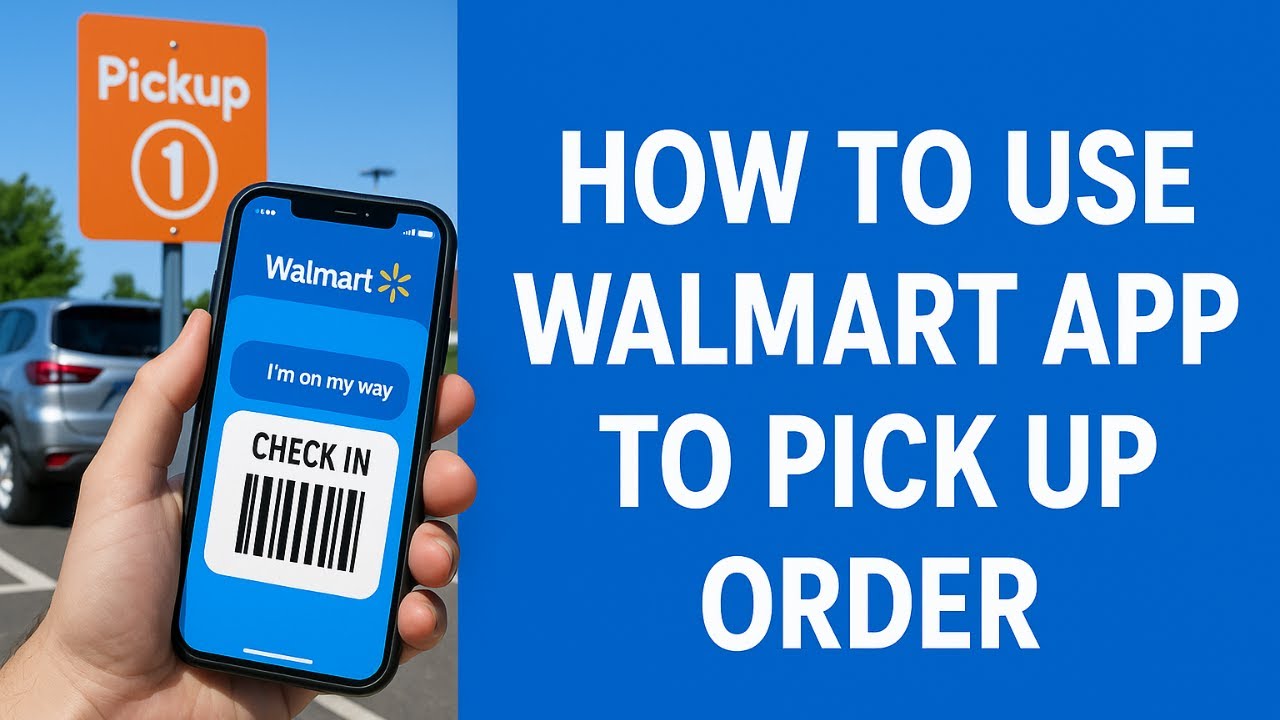
And for the love of all that is holy, don’t forget your order number—it’s your digital boarding pass. You’ll need it to check in via the app when you arrive, which signals the associates to bring the goods to your car. It’s like a bat-signal, but for groceries.
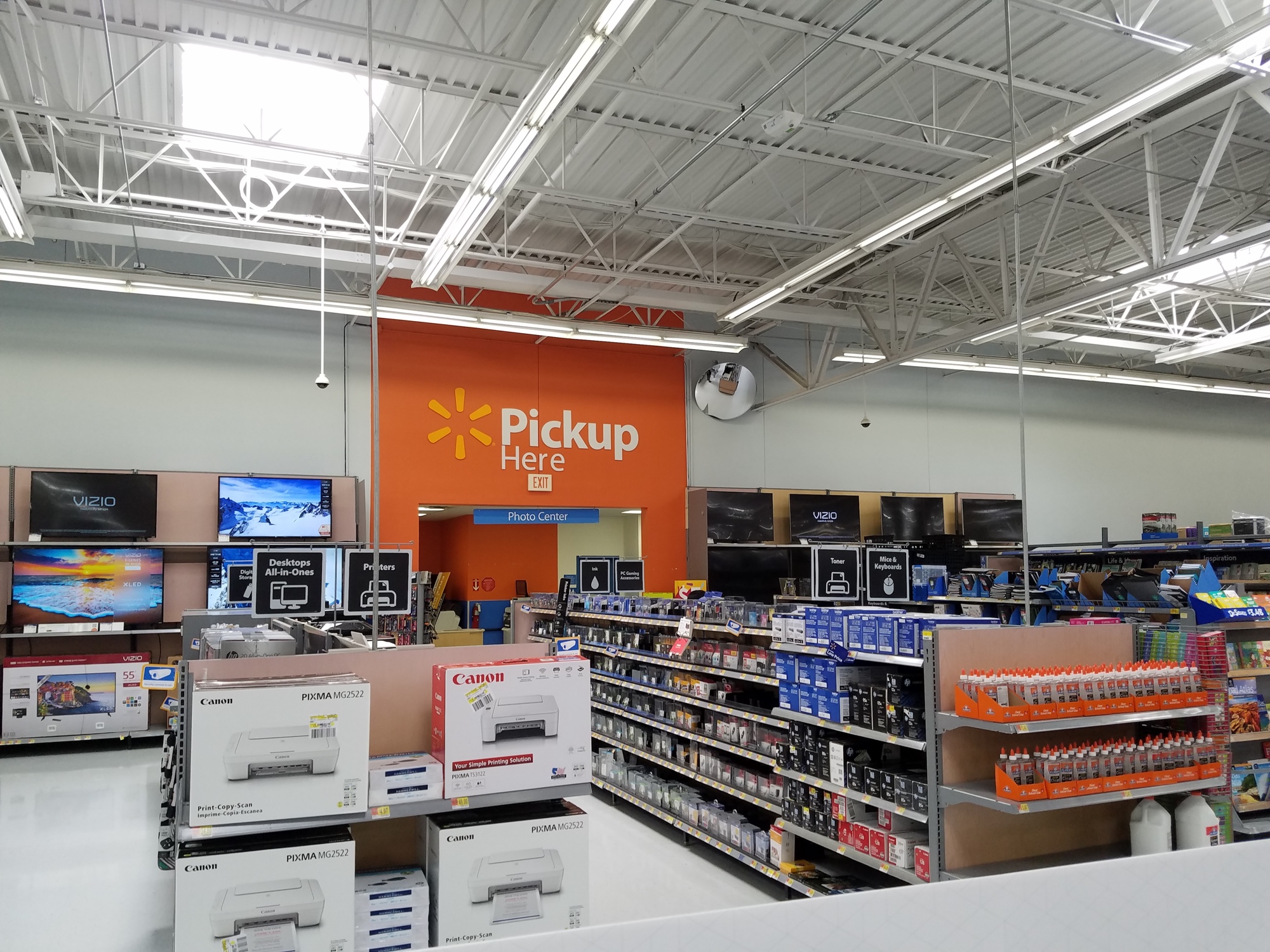
The Arrival: You’ve Got This
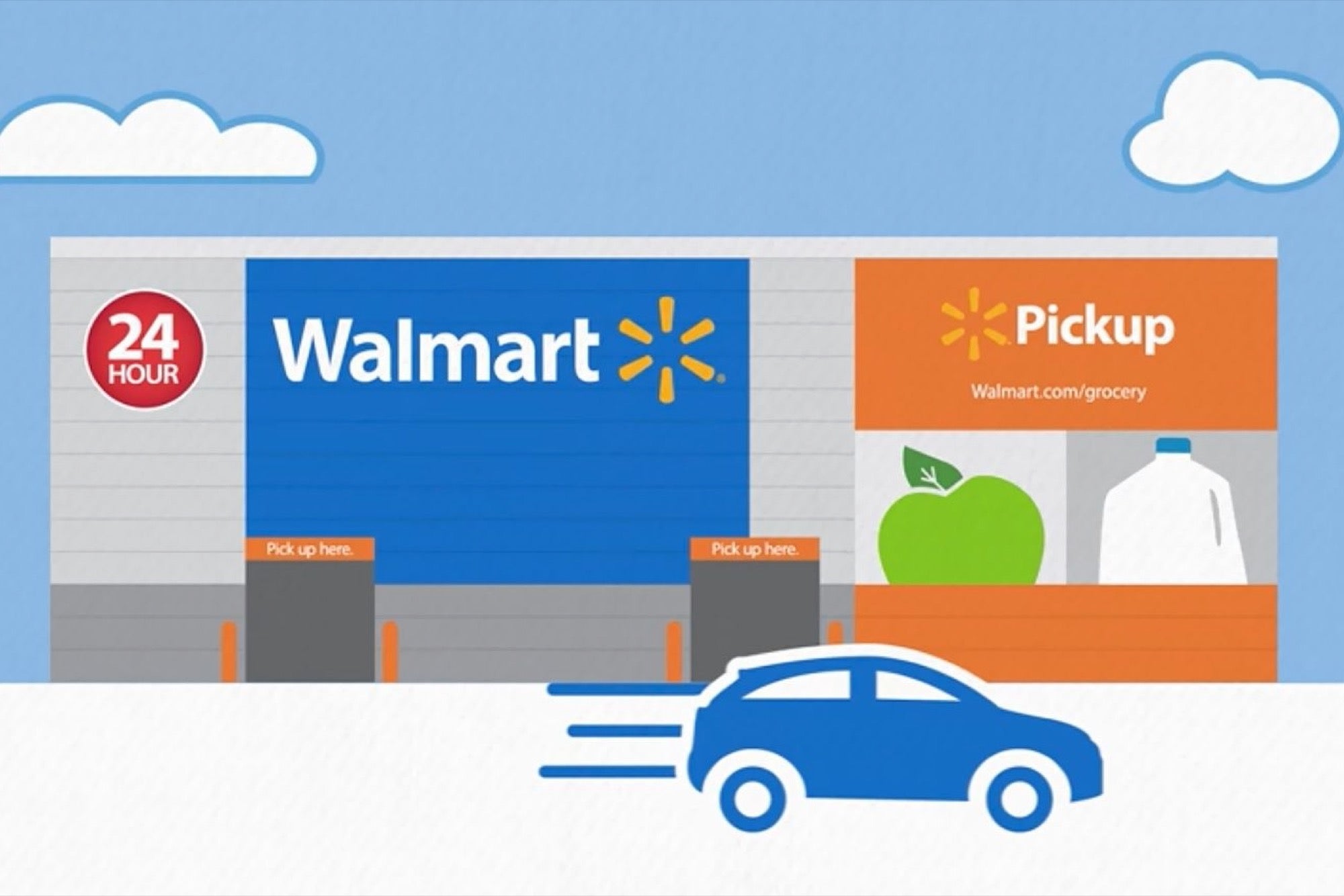
When you pull into the parking lot, look for the bright orange or blue “Pickup” signs—they’re usually near the front, not in the back 40 where you’d expect. Park in a designated spot, open the app, and tap “I’m Here.” That’s it. You don’t have to call, honk, or wave your arms like you’re on a runway.
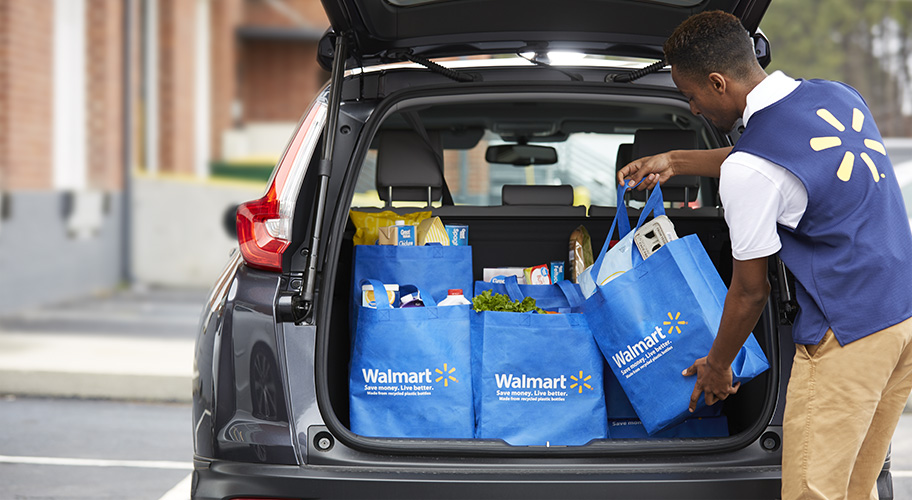
Your items will arrive in a cart, usually pushed by a very efficient associate who looks like they’ve done this a thousand times (they have). Pop your trunk, and they’ll load everything for you—no pants required, though we advise wearing them. It’s a bizarrely satisfying experience, like a drive-thru dinner, but for your entire monthly shopping list.
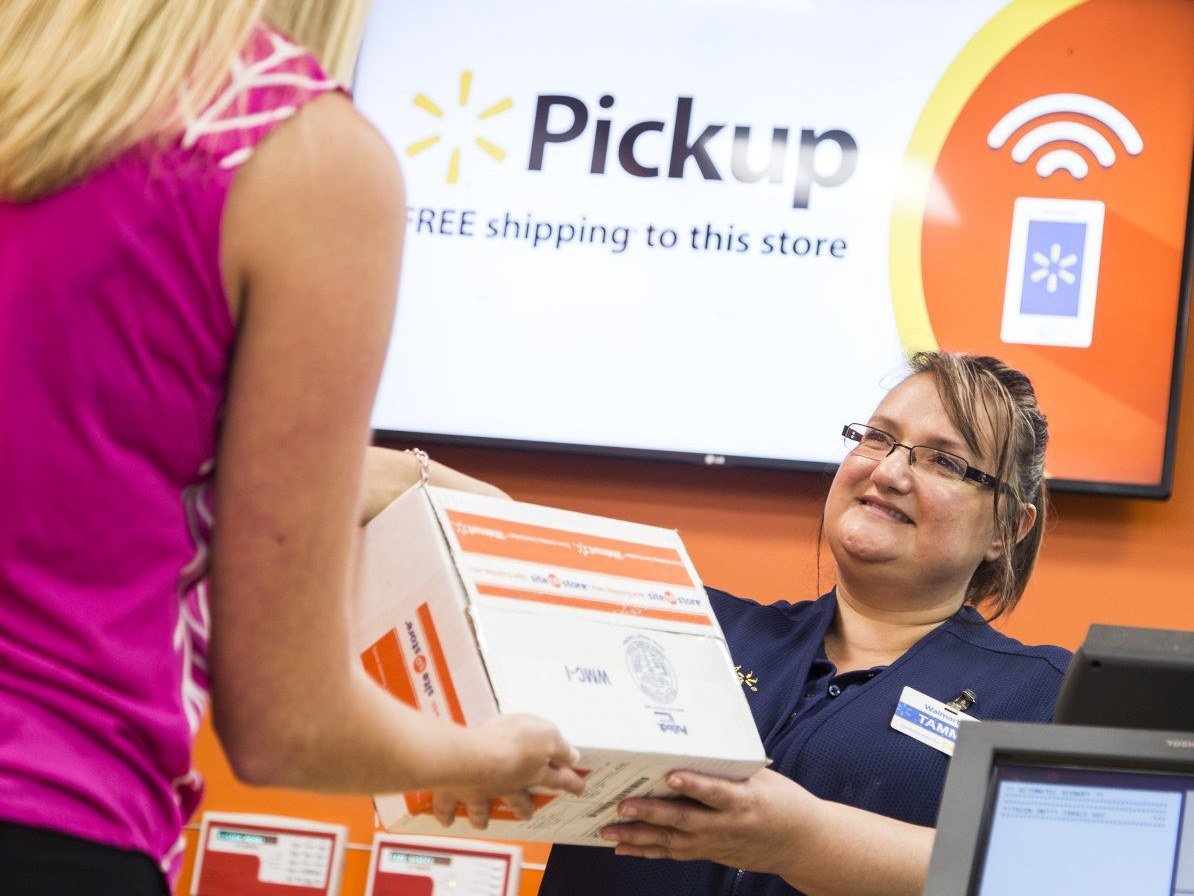
A quick tip for the first-timers: bring your ID if you order alcohol or age-restricted items. The associate has to check it, and you’ll be fumbling through your wallet otherwise. Also, if you show up early, you might wait a few minutes—the system isn’t a time machine, no matter how much we wish it were.
Fun Facts & Cultural Wisdom
Did you know that Walmart launched its curbside pickup in 2011? That’s over a decade of perfecting the art of “not going inside.” Today, you can even have your phone ring with a live notifacation when your order is on its way, so you can time your exit from the couch perfectly.
Culturally, this is like the Uber-eats-fication of retail—we’ve stopped walking and started commanding. It’s a nod to our modern lives, where “time poverty” is real, and we’d rather spend 10 minutes on the app than 40 minutes in a maze of snacks. And honestly? Peak efficiency feels like a rebellion against the old ways.
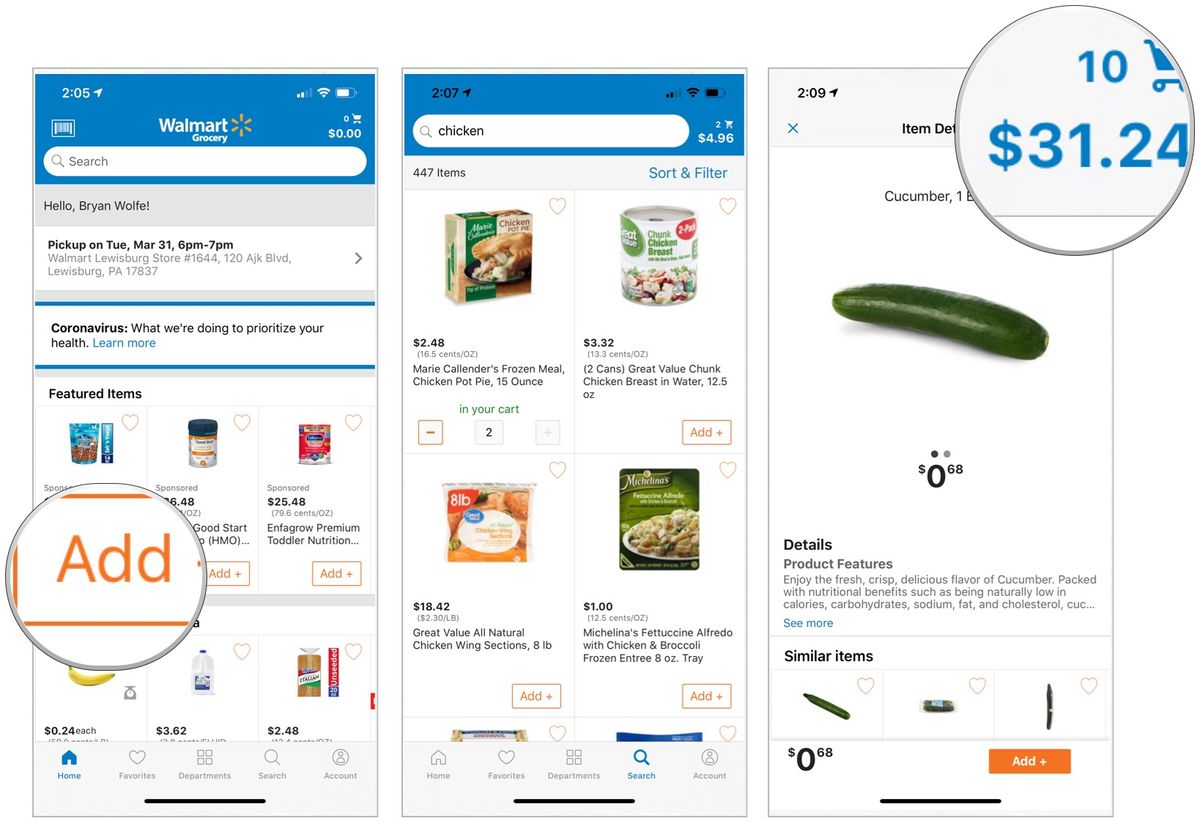
One more fun gem: you can schedule your pickup for a specific time slot, which is great for people who like to plan. Choose the “evening” slot, and you’re basically telling society that you have your life together, even when you don’t. The system also lets you return items in-store without leaving your car—a next-level hack for lazy geniuses.
The Takeaway: Small Wins, Big Peace
At the end of the day, ordering Walmart pickup isn’t just about groceries—it’s about reclaiming your sanity in small, measurable increments. You get an hour back, maybe two, and you use it to call your mom, take a nap, or just stare at the ceiling without guilt. That’s the real victory.
Every time you load that trunk, remember: you didn’t “just shop.” You made a conscious choice to simplify a chore that used to eat your Sunday. And that, my friend, is the quiet luxury we all deserve—no membership fee, no fancy card, just a parking spot and a tap on your phone. Go ahead, treat yourself to a little less walking.