How To Monitor All Network Traffic

Have you ever wondered what your Wi-Fi router is really doing at 3 a.m., or which smart bulb is chatting with a server in another country? Monitoring your network traffic is like getting a backstage pass to the invisible digital symphony happening in your home. It’s a surprisingly creative hobby that turns your mundane internet connection into a live, data-driven story.
For artists, this practice is pure gold. Think of your network as a canvas where every packet is a brushstroke—you can visualize it as glowing constellations, soundscapes, or even generative art pieces. Hobbyists and casual learners get a thrilling, hands-on lesson in cybersecurity, privacy, and how the internet actually works, all from their own couch.
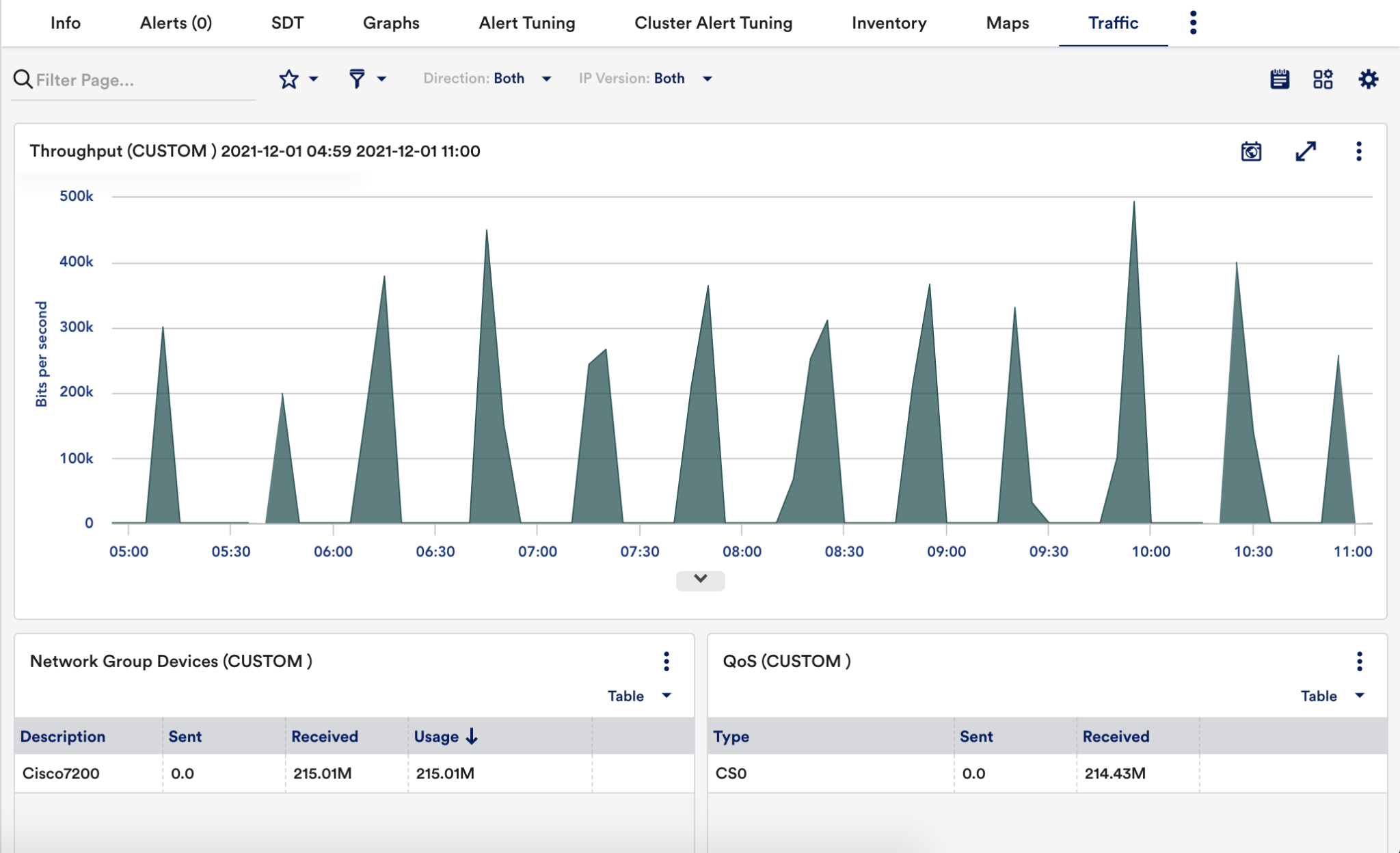
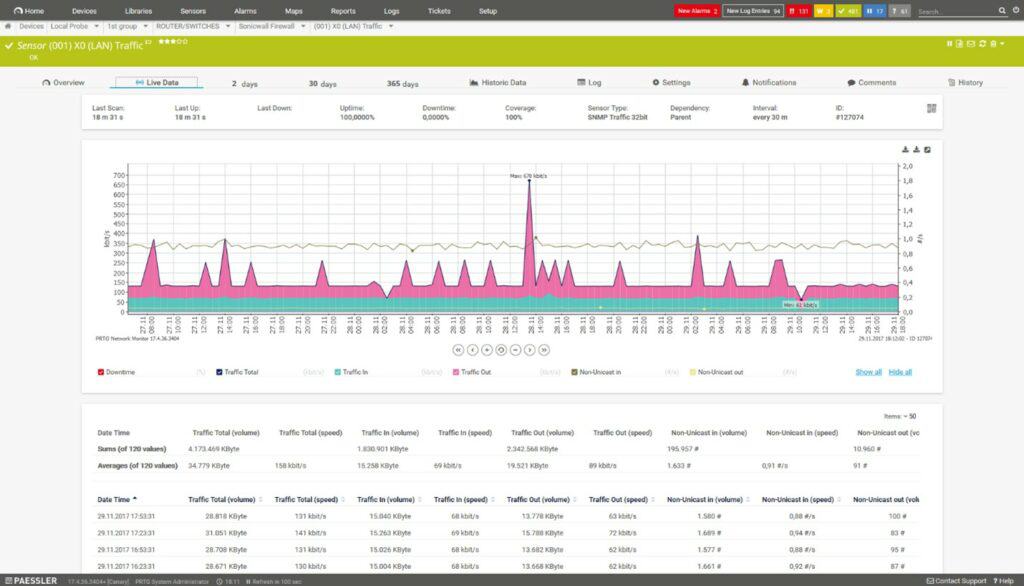
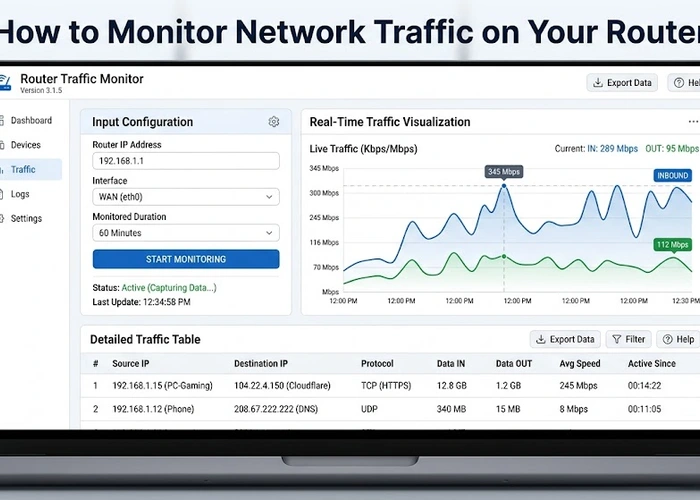
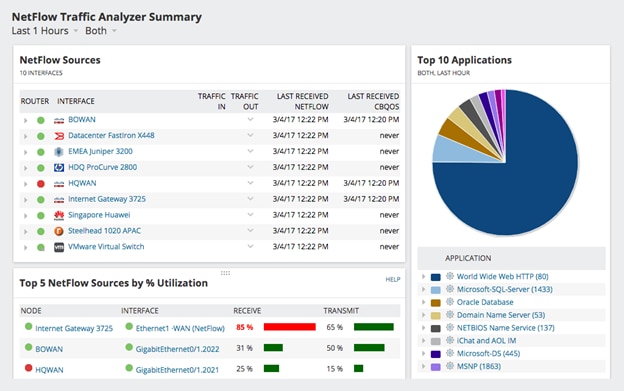
You don’t need to be a hacker to enjoy this. Start with a free tool like Wireshark (for deep packet inspection) or a friendlier dashboard like ntopng or your router’s built-in logs. The goal isn’t to become a spy—it’s to see the hidden life of your devices, from your fridge pinging the weather service to your phone checking for updates.
Must Read
One of the most delightful variations is “device spotting.” Watch the traffic list and guess which gadget is which based on its behavior—that constant, rhythmic chatter is likely your smart speaker; the sudden burst of data might be your gaming console downloading a patch. Another fun style is “privacy detective,” where you hunt for unknown devices and then block them, feeling like a digital guardian of your kingdom.
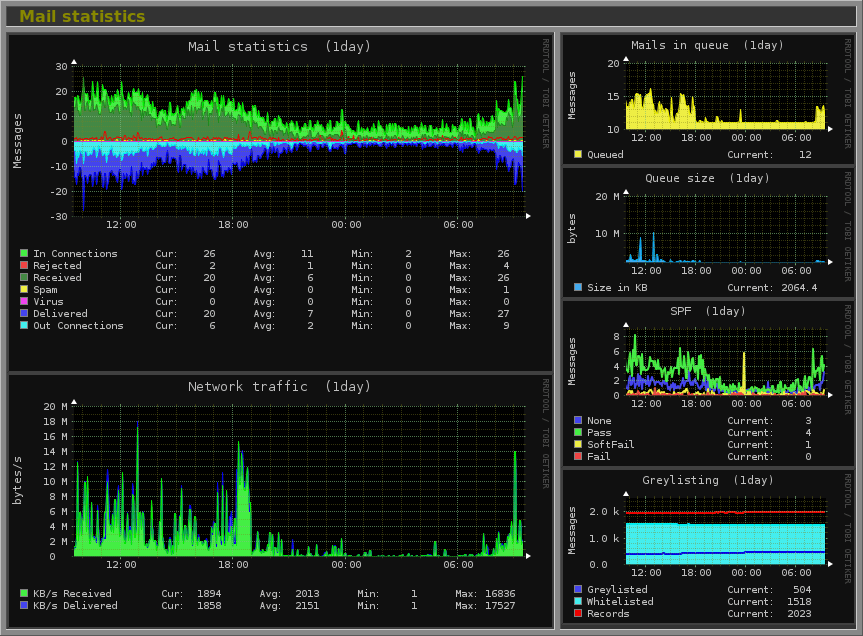
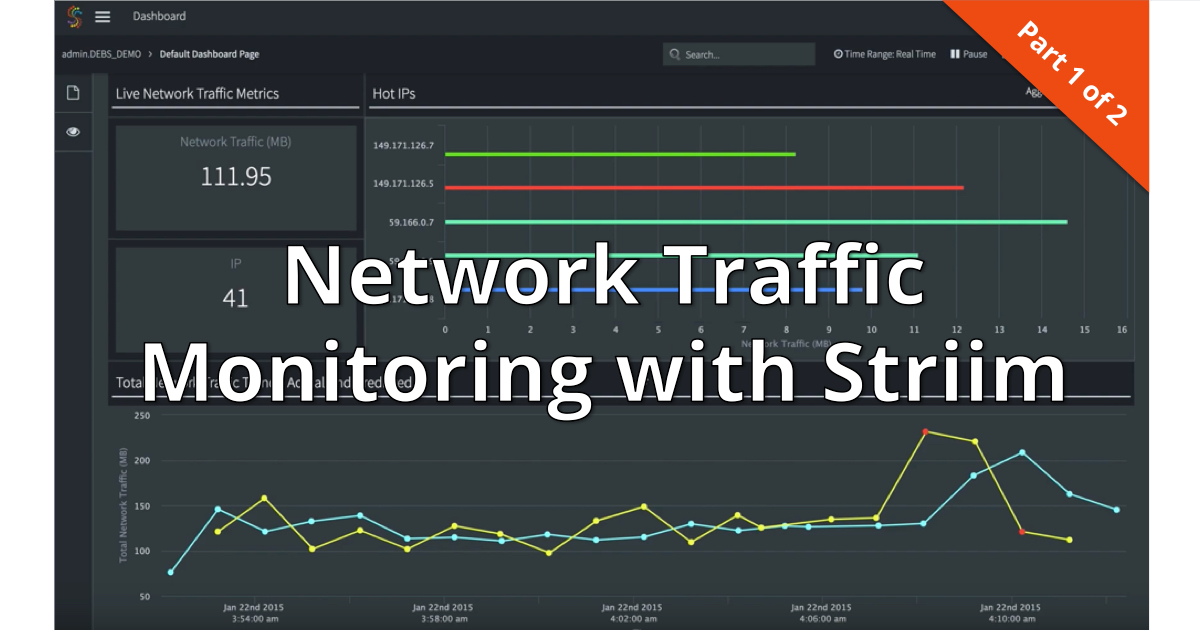
You can also turn this into a creative project. Map your traffic over a week and use the peak times to create a data-driven “pulse” video. Or, set up a simple alert that flashes an LED whenever your smart TV sends data—suddenly, you’ll see when it’s secretly listening. For the mathematically inclined, try plotting bandwidth usage against your daily mood; you might be surprised to find your stress correlates with your cloud backup time.
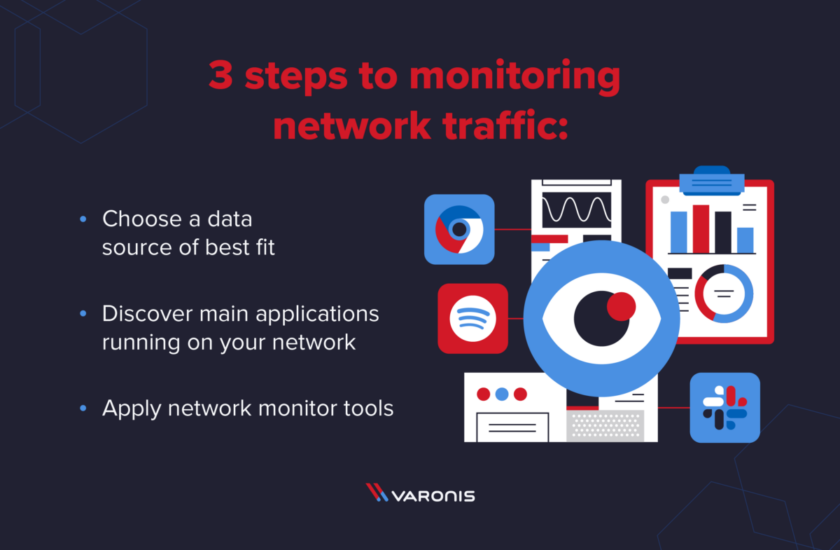
To start at home, keep it simple: log into your router’s admin page and look for “Connected Devices” or “Traffic Stats.” That alone gives you a gentle overview. For more detail, install Fing on your phone for a scan, or run Wireshark on your laptop while connected to the network—but be sure to use “promiscuous mode” and filter for your own IP to avoid overwhelm. Never use this to snoop on neighbors; your own network is your sandbox.
Finally, the real joy is the aha moment when you realize your devices are anything but silent. You’ll laugh at your smart thermostat’s obsession with the weather server, and you’ll gain a deep appreciation for your own digital footprint. It’s a low-stakes, high-curiosity hobby that turns a boring utility into a living, breathing ecosystem. Once you start watching, you’ll never glance at your router the same way again—it becomes a little window into the soul of your home.