How To Make Your Home Wifi Faster
Picture this: you’re mid-rage in an online game, your spouse is streaming 4K cat videos, and the kids are fighting over a tablet that’s loading a single frame per minute. Your Wi-Fi has officially become the digital equivalent of a clogged artery. Before you hurl your router out the window, take a breath—because fixing this mess is easier than you think.
The Art of Router Placement (It’s Not Feng Shui, But Close)
Your router is not a decorative paperweight—stop hiding it behind the TV or inside a wooden cabinet like it’s a forbidden artifact. Wi-Fi signals are shy, moody creatures that hate walls, metal, and especially water (looking at you, fish tank). Put your router in a central, elevated spot, like on a bookshelf, and watch it beam its magic to every corner.
Fun fact: microwaves operate on a similar frequency to Wi-Fi, so if your router sits next to the microwave, every time you heat a burrito, your internet takes a nosedive. Yes, your lunch is literally stealing your bandwidth. Move the router at least three feet away from any kitchen appliance, and also from your aquarium, your metal sculpture collection, and that pile of laundry—because fabric is a surprisingly fierce signal vampire.
Must Read
Give Your Router a Name It Respects
Routers are like grumpy old cats—they respond better to a little tough love. First, reboot it once a week by unplugging it for 30 seconds. That’s not just a quirky ritual; it clears the router’s “memory” and forces it to reconnect with the fastest channels.
Second, check your router’s firmware updates. Most people ignore these like they ignore terms-and-conditions, but a firmware update is literally a free speed boost. Think of it as giving your router a digital cup of espresso, except it doesn’t jitter—it just runs faster.

The Secret Weapon: The 5GHz Band (Your Wi-Fi’s Sports Car)
Your router likely has two bands: 2.4GHz (the minivan—slow but goes through walls) and 5GHz (the sports car—fast but hates obstacles). If you’re in the same room as your router, switch your device to the 5GHz network and feel the difference—it’s like trading a tricycle for a jetpack. For devices in the basement or garage, the 2.4GHz band is fine, but for streaming and gaming, always pick 5GHz.
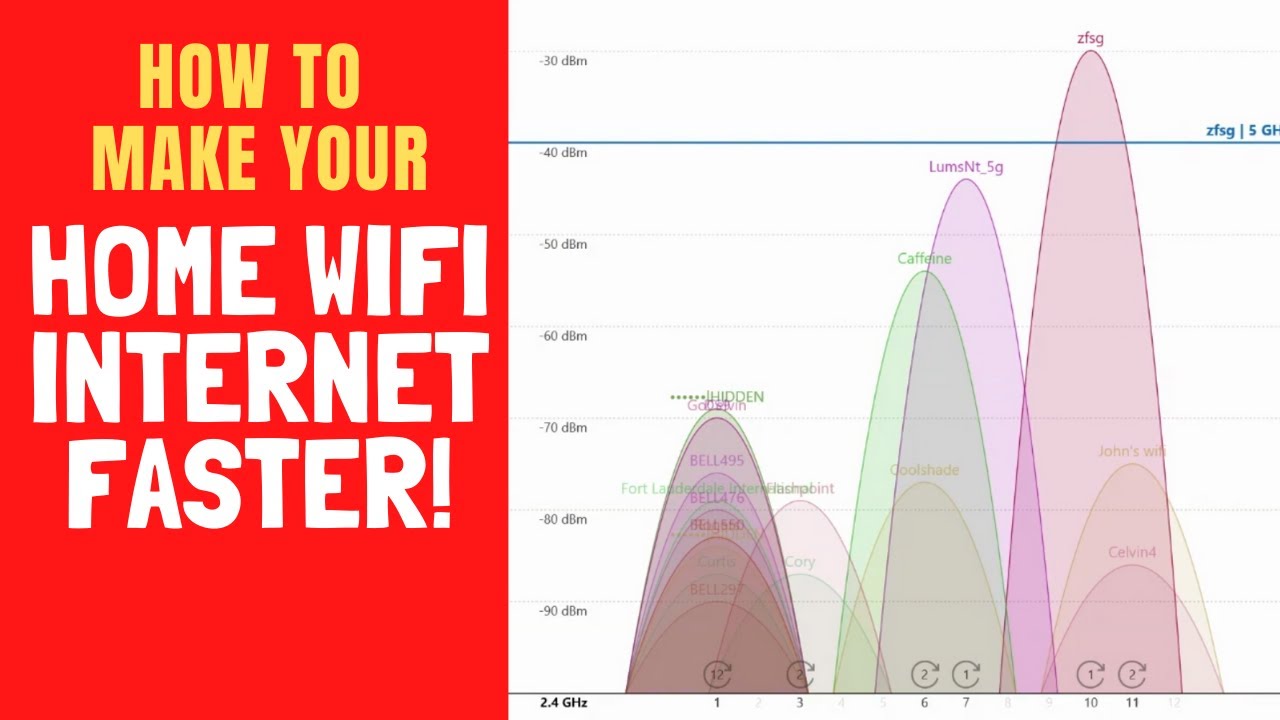
Here’s a shocker: your neighbor’s Wi-Fi can sabotage yours. If you live in an apartment, you’re basically in a digital food fight. Download a free app like Wi-Fi Analyzer to see which channel is least crowded, then log into your router settings and manually switch. It’s like moving to a quieter seat in a loud cafeteria—suddenly, you can hear yourself think.

The Upgrade That’s Cheaper Than Therapy
If your router is older than your last relationship, it might be time for a new one. Modern routers support Wi-Fi 6, which is about 40% faster and handles multiple devices without melting down. But before you spend cash, try this free trick: prioritize devices in your router’s app. Set your work laptop to “high priority” and your kid’s gaming console to “low priority.” It’s ruthless, but it works—and it’s legally binding in your own home.
Finally, if all else fails, consider a mesh network—a set of little satellites that act like a Wi-Fi relay team. They’re not cheap but neither is your sanity. I once spent a week blaming my provider, only to find a plant was sitting on my router. That’s right: a ficus. Just check the plant.
Screw It, You’re Done
Now go forth and stream, game, and doom-scroll like a digital god. If your Wi-Fi still stinks after all this, just yell at your router. Studies show it doesn’t help, but it feels fantastic.