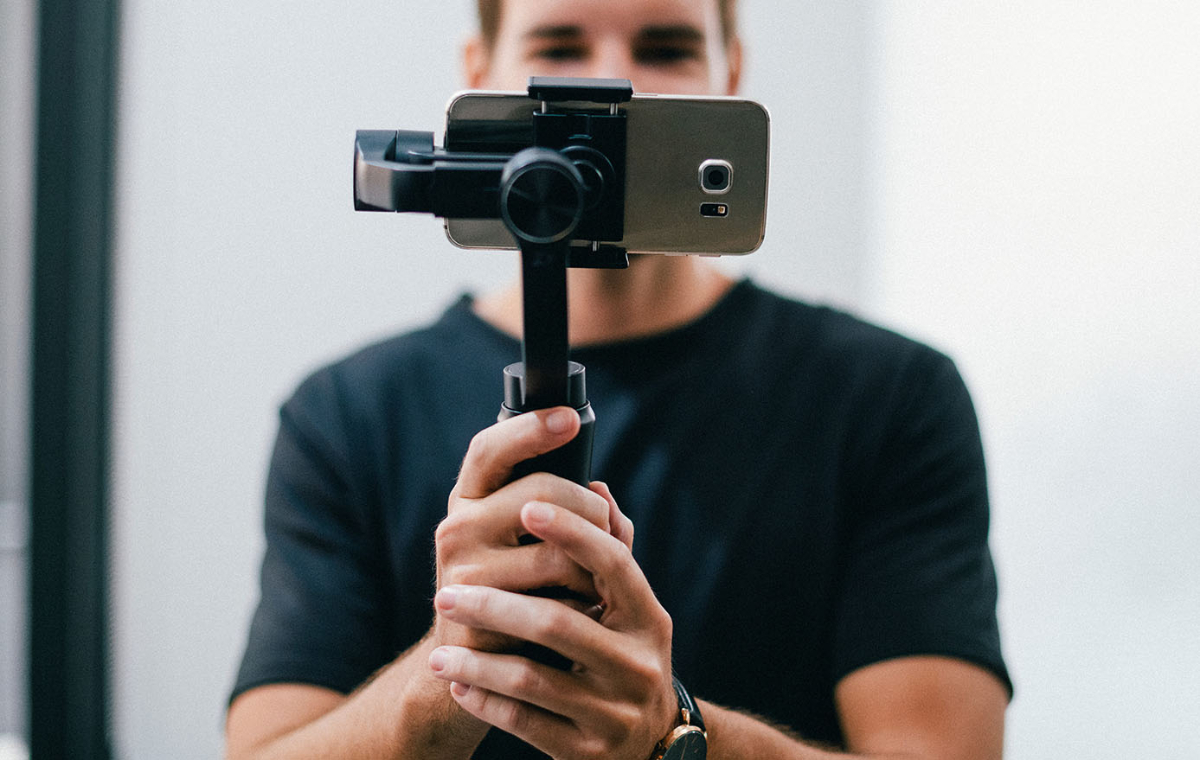
How To Make Videos With Your Phone

Have you ever watched a hilarious pet video or a breathtaking travel clip and thought, “I could do that”? Well, you absolutely can, and you already own the most important tool: your phone.
Making videos with your phone is one of the most fun and accessible creative hobbies out there today. It’s not just for influencers or tech wizards; it’s for anyone who wants to capture life’s little moments in a way that photos just can’t match. Whether you’re a busy parent, a curious beginner, or a weekend hobbyist, this skill is pure gold.
For beginners, the phone is the perfect teacher because it’s always in your pocket. You don’t need a fancy camera or expensive editing software to start seeing the world through a new lens. For families, it’s a wonderful way to preserve memories—imagine your kids laughing, a birthday cake moment, or a silly dance-off, all saved forever. And for hobbyists, from gardeners to bakers, short videos are a fantastic way to share your passion with a like-minded community.
Must Read
Let’s talk variety. You can make a quick “day in the life” vlog, a slow-motion clip of water splashing, or a simple tutorial showing how you fix a bike chain. Even a 15-second clip of your dog’s happy greeting at the door can be more engaging than an album of photos. The options are endless, and the best part is that you’re only limited by your curiosity.
So, how do you start without feeling overwhelmed? First, clean your lens—it sounds simple, but a smudged lens is the number one reason for blurry footage. Use a soft cloth and watch your sharpness instantly improve. Second, hold your phone with both hands and tuck your elbows into your ribs for stability; this is a game-changer for steady shots.

Next, think about lighting. The sun is your best friend, but never shoot directly into it. Instead, put the light source behind you so your subject’s face is bright and clear. If you’re inside, move near a window—natural light always beats a ceiling lamp. And for goodness’ sake, turn your phone sideways to shoot in landscape mode; it will look professional on a TV screen later.
Don’t stress about fancy editing right away. Just shoot a few clips, then use your phone’s built-in trimmer to cut out the boring bits. Add some music from the free library in your editing app, and suddenly you have a little film. If you want a next step, try the “tap to focus” feature on your screen—tap on your subject so the camera locks onto it, and you’ll get that dreamy, professional blur in the background.

The most important tip is to just press record. Don’t wait for the “perfect” moment, because life’s best shots are often spontaneous. Practice by filming your morning coffee, your kids getting ready for school, or a leaf falling from a tree. Watch your clips and ask, “What would make this better?”—then try again.
You’ll quickly discover that the joy isn’t just in the final video, but in the process of paying attention. You start noticing details, light, and movement in a whole new way. It’s a creative outlet that’s light on gear but heavy on reward.
So grab your phone, smile, and start recording today. Your future self will thank you for those tiny, moving pieces of life you captured. Have fun with it—because that’s what this is really all about.


![[ 2026 Newest]How to Make a YouTube Video on Your Phone](https://images.imyfone.com/filme/video/Make-a-YouTube-Video-on-Your-Phone-1.jpg)