How To Make Twitch Overlays In Photoshop

For those who live and breathe gaming, Twitch is more than just a platform - it's a community, a way of life. And, just like any other form of self-expression, having a unique and personalized overlay can make all the difference. Whether you're a seasoned pro or just starting out, creating your own Twitch overlays in Photoshop is easier than you think.
Getting Started
Before you dive in, make sure you have the latest version of Photoshop and a basic understanding of the software. Don't worry if you're not a design guru - with a little patience and practice, you'll be creating overlays like a pro in no time. From stream alerts to donation trackers, the possibilities are endless.
When it comes to designing your Twitch overlay, it's all about balance and harmony. You want your overlay to be eye-catching, but not so distracting that it takes away from the gaming experience. Take a cue from popular streamers like Ninja or Dr. Disrespect - their overlays are sleek, modern, and add to their overall brand.
Designing Your Overlay
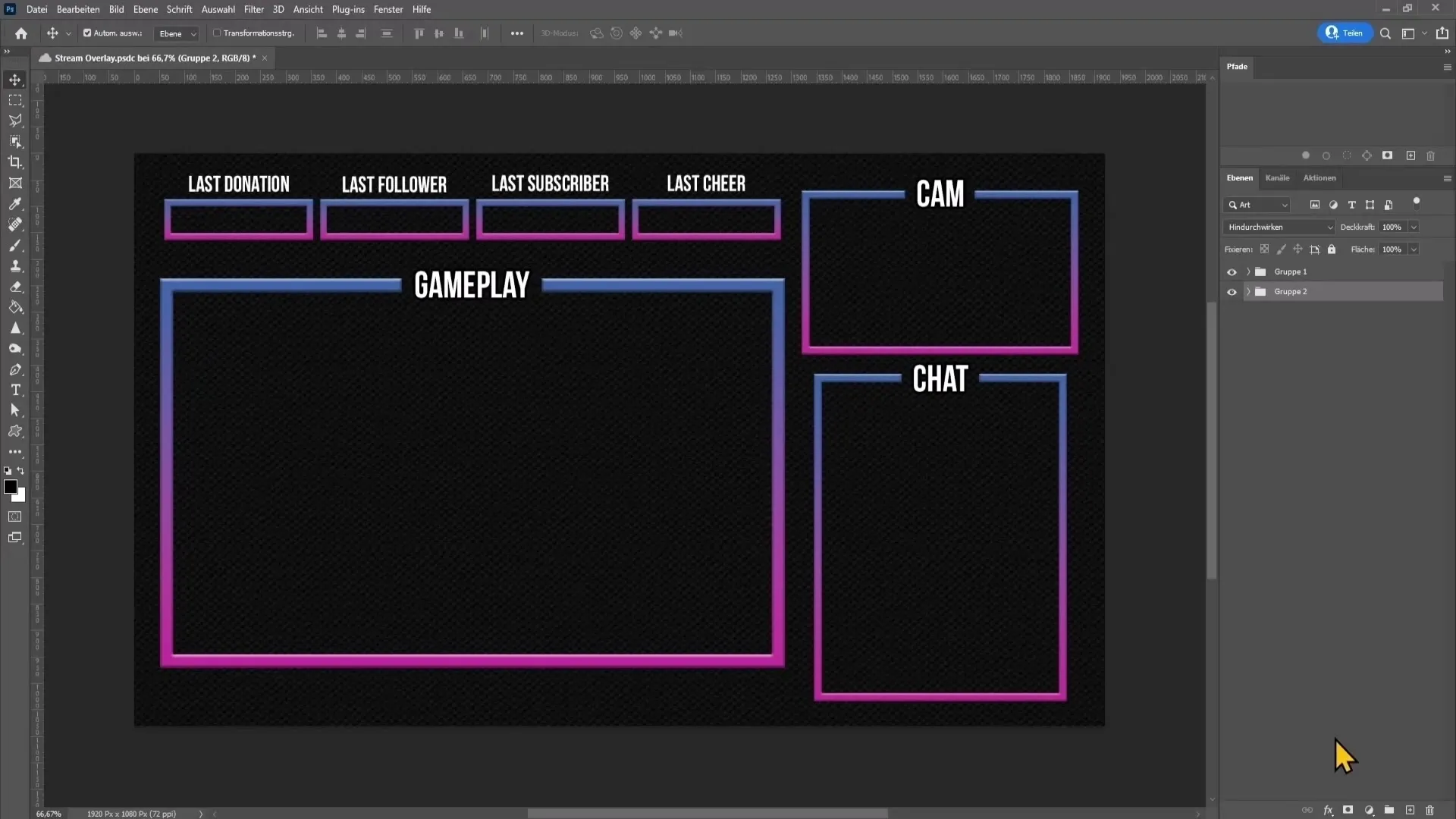
So, where do you start? Begin by creating a new document in Photoshop with the dimensions of your choice (most streamers opt for a 16:9 aspect ratio). From there, you can start experimenting with different shapes, colors, and fonts to create a unique look that reflects your personality. Don't be afraid to get creative and try out new things - after all, that's what Photoshop is all about.
As you design your overlay, keep in mind the 60-30-10 rule: 60% of your overlay should be a dominant color, 30% a secondary color, and 10% an accent color. This will help create a visually appealing and balanced design that's easy on the eyes. And, if you're feeling stuck, try browsing through design inspiration websites like Dribbble or Behance for a little motivation.

Adding Interactivity
Once you have your basic design down, it's time to add some interactivity to your overlay. This can include things like animated GIFs, JavaScript effects, or even live updates from services like Streamlabs. The key is to create an immersive experience that engages your viewers and sets you apart from other streamers. Just think of it like a video game - you want to keep your players (or in this case, viewers) entertained and coming back for more.
When it comes to streaming, consistency is key. Make sure your overlay is consistent with your overall brand and style, and that it doesn't distract from the gaming experience. And, if you're feeling extra adventurous, try experimenting with different themes or holidays - like a Christmas-themed overlay in December or a Halloween-themed overlay in October.

Tips and Tricks
So, what are some tips and tricks for creating the perfect Twitch overlay? For starters, make sure your overlay is optimized for different resolutions and devices. You don't want your overlay to look pixelated or stretched on different screens. Also, be sure to test your overlay regularly to ensure it's working properly and make any necessary adjustments.
Another tip is to keep your overlay simple and elegant. You don't want to overwhelm your viewers with too much information or clutter. Instead, focus on creating a clean and minimalist design that's easy to navigate. And, if you're feeling stuck, don't be afraid to ask for feedback from your viewers or fellow streamers - after all, community is what Twitch is all about.
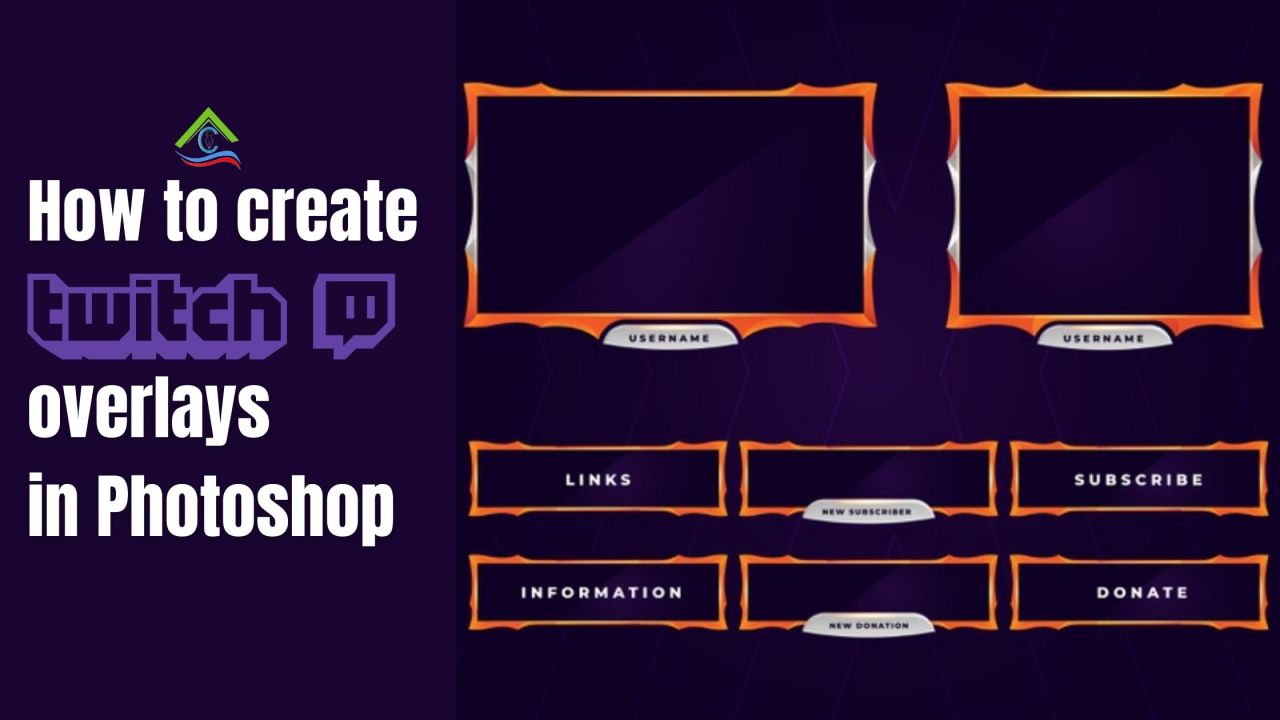
In the end, creating a Twitch overlay in Photoshop is all about expression and creativity. It's a chance to showcase your personality and style, and to connect with your viewers on a deeper level. So, don't be afraid to get creative and try new things - and most importantly, have fun with it. After all, as the great Bob Ross once said, "We don't make mistakes, just happy little accidents."
As we go about our daily lives, it's easy to get caught up in the mundane and ordinary. But, with a little creativity and imagination, we can turn even the most routine tasks into something extraordinary. So, whether you're a gamer, a designer, or just someone who loves to express yourself, remember that creativity is all around us - we just have to tap into it. And, who knows, you might just create something amazing along the way.