How To Make Beats In Garageband 11
There’s something deeply satisfying about building a beat from scratch—like conjuring a tiny, rhythmic universe from nothing but a laptop and an idea. Whether you’re a bedroom producer, a podcaster in need of a theme, or just someone who loves to tap their foot, GarageBand 11 turns your computer into a pocket-sized studio. You don’t need to read music, own expensive gear, or have a single music lesson under your belt to start making tracks that feel like you.
Making beats is more than a hobby; it’s a creative pressure valve for the chaos of daily life. After a long day of emails and errands, laying down a punchy kick drum or a shimmering synth line is a form of therapy that costs nothing and asks for nothing but your attention. It also sharpens your ear for rhythm, which makes you a better dancer, a sharper listener, and frankly, a more fun person at parties. You’ll never hear elevator music the same way again—you’ll start deconstructing it and thinking, “Hey, I could do that.”
People use GarageBand 11 for everything from producing lo-fi study playlists to laying down demo tracks for a band that doesn’t exist yet. You can build a beat for a friend’s birthday rap, a quirky alarm sound, or even a dramatic backdrop for your dog’s Instagram reels. The beauty is that the software is both a toy and a tool—you can click together a loop in five minutes or spend five hours tweaking a hi-hat filter, and both are perfectly valid.
Must Read
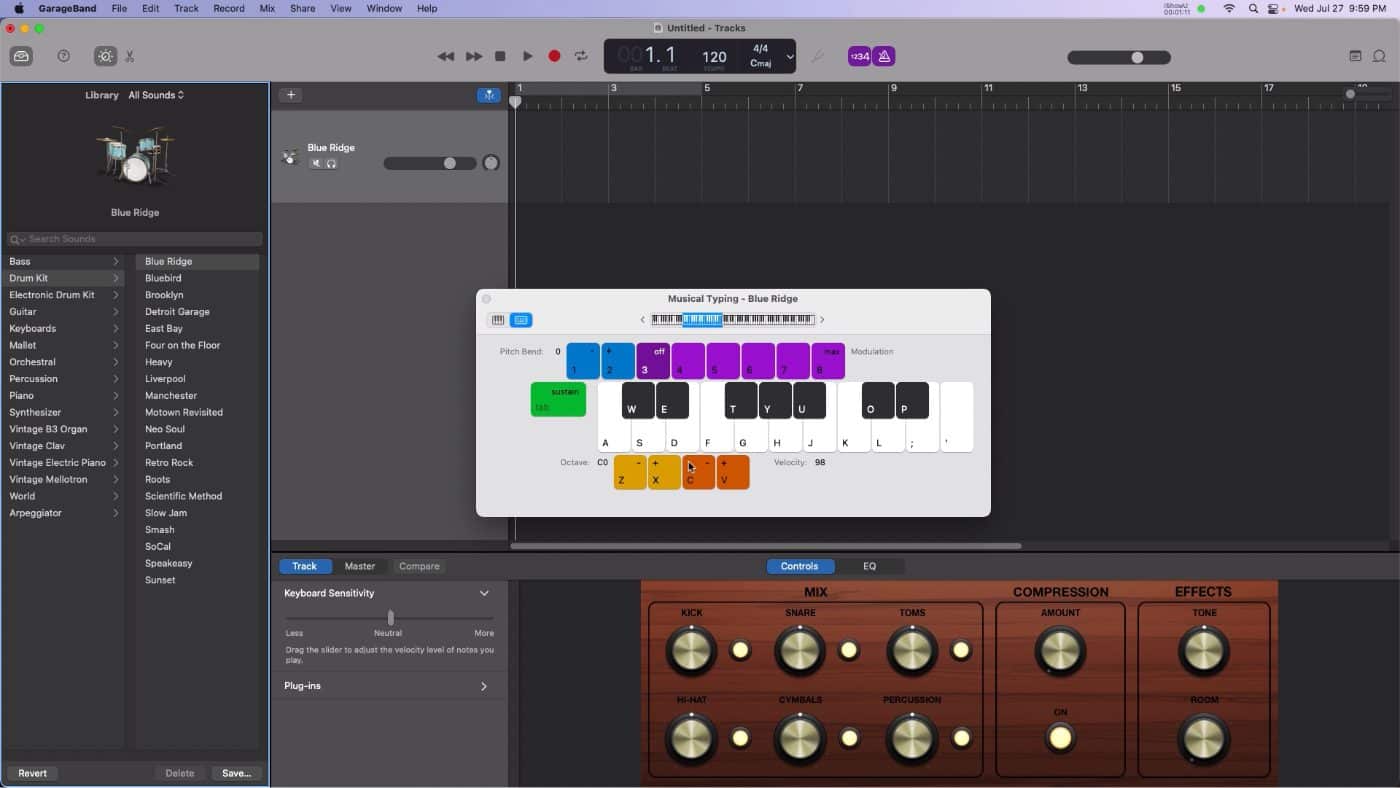
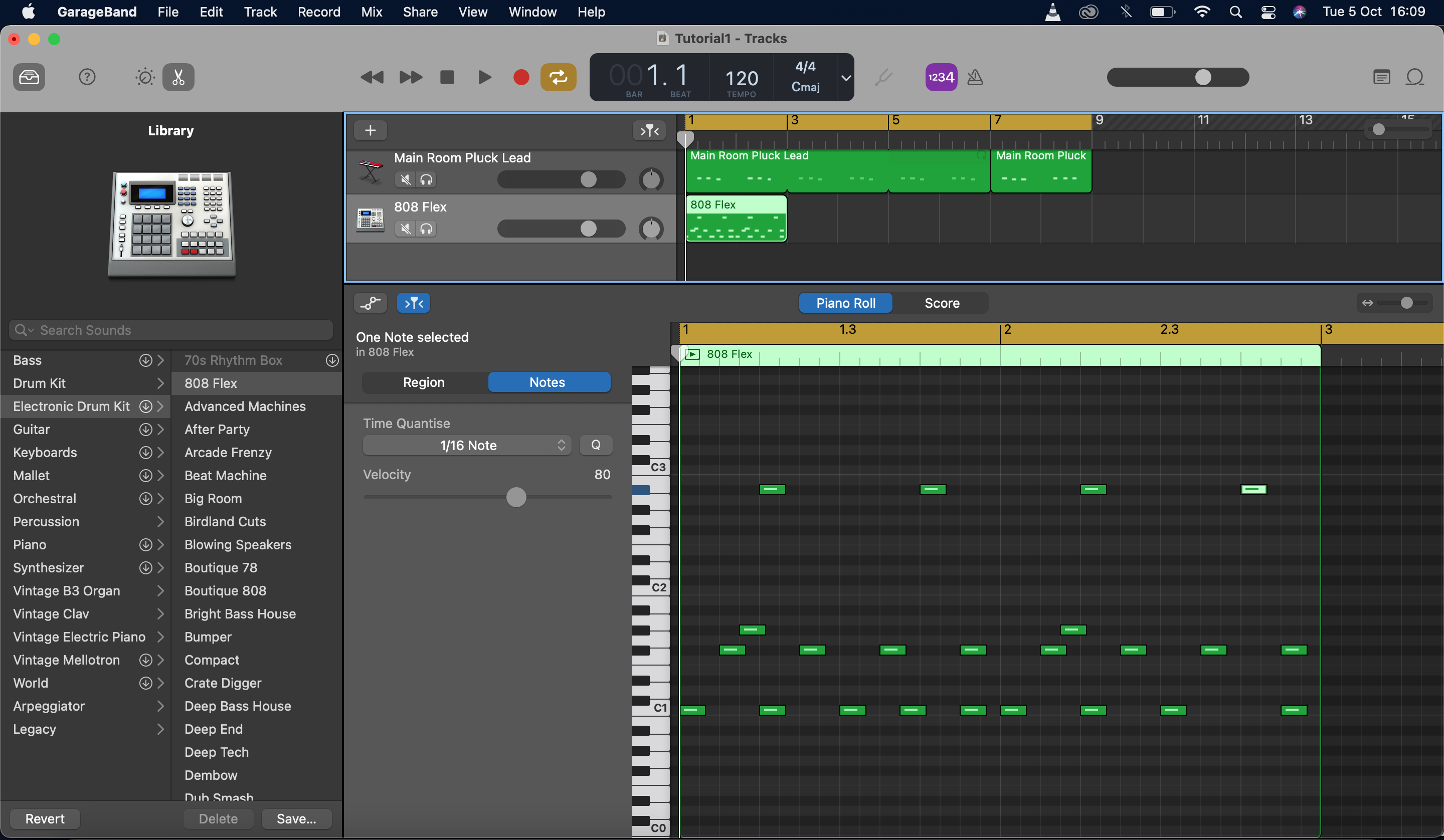
Ready to jump in? Start with the Smart Drums—it’s the easiest on-ramp. Just drag colorful sound blocks around a grid; the higher and further right you place them, the louder and more complex they get. Don’t overcomplicate the first ten minutes: pick a simple “SoCal” hip-hop drum pattern, hit play, and just listen to the groove before adding anything else.
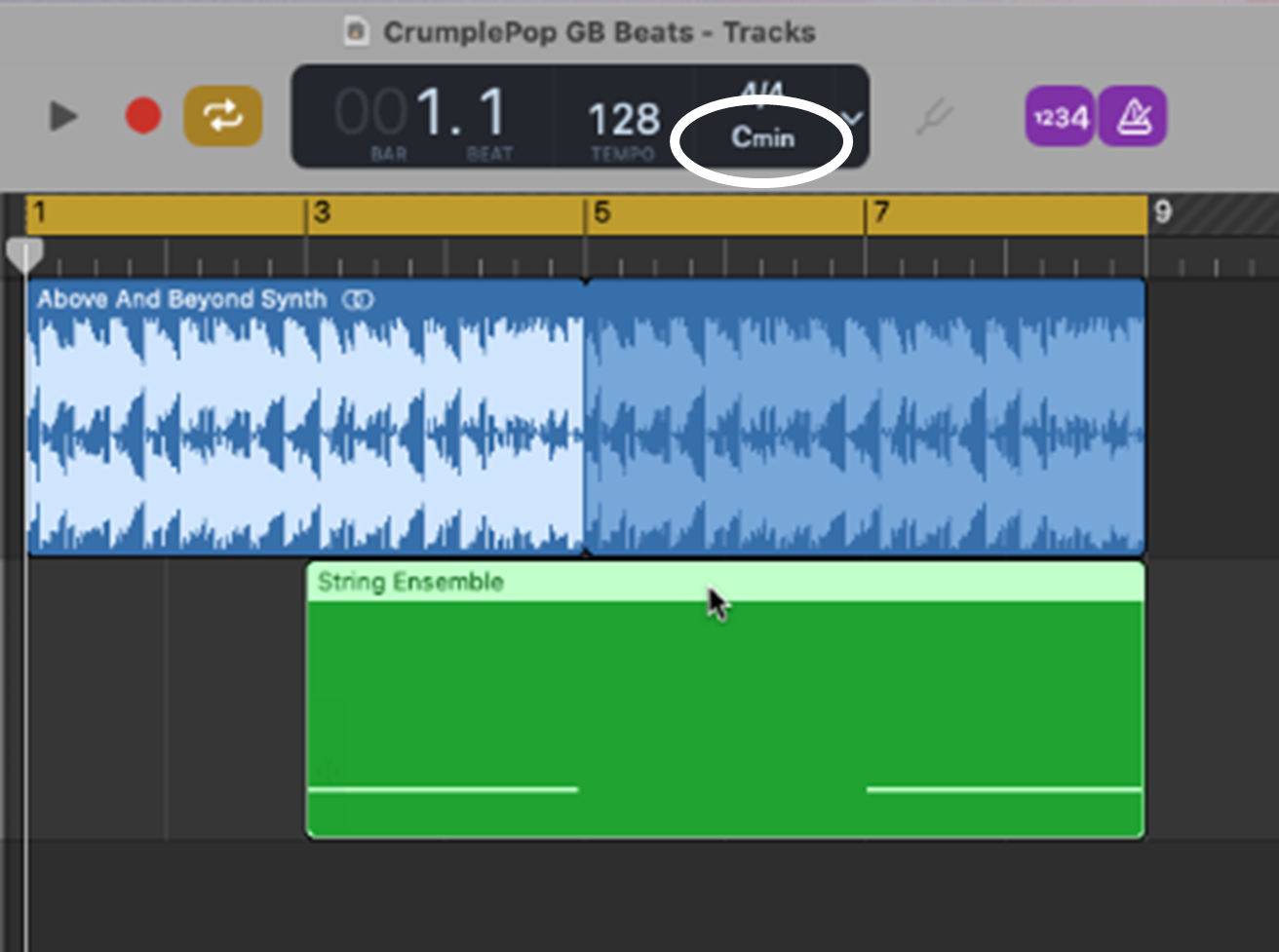
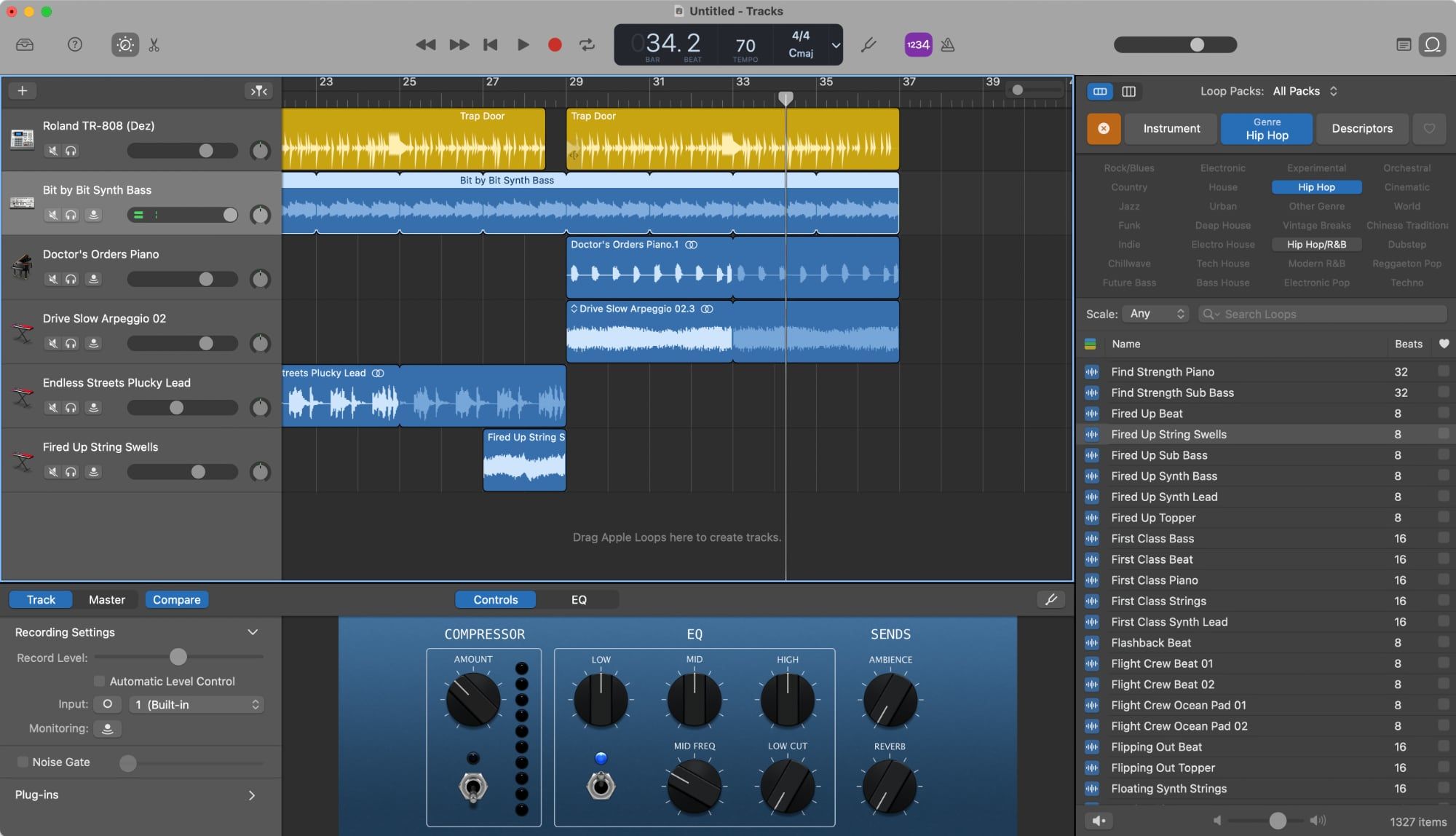
Next, dive into the Loop Browser, which is a treasure chest of pre-recorded basslines, chords, and melodies. Filter by “Electronic” or “Urban” and drag a bass loop that sits under your drums. The trick is to match the key—GarageBand does this automatically if you have “Follow Tempo & Pitch” enabled, but you can also just trust your ears. A little dissonance is fine; a total clash sounds like a robot falling down stairs.
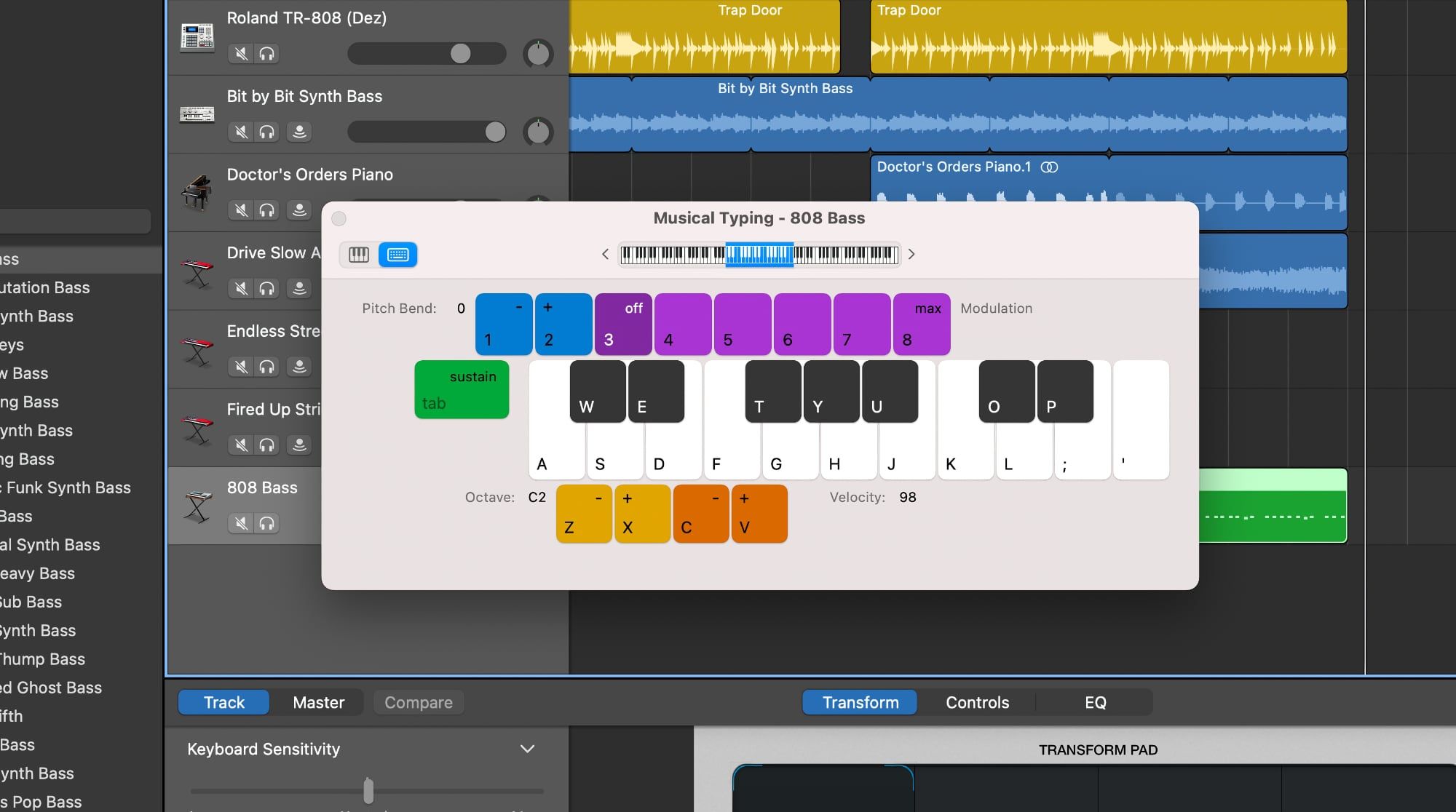
For your main melody, don’t be afraid to use the Musical Typing feature—it turns your computer keyboard into a piano. Tap the “A,” “S,” and “D” keys for a simple three-note hook, and loop it. You don’t need to be a pianist; repetition is your best friend in beat-making. Even a two-note pattern becomes hypnotic when it’s locked into a tight rhythm with a driving snare.
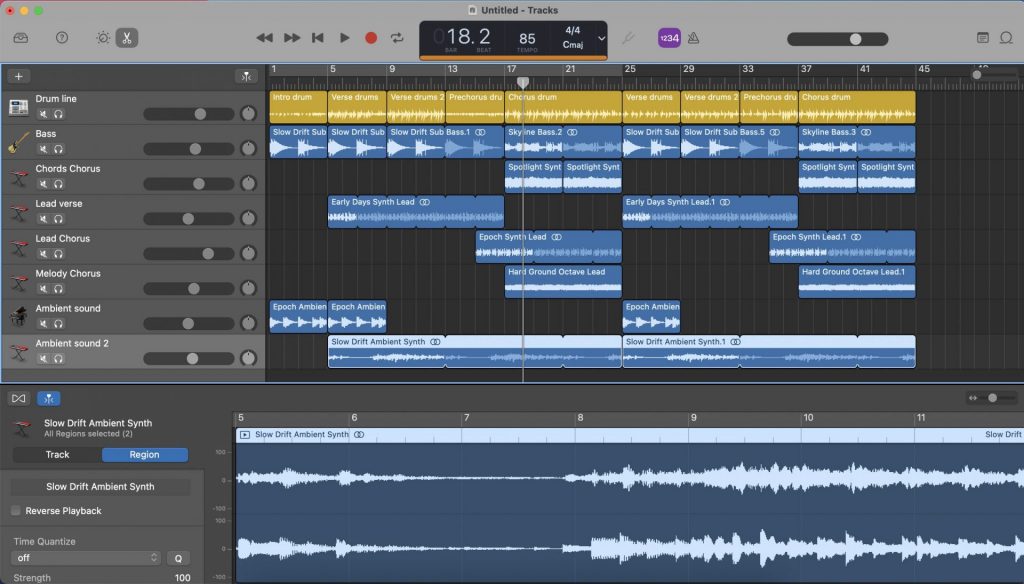
To make your beat feel alive, play with automation—that’s just a fancy word for changing the volume or filter over time. Click on the track’s automation button, then draw a curve that makes your synth fade in slowly or your bass get louder at the end. This turns a flat loop into a mini story with a beginning, a middle, and a punchy end. It’s the difference between a sketch and a painting.
Here’s a pro tip: save every version you make, even the weird ones. The track that sounds like a broken pipe you made at 11 PM might be the exact spark you need the next morning. Also, don’t be afraid to steal from yourself—reuse a drum pattern from one project and slap a new melody on top; that’s what half of professional producers do.
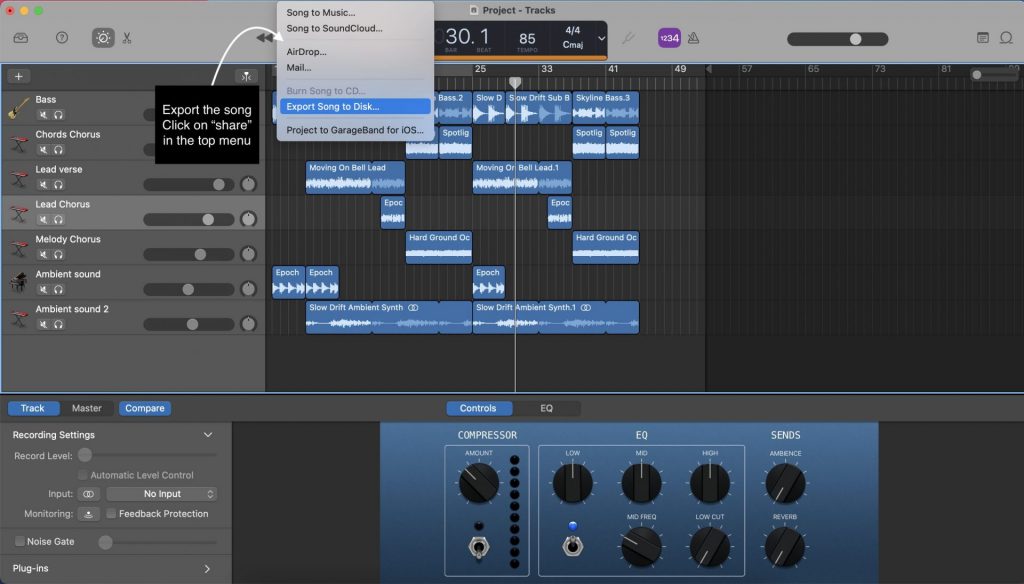
Finally, share your beat with a friend, even if you’re embarrassed. Their honest reaction—“that’s cool, but it needs more cowbell”—is gold. GarageBand 11 is forgiving, free of judgement, and endlessly patient. So open it up, make a mistake on purpose, and turn that mistake into your signature sound. You’ve got nothing to lose and a whole world of rhythm to gain.