
How To Make An App For My Boutique
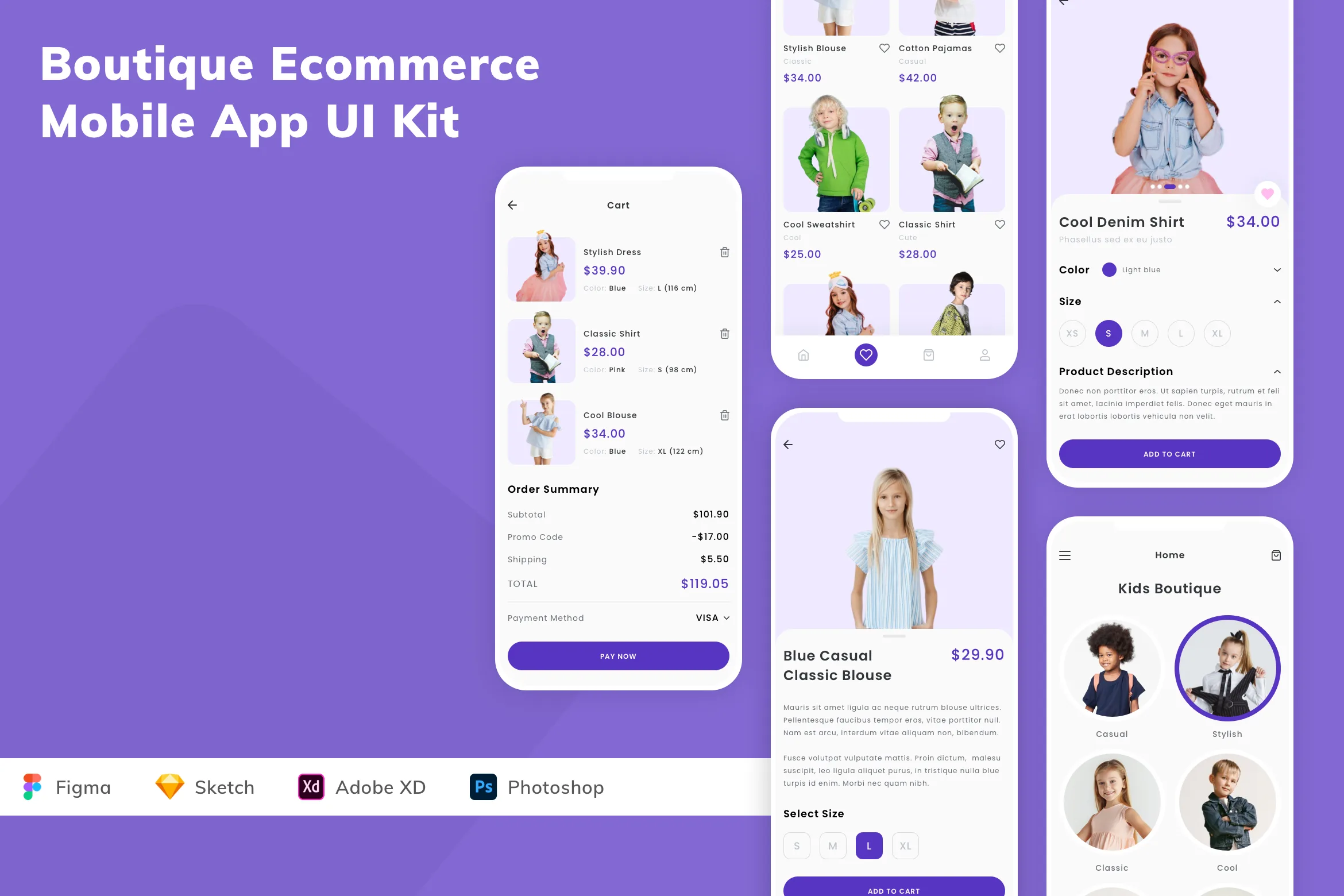
So, you’ve got a boutique that’s bursting with personality, and you’re ready to take it from adorable storefront to pocket-sized powerhouse. That’s where the magic of a custom app comes in—not just a little website, but a real, living, breathing icon on your customers’ phones. It sounds like a tech-heavy chore, right? Trust me, it’s more like decorating a digital window display, and it’s actually a blast.
Why Bother? (Besides Bragging Rights)
First, let’s squash the elephant in the room: you do not need to be a coding wizard. In fact, you don’t need to write a single line of code if you don’t want to. Today’s builder tools are like fancy dress-up games for grown-ups—drag, drop, and done! But having an app means your loyal shoppers get instant access to new drops, exclusive sales, and that glorious “skip the line” checkout feeling.
Plus, let’s be honest—there’s a special kind of thrill when you see your boutique’s logo glowing on a friend’s home screen. It’s like handing out a VIP pass to your own little universe. And hey, if you do want to get geeky, they say learning the basics is great for your brain—so it’s a win-win for your shop and your neurons.
Must Read
Step One: Dream Like a Chef
Before you touch a template, grab a coffee and ask yourself: What does my customer really want? Do they crave a daily style quiz? A “surprise me” bundle button? Maybe a loyalty card that folds like origami? Write down three “must-haves” and one silly, fun idea—like a push notification that says, “Your fave dress is back, and it’s judging you.” Keep it simple, but keep it you.
Remember, your app isn’t a mini-version of your website; it’s a sidekick for your shopper. Think about what you’d want from your own favorite store—usually it’s less clutter and more personality. Jot those ideas on sticky notes, throw them on a wall, and channel your inner interior designer.

Step Two: Pick Your Tool (No Tears Allowed)
Here’s the fun part—the playground of no-code builders. Platforms like Glide, Bubble, or Adalo let you turn a spreadsheet or a simple design into a working app in an afternoon. You’ll be clicking buttons, choosing colors, and uploading your product photos—it feels like playing with digital LEGO, honestly. Don’t overthink it; start with a free trial and just click around.
Pro tip: Use a ready-made template that matches your vibe—boho, sleek, or kitsch—and then twist it to fit your brand. That means your fonts, your voice, your emoji choices. The tool is the frame; your boutique’s charm is the masterpiece.
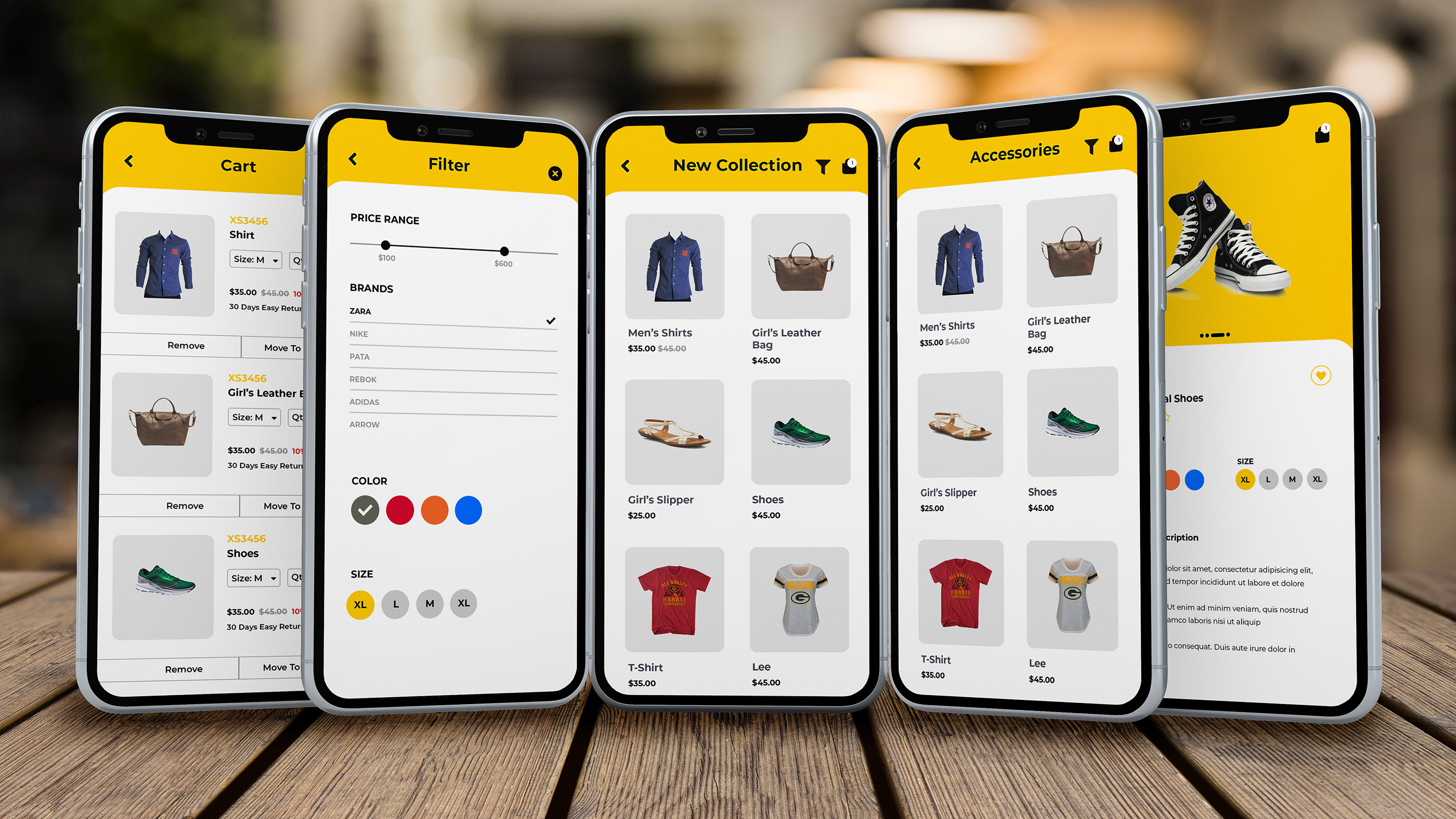
Step Three: Test It Like a Kid with a New Toy
Once you’ve dragged and dropped your heart out, it’s time for the fun test: invite three friends (the chatty ones) to play with it. Watch them tap around, get confused, or grin at your silly notifications. Their feedback is gold—even the “ugh, that button is tiny” comments are gifts. Fix the wonky bits, add a splash of confetti, and then hit “publish” with a cheer.
Don’t expect perfection on day one. Real apps grow and change—that’s the beauty. You can add new features on a rainy Sunday, just for fun, and surprise your regulars with something they never knew they needed.

The Glow of Going Live
Imagine the moment: your app is live, and the first notification pings on a customer’s phone. It’s not just tech; it’s a personal connection that says, “I thought about you.” You’ll feel like a modern-day explorer who just discovered a new island—only the island is your boutique, and the treasure is your community.
So go ahead, flex those creative muscles. You’re not just making an app; you’re building a tiny, joyful kingdom for your fashion-loving fans. And the best part? Every little tweak you learn today makes you braver for tomorrow. Now, go get that icon ready—the world is waiting to tap it. You’ve absolutely got this.


