How To Make A Webpage Into An App

Okay, let’s be real. You’ve got a favorite website you visit constantly. It’s your digital home. But it lives in a browser tab, awkwardly sandwiched between a recipe for sourdough and that one spreadsheet you’ll never finish.
What if I told you that you could slap an app-like coat on it? It’s not magic. It’s just a glorified bookmark with a fancy outfit. And honestly, it takes less time than making a cup of tea.
Why Bother? (The "Duh" Factor)
First, apps open in their own window. No tabs. No distractions. Just you and your super-specific weather radar. It feels premium.
Must Read
You also get a shiny icon on your home screen. It’s like your own little launchpad. You’ll feel like a tech wizard even if you’ve never written a line of code in your life.
Plus, it frees up memory. Kidding! It doesn’t. But it feels lighter, and that’s what counts.
Meet Your New Best Friend: PWA
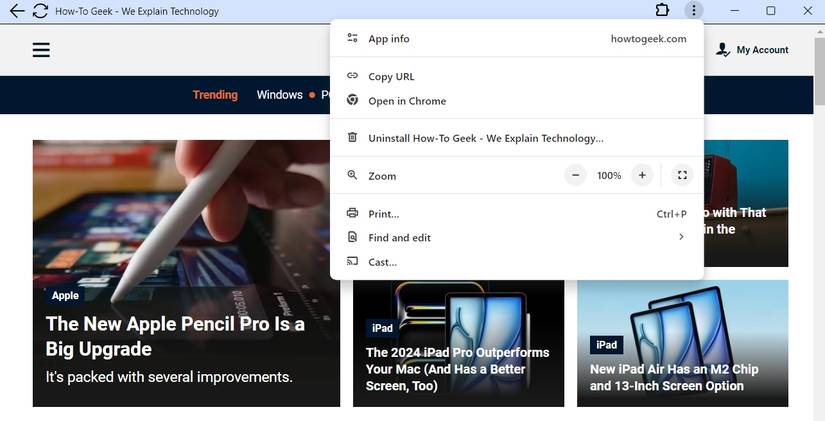
The tech term is Progressive Web App. Sounds scary, right? It’s just a webpage that behaves like a native app. The real magic trick is that it uses your browser’s built-in powers. No app store. No review process. No "No Refunds" nonsense.
The secret handshake is called Add to Home Screen. That’s it. That’s the whole secret. Browsers have been hiding this superpower in plain sight for years.
Step One: Find Your Webpage
Open your favorite site in Chrome or Safari. Make sure it’s the one you’d open a hundred times a day. Like a music player or a to-do list tool. Not, like, a PDF of your taxes.

Now, look at the address bar. No, really. Look closely. There’s a tiny little icon hiding there—an arrow pointing down, or a square with an arrow. That’s your golden ticket.
Step Two: The Click of Destiny
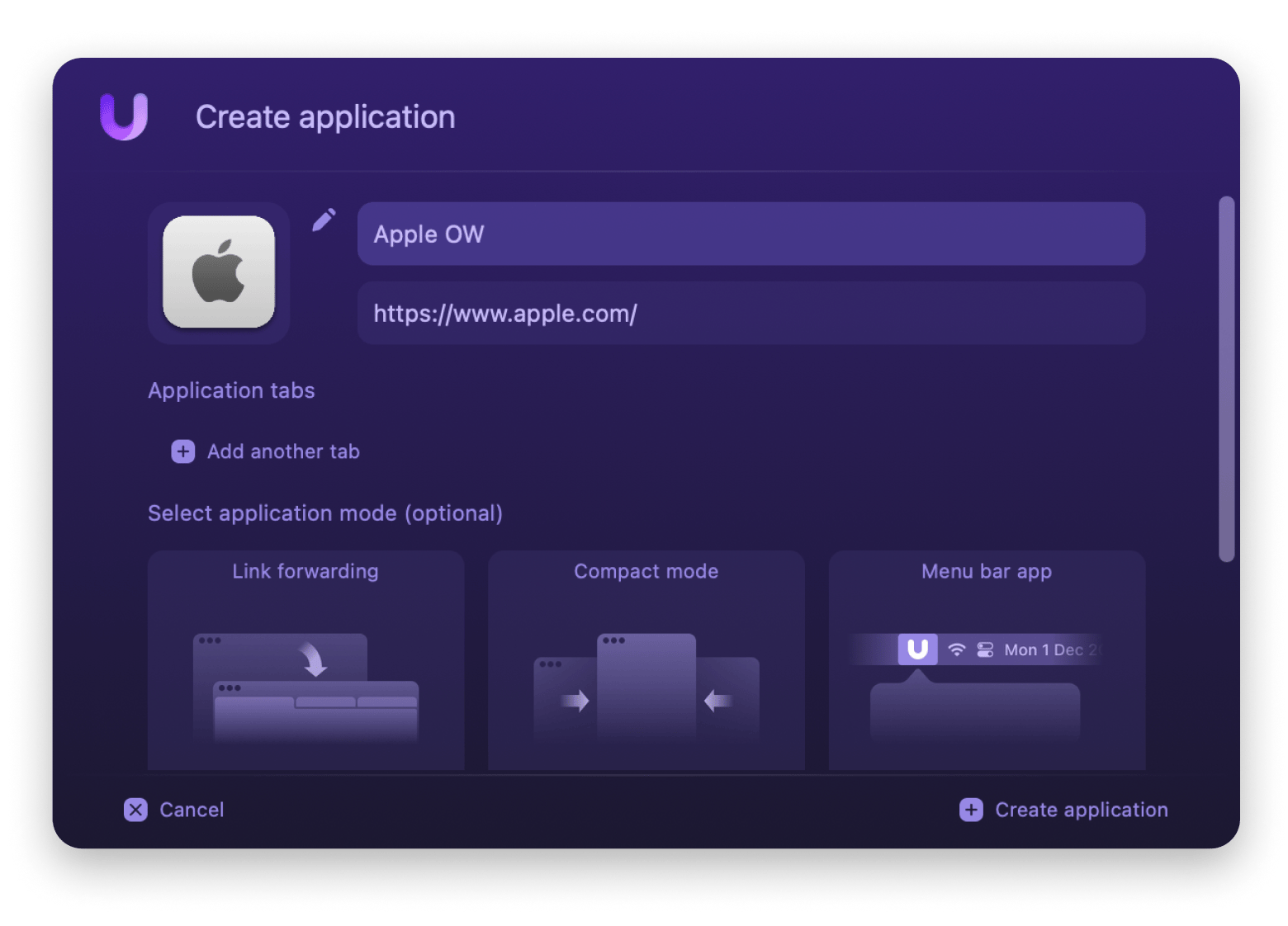
Tap that icon. A menu slides up with an option that says "Add to Home Screen". Or "Install App" on some devices. Tap it. Confirm it. Boom. You’re done.
Suddenly, a brand-new icon appears on your phone’s desktop. It looks like a real app. It even has its own loading screen. Your friends will think you designed an app. Let them believe it.
The Quirky Bits (Why This is Fun)
Did you know that some PWAs work offline? Yes, you read that right. You can load the page, then turn on Airplane Mode, and it still works. It’s like the webpage has a hidden backup generator. Spooky, right?
Another fun fact: You can’t accidentally open a link to another site from it. The app is locked to that one page. It’s loyal. It’s like a pet rock, but digital.
And here’s the kicker: You can do this for any website. Even this article, right now. Imagine having "How To Make A Webpage Into An App" as a permanent app. That’s either brilliant or a cry for help. I support both.
The Final Punchline
This isn’t real app development. There’s no complex code. There’s no weekly updates. You’re just trusting your browser to play dress-up. But it works. It works surprisingly well.
You’ll feel a tiny rush of power every time you tap that icon. It’s the joy of DIY without the sawdust. It’s the satisfaction of building something that feels solid, even if it’s just a shortcut with a new face.
So go ahead. Turn your most-visited webpage into an app. Then delete the bookmark. You won’t need it anymore. You’re a creator now. A phone-screener. A digital architect. Just don’t forget to sleep.