How To Make A Flash Game In Roblox
Okay, let’s be real. You’ve got a killer idea for a game, but you’re not a coding wizard. Good news: Roblox is your magic wand, and we’re about to make some flashy, chaotic fun.
We’re not building the next Oscar-winning drama here. We’re building a flash game—something fast, snappy, and gloriously simple. Think “click the button before the timer explodes,” not “navigate this 10-hour RPG storyline.”
Why Flash? Why Roblox?
First, let’s bust a myth. Adobe Flash is dead. Gone. Zapped into the digital void. But the spirit of Flash lives on—tiny, addictive, pick-up-and-play games that make you say “one more try.”
Must Read
Roblox is the perfect playground for this. You get physics, multiplayer, and a billion templates for free. The best part? You don’t need to install a single thing. Your browser does the heavy lifting.
Step 1: Pick Your Poison (The Game Type)
Don’t overthink this. You want immediate chaos. Here are three foolproof starters: an obstacle course (obby) with spinning death traps, a "click the fastest" button-smash duel, or a simple "don't touch the lava" scramble.
My personal favorite? A dodging game. You stand still. Random falling anvils target your face. Pure poetry.

Step 2: Steal—I Mean, Borrow—a Baseplate
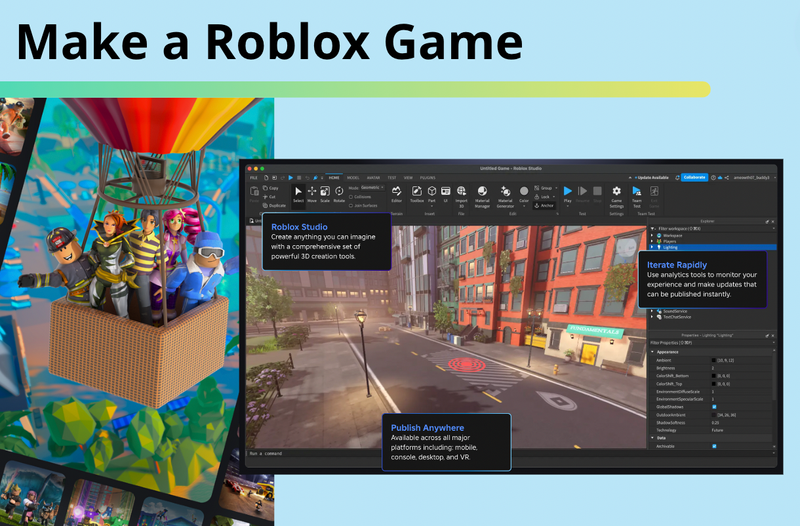
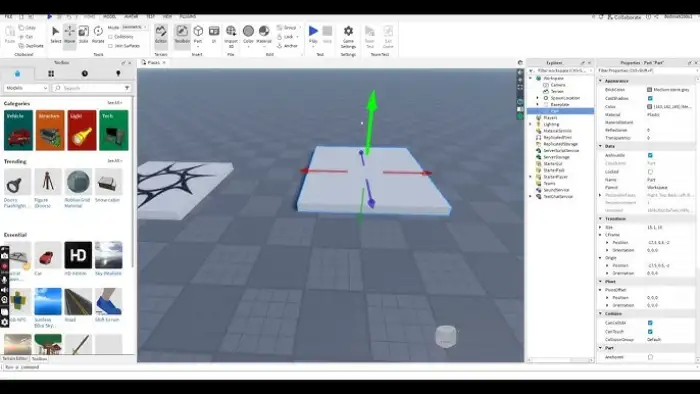
Go to Roblox Studio. Click “New” and choose the “Baseplate” template. It’s a boring gray slab, but it’s your boring gray slab now.
Pro tip: Name your place something ridiculous like “Super Epic Anvil Dodge 3000.” The name is half the fun. People will click on that.
Step 3: The Secret Sauce—Scripts (But Easy Ones)
Here’s the scary part: coding. But relax. Roblox uses Lua, which is basically English with extra steps. You’ll write a script that makes a part fall when you touch it.
Type this in a Script block: script.Parent.Touched:Connect(function() print("Ouch!") end). That’s it. You just made a thing that reacts. You’re a programmer now. High five.
For your anvil, make it a brick, add a script that says “move down fast when touched.” Boom. Gameplay.
Step 4: Make It Ugly (And That’s a Good Thing)
Don’t waste time on pretty textures. Use neon colors. Randomly scatter spikes. Make the ground a blinding magenta. The jankier it looks, the more authentic the flash game vibe.
Fun fact: The original Tower of Hell—one of Roblox’s biggest hits—looks like a crayon explosion. Players don’t care about graphics. They care about screaming “I ALMOST MADE IT!”
Step 5: Add the “One More Try” Loop
Your game needs a quick reset. When you die, you respawn in under 2 seconds. No loading screens. No cutscenes. Just instant rage and redemption.
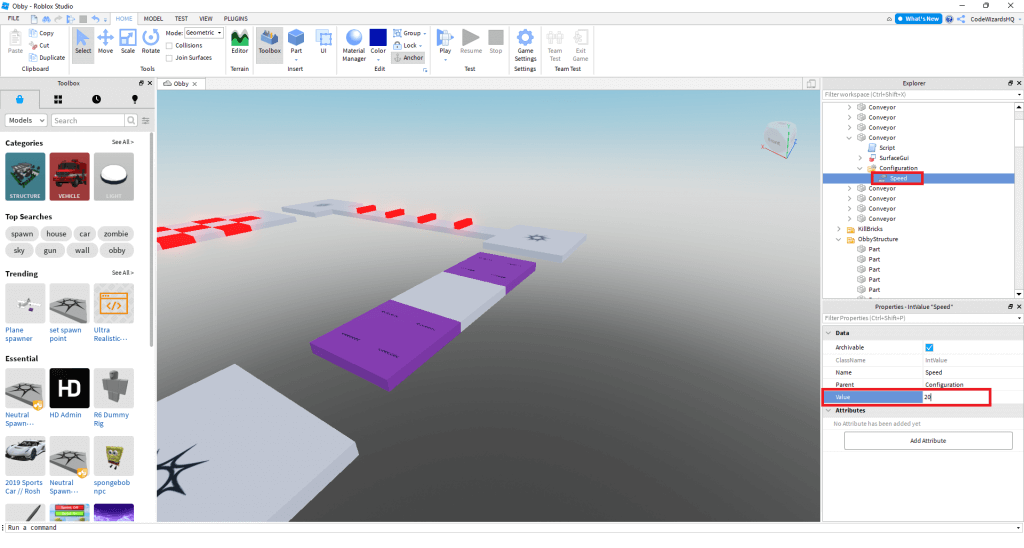
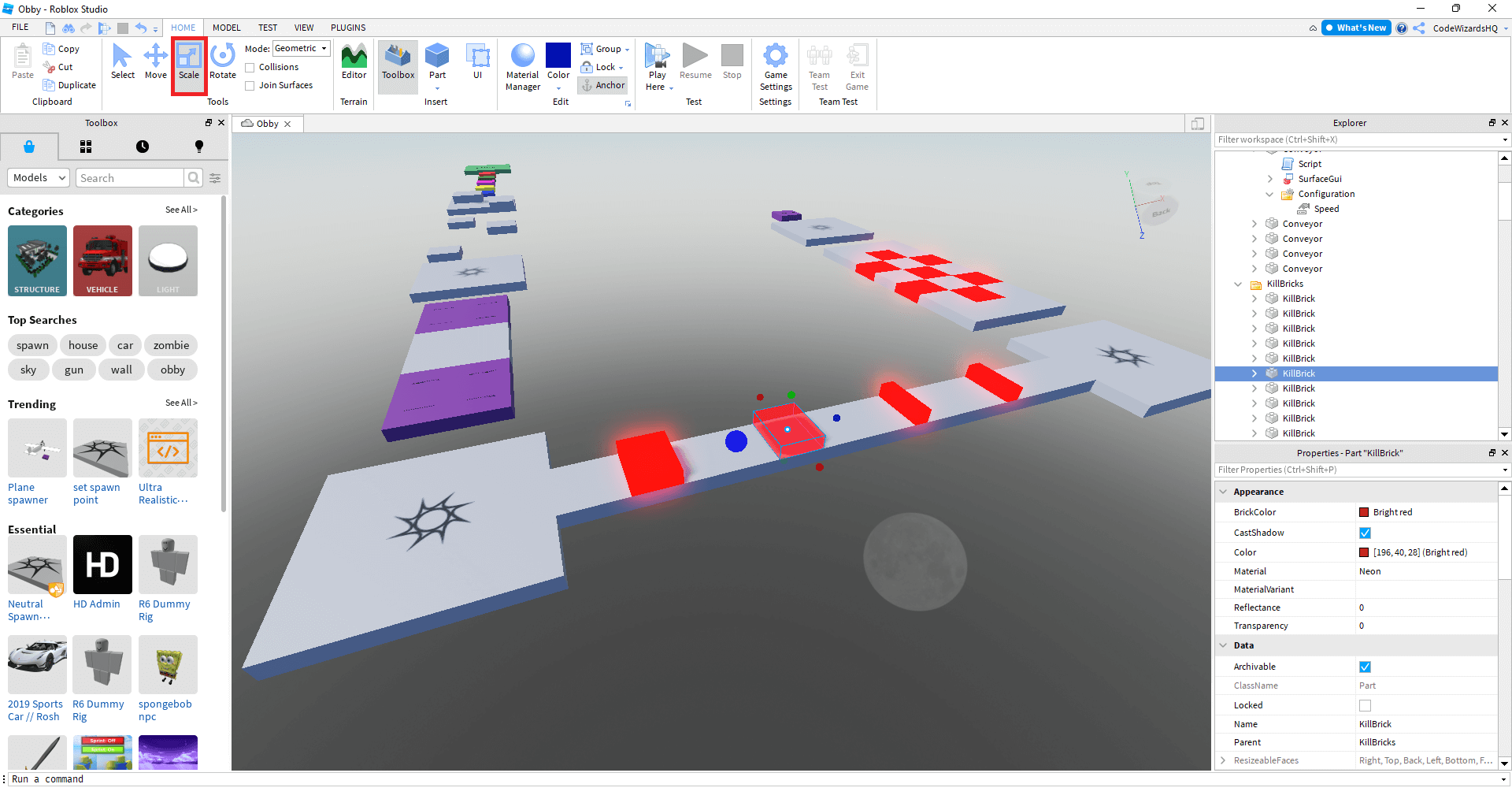
Do this by adding a spawn point and a kill brick. Touching the kill brick teleports you back. That loop is the heart of every flash game. It’s why we clicked “retry” on Flappy Bird 400 times.
Step 6: Publish and Brag
Hit “Publish to Roblox.” Set it to Public. Then, paste the link in every group chat you have. Watch people play. Laugh when they rage-quit. Cry when they say “it’s too hard.”
The best part? You can edit it live. Someone says “the anvils are too slow”? You drag a slider, and suddenly they’re falling at light speed. You are now a game god.
The Quirky Truth
Flash games were made in a weekend. Yours will be too. No one expects perfection. They expect pure, dumb, delightful energy.
So go make a game where the only goal is to dodge a falling rubber duck. Seriously. The weirder the better. Roblox rewards weird. That’s not a bug—it’s a feature.
Your first game will be garbage. Amazing. That’s the point. Talk to your friends, watch their faces, then tweak. Rinse, repeat, and suddenly you’ve got a cult classic.
Now stop reading. Open Studio. Make something absurd. Your future fans are already waiting—and they don’t even know it yet.