How To Look For Employees On Indeed
So, you’re ready to grow your team. Maybe your solo hustle is getting a little too “all-nighter” for comfort, or you just landed a project that needs an extra pair of hands. That’s awesome, but the thought of actually finding those hands can feel like trying to find a single pineapple in a giant pile of oranges.
Enter Indeed. It’s not just a job board; it’s basically the internet’s massive, chaotic, and surprisingly effective town square for employment. The trick isn’t just posting a job—it’s knowing how to hunt with a little finesse. Let’s break it down, shall we?
Start With a Whisper, Not a Scream
First things first: your job title. Don’t just copy-paste the same boring “Manager” or “Assistant” that everyone else uses. Think like the person you want to hire. Would they type “Fixer of Broken Spreadsheets” or “Customer Service Guru”? Probably not, so keep it clear, but don’t be afraid to add a tiny hint of personality.
Must Read
For example, instead of “Receptionist,” try “Front Desk Rockstar.” Sounds cheesy? Maybe. But it stops the scroll, and that’s half the battle. Your goal is to get clicks, not to win an award for corporate precision.
Remember, you’re fishing in a huge ocean. A slightly playful hook doesn’t hurt.
The Secret Sauce is in the “Must-Haves”
Here’s where most people mess up. They list 15 required skills like “expert in quantum physics” and “can juggle while coding.” Slow down. If you list everything as a must-have, you scare away the good, normal humans. You want the curious learners, not just the finished robots.
Instead, pick your top three absolute essentials. Put those right at the top in big, bold letters. For everything else, use words like “bonus” or “nice to have.” This opens the door to people who are 80% perfect but eager to grow. Isn’t that better than a 100% perfect grump?

Think of it like a first date. You don’t list your baggage on the profile; you invite a conversation.
Use the Filters Like a Pro Gamer
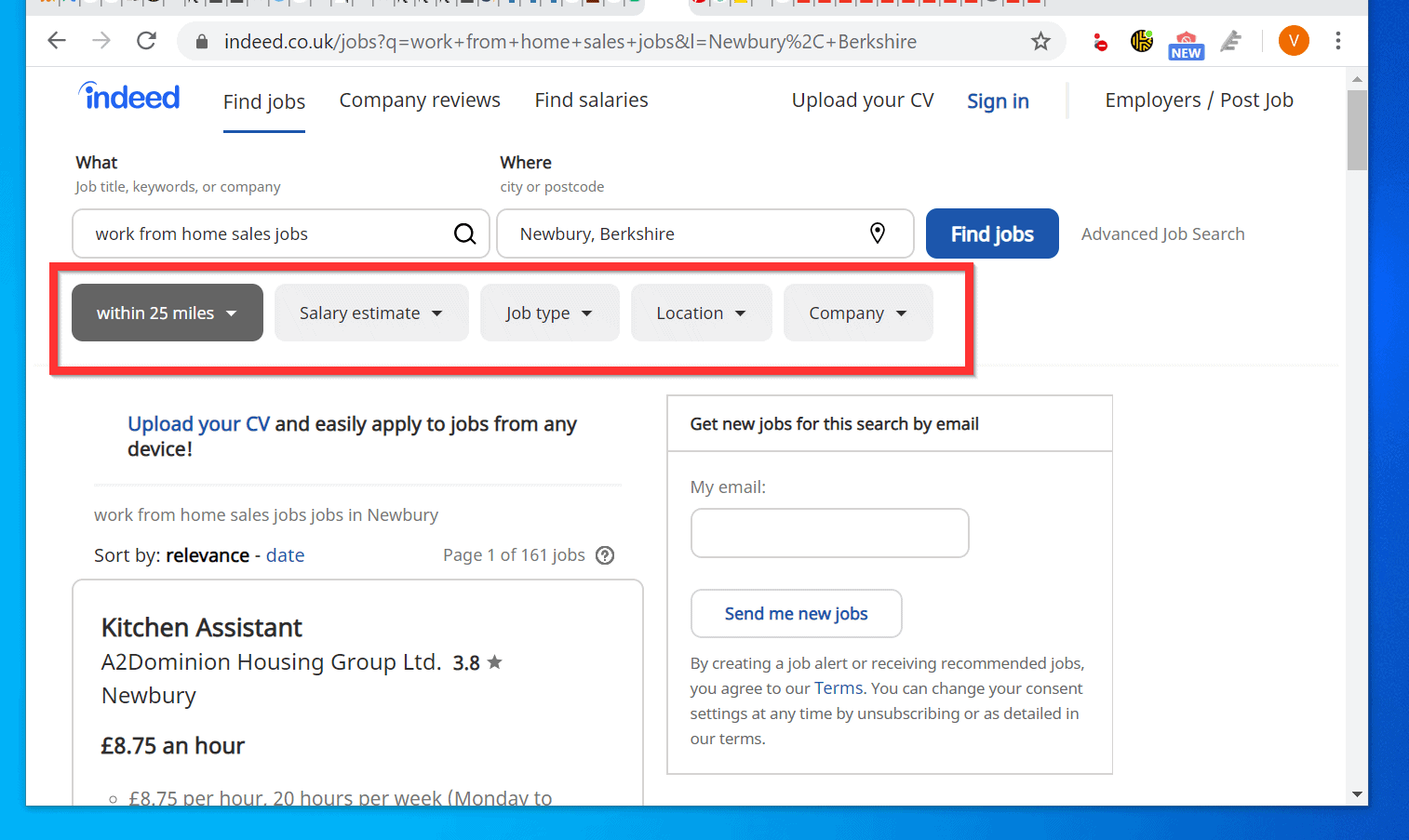
Once those applications start rolling in, don’t just scroll and sigh. Get tactical. Indeed has filtering options that are basically cheat codes. Sort by “Most Recent” first—you want the fresh, excited folks, not the ones who applied three weeks ago to every job in town.
Use the “Location” filter with a gentleness. Are you open to remote? Great. But if you need someone local, don’t just say your city. Check the “Commute” option to see who lives reasonably close. Trust me, an hour-long drive sounds fine on paper until it’s a rainy Tuesday morning.

And please, please, don’t ignore the “skills” filter. It’s your radar. It blips for the people who actually typed in “Excel” or “Spanish.” Use it.
The Art of the Good “Screen”
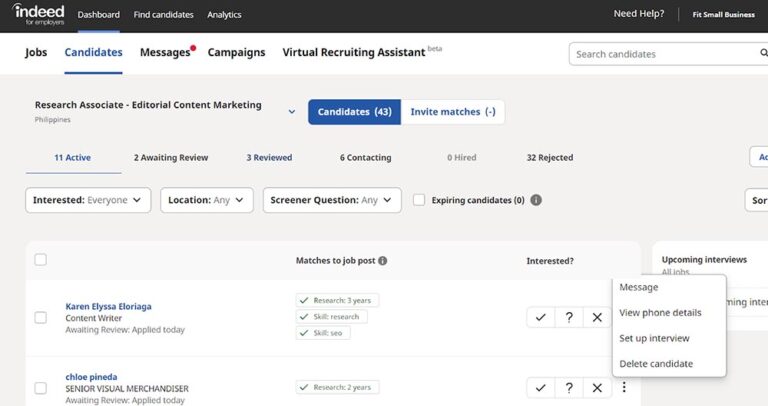
You’ll get applications. Some will have messy resumes, and that’s okay. Look for the spark—a cover letter that mentions your company by name, or a job history that shows they stayed somewhere for more than a year. That’s gold.

Don’t be too picky about the perfect font on their PDF. Instead, draft a quick message in Indeed’s chat. Just a “Hey, saw your profile—loved your time at [previous job]. Got five minutes this week to chat?”
It’s that casual, low-pressure tap on the shoulder that makes people feel wanted. And that’s the whole vibe, right? You’re not a HR robot; you’re a human looking for a teammate. Keep it chill, keep it curious, and you’ll find your pineapple.
Happy hunting!