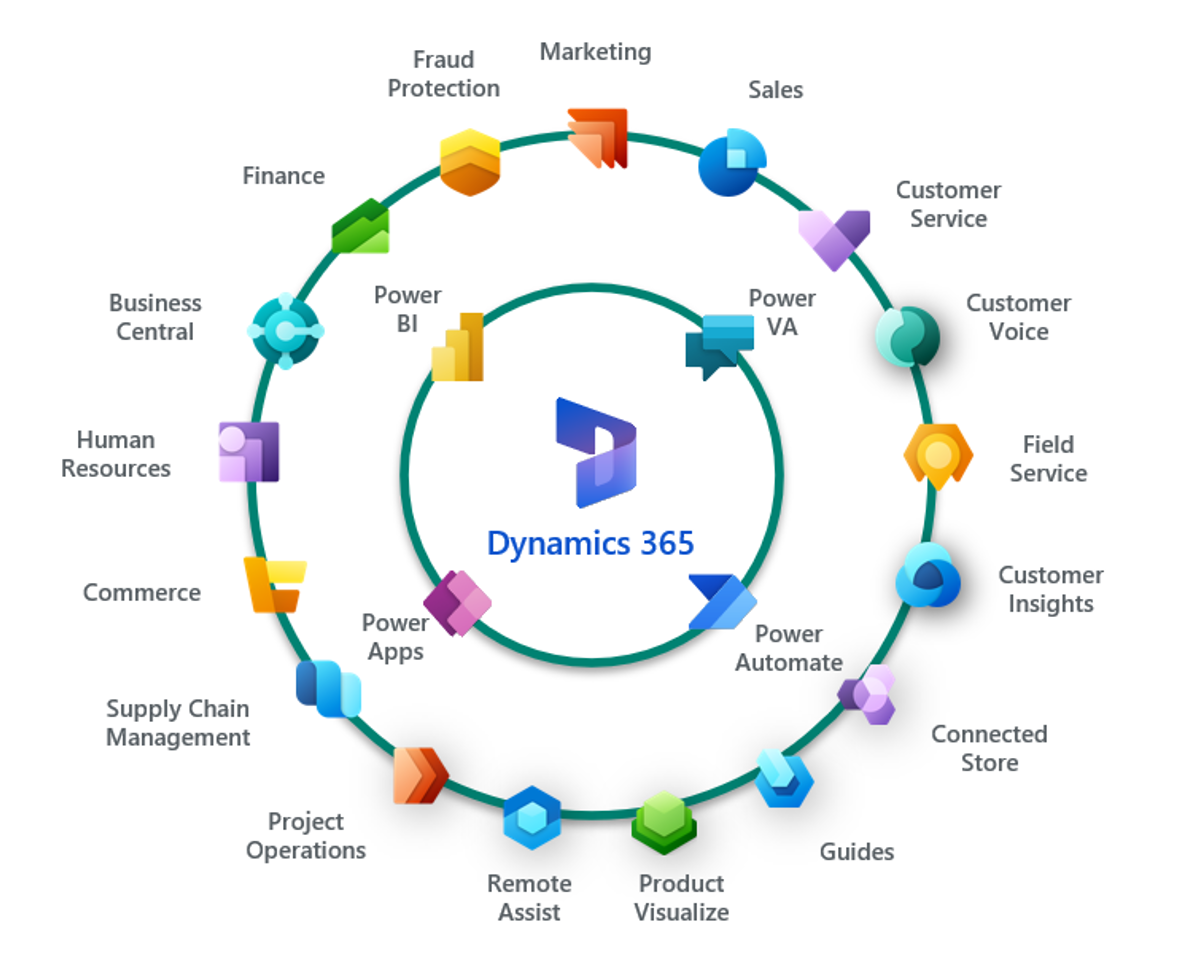
How To Learn Microsoft Dynamics 365
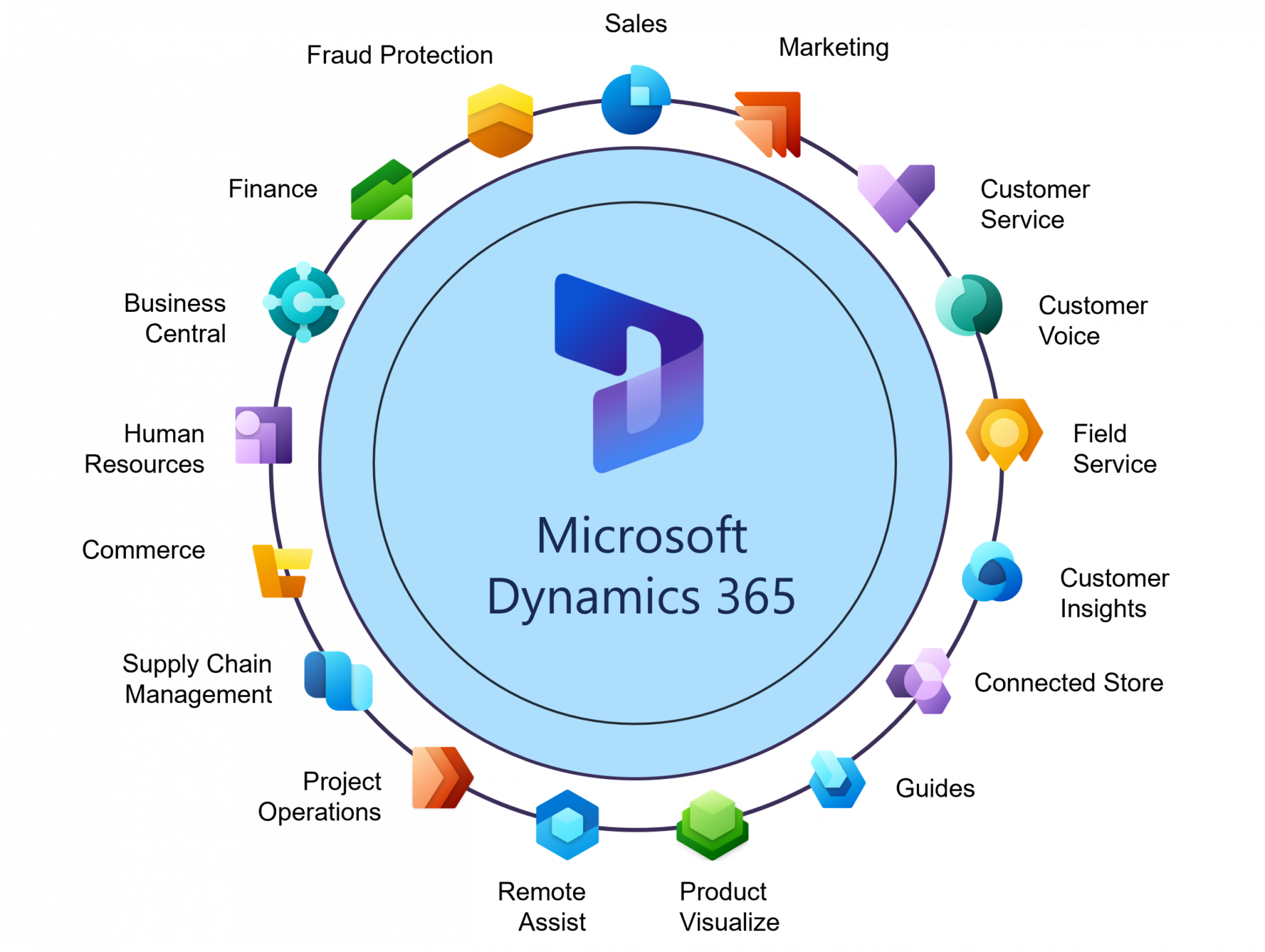
Learning Microsoft Dynamics 365 might sound like a chore for techies, but it’s actually a superpower for anyone curious about how modern businesses tick. Think of it as the digital brain that runs sales, customer service, and accounting for thousands of companies—and you can peek inside that brain. It’s not just for IT pros; it’s for everyday problem-solvers who like knowing how things connect.
For beginners, the payoff is huge because you don’t need a coding degree to start. You’ll learn to organize data, spot trends, and automate boring tasks—skills that make you stand out at work or in your own side hustle. Families or hobbyists can use it too, like managing a small rental property’s bookings or tracking a home-based craft business’s inventory. It turns chaos into clarity, which is something everyone enjoys.
The best part is the variety—Dynamics 365 isn’t one giant mountain, but a range of hills you can climb one at a time. You could explore Sales to track leads, Customer Service to solve support tickets, or Finance to watch money flow. For a taste, try the free “Dynamics 365” learning path on Microsoft Learn, which lets you click around a sample company’s data. You’ll feel like a detective piecing together how a fake business stays profitable, which is oddly addictive.
Must Read
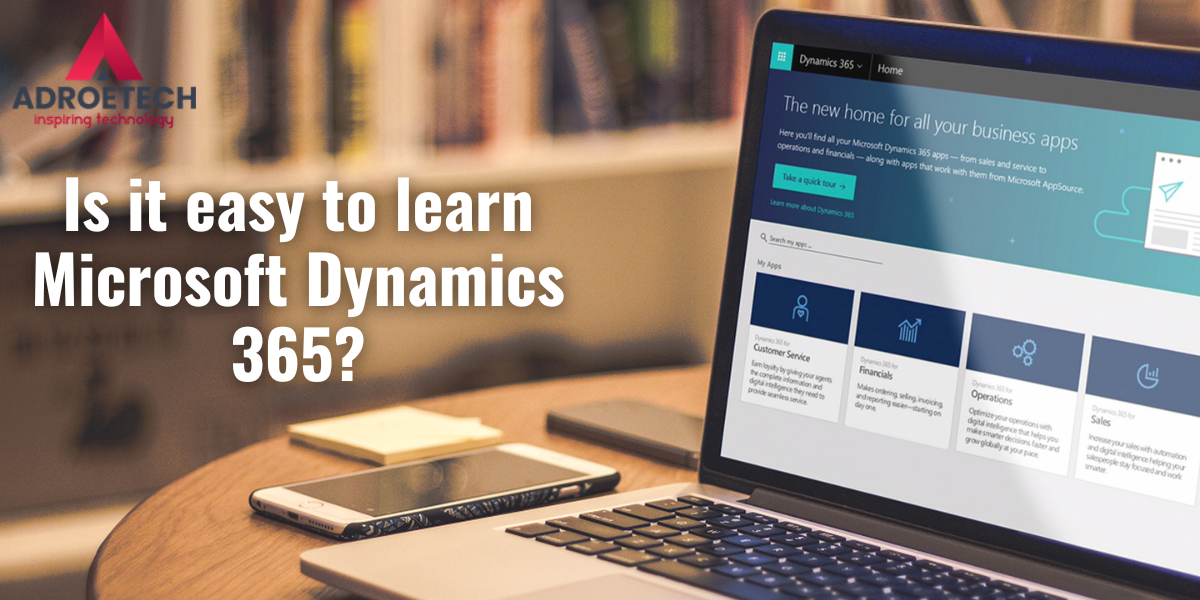
Here’s a simple secret: start with the “sales” module, not the whole suite. It’s the most visual and forgiving, with forms and dashboards that feel like a smarter Excel. Watch a short YouTube walkthrough, then open the trial environment and play—change a customer’s status, add a note, or run a report. Don’t be afraid to break things, because it’s a sandbox, and clicking around is the fastest teacher.
Another tip is to learn the language of “entities” and “fields” early, since those are just fancy words for tables and columns. Once you get that, everything else clicks into place. Join a friendly forum like the Dynamics Community, where people post “how do I…” questions and get kind, plain-English answers. You don’t need to memorize every button—just learn where to look things up, and you’ll build confidence quickly.
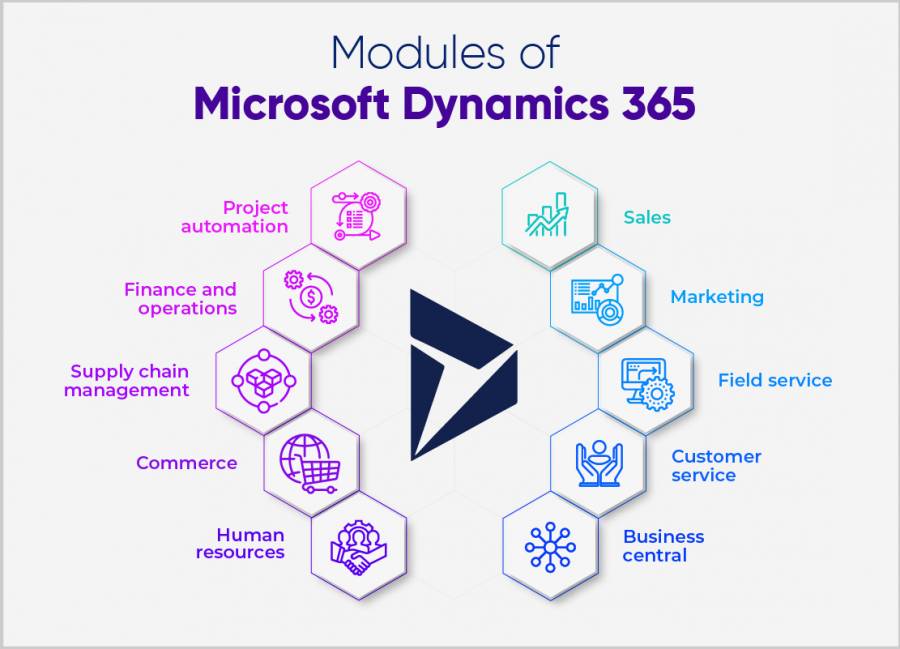
If you’re busy, set a tiny goal: fifteen minutes a day, three days a week. Follow a free module on “Customer engagement basics” and repeat it after a week; repetition is what makes it stick. Also, keep a notepad handy for your own “aha” moments—like when you realize you can filter a view to show only high-value accounts. Those little wins are the real joy.
In the end, learning Dynamics 365 is less about becoming a wizard and more about feeling confident in a digital world. You’ll impress friends when you casually explain how a company’s sales pipeline works, and you might even discover a new career path. So grab a coffee, open the free trial, and give yourself permission to fumble—the value is in the trying, not the perfection. You’ve got this.