How To Know How Many Miles You Ran

Last Tuesday, I laced up my sneakers, slapped on my headphones, and went for what I swore was a solid three-miler. I got back, soaked in sweat, feeling like a champion, and casually plugged my route into a mapping app to log the run. It was 1.8 miles. Not three. Not even close. My triumphant “long run” was basically a warm-up, and my ego took a direct hit.
Sound familiar? If you’ve ever finished a run feeling like a beast only to find out you ran the distance of a quick trip to the corner store, you know the pain. The good news? You don’t need a PhD in GPS to figure out your mileage. You just need to know a few tricks, and I’m here to walk you through them (pun totally intended).
The “I’m Too Lazy to Buy a Watch” Method
Let’s start with the most low-tech approach: the good old-fashioned route mapper. Sites like MapMyRun or Google Maps let you right-click and measure a distance, drawing your exact path on a satellite view. You run, you come home, you draw the squiggly line, and boom—you have your mileage.
Must Read
The downside? It only works if you don’t take any random detours mid-run. (You know, like when you see a dog and have to stop to pet it, then loop back around a block just to look at the cute house with the garden.) It’s the “trust me, I ran in a straight-ish line” method.
The Math-lete Approach (For the Nerds, Like Me)
If you’re running on a track, this one’s for you. A standard outdoor track is 400 meters per lap, which is about a quarter mile. So, four laps equals one mile, and you just multiply the laps by 0.25. That’s it. You run 12 laps? That’s three miles, easy as pie.
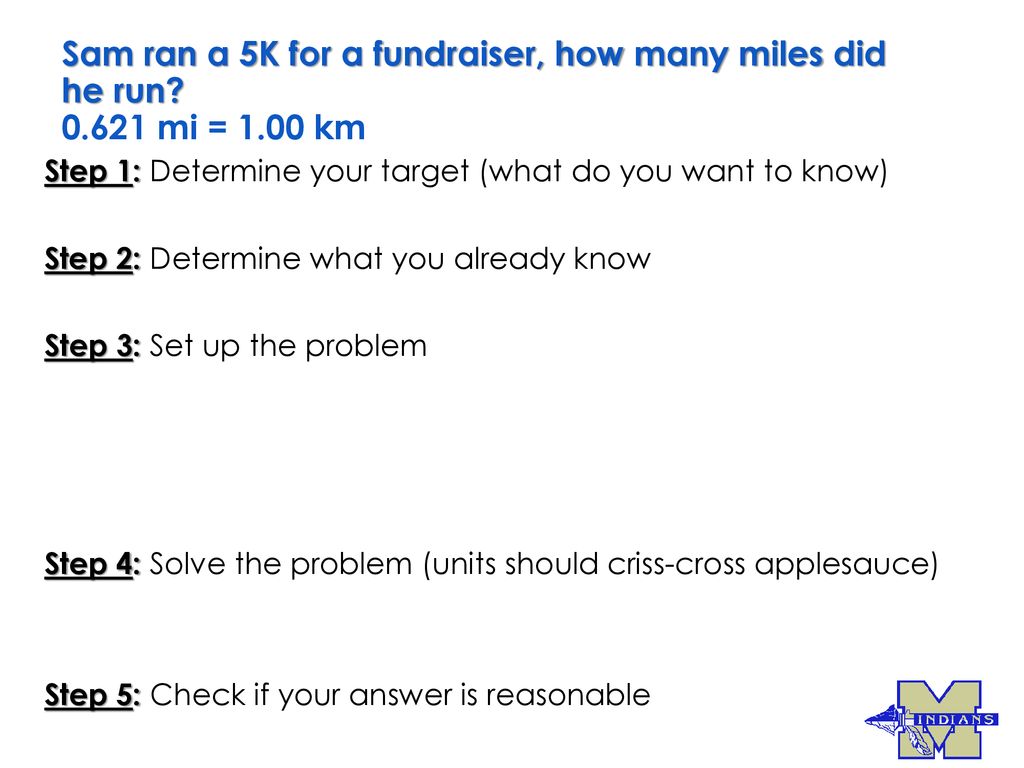
But here’s the catch: running in lane one vs. lane four changes the distance slightly. Lane one is exactly 400 meters, but lane four is longer. So if you’re weaving in and out, your math is going to be off by a few meters. Not a huge deal, unless you’re an Olympic hopeful. (You’re not. Let’s be honest, I’m not either.)
The Tech Overlord: GPS Watches and Phone Apps
Alright, let’s talk about the heavy hitters. Your phone has a GPS chip that’s basically a tiny satellite spy. Apps like Strava, Nike Run Club, or Runkeeper use this to map your entire run in real-time. You start the app, hit “Start,” run, hit “Stop,” and it spits out the distance, pace, and even your elevation gain (which is useless but makes you feel cool).
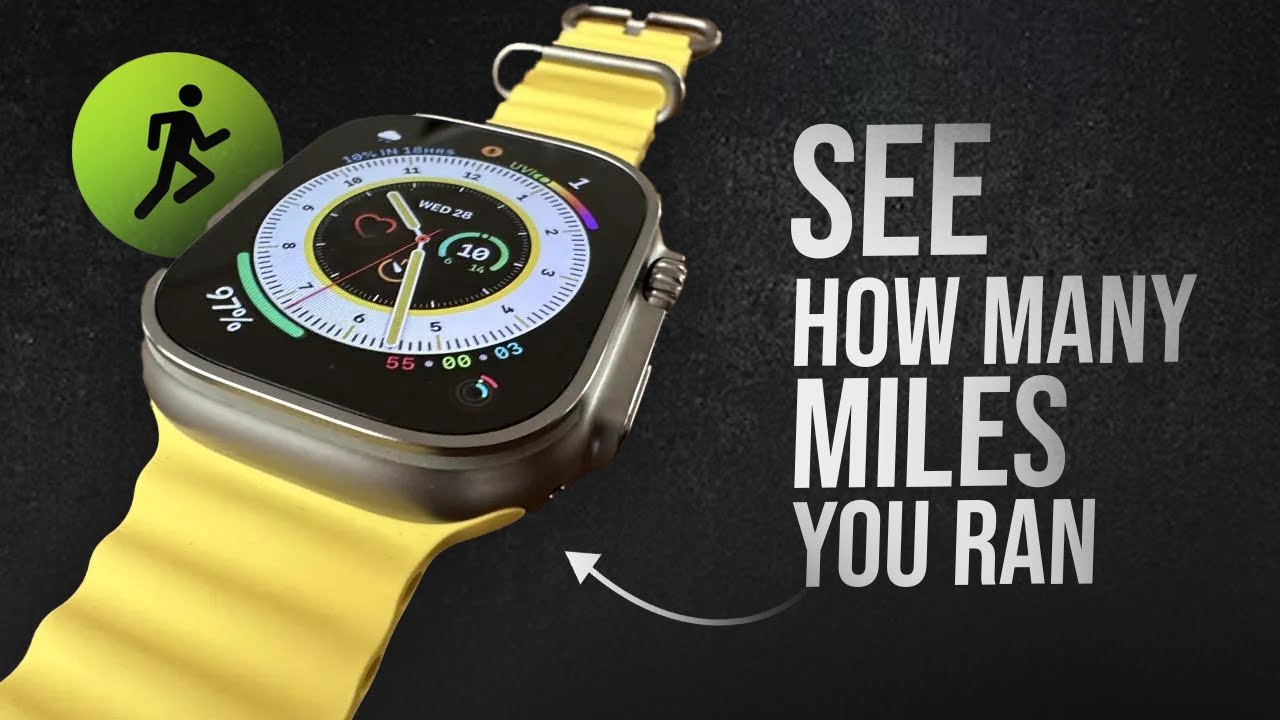
This is, by far, the easiest method. But, and this is a big but—GPS can be a liar. If you’re running through downtown with skyscrapers, or under heavy tree cover, the signal bounces around, and you might get credited with an extra half-mile. It’s a blessing and a curse. A blessing because your pace looks amazing. A curse because you know, deep down, you didn’t actually run that fast.
The “Wrist Watch From 1995” Trick
What if you don’t have a phone or a GPS on you? You know, like when you run old-school for the peace and quiet? Then you’re stuck with time and your own brain. The rule of thumb? The average runner does about a 9- to 10-minute mile. So if you run for 30 minutes, you ran about three miles.
Is this accurate? No. Absolutely not. It’s a wild, wild guess. If you’re running uphill the whole time, that’s maybe 2.5 miles. If you’re sprinting on a downhill, it could be 4. But hey, it’s a rough estimate to keep you sane when you’re lost on a trail with no service. You’ll thank me later.
The “Forgot to Track” Panic Button
We’ve all been there. You finish a run, reach into your pocket for your phone, and realize you left it at home, or the battery died. You’re covered in sweat, and you have zero record of what you just did. Did you even run? Or did you just wander around for an hour?

Your best bet is to retrace your steps mentally, then use Google Maps to measure the route you think you took. It’s a reconstruction of a crime scene, except the crime is your own forgetfulness. Just be honest with yourself—don’t add that extra loop you didn’t do just to feel better. Your running log doesn’t care about your feelings, even if I do.
The Final Verdict
So, how do you know exactly how many miles you ran? The real answer is: does it really matter? You got out there, you moved your body, and you didn’t trip over a curb (hopefully). The number is just a number for bragging rights at Sunday brunch.
But if you must know, use a route mapper for accuracy, a phone app for convenience, or a rough timing guess for pure chaos. Just don’t get too hung up on the digits. Because the only mile that truly counts is the one that felt good. And if you spent the whole run talking to yourself out loud, no app is going to tell you that distance. Trust me on that one.