How To Install Autodock In Windows 10
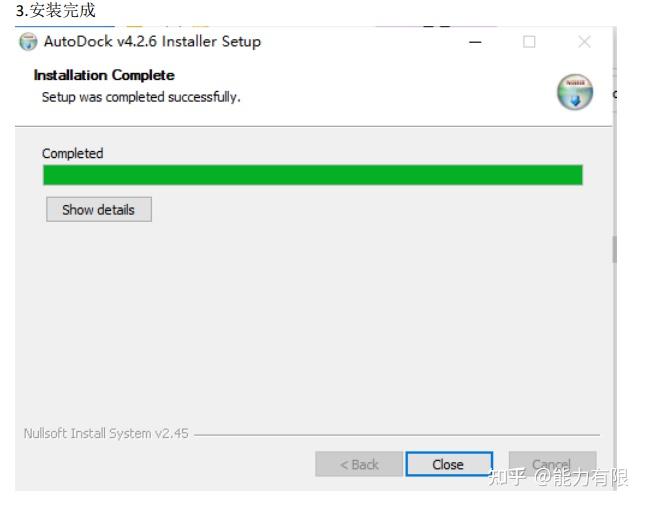
Autodock is a molecular docking simulation software that has gained popularity in recent years, especially among researchers and scientists. This software allows users to simulate the interaction between molecules, which is crucial in understanding various biological processes. With Autodock, users can gain insights into the behavior of molecules, making it a valuable tool in the field of biochemistry and pharmacology.
The purpose of Autodock is to facilitate the simulation of molecular interactions, which is essential in understanding how molecules bind to each other. This knowledge can be applied in various fields, including drug discovery and protein-ligand interactions. By using Autodock, researchers can save time and resources by simulating molecular interactions in a virtual environment.
Getting Started with Autodock
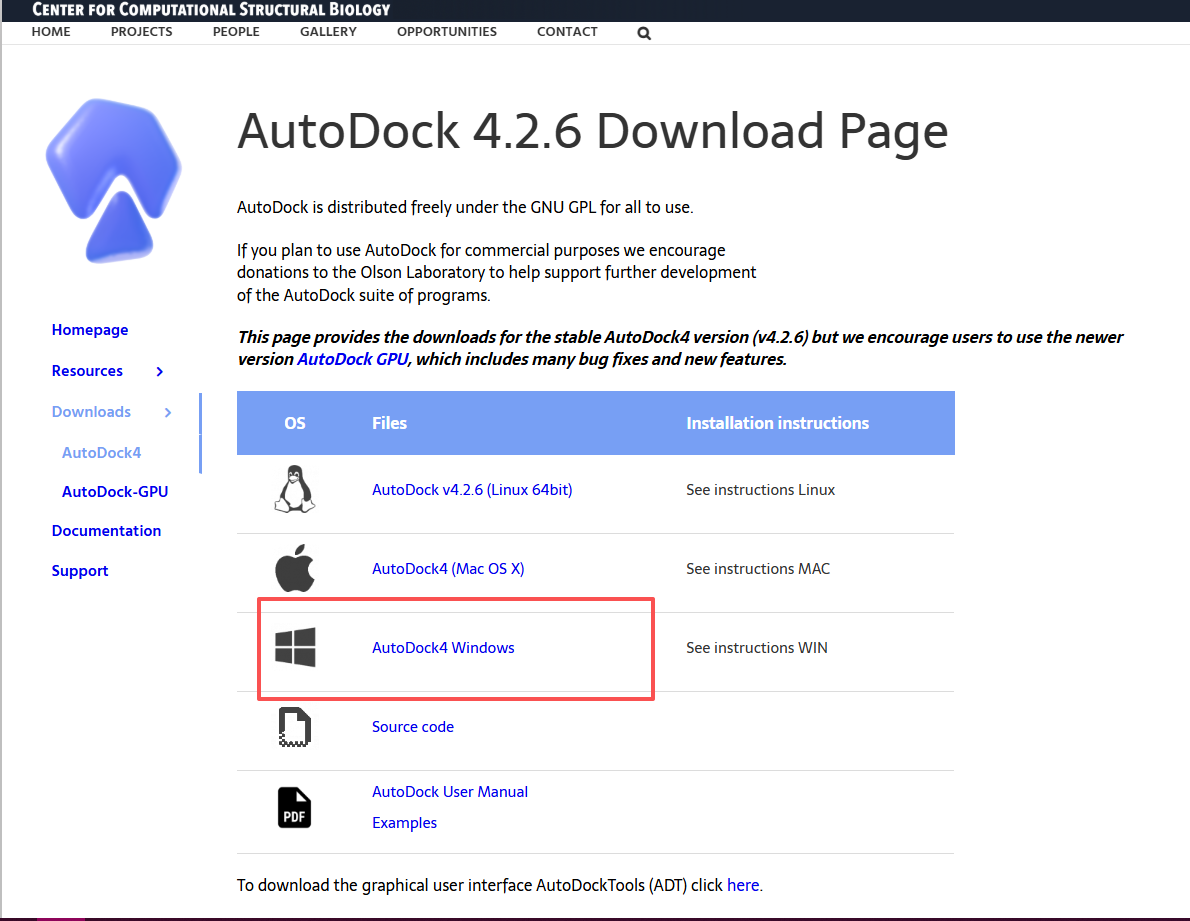
To install Autodock on Windows 10, users need to follow a series of simple steps. First, they need to download the Autodock software from the official website, which is https://autodock.scripps.edu/. The download process is straightforward, and users can choose from various versions of the software, including Autodock Vina and Autodock MGLTools.
Must Read
Once the download is complete, users need to extract the files to a directory on their computer. This can be done using a zip extractor software, such as WinZip or 7-Zip. The extracted files will include the Autodock executable file, which is used to launch the software.
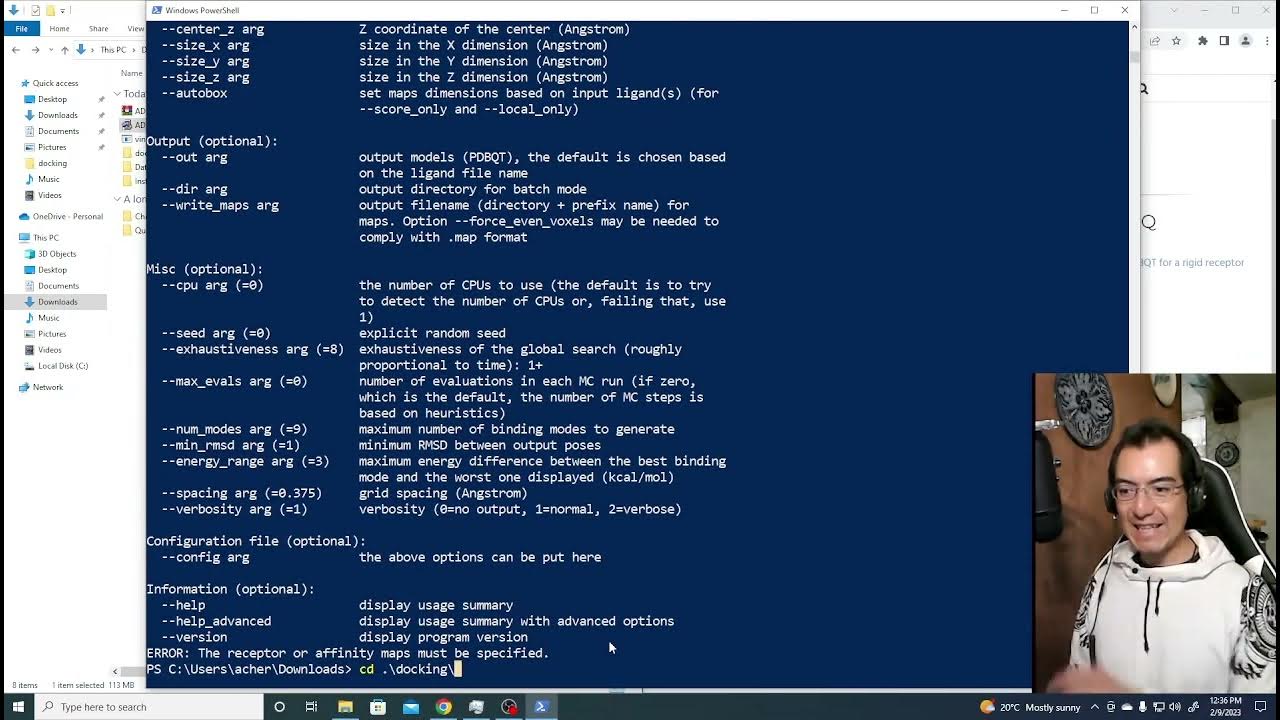
To launch Autodock, users need to navigate to the directory where they extracted the files and double-click on the Autodock executable file. This will launch the Autodock graphical user interface, which provides a user-friendly interface for setting up and running molecular docking simulations. The interface is intuitive, and users can easily navigate through the various menus and options to set up their simulations.
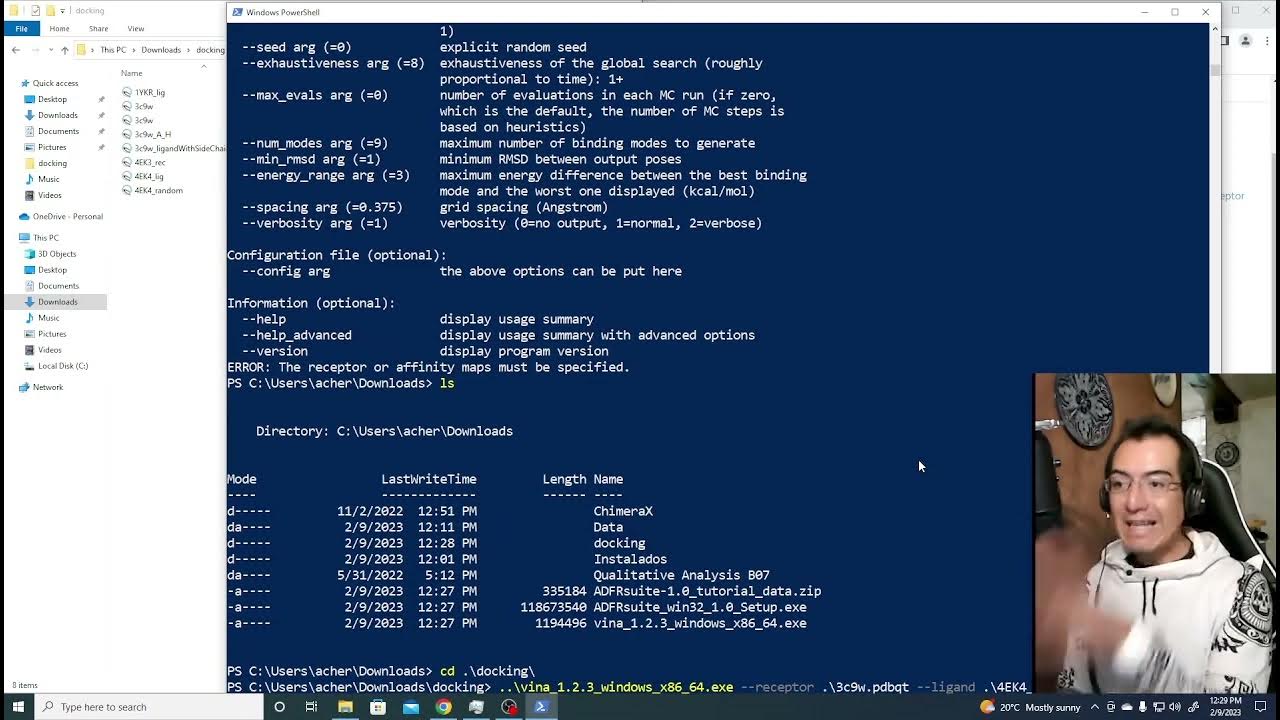
Autodock is a powerful tool for molecular docking simulations, and its user-friendly interface makes it accessible to users of all levels.
One of the benefits of using Autodock is its ability to simulate molecular interactions in a high-throughput manner. This means that users can simulate multiple molecular interactions simultaneously, which can save a significant amount of time and resources. Additionally, Autodock provides a flexible and customizable platform for molecular docking simulations, allowing users to tailor their simulations to their specific needs.
In terms of system requirements, Autodock can run on a variety of Windows operating systems, including Windows 10. The software requires a minimum of 4 GB of RAM and a 2.0 GHz processor, making it accessible to users with a wide range of computer hardware configurations. Furthermore, Autodock is free and open-source, making it an attractive option for researchers and scientists who are looking for a cost-effective solution for molecular docking simulations.

Overall, Autodock is a valuable tool for researchers and scientists who are interested in simulating molecular interactions. Its user-friendly interface, high-throughput simulation capabilities, and flexible platform make it an attractive option for a wide range of applications, including drug discovery and protein-ligand interactions. By following the simple installation steps outlined above, users can quickly get started with Autodock and begin exploring the world of molecular docking simulations.
For users who are new to molecular docking simulations, Autodock provides a range of tutorials and user guides that can help them get started. These resources provide a comprehensive overview of the software and its various features, making it easy for users to learn the basics of molecular docking simulations. Additionally, the Autodock community is active and supportive, with many online forums and discussion groups where users can ask questions and share their experiences.
In conclusion, Autodock is a powerful tool for molecular docking simulations that is widely used in the field of biochemistry and pharmacology. Its user-friendly interface, high-throughput simulation capabilities, and flexible platform make it an attractive option for a wide range of applications. By installing Autodock on Windows 10 and following the simple steps outlined above, users can quickly get started with molecular docking simulations and begin exploring the world of molecular interactions.