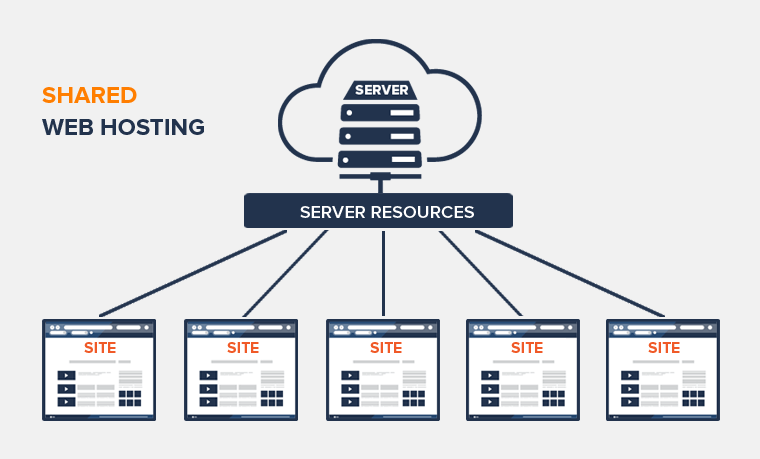
How To Host A Website On A Server
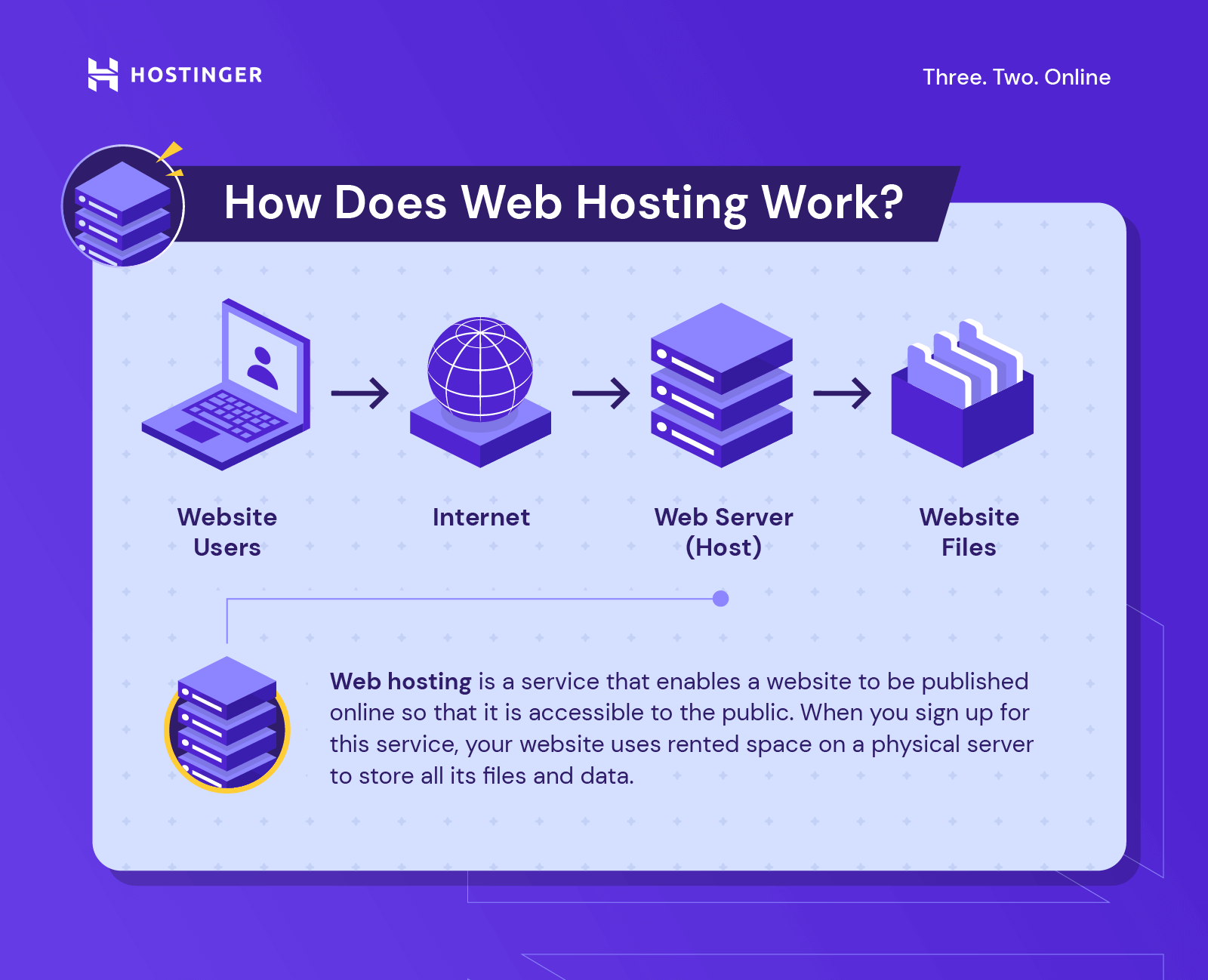
Have you ever wanted to share a project with the world but felt trapped by expensive hosting fees or confusing “cloud” jargon? Hosting your own website on a server is like building a tiny digital clubhouse where you make the rules—and it’s surprisingly simple and endlessly fun. Whether you’re a painter, a tinkerer, or just a curious soul, this skill turns your computer into a creative stage.
For artists, a self-hosted site is a gallery without a landlord. You can post sketches, sell prints, or run a digital portfolio without a middleman taking a cut. Hobbyists love it for projects like a family recipe archive or a live map of your model train set. Casual learners get a hands-on lesson in how the internet actually works—better than any textbook.
The variations are as wild as your imagination. Host a “digital garden” where you grow random thoughts like plants, or a retro-styled blog that looks like a 1990s CRT monitor. You could run a private photo vault for your dog’s life, or a public shrine to your favorite sci-fi novels. Even a simple “now” page—explaining what you’re doing this week—feels surprisingly profound when you built it yourself.
Must Read
Ready to try it at home? Start with an old laptop or a Raspberry Pi (a $35 credit-card-sized computer) and install a free program like Apache or Nginx. Don’t overthink it—follow a beginner tutorial, and in twenty minutes you’ll see your first “Hello, World!” in a browser. For a safety net, use a free service like ngrok to share your local server temporarily before you buy a domain name.
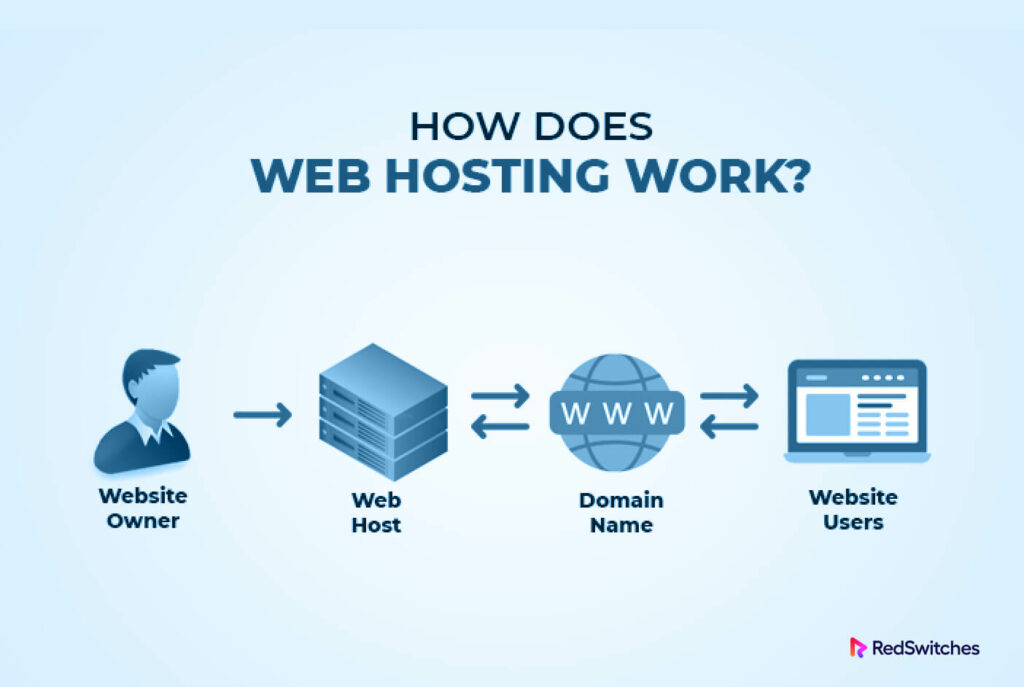
Here’s the golden tip: keep it ugly and small at first. A single HTML page with a fun font is a huge win. Then, add one feature—like a photo upload form or a guest book—only when you’re bored. Don’t chase perfection; instead, embrace the janky joy of “I made this, and it works.”
Also, turn off your computer’s sleep settings when you host, and use a static IP or a dynamic DNS service (like DuckDNS) to keep your address stable. And remember, security is real: change default passwords and update software—but don’t let that scare you. A five-minute checklist will keep you safe enough for a hobby project.

Why is it so enjoyable? Because the internet feels magical until you pull back the curtain—and then it feels handmade. Every visitor’s click is a tiny nod to your effort, and you’ll never look at a website the same way again. Plus, it’s a brilliant conversation starter at parties: “Oh, that’s my server in the closet, serving custom cat memes.”
Finally, the best part is the creative freedom. No ads, no templates, no “but your plan doesn’t include JavaScript.” You can break things, fix them, and learn with zero judgment. Hosting a website is less about technology and more about play—so grab an old machine, take a deep breath, and build your little corner of the web. Your future self will thank you for the digital scrapbook you made with your own two hands.