How To Hard Reset Micromax Canvas

Let’s be honest, we’ve all been there. Your Micromax Canvas starts acting like that one friend who takes three hours to decide on a coffee order—slow, glitchy, and frankly, a little dramatic. Apps crash mid-conversation, the keyboard lags just as you’re about to send a witty reply, and the battery drains faster than a toddler’s energy after bedtime. Before you launch that phone across the room (we’ve all considered it), take a deep breath. A hard reset is like a digital spa day for your phone—a fresh start, a blank canvas, if you will.
What’s a Hard Reset, Anyway?
Think of your phone’s software like a closet that’s been stuffed with junk for two years. You’ve got old apps, deleted photos, and invisible file crumbs everywhere. A hard reset is the equivalent of pulling everything out, tossing the trash, and neatly folding back the essentials. It wipes your device back to its factory-fresh state, just like the day you peeled off the plastic screen protector. This is not the same as a simple restart—that’s just turning the lights off and on. A hard reset is a full renovation.
Now, why should you care? Because it fixes 90% of those rage-inducing bugs. It’s the ultimate “have you tried turning it off and on again” on steroids.
Must Read
Before You Dive In: The Backup Dance
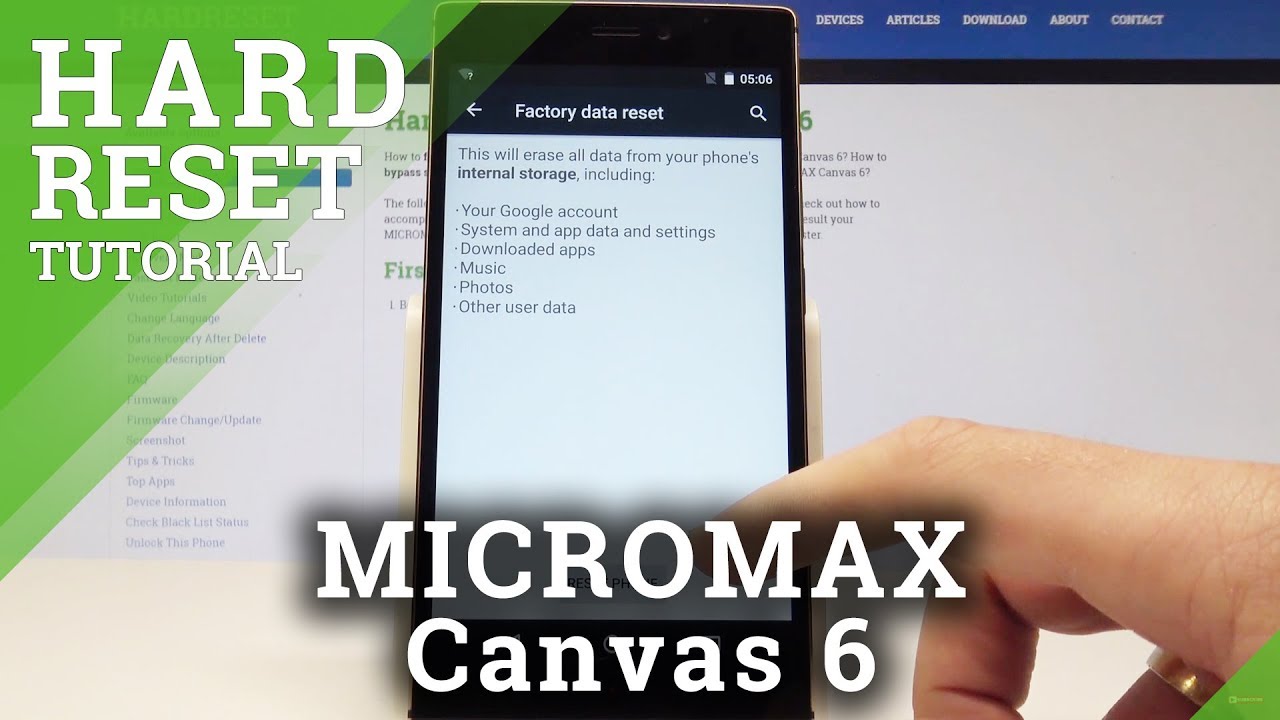
Here’s the part nobody likes—the warning. A hard reset will erase everything: your photos, your memes, your saved Wi-Fi passwords, all of it. This is not a time for courage; it’s a time for action. Back up your precious data to your Google account or a computer first. Think of it like packing a suitcase before a trip—you don’t want to arrive at the airport realizing you forgot your toothbrush, except the toothbrush is your entire contact list.
If you’re okay with losing a few old messages (we all have that one conversation we secretly want to delete), you can skip this step. But don’t say I didn’t warn you when your vacation photos vanish into the void.

The Step-by-Step Rescue Mission
Alright, let’s get down to business. For most Micromax Canvas models, the method is the same, and it’s easier than folding a fitted sheet. First, switch your phone off completely. If it’s frozen and won’t turn off, just take out the battery (if it’s removable) and put it back in. Once it’s off, you’re ready to perform a little magic trick.
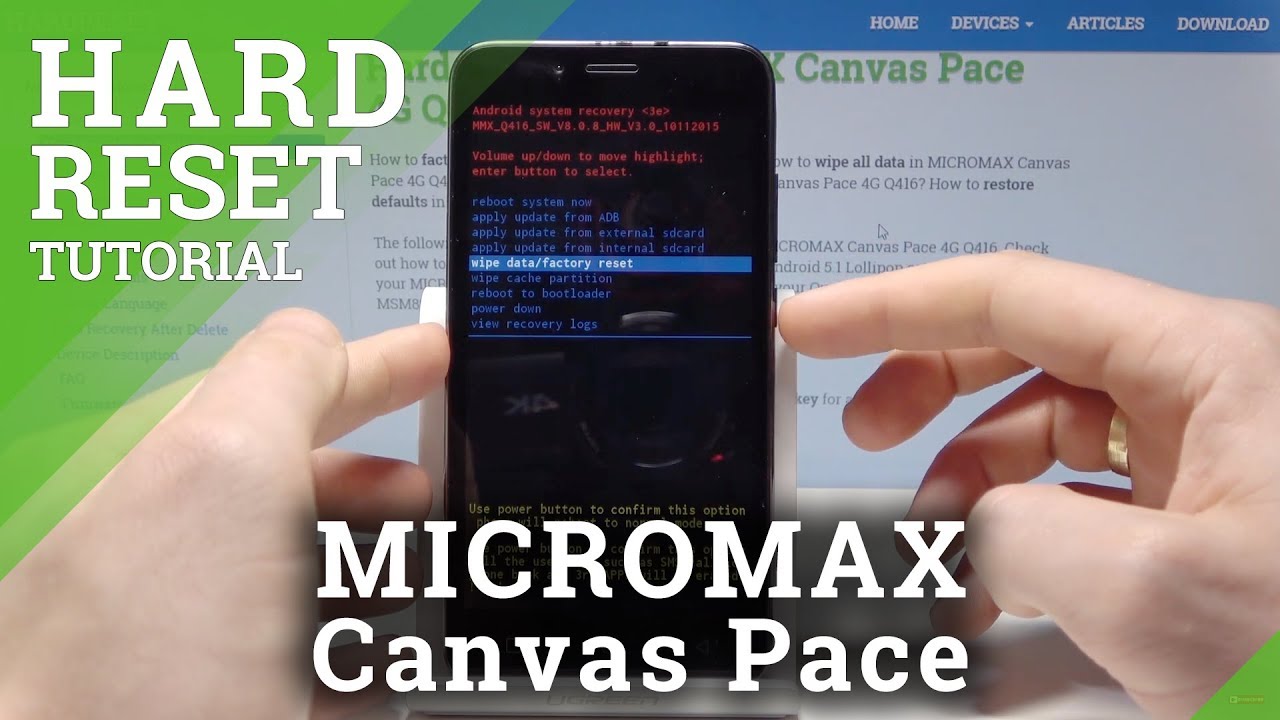
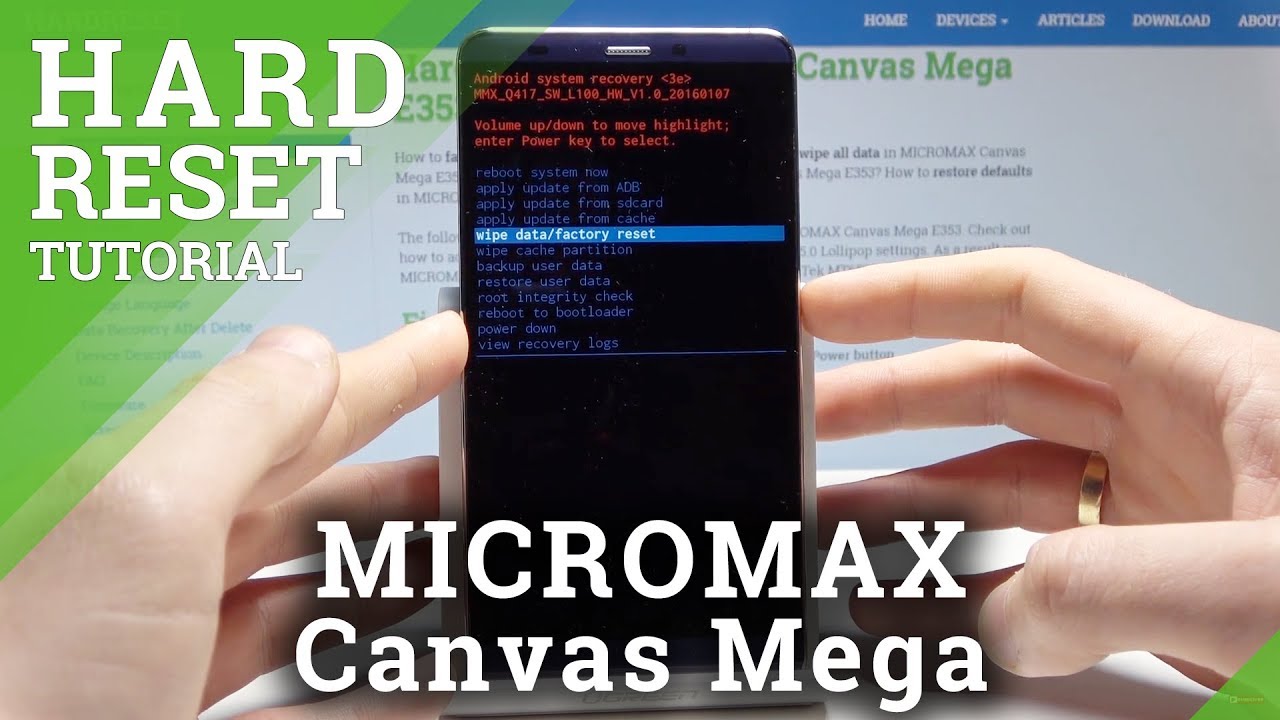
Now, press and hold the Volume Up button and the Power button at the same time. Keep holding them like you’re holding in a laugh during a serious meeting. After about ten seconds, you’ll see the Micromax logo, and then a menu with weird-looking text. This is the phone’s “God mode”—don’t be scared.

Use the volume keys to navigate and the power button to select. Scroll down to the option that says “wipe data/factory reset”. Yes, it sounds scary, but that’s the one. Select it, then confirm on the next screen that asks “Yes—delete all user data.” Your phone will do its little digital shuffle for a minute and then reboot. It’s like your phone just did a deep breath and a stretch.
Life After the Reset
When your phone restarts, it will greet you like an old friend who’s finally gotten their act together. It will be snappy, responsive, and the battery life will feel brand new again. You’ll spend the next hour re-installing apps, but that’s a small price for a device that no longer hates you. It’s like getting a new phone without spending a dime.
So, next time your Canvas starts acting grumpy, don’t panic. Just remember this little guide, do the backup dance, and give it that fresh start. Your phone will thank you—and so will your sanity.