How To Get Your Internet Password
Okay, let’s be honest. You’re reading this because you’re staring at a login screen, feeling very smug about forgetting a password you swore you’d remember. Or maybe you’re in a new apartment, and the Wi-Fi router is a blinking, evil little box from 2010. We’ve all been there.
The good news? Your password isn’t lost. It’s just hiding in the most obvious places. And finding it can feel like a tiny, nerdy treasure hunt.
The Magic of the Sticky Note
First, check the physical world. Flip the router upside down. Seriously, do it.
Must Read
Routers have a sticker on the bottom with the default SSID and password. It’s usually a jumble like “W8K2P9” or something equally heroic.
If that fails, look at the back of the router. Some geniuses hide the password under the battery compartment. Yes, that’s a real thing.
Windows? Time to Play Detective
If you’re on a PC that’s already connected, you’re in luck. You don’t need to be a hacker. You just need to know where to click.

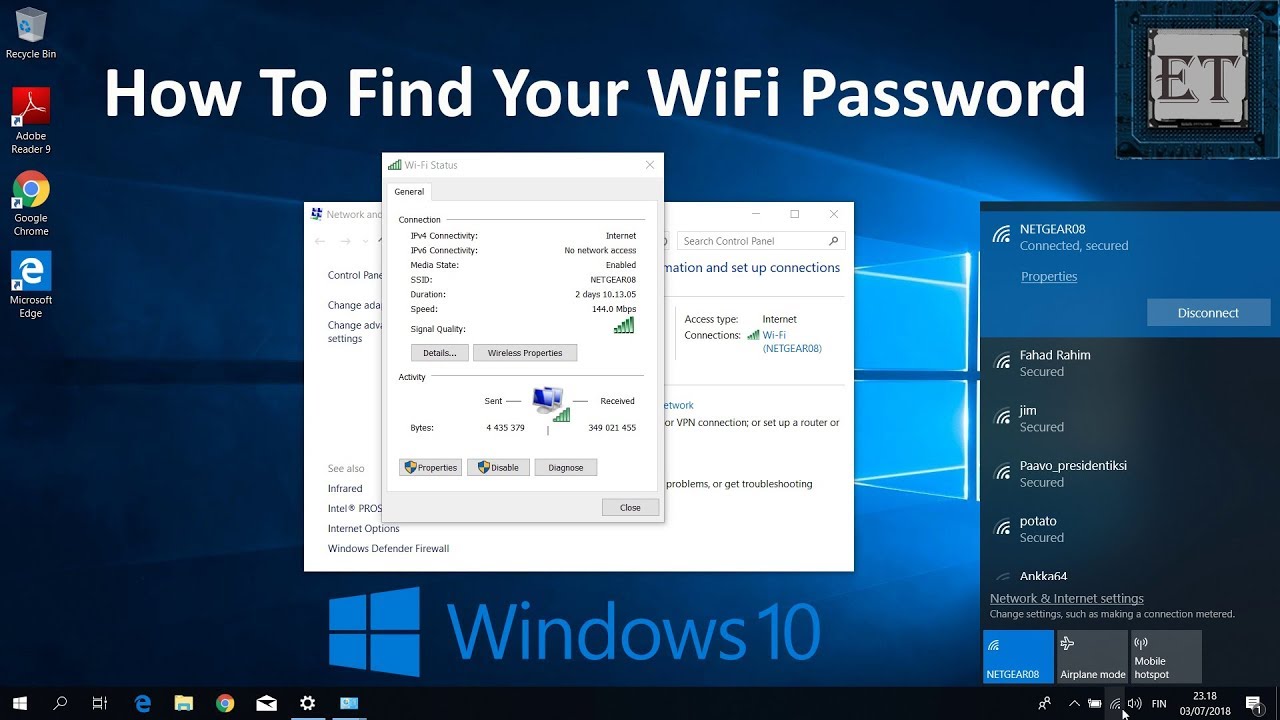
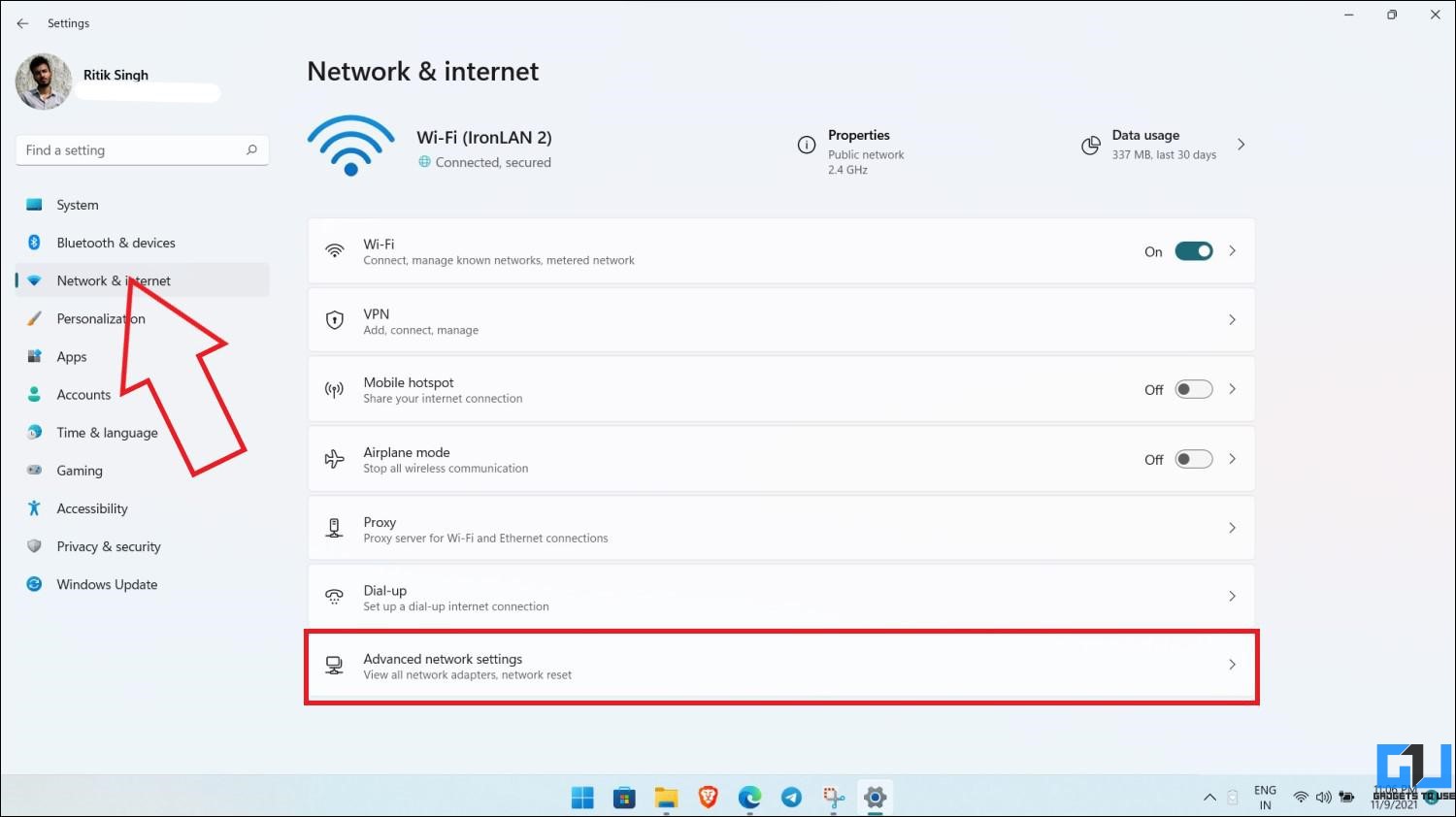
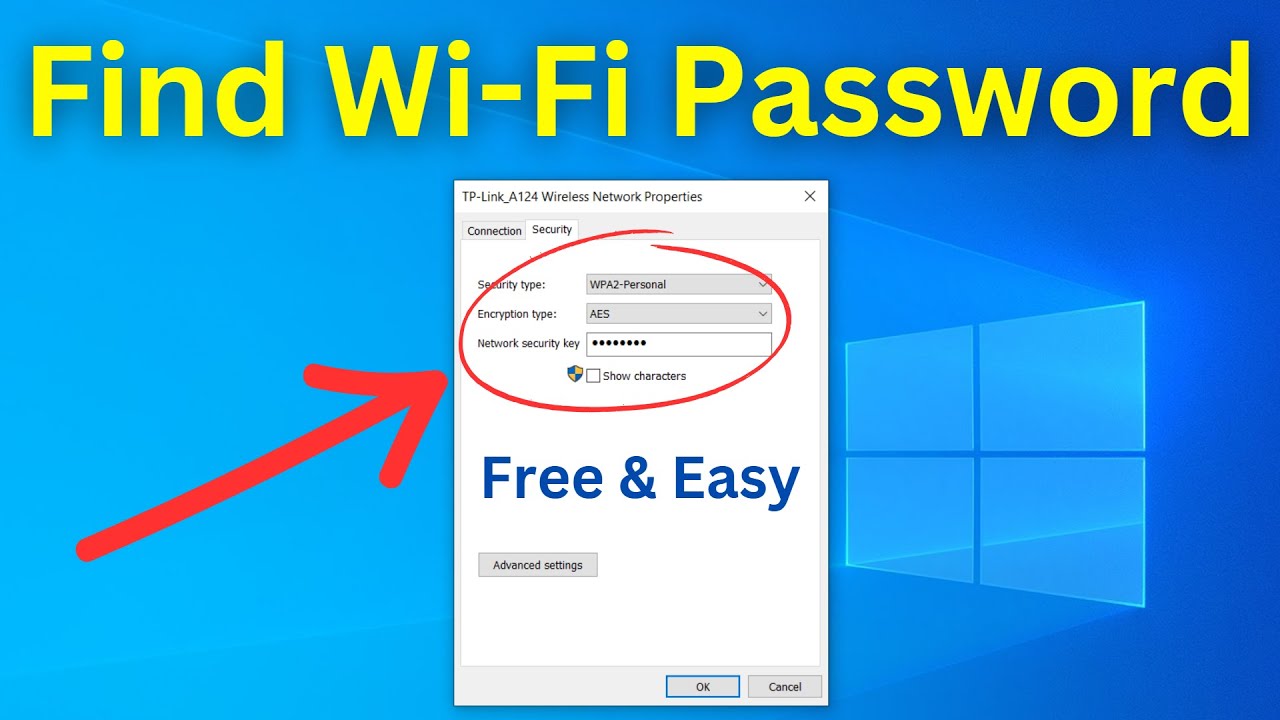
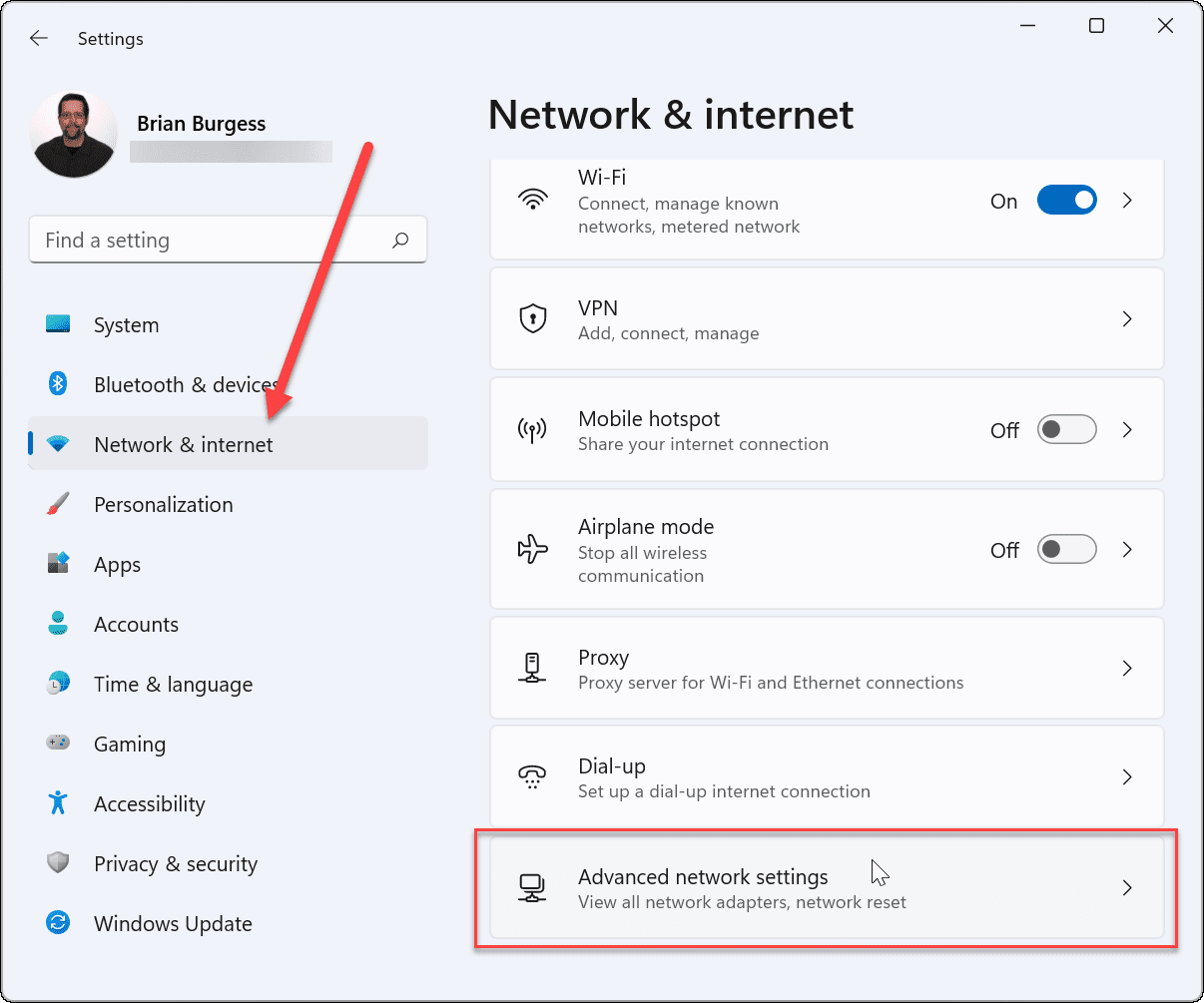
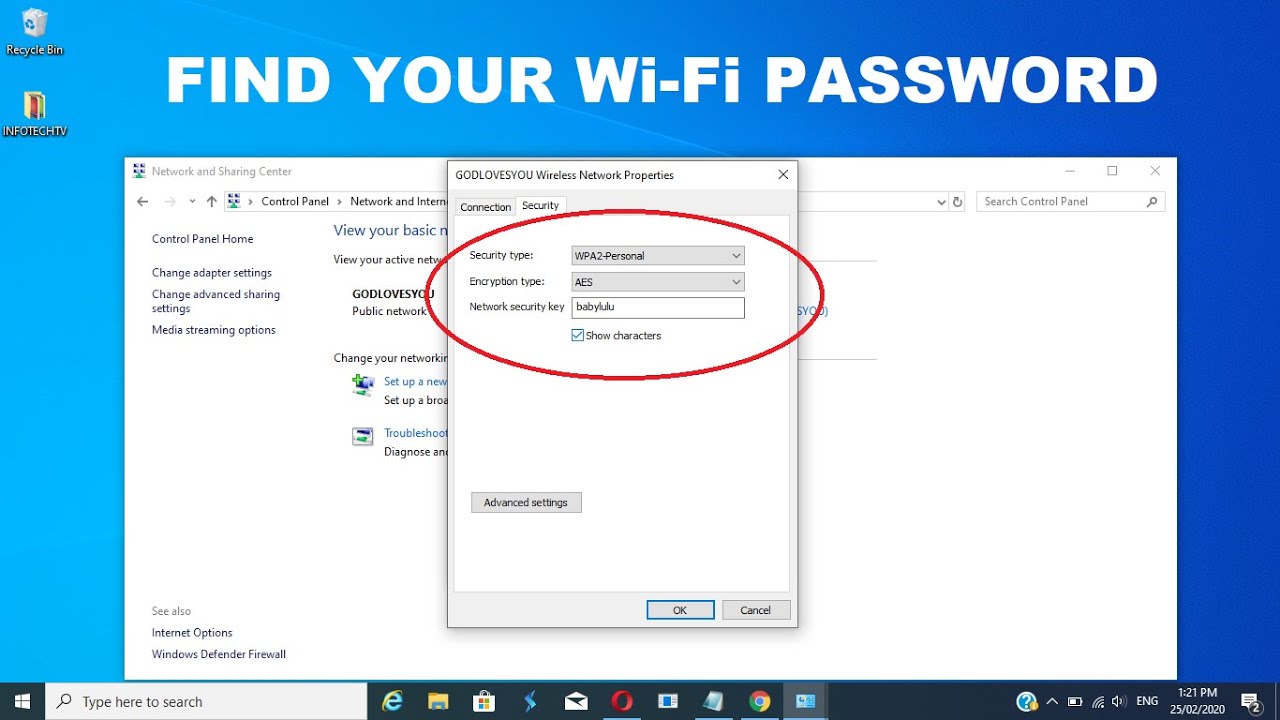
Go to Control Panel > Network and Sharing Center. Then click on your Wi-Fi name in blue, then “Wireless Properties,” then the “Security” tab.
Here’s the fun part: check the box that says “Show characters.” Boom. There it is, in plain sight. It’s like peeling a sticker off a new phone—instantly satisfying.
Mac Users, You’re Not Forgotten
Open the Keychain Access app. Just type it in Spotlight. It sounds scary, but it’s just a digital filing cabinet.
Search for your Wi-Fi name, double-click it, and check “Show password.” You’ll need your Mac’s admin password, but that’s a fair trade for a secret.

The Router’s Secret Headquarters
What if you’re not connected at all? Grab an ethernet cable. Plug your computer directly into the router. This is called “going wired,” and it feels very IT-pro.
Open a browser and type 192.168.1.1 or 192.168.0.1. Those are the secret doors to your router’s brain.
You’ll see a login page. The default credentials are usually “admin” for both username and password. If that fails, check the router’s manual—or just Google the model number. It’s embarrassingly easy.
:max_bytes(150000):strip_icc()/006_find-wifi-password-on-windows-11-5216845-df2fdda1aa4645b38ceb6c3eea795887.jpg)
Once in, look for a tab called “Wireless” or “Wi-Fi Settings.” The password is right there, often labeled as “Pre-Shared Key.” That’s just a fancy name for your magical passphrase.
Why This is Actually Fun
Think about it: this is a real-life escape room, but the prize is internet access. It’s the digital equivalent of finding a $20 bill in an old jacket.
And here’s a quirky fact: the most common Wi-Fi password in the world is still “password.” People are wild. Another is “12345678.” Please, be better than that.
Also, fun history lesson: the first Wi-Fi encryption standard, WEP, was so weak that a 10-year-old with a tutorial could crack it in an afternoon. We’ve come a long way, but the password-hunting game remains the same.
The Final Loot
Once you find it, write it down. Not on a sticky note on your monitor, though—that’s just an invitation. Use a password manager, or even a notes app with a photo of a cute dog as the lock screen.
Next time you need it, you’ll know exactly where to look. And you’ll feel like a tiny, victorious hacker.
So go ahead. Flip that router. Check that box. You’re one click away from glory, and a solid Netflix binge.
You’ve got this.