How To Get Live Tv On My Smart Tv
Remember the good old days when “channel surfing” meant a numb thumb and a fuzzy screen? Those days are as retro as a flip phone, and honestly, your smart TV is begging to do more than just mirror your laptop. You’ve paid for the hardware, so let’s unlock the magic of live television without a clunky cable box cluttering your coffee table.
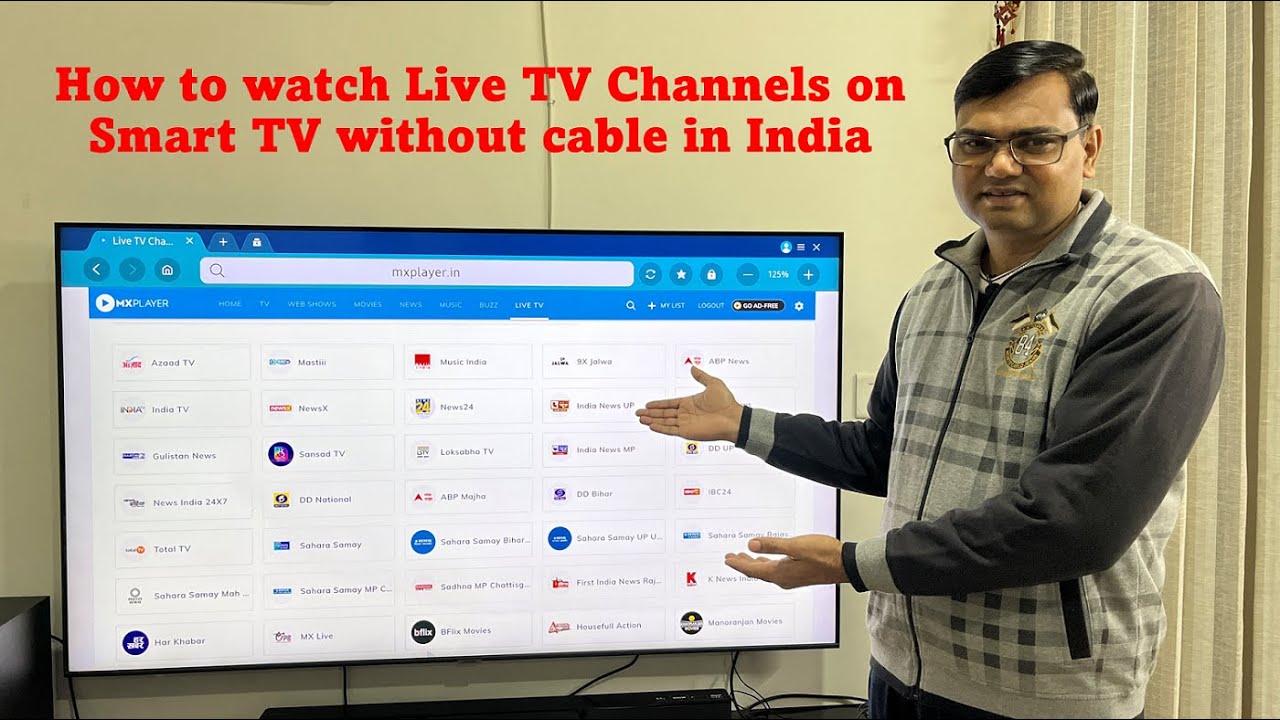
Before you call the cable company in a panic, take a deep breath—we’re ditching the coax cable for something far cooler. Getting live TV on your smart TV is now about internet wizardry, not coaxial connections, and the options are as varied as your weekend mood. Let’s break down how to turn that glowing rectangle into your personal broadcast center.
The Antenna Renaissance (Yes, Really)
Think antennas are ancient history? Think again, because the over-the-air (OTA) signal is having a massive hipster comeback. A sleek, modern flat antenna—yes, like the ones you stick to your window—picks up local channels in glorious 4K for free.
Must Read
This is the ultimate budget hack: pay once for the antenna and get ABC, NBC, CBS, and Fox without a monthly bill. Just plug it into the “ANT/CABLE” port on your TV, run a channel scan, and boom—you’re watching the local news like it’s 1995, but sharper.
Fun fact: In the US, you can usually get between 20 and 50 channels this way, depending on your zip code. It’s the perfect option for sports fans who just want Sunday night football without the streaming drama.
Streaming Apps: The All-You-Can-Eat Buffet
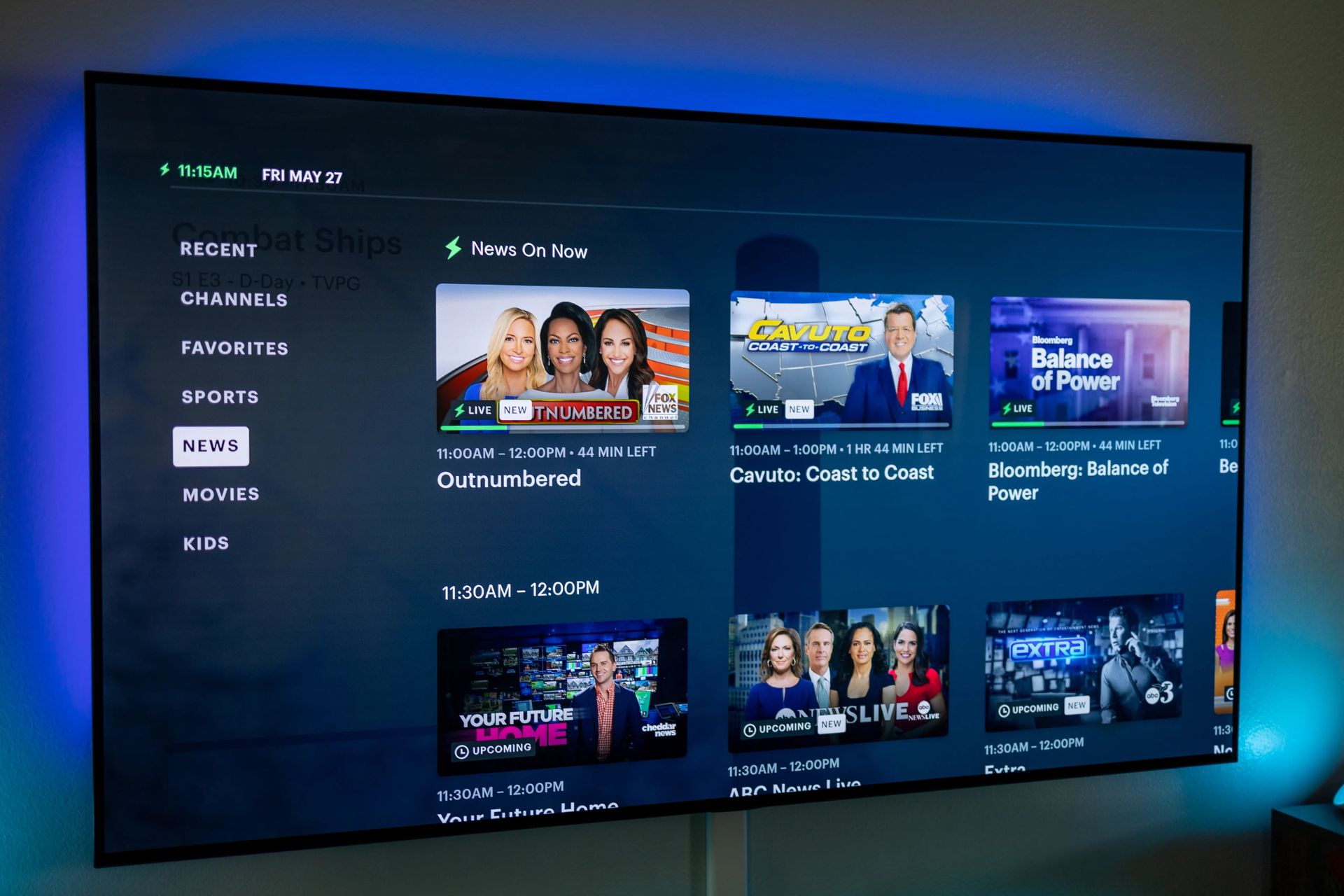
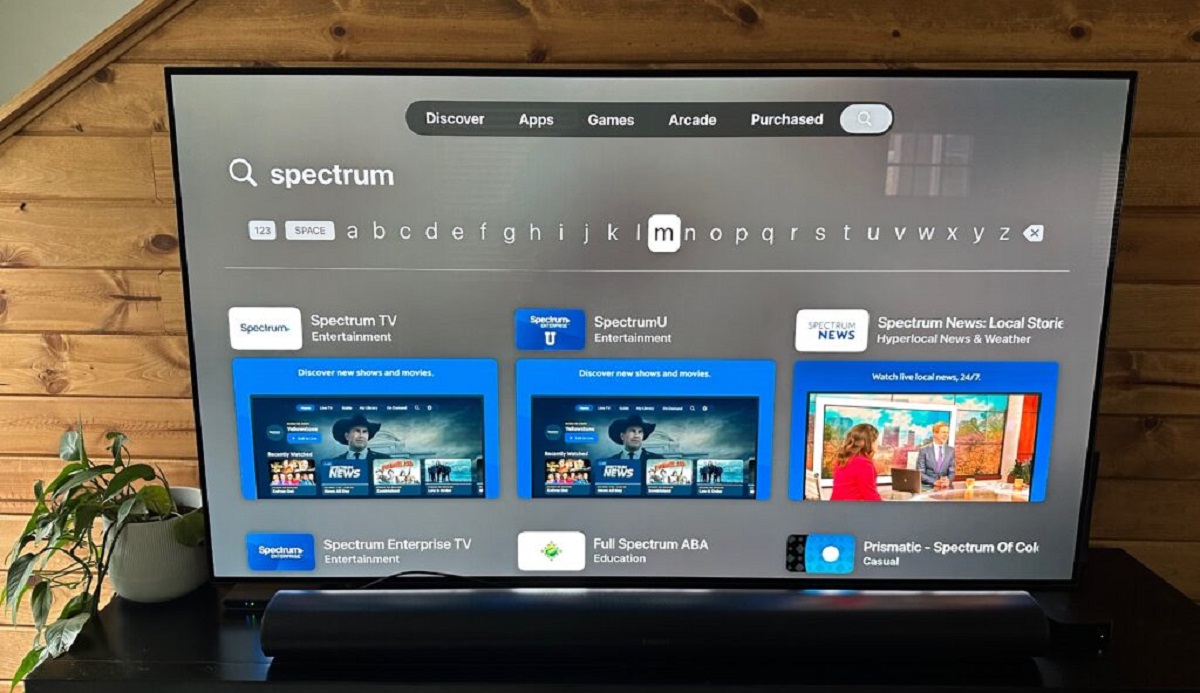
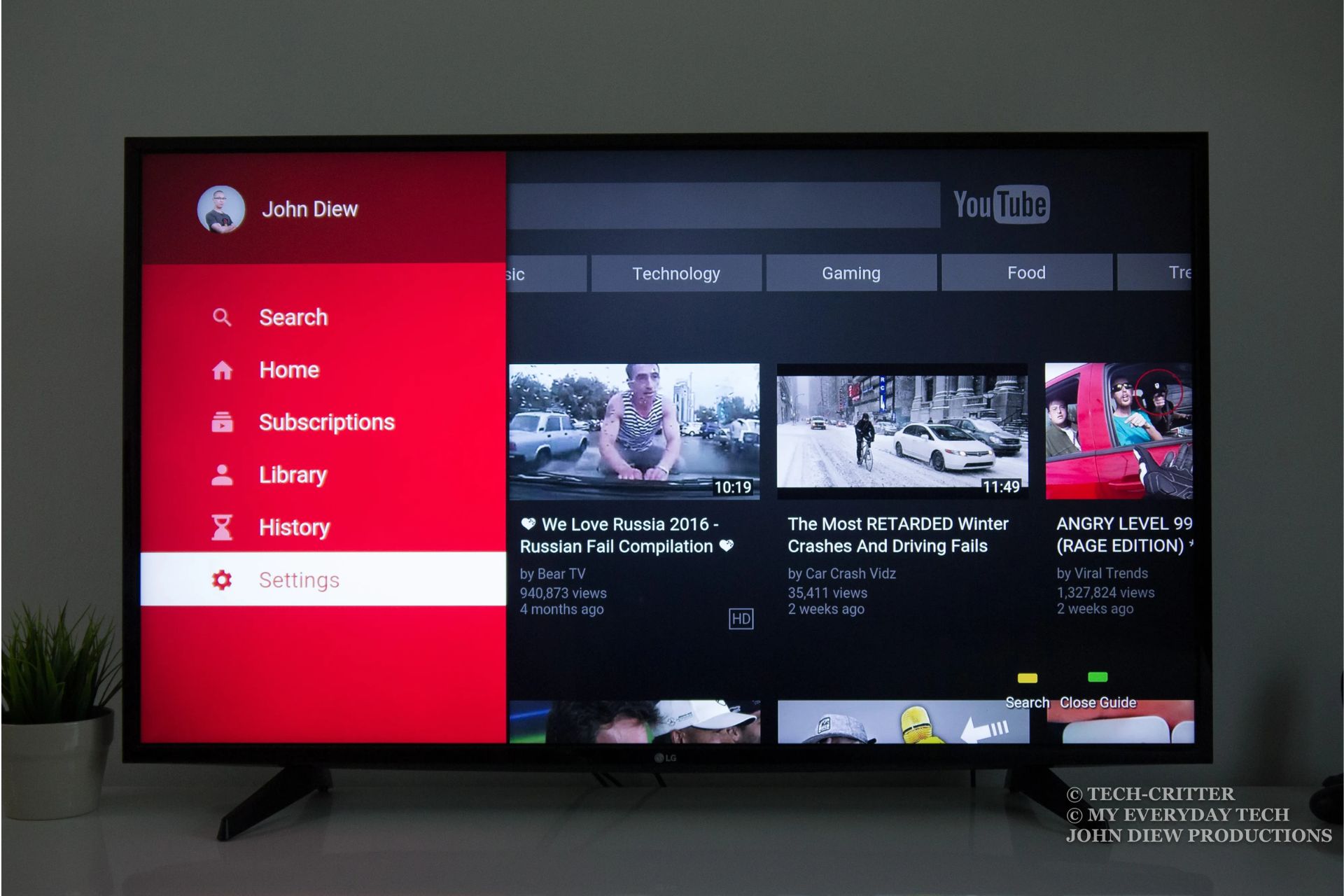
If an antenna feels too rustic for your vibe, let’s talk about the big players in the live TV streaming game. Services like Hulu + Live TV, YouTube TV, and Sling TV are the modern equivalent of cable, but they live entirely in your apps menu. They offer real-time news, sports, and even those guilty-pleasure reality shows, all streamed over your Wi-Fi.
These aren’t just subscriptions; they are experiences with cloud DVRs that let you record a season in one click. Most offer free trials, so you can test drive them like a sports car before committing to the lease.
My pro-tip? Don’t pay for 100 channels when you watch 15. Check their lineups to see if they carry your local network and that one obscure cooking show you love. If you’re a cord-cutter on a budget, Sling’s “Orange” package is a snappy, low-cost starting point.
The Freebies: Pluto, Tubi, and the Underdogs
Who said you have to pay for anything? You can get live TV on your smart TV for the grand total of $0.00 by downloading apps like Pluto TV, Tubi, and Amazon Freevee. These are ad-supported, meaning you’ll watch a 30-second commercial, but that’s a small price for free, linear channels that actually curate content for you.
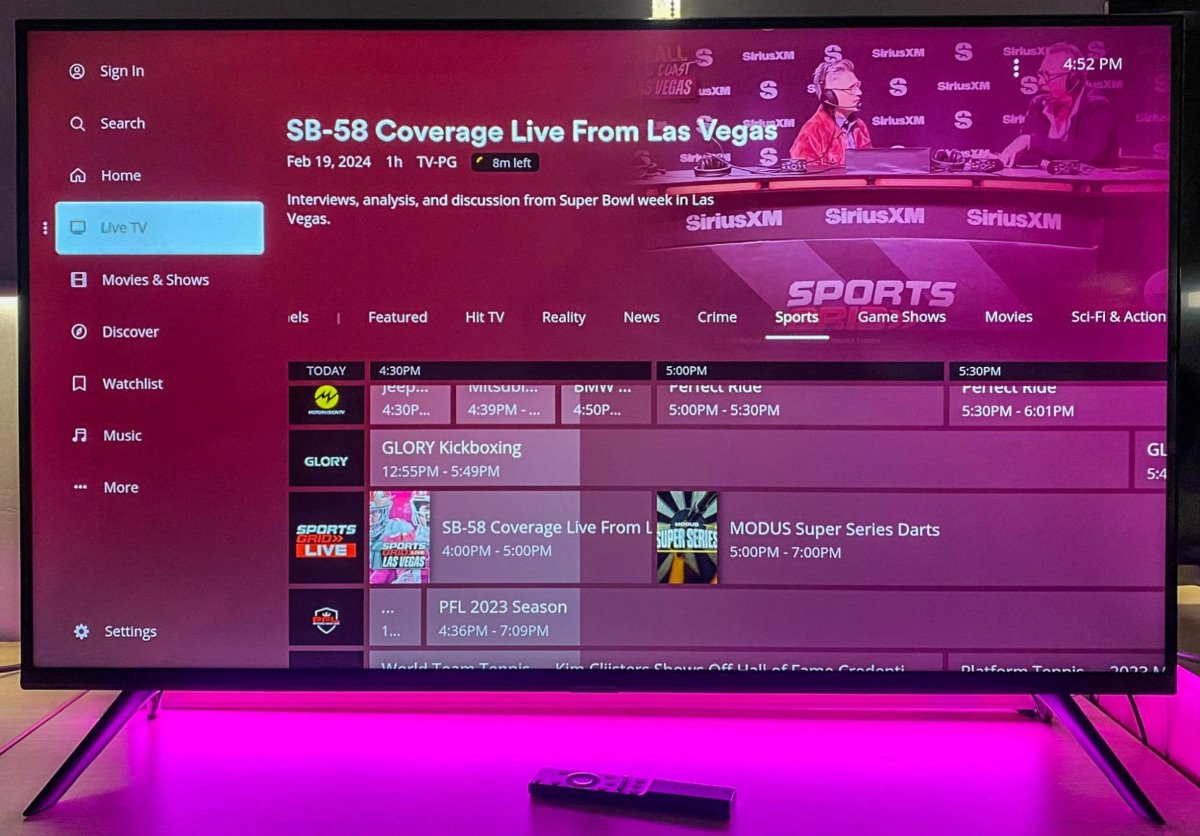
These apps have channels dedicated to everything from 24/7 Star Trek marathons to live crime news and obscure British panel shows. The interface feels like classic TV—you just flip through the “guide” and land on something weird and wonderful.
It’s like digging through a bargain bin at a record store; you rarely find what you came for, but you always leave with a gem. This is the easiest way to test the waters if you’re not ready to commit to a paid plan.
Direct From the Networks
Did you know that CBS, ABC, and NBC often have their own standalone apps? You can watch live broadcasts of your local news or primetime shows using your TV provider login—or even a simple email address. For example, the ABC app often streams your local news live in the morning, and Peacock gives you live NBC programming depending on your plan.
This is the sneaky-good middle ground between full streaming services and an antenna. You don’t need a huge channel line-up; you just need the one or two apps that host the shows you actually watch.
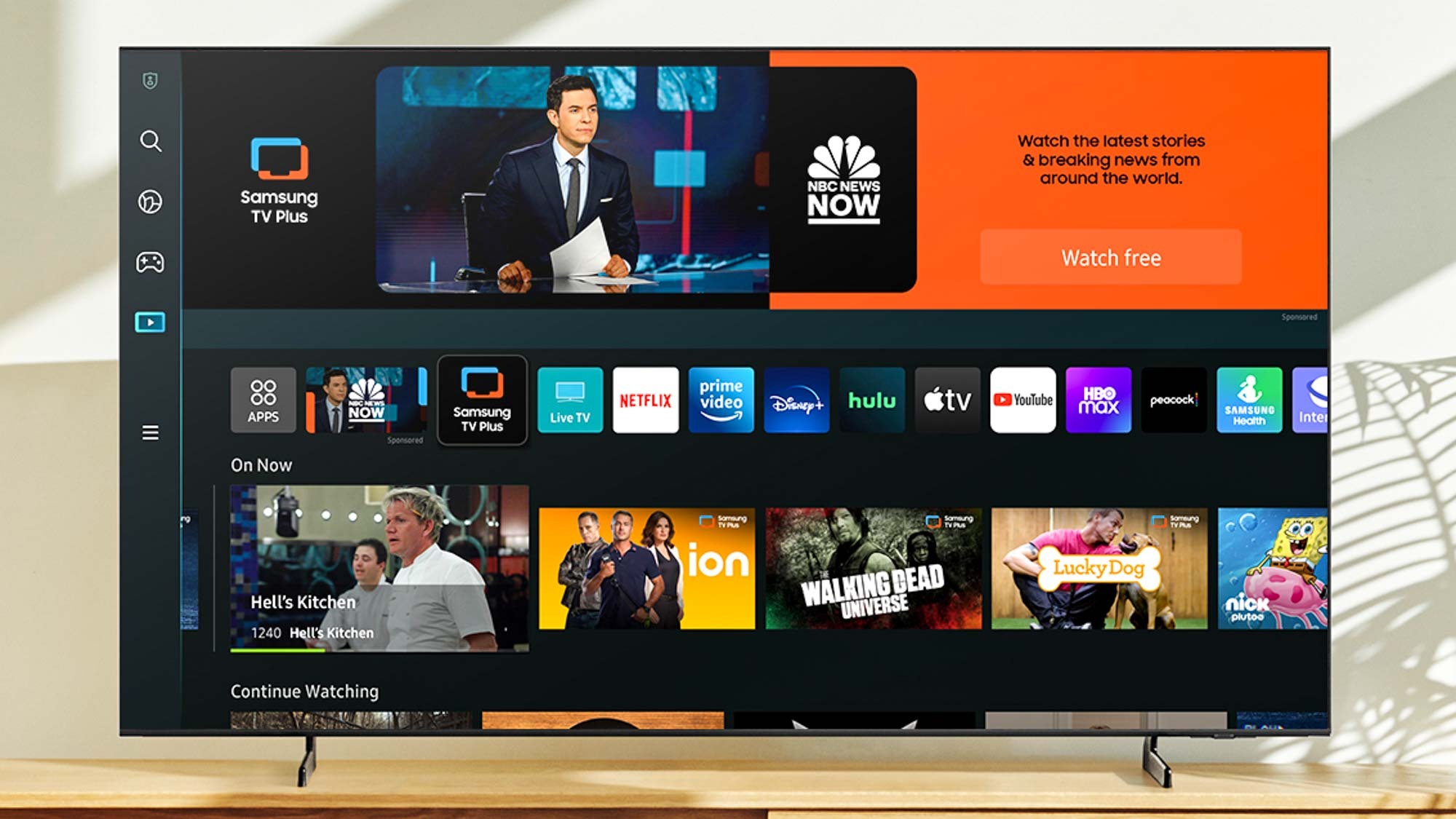
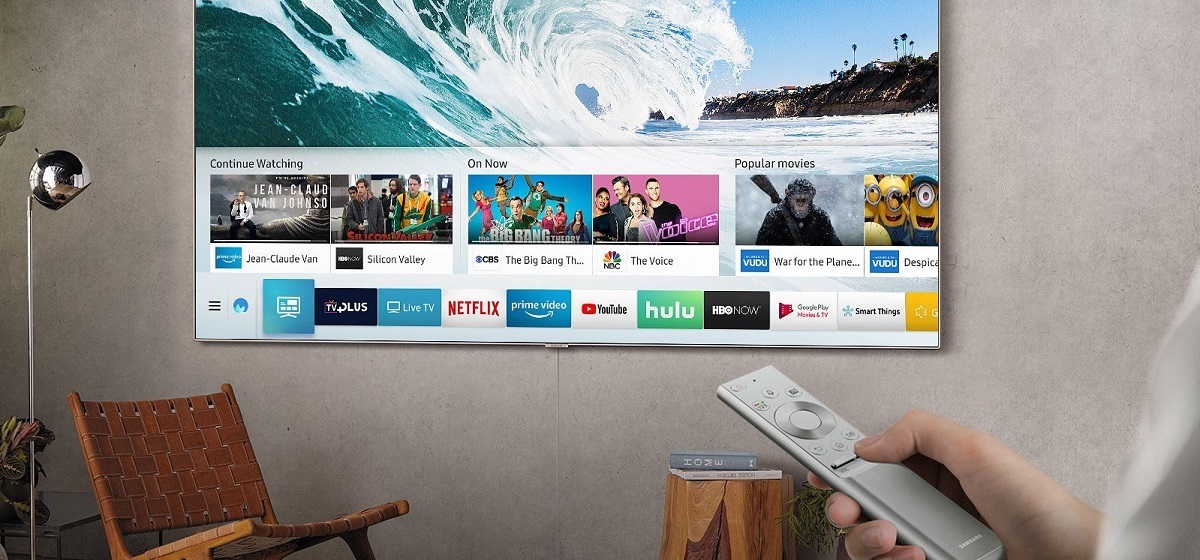
Quick tip: Check if your smart TV supports “Watch Free” channels within its native interface—Samsung TV Plus and LG Channels are built-in, offering a surprisingly decent selection of live news and entertainment.
Sitting on your couch, remote in hand, you now hold the power to curate your own media diet—from free local drama to premium sports packages. There’s no single “right” way; it’s about matching the tech to your daily rhythm.
Whether you’re rewiring for an antenna or just downloading a free app, the goal is to make TV feel effortless again. So go grab that remote, poke around your app store, and turn that “smart” TV into your genius TV.