How To Get A Shipping Label From Depop

I still remember my first time selling on Depop - I was so excited to get my item shipped out to the buyer, but then I realized I had no idea how to get a shipping label from Depop. I mean, I'd heard of shipping labels before, but I had never actually used one, let alone generated one from a platform like Depop. It was a bit of a panic moment, but I figured it out eventually!
So, if you're like me and you're new to selling on Depop, don't worry - getting a shipping label is actually pretty straightforward. You just need to follow a few simple steps, and you'll be shipping out your items in no time. And trust me, it's a great feeling knowing that your buyer is going to receive their item quickly and efficiently!
What You Need To Get Started
Before we dive into the nitty-gritty of getting a shipping label from Depop, make sure you have a few things ready to go. You'll need to have a verified PayPal account linked to your Depop account, as well as the buyer's shipping address and the weight and dimensions of the item you're shipping. Don't worry if you're not sure about the weight and dimensions - we'll get to that in a minute!
Must Read
Now, I know what you're thinking - "Why do I need a verified PayPal account?" Well, it's because Depop uses PayPal to process payments, and you need to have a verified account in order to access the shipping label feature. It's a pretty standard security measure, but it's worth noting if you're new to selling online. And don't worry, verifying your PayPal account is easy peasy - just head to the PayPal website and follow the prompts!
Step 1: Go To Your Depop Account
Okay, so now that you've got all the necessary info ready to go, it's time to log in to your Depop account and start the shipping label process. Just head to the Depop website or open up the app on your phone, and sign in with your usual username and password. And if you're like me, you'll probably have Depop open in like five different tabs on your browser - no judgment here!
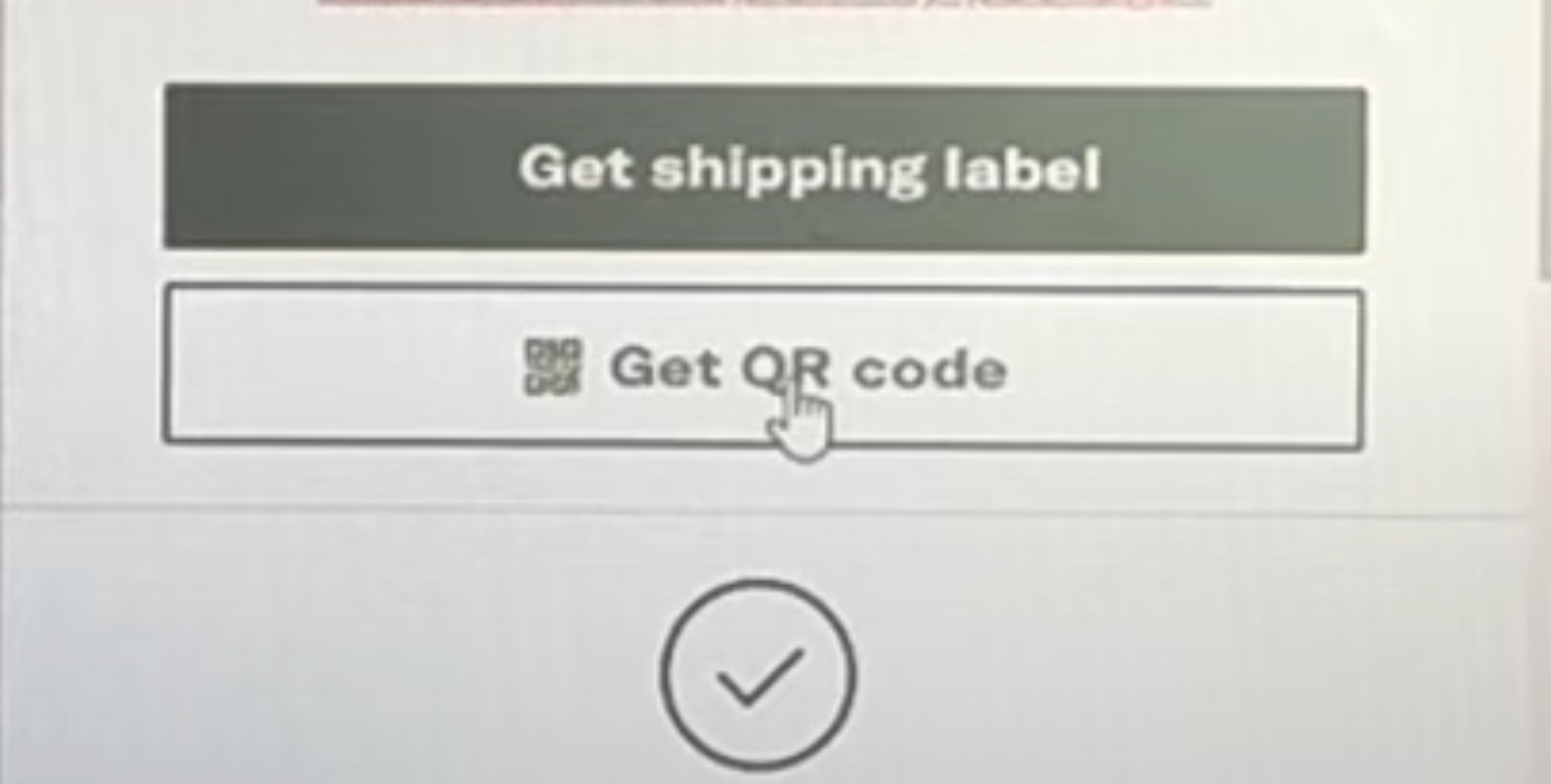
Once you're logged in, navigate to the selling section of your account, where you should see a list of all your active listings. Find the item you want to ship, and click on the "Ship" button next to it - this will take you to the shipping label page. It's pretty intuitive, but if you get lost, don't worry - Depop has a great help center with tons of FAQs and troubleshooting tips!
Step 2: Enter The Shipping Details
Now it's time to enter the shipping details for your item, including the buyer's shipping address, the weight and dimensions of the item, and the shipping method you want to use. Don't worry if you're not sure about the weight and dimensions - you can always estimate or use a shipping calculator to get an idea of the costs. And if you're shipping internationally, make sure you've got all the necessary customs forms and declarations ready to go!

I know it sounds like a lot to take in, but trust me - it's actually pretty simple once you get the hang of it. And Depop has a great tutorial that walks you through the whole process, step by step. So if you're feeling overwhelmed, just take a deep breath and remember that you've got this - you're a Depop seller rockstar!
Step 3: Pay For Shipping And Print Your Label
Once you've entered all the shipping details, it's time to pay for shipping and print out your label. Depop will give you a few different shipping options to choose from, depending on the weight and dimensions of your item, as well as the shipping method you've selected. Just choose the option that works best for you, and follow the prompts to pay for shipping using your verified PayPal account. And don't forget to print out your label - you'll need it to ship your item!

And that's it - you've successfully generated a shipping label from Depop! It's a great feeling knowing that your buyer is going to receive their item quickly and efficiently, and that you've done everything you can to ensure a smooth transaction. So go ahead, give yourself a pat on the back - you've earned it, Depop seller!
I hope this helps, and happy selling on Depop! If you've got any questions or need further clarification on anything, don't hesitate to reach out. And don't forget to follow me on Depop for more tips and tricks on selling online - I'm always happy to connect with fellow sellers and buyers!

So, what are you waiting for? Get out there and start shipping those items - and don't forget to predict your shipping costs beforehand. It's a great way to budget and plan ahead, and it'll make your life so much easier in the long run. And hey, if you're feeling stuck or need some inspiration, just remember why you started selling on Depop in the first place - it's a great platform, and there are so many opportunities out there waiting to be seized!
Anyway, I hope you found this helpful - and if you've got any questions or need further clarification on anything, just let me know. I'm always here to help, and I'm passionate about sharing my knowledge with others. So go ahead, ask me anything - and don't forget to check out my other articles for more tips and tricks on selling online!
And finally, I just want to say thanks for reading - it means a lot to me, and I'm so glad I could help you on your Depop journey. Don't forget to follow me for more updates, and I'll see you in the next article - happy selling, and stay awesome!