How To Fax From Microsoft Outlook

Okay, let’s be honest for a second. When you hear the word “fax,” your brain probably flashes to grainy images of a bulky machine screeching like a dying robot in a dusty office corner. But here’s the plot twist: faxing is not dead—it’s just hiding inside your Outlook inbox, waiting for you to discover it.
Yes, you read that right. Your favorite email platform is secretly a fax superhero, and you’re about to learn the one-click trick that will make you feel like a time-traveling IT wizard. The best part? You don’t need a landline, a paper tray, or a degree in ancient technology.
The Magic Behind the Curtain
Before we dive into the “how,” let’s clear the air: Outlook doesn’t have a giant red “FAX” button hidden in the ribbon. Instead, it uses third-party fax services that plug right into your email flow. Think of them as a friendly courier who picks up your email, shoves it into a time machine, and delivers it as a fax to any machine on Earth.
Must Read
So, you’ll need a service like eFax, RingCentral, or Fax.Plus. Most offer free trials, and signing up takes less time than brewing your morning coffee. Once you’re in, they give you a special fax number and an email address that looks something like [email protected].
Step One: Compose Like a Boss
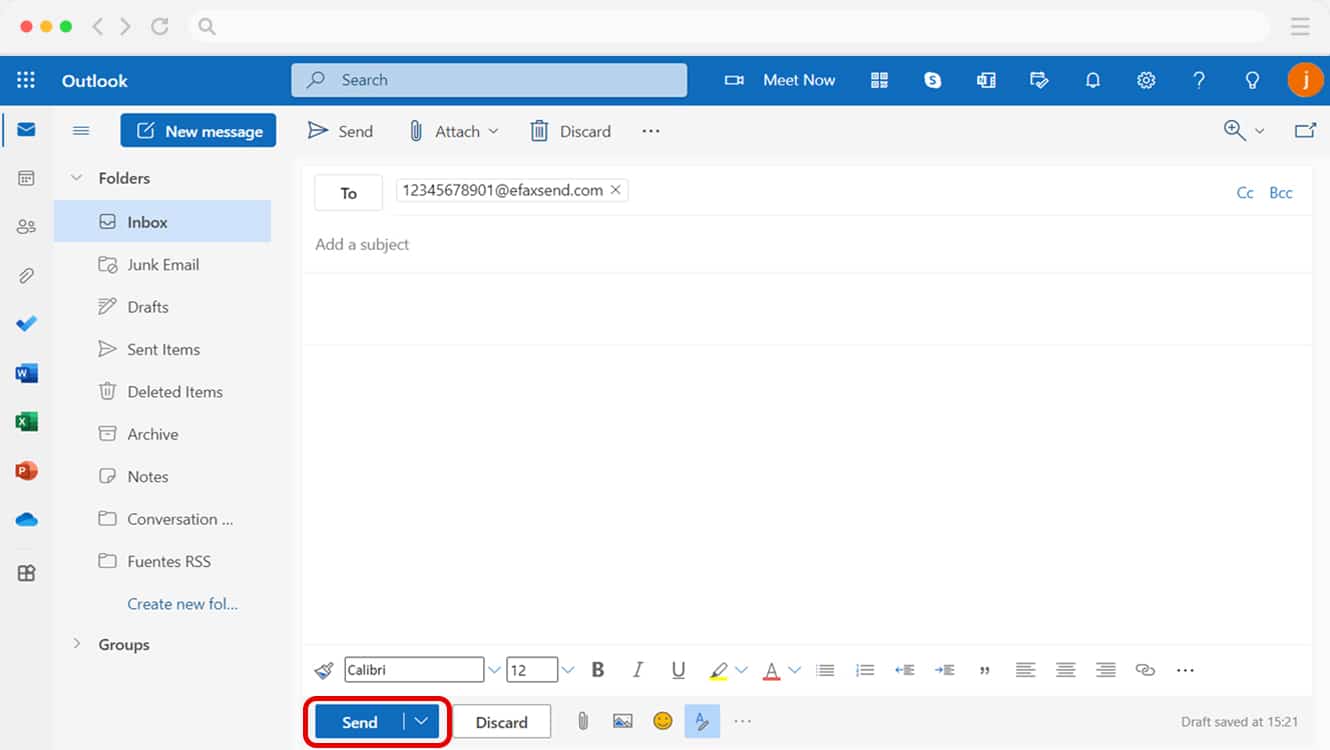
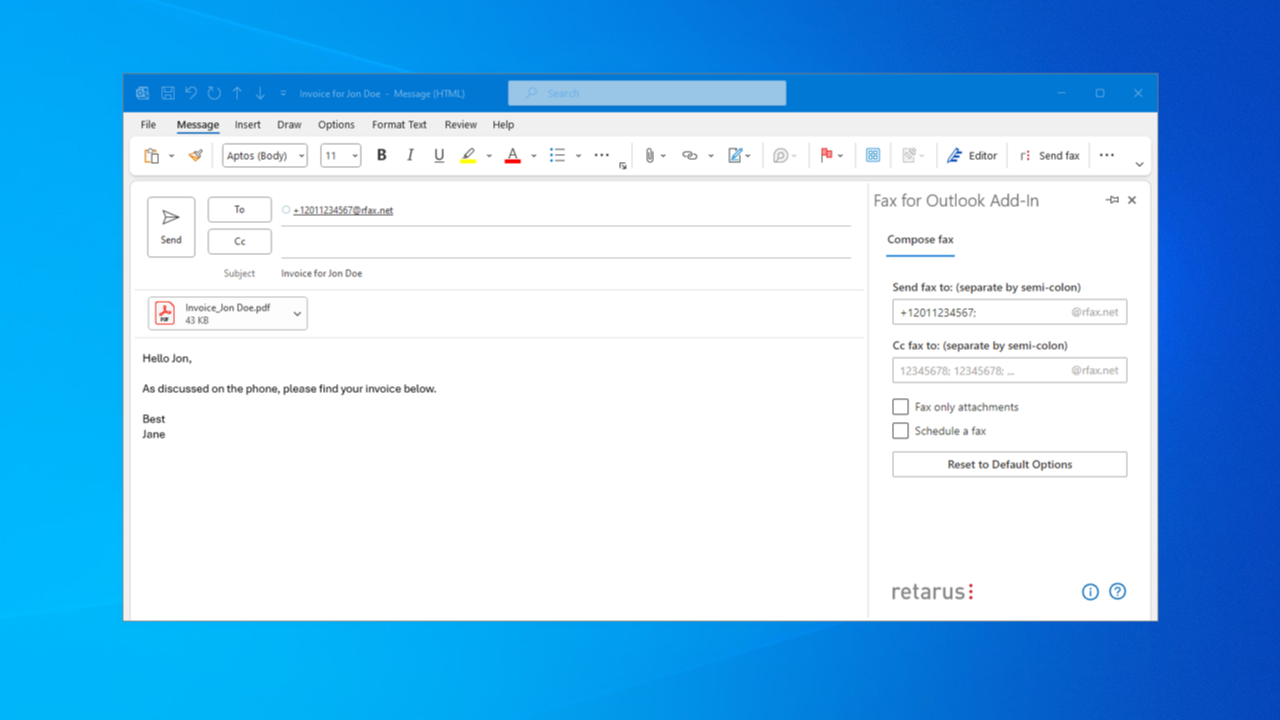
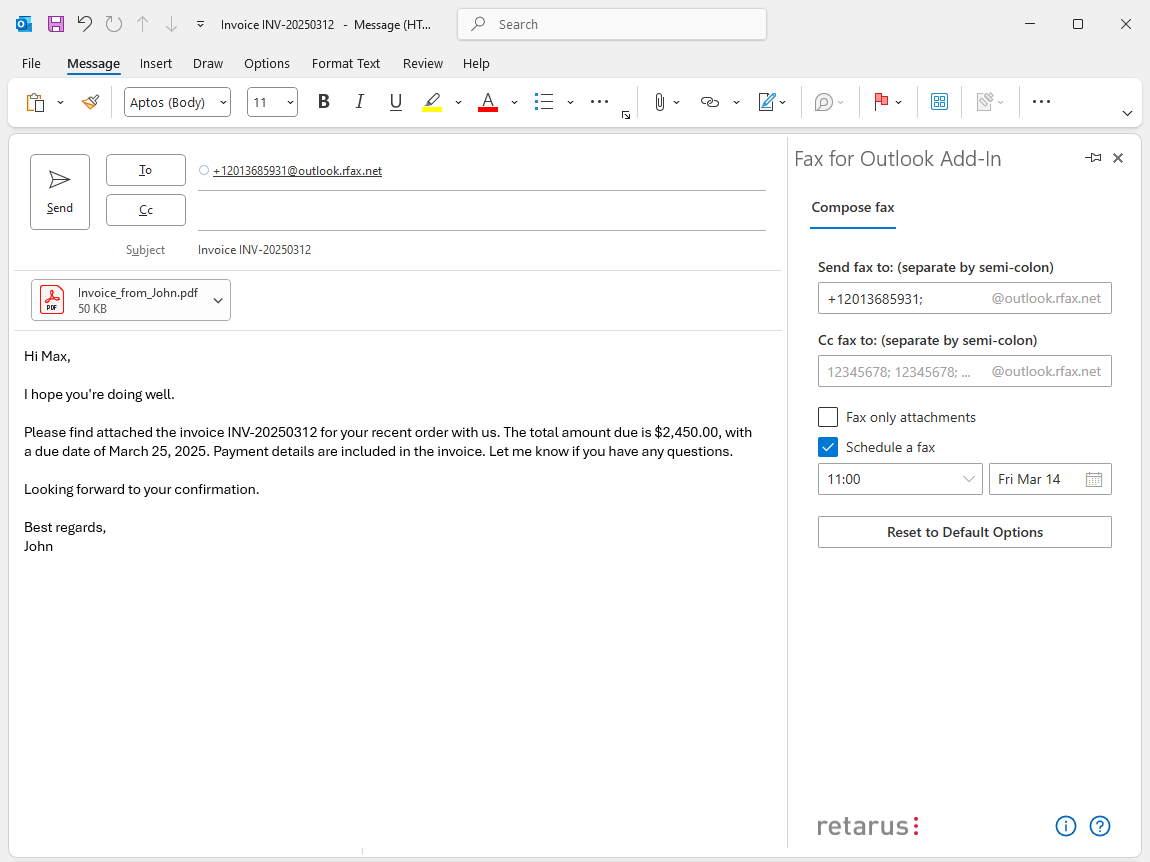
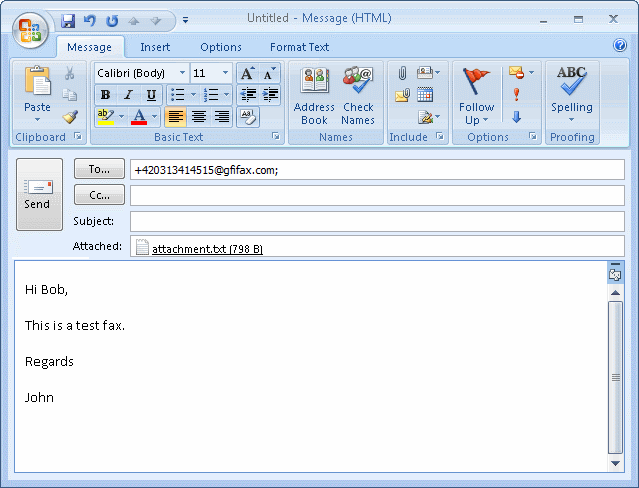
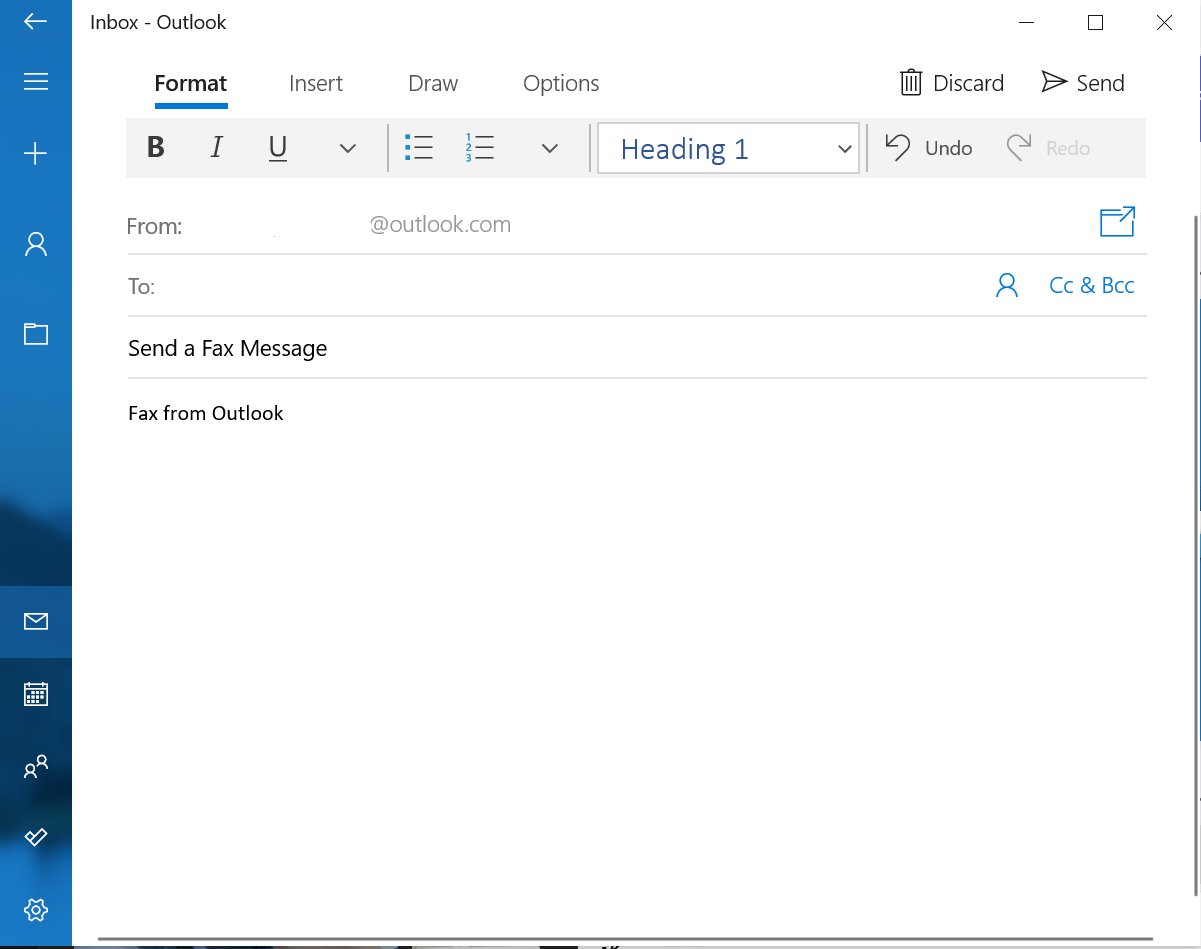
Open Outlook and hit “New Email,” just like you would for your grandma’s birthday wishes. But instead of typing a cheery greeting, you’re going to address it to the recipient’s fax number followed by the service’s domain. For example: [email protected]—easy, right?
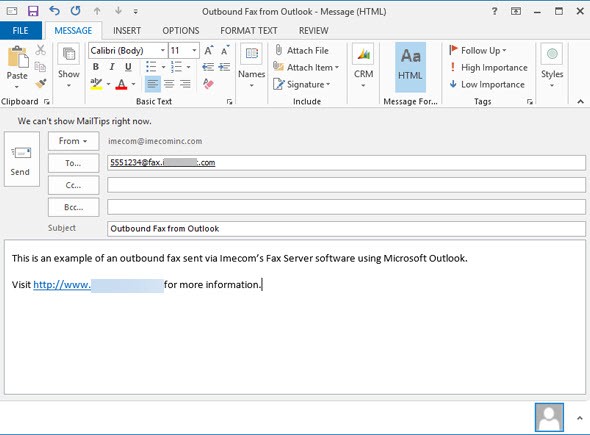
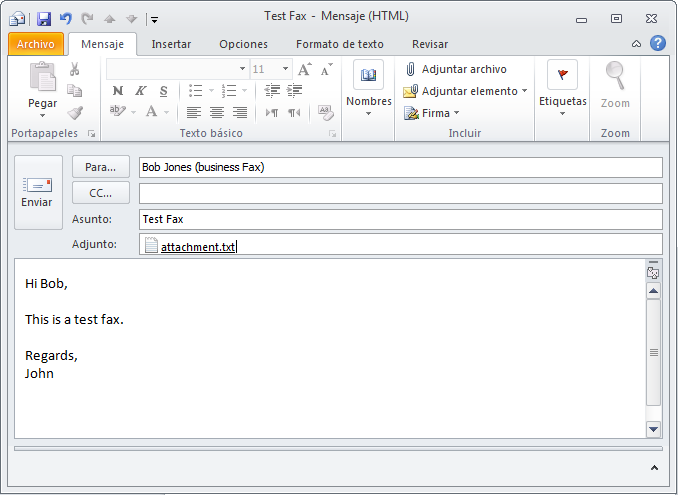
In the subject line, type a brief note (like “Invoice #42” or “Signed Contract”), and in the body, you can write a quick message—though most fax machines ignore it. The real stars are the attachments, so go ahead and add your PDFs, Word docs, or even that scanned doodle of a cat. Just click the paperclip icon and load ’em up.
Step Two: Hit Send and Feel the Power
Click that glorious “Send” button and watch the magic happen. The fax service silently converts your email into a classic fax signal, dials the recipient’s number, and delivers your document with a satisfying beep-boop. You’ll get a confirmation email within minutes—like a high-five from the future.
And here’s the kicker: you can also receive faxes in your Outlook inbox. The service sends you an email with a PDF attachment whenever someone faxes your number. No more standing by the machine, praying for paper jams to fix themselves.
Why This Changes Everything
Now, you might be thinking, “Why should I care about faxing in 2025?” Because life is full of stubborn institutions—law firms, medical offices, government agencies—that still treat faxes like gold. Now you can send documents from your couch, your train seat, or even while pretending to work in a meeting.
It’s a tiny superpower that makes you the office problem-solver. When a client panics about needing a signed form “by fax, immediately,” you’ll casually say, “Done,” while sipping your latte. Their jaw will drop. You’ll feel unstoppable—and you should.
So go ahead, give it a try. Open Outlook, connect a fax service, and send one ridiculous test fax to your own number. Laugh when it arrives in your inbox as a PDF. Then, next time someone mentions faxing, you can be the hero who makes it look effortless.
Remember, every tool has a hidden door; you just need a little curiosity to nudge it open. Who knows what other digital superpowers are waiting in your toolbar today?