How To Erase Everything On Google
Okay, let’s be honest for a second. You didn’t come here because you’re a hardened criminal trying to vanish without a trace. You probably just Googled your own name and gasped at the sight of that awkward 2012 blog post you wrote about your cat’s “philosophical musings.” Or maybe you’re tired of seeing ads for “tactical flashlights” after you once looked up a gift for your dad!
Whatever the reason, the idea of wiping your digital slate clean sounds incredibly satisfying. But here’s the secret: you can’t actually erase the internet. You can, however, scrub your personal Google footprint so hard that it sparkles.
Step One: The Great Account Detox
Your Google account is like the attic of your digital life—full of stuff you forgot you had. Head to myaccount.google.com and click on “Data & privacy.” This is where the magic happens, my friend.
Must Read
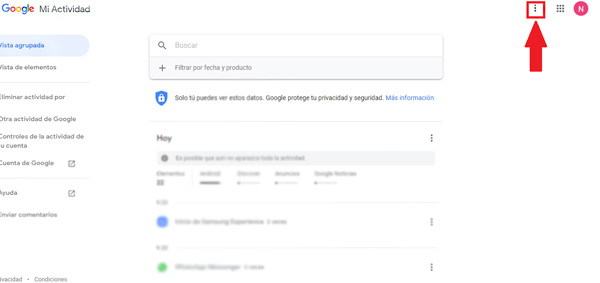
First, stop the data hoarding. Scroll to “History settings” and hit pause on Web & App Activity, Location History, and YouTube History. You’ll feel a weight lift off your shoulders immediately, like finally cleaning out that junk drawer.
Auto-Delete: Your New Best Friend
Don’t just pause—set an auto-delete timer for anything older than 3 months. It’s like giving your past self a gentle high-five and saying, “We don’t need to remember that embarrassing search query for ‘how to fix a broken zipper.’”
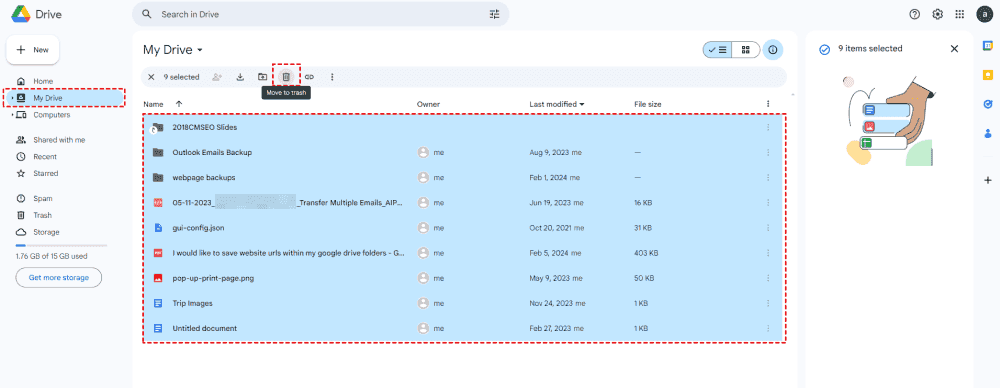
Next, click on “Delete a service or your account” and select “Delete a service.” You can nuke Google Play, YouTube, and even Gmail if you’re feeling really rebellious. But wait—keep Gmail for now; we’ll need it for step two.
Step Two: Play Whack-a-Mole With Your Search Results
Now, the stuff that shows up when people Google your name—those random forum posts, old school rosters, or that one photo of you in a weird hat. You can’t Google-remove them, but you can file a request under data protection laws (like GDPR) if the info is outdated or harmful.

Go to support.google.com and search for “remove personal information from Google Search.” You’ll find a form to request removal of your phone number, address, or that awkward photo. It’s not instant, but it’s the closest thing we have to a digital eraser.
The Sneaky Trick: Bury It With Good Stuff
Here’s the fun part. Instead of just deleting, you can crowd out the bad. Create a LinkedIn profile you’re proud of, start a personal blog with a silly name like “Adventures in Sourdough,” or post content that makes you look like a genius.

Search engines love fresh content. Once you feed the beast with new, positive pages, those old cringe posts get pushed to page two—which is basically the internet’s version of a witness protection program.
Why This Makes Life More Fun
Think of this as spring cleaning for your soul. You’re not hiding, you’re curating your public story. The thrill of searching your own name and seeing something normal is oddly exhilarating—like finding a $20 bill in an old coat.
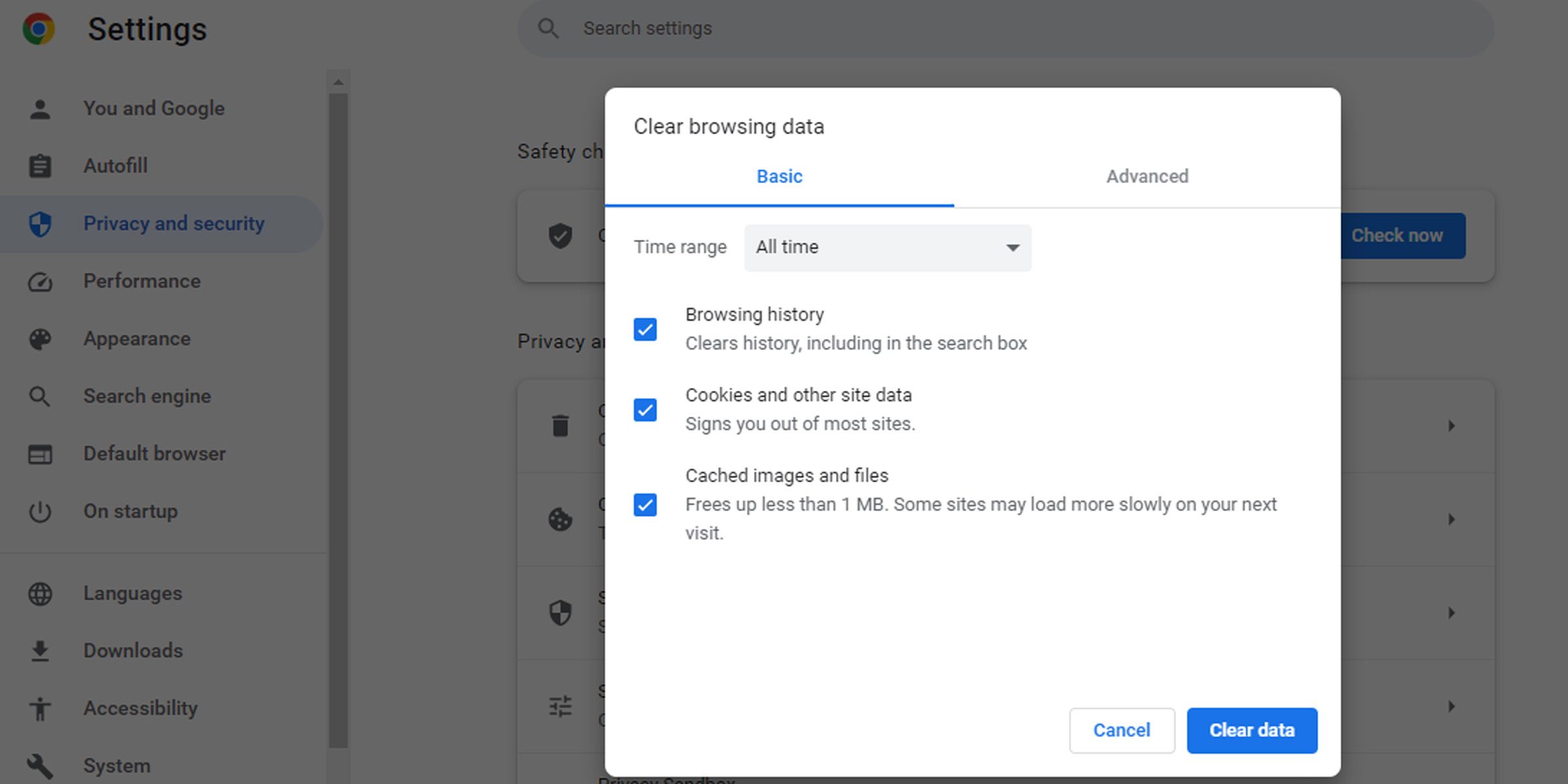
And the best part? You reclaim your privacy and your peace of mind. No more digital ghosts haunting your first date’s small talk.
Final Uplifting Note
Here’s the beautiful truth: the internet is a messy, living thing, and you’re allowed to tidy your corner of the room. Every click you make to clean up is a tiny act of self-love.
So go on, brave soul. Delete that history, block that tracker, and reclaim your narrative. You’re not erasing everything—you’re just making sure that your future self looks back and smiles, not cringes. And that, my friend, is a story worth searching for.