How To Do A Photo Video With Music
Remember when a “photo video” meant importing thirty blurry JPEGs into Windows Movie Maker, slapping on a midi version of “Canon in D,” and calling it a wedding slideshow? Those days are as dead as the MySpace top 8. In 2025, the humble photo dump has transformed into a full-blown cinematic arm race, where your aunt’s vacation recap competes with a Gen-Z editor who makes a trip to the dentist look like a Christopher Nolan trailer. We are talking about the AI-synced, beat-matched, kinetic-typography-fueled phenomenon that has colonized every feed from TikTok to your group chat.
Right now, the “photo video with music” is less about memory preservation and more about vibe curation. It’s a flag planted in the ground of your digital identity. Whether it’s a chaotic 10-second burst of your dog knocking over a plant set to a sped-up phonk beat, or a melancholic 4K montage of rainy city streets scored by a lo-fi track with 2 million Spotify streams, these clips have become the lingua franca of modern storytelling. We are not just scrolling; we are decoding a visual language where the drop of the beat is the period at the end of your sentence.
But here’s the dirty little secret: for every viral masterpiece that makes you feel emotionally attacked by its beauty, there are thousands of algorithmic corpses. The market is saturated, the trends move faster than your Wi-Fi connection, and the pressure to make your mundane life look like a GQ editorial is real. So, how do you actually do it without losing your mind, your wallet, or your social credibility? Buckle up, because we are about to dissect the art, the chaos, and the sheer audacity of the modern photo video.
Must Read
The Beautiful, Toxic Subculture of the “Aesthetic Clout-bait”
Let’s talk about the ecosystem that birthed this beast. We have to acknowledge the “Pinterestification” of real life. The photo video has become the ultimate vehicle for aspirational delusion. It’s no longer enough to go to a cool café; you must capture the latte pour in slow motion, the texture of the croissant, and your hand in a slightly out-of-focus frame reaching for the cup, all to the sound of a lofi girl remix. This isn’t documentation; it’s a ritualistic sacrifice to the algorithm gods. The subculture is split into warring factions: the “Film-Brat Purists” who insist on using $2,000 camcorders and actual film grain, and the “AI Maximalists” who throw every glitch transition and chromatic aberration effect at the wall to see what sticks.
Socially, this has created a bizarre hierarchy. Your social capital is now directly tied to your caption-to-music ratio. If you use a song that’s already in 3 million other videos, you’re a normie. If you use an obscure 1960s French pop track, you’re an intellectual. If you use the “Oh No” sound, we need to have a serious conversation. This environment breeds FOMO-induced anxiety, but it also encourages incredible creativity. The cultural shift is profound: we have moved from passive consumption to active remixing. Every user is a director, editor, and sound designer, forced to navigate a minefield of copyright claims, toxic positivity, and the ever-looming threat of being called “cringe” by a 14-year-old with a perfect fade haircut.
How To Actually Nail It: A Pragmatic Guide to Digital Alchemy
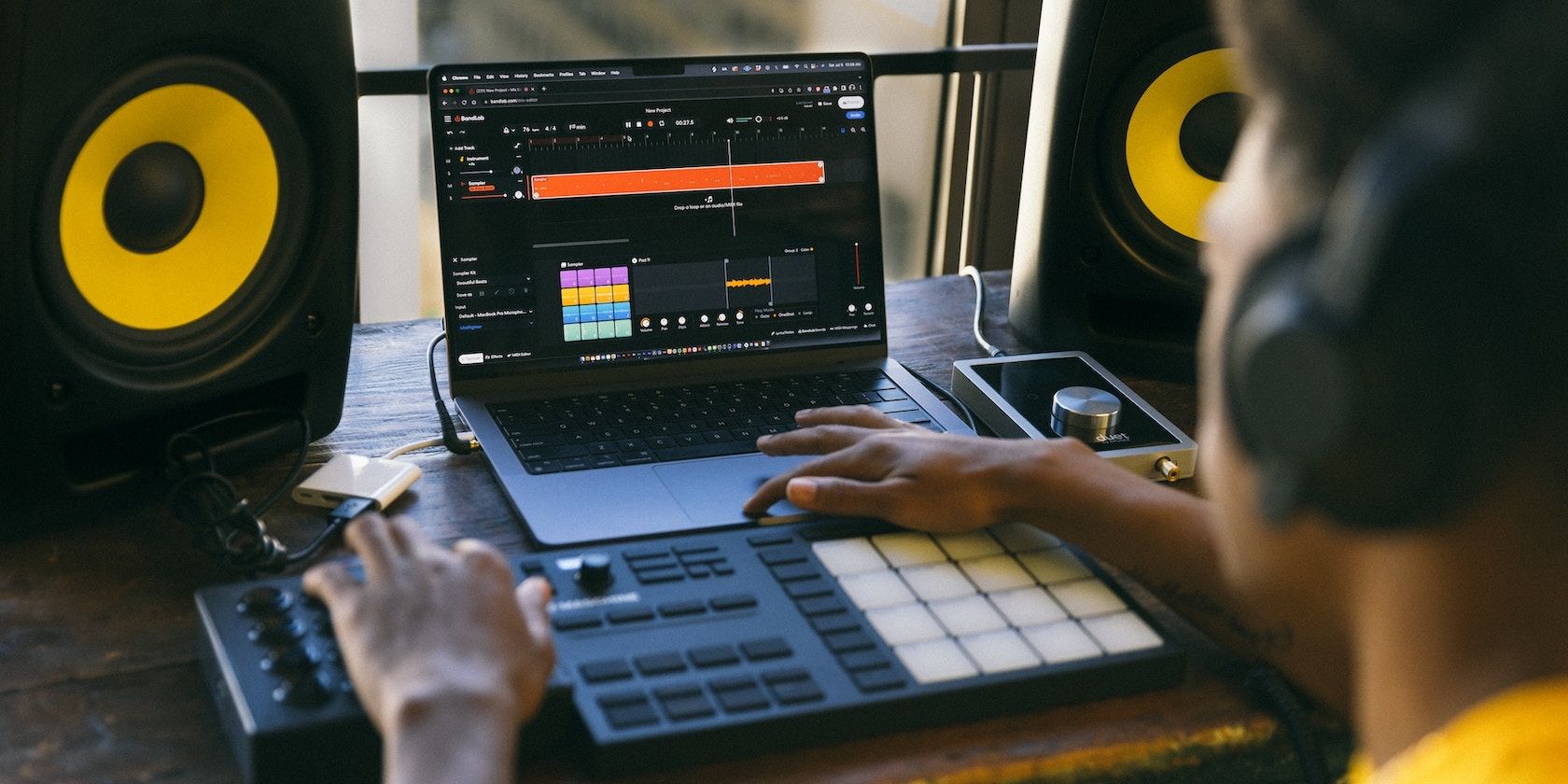
First things first: divorce yourself from the idea of perfection. The fastest way to fail at this is to overthink the gear. You do not need a drone, a gimbal, or a cinema camera. The best photo videos in the world are often shot on a 3-year-old iPhone with a smudged lens. The strategy here is authenticity over resolution. Start with your story. What is the emotion you want to trigger? Is it nostalgia? Hype? Melancholy? Once you have that, the music finds you. Do not pick a song you love; pick a song that serves the narrative. If you’re posting a gym montage, do not use a sad indie ballad. Use something with a driving bass. Conversely, a beach sunset does not need a heavy bass drop. Match the BPM (beats per minute) to the energy of the clips. This sounds like music theory, but it’s just common sense—nobody cries to a drum and bass track. The second pillar is sequencing and timing. This is where most people fail spectacularly. You cannot just string together random photos. You need a rhythm. Look at the waveform of the music. Place a photograph on every major beat, or on the snare, or—for a more relaxed vibe—on the change of chord. The key is to make the transitions feel like they are driven by the sound, not the other way around. If you have a video clip of your friend laughing, put it right on the climax of the song. If you have a photo of a sunset, let it linger for two beats longer than the rest. This creates a visual breathing pattern. Also, for the love of all things holy, learn what a “keyframe” is. If your editing app allows you to zoom or pan (the Ken Burns effect), use it sparingly. Constant zooming is a sign of panic, not artistry. A subtle push-in on a portrait feels powerful; a jittery autoplay zoom looks like your phone is having a seizure. Third, we must discuss the text and typography. In the age of silent autoplay on social media, your words matter even if the sound is off (or if people are ignoring the sound). Keep your text minimal and punchy. Avoid “Meme captions” unless you are specifically going for irony. Use a font that is legible and fits the vibe—no Comic Sans, unless you are doing a parody. But more importantly, utilize the “safe zones” of the screen. TikTok and Instagram will crop your content or bury it behind UI elements like the like button and the comment section. Keep your text and your key subjects dead center or in the upper third. Nothing screams “amateur hour” louder than a beautiful photo with the timestamp covered by the platform’s interface. Finally, let’s talk about ethical curation and the “vibe drain.” Do not steal content. There is a massive, toxic culture of re-uploading other people’s photos without credit. It’s lazy and creepy. If you are making a video about your friends, get their consent before posting. And most importantly, edit ruthlessly. The cardinal rule of the photo video is that less is never more—it’s just less, and that’s perfect. A 30-second video with 8 killer photos will outperform a 2-minute video with 150 blurry duplicates. Your audience has the attention span of a gnat on espresso. Respect that. Cut the fat. If a photo doesn’t serve the story or the beat, delete it. Your future self, and your followers, will thank you.
The Unspoken FAQs: Debates That Tear Friend Groups Apart
Is it better to use a trending sound or a niche song for the algorithm?
Ah, the eternal dilemma. The algorithm gods are fickle. Using a trending sound is like strapping a rocket to your content; it gives you a temporary boost because the platform is actively pushing that audio to generate more user engagement. You might get 10,000 views just because you used the sound that’s blowing up in Japan. However, this boost is hollow. It attracts the wrong audience—people who care about the sound, not your content. They will swipe away. Niche songs, on the other hand, attract a smaller, more dedicated audience who appreciates your taste. They are more likely to follow you and engage deeply. The strategy? Check the sound’s page. If it has under 50,000 uses and is rising, that’s the sweet spot—you look like a tastemaker, and the algorithm still likes it. If it has 5 million uses, leave it. You’re fishing in a crowded pond, and your bait is no better than the other 5 million fishermen. The real pro move is to use a remix of a trending sound or a slowed-down version. It gives you the algorithmic push without the generic feel.
What is the “right” length for a photo video?
The internet will tell you “shorter is better,” but that is a half-truth. The correct answer is: the length of the song’s hook. If your video is 60 seconds long but the best part of the song is at the 45-second mark, you have failed. You need to structure your cuts around the drop, the chorus, or the beat switch. For most platforms, 8 to 15 seconds is the standard for a quick hit—a punchy “vibe check.” But for a real story, like a vacation recap or a birthday tribute, 30 to 45 seconds is the golden zone. It allows for a beginning (ambient shots), a middle (the action), and an end (the emotional payoff or a punchline). Any longer than 60 seconds, and you better have a god-tier narrative or a killer beat, or people will swipe away. The TikTok “Rewatch” metric is key here. If people are rewatching, the algorithm boosts you. Therefore, aim for a video that is long enough to be satisfying but short enough to beg for a rewatch. Loopability is the secret weapon.
Do I need to edit on a laptop or is phone editing enough?
Listen, if you are making content for the platforms, phone editing is not just enough; it is often superior. Apps like CapCut and InShot have become so powerful that they are effectively professional NLEs (Non-Linear Editors) in your pocket. They have auto-captioning, beat detection, and a library of effects that rival Adobe Premiere. The advantage of mobile is the tactile nature of it—you can pinch, zoom, and drag with your fingers, which often leads to more organic and experimental edits. You can also do it on the bus. However, the limitation is screen size. Accurate color grading is nearly impossible on a 6.7-inch screen. You cannot see the tiny details, and you will bake in mistakes. The professional workflow is a hybrid: shoot on your phone, edit the bulk on your phone, but for the final color pass and audio mixing, use a desktop program like DaVinci Resolve (which is free!). But if that sounds like too much work, trust the phone. The algorithm doesn’t care about the render quality as long as the emotional impact is there. Your audience watches on their phones, so editing on the same medium ensures it will look exactly as intended.

The Verdict: Fad or Function?
We are standing at the precipice of a permanent cultural shift. This isn’t a fad like the ice bucket challenge; this is the evolution of the photograph. The static image is dead as a standalone format for expression. Consumers are now conditioned to expect movement and sound to convey context. The photo video is essentially the “GIF” on steroids—a richer, more emotional data packet. As AR glasses and spatial computing become mainstream (looking at you, Apple Vision Pro), these 3D photo videos will morph into full immersive experiences. The skill you are practicing right now—syncing visuals to audio to tell a story—is the core literacy of the 21st century. It’s not a passing trend; it’s the de facto language of human communication in the digital sphere.
But that doesn’t mean you need to participate in the arms race. The beauty of this evolution is that it is democratized. You can choose to be a passive observer or an active creator. The real “fad” is the pressure to be perfect. The permanent change is the ability to express a nuanced emotion in a 15-second clip. So, ignore the toxic comparison. Ignore the viral metrics. Make your photo video for yourself, for your memories, for the sheer joy of placing a killer drum fill underneath a terrible photo of your cat. The algorithm might not always reward you, but your soul will. And honestly, that’s the only filter that matters.