How To Delete Stuff Out Of Pictures
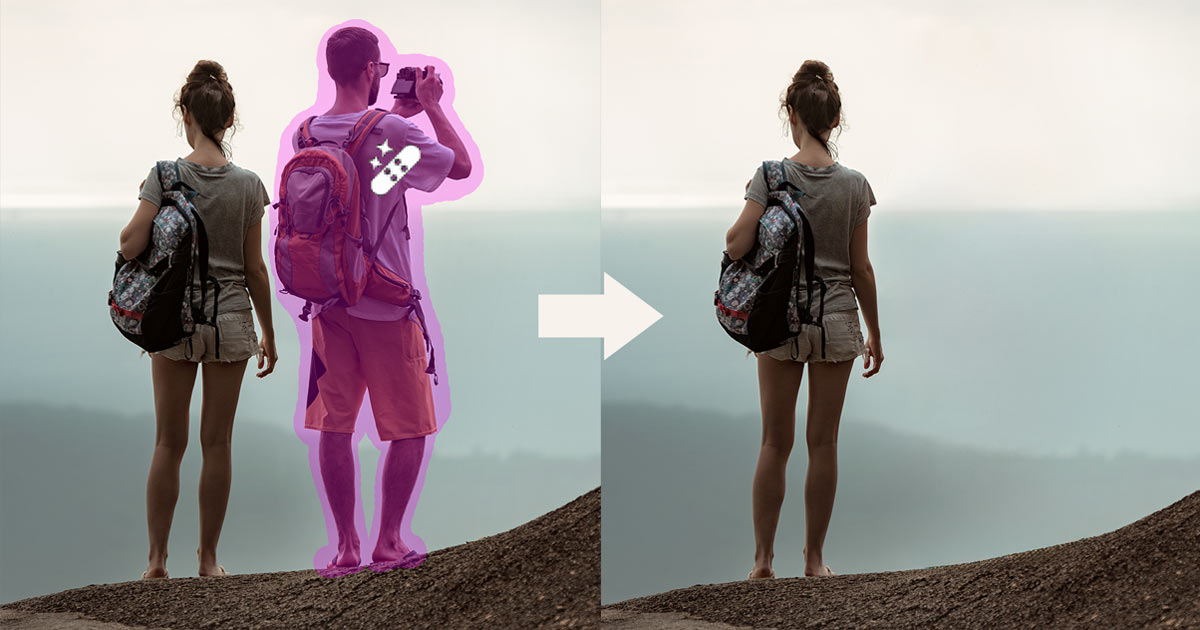
Let’s be honest. Your vacation photo is perfect, except for that photobombing seagull. Or your cousin’s elbow is just ruining that otherwise great shot. You don’t need a time machine to fix this. You just need to know how to delete stuff out of pictures.
It’s Basically Digital Magic
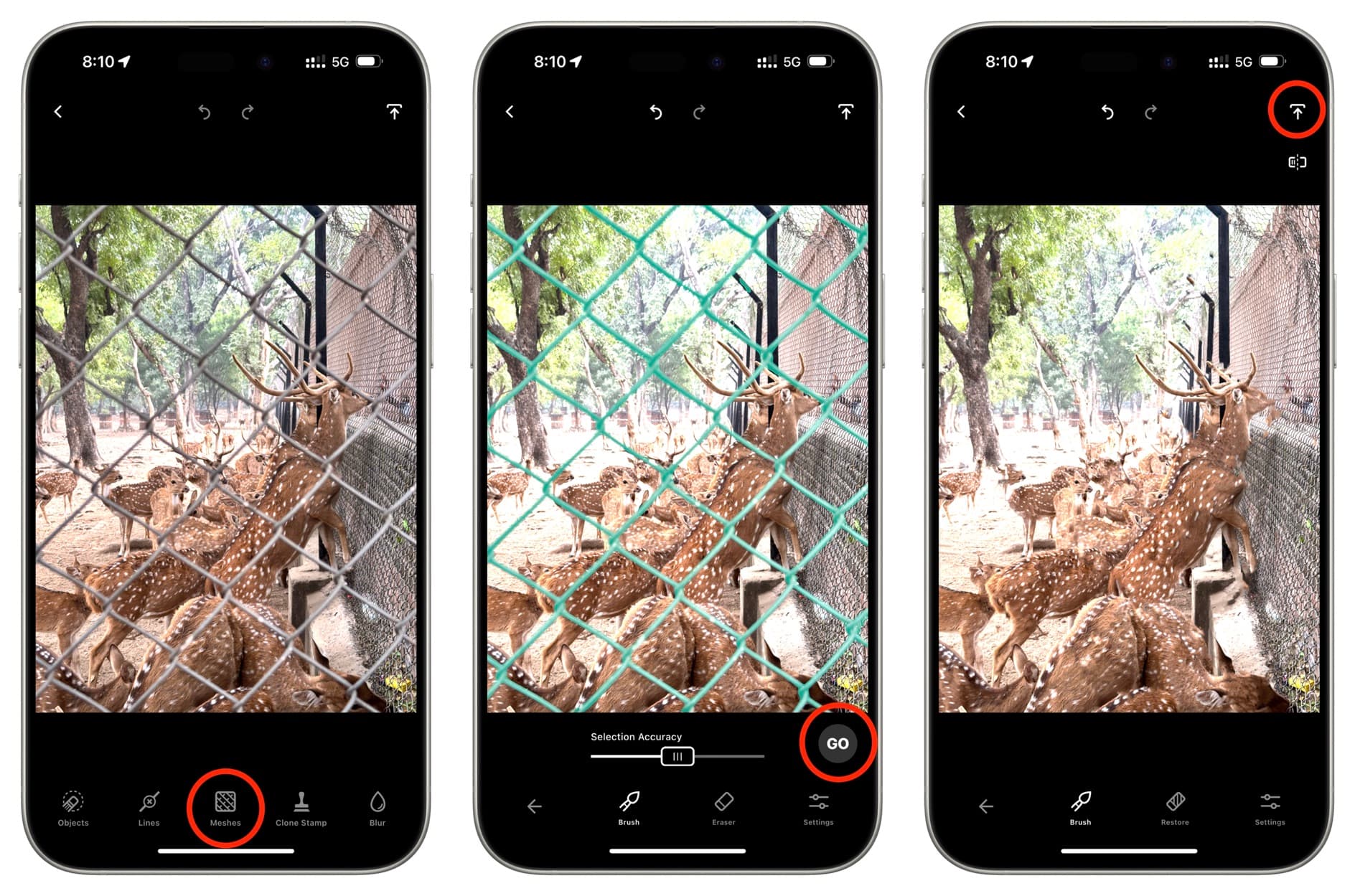
Think of your photo as a flat sticker. You can’t peel the seagull off without ripping the sky. But software can. It guesses what’s underneath the bird, then paints it in pixel by pixel. It’s like CSI, but for your camera roll.
The fancy name for this sorcery is content-aware fill. That sounds boring. Let’s call it the “invisible eraser.” It’s the tool that makes objects vanish like they were never there.
Must Read
Your Phone Already Knows How
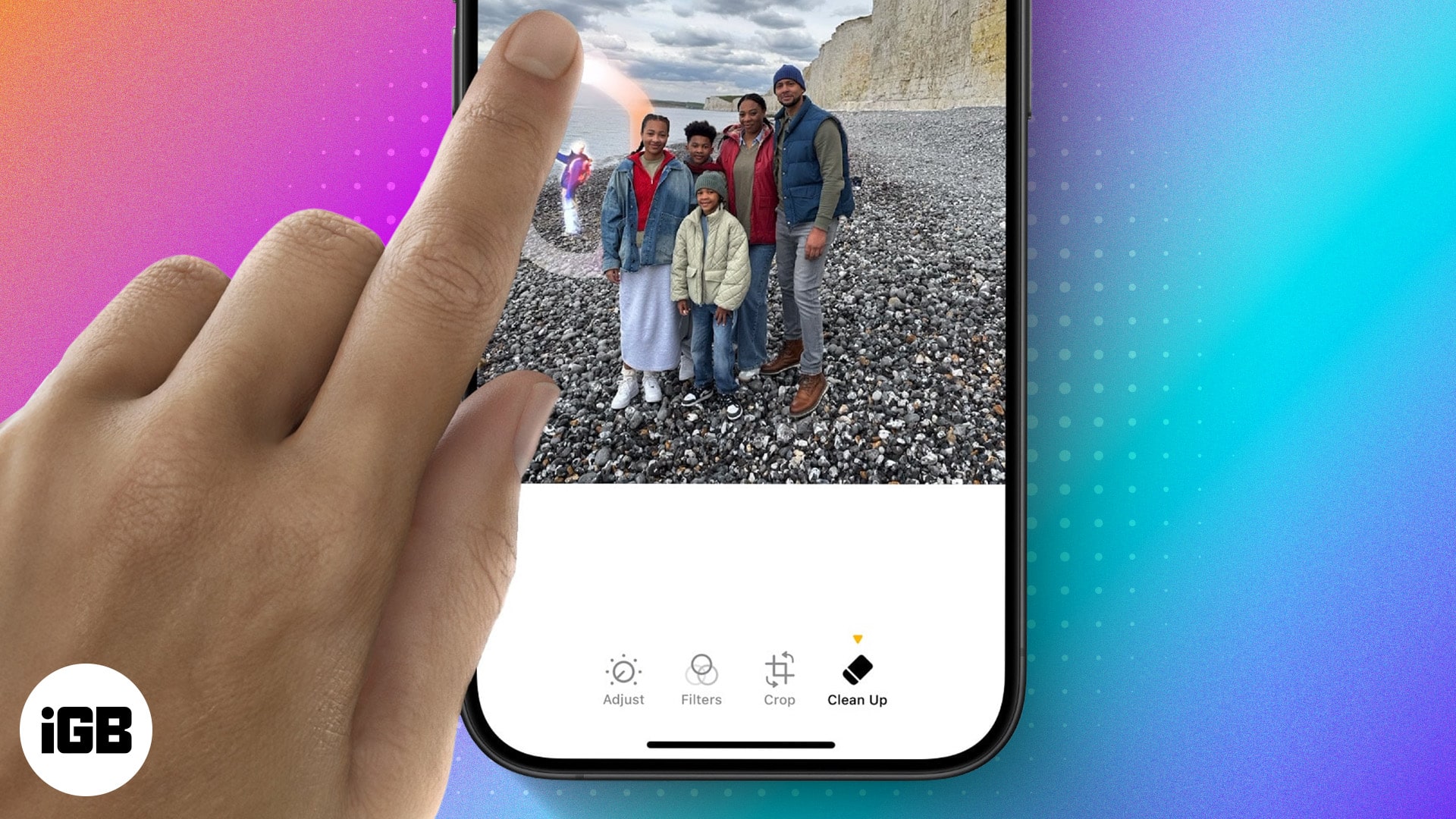
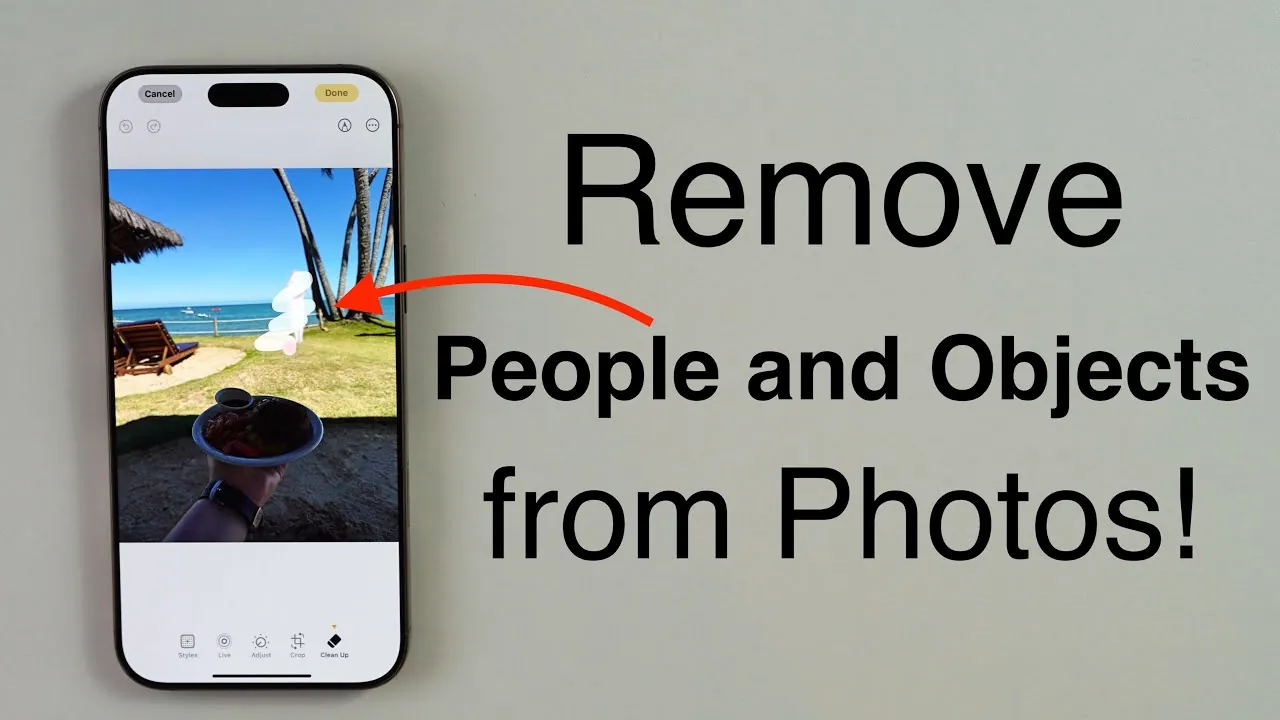
Your phone is smarter than you think. Google Photos has a “Magic Eraser” for Pixel users. iPhone owners can use the built-in “Clean Up” tool in newer iOS versions. No downloads. No rocket science. Just tap, swipe, and poof gone.
For Android folks, the “Magic Eraser” is hidden in the editing tab. For Apple folks, look for the little eraser icon. It’s like playing a very satisfying game of digital hide-and-seek.

Desktop Tools for the Ambitious
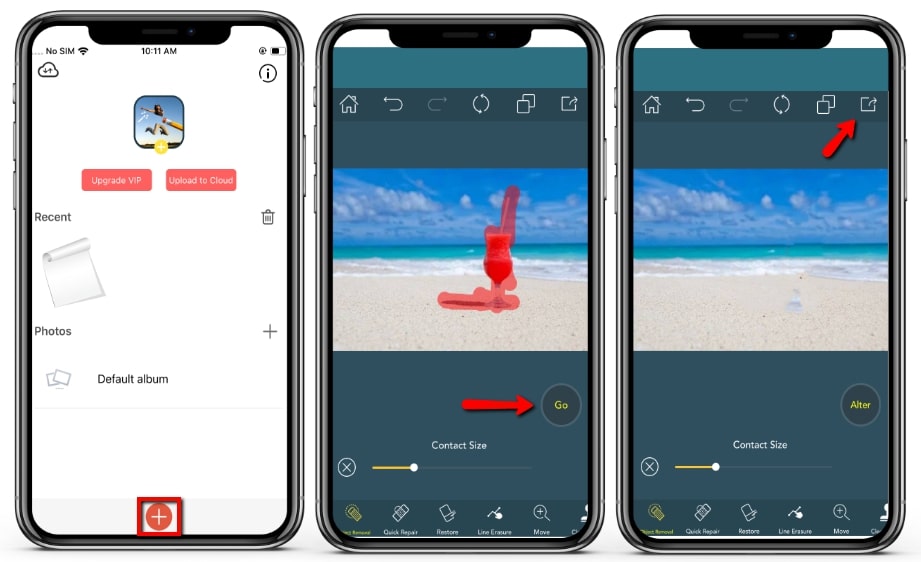
Want to go pro? Open up Photoshop and grab the “Spot Healing Brush.” It’s the lazy man’s best friend. You just scribble over the weird trash can in the background, and boom…. gone. It takes about three seconds and feels illegal.
Another gem is the “Clone Stamp.” This is manual labor. You pick a piece of clean texture, then paint over the clutter. It’s like using a digital patch for your photo’s clothing. Spartan, but powerful.
Don’t have Photoshop? GIMP is free and does the same thing. Photopea.com works right in your browser. Zero guilt, zero cost, maximum power.
Quirky Tricks to Level Up
Here’s a fun secret: don’t just click. Drag the eraser slowly. Fast swipes leave smudges. Slow strokes give the software time to think. Think of it as feeding a very picky digital monster.

For bigger objects, select the whole thing first. Make a selection of the photobomber, then hit “Edit” and “Fill.” Choose “Content-Aware” in the dropdown. Hit OK. Your jaw will drop.
Pro tip: If you’re removing a person, duplicate the layer first. Always keep a backup. That way, if your eraser messes up, you’re not crying over your only good photo.
Why This Is Just Fun
Removing objects is deeply satisfying. It’s the closest we’ll get to having a superpower. You can turn a crowded beach into a private paradise. You can delete your ex from that concert photo. No drama, just pixels.
The best part? It’s a party trick. Friends will ask, “How did you get rid of that street sign?” You’ll shrug and say, “Magic.” Then you’ll look like a genius.
So next time a stranger, a bird, or a stray car ruins your shot, don’t panic. Just open a tool, swipe, and retire your secret weapon. Your photo library will thank you. Your memories will finally be as clean as you want them. Happy deleting, you magnificent wizard, you.

![Remove Unwanted Objects from Photos for Free [PCs & Phones]](https://www.aiseesoft.com/images/resource/app-to-remove-object-from-photo/remove-object-from-photo.jpg)