How To Decrease Load Time Of Website
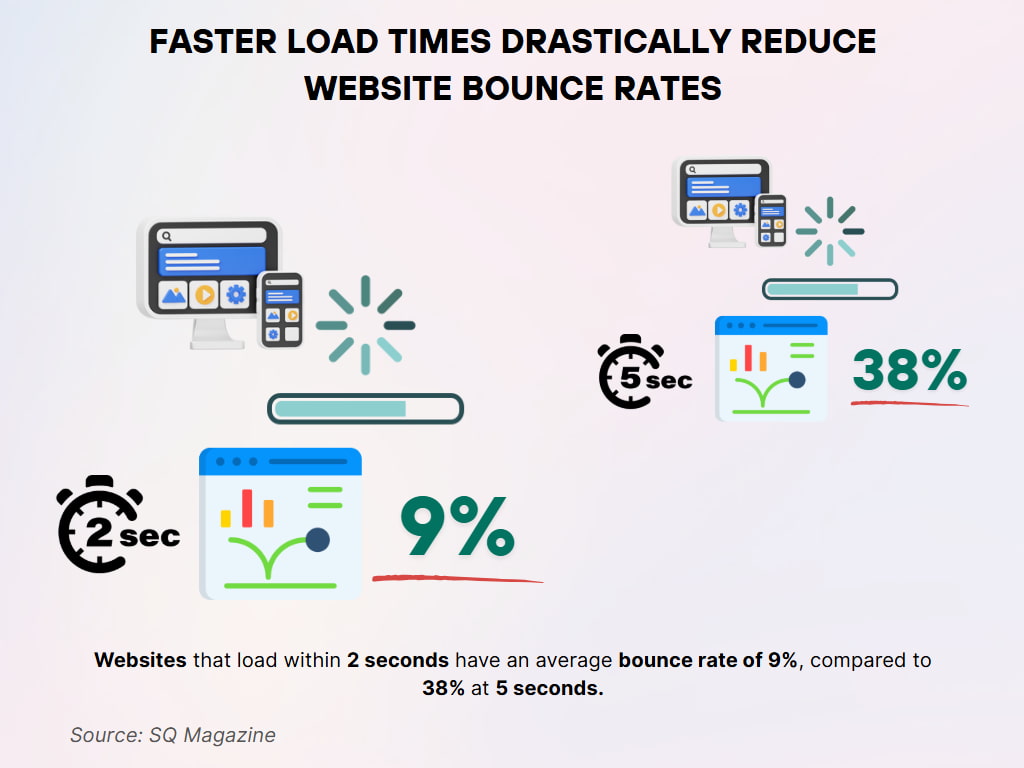
Let’s be honest: a slow website is like a polite but painfully boring guest. You smile, you nod, but secretly you’re checking your watch and planning an escape. Your visitors feel the same way, except they don’t even pretend to be polite. They just leave—and they never come back.
So, how do you make your site faster? The answer is simpler than you think, and it might annoy a few tech purists. My unpopular opinion? You don’t need a fancy new framework or a magical CDN. You just need to get rid of the junk you’re hoarding.
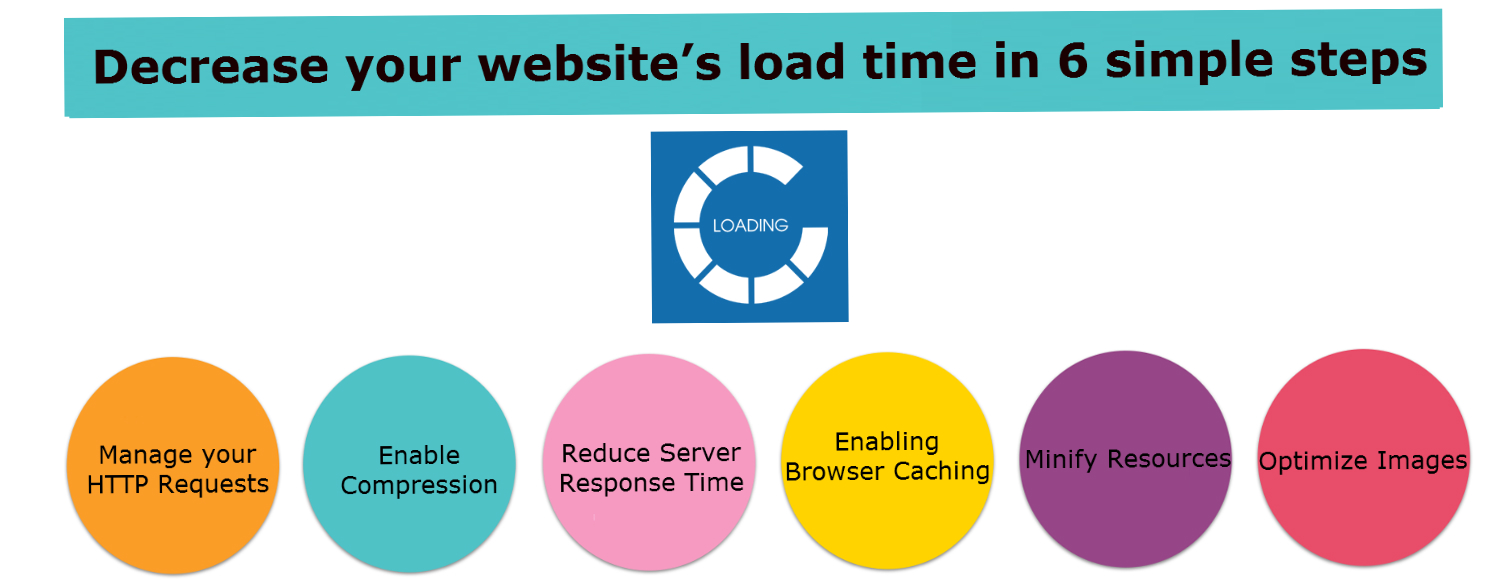
Step One: Kill the Huge Images
That gorgeous 4K photo of your cat? Nobody cares after the first half-second. Your page is not a museum, and your server is not a moving truck.
Must Read
Compress your images. Seriously, just do it. Use a free tool like TinyPNG, and watch your page shrink faster than a wool sweater in hot water.
If you can’t bring yourself to delete the high-res version, then lazy-load the darn thing. That means the image only loads when someone actually scrolls to it. Revolutionary, right?
Step Two: Stop Crying Over Cached Files
You know that little button that says “Empty Cache”? It’s not a trap. It’s your best friend. Browser caching is just letting your visitors’ computers hold onto a copy of your site for a while.
If you don’t set up caching, every single visit is like forcing someone to re-read the whole menu before ordering. Nobody has time for that. Use a caching plugin if you’re on WordPress—it’s like hiring a tiny elf to pre-pack your luggage.
Remember: Your website is not a surprise birthday party. You want people to get in, get what they need, and get out.
Step Three: Trim the Fat from Your Code
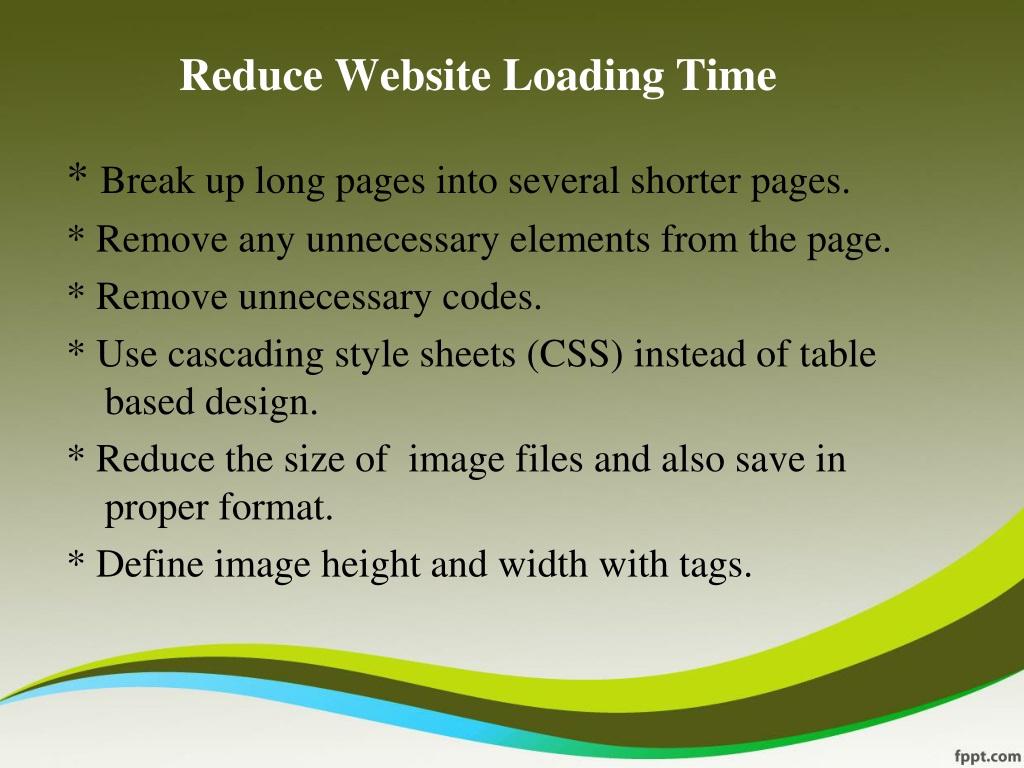
All that extra white space, those random comments, and that boss’s favorite “temporary” script? It’s dead weight. Your HTML, CSS, and JavaScript should be as lean as a marathon runner, not a Thanksgiving turkey.
You can minify your code—that means removing every unnecessary space and line break. Your website will look the same, but it will load like it just drank three espressos. Don’t worry, the code won’t get feelings hurt.
And for the love of all that is holy, stop loading fifteen different font families. You are not designing a wedding invitation. Pick one, maybe two, and move on.
Step Four: Ask Yourself, “Do I Really Need That Plugin?”
That social media share button plugin you installed in 2019? It’s probably still running in the background, like a forgotten radio playing static. Every plugin is a tiny monster that adds scripts and requests.
Go to your plugin list and pretend you’re cleaning out a closet. If you haven’t used it in three months, it’s gone. Say goodbye, thank it for its service, and delete it.
Your website’s load time is a direct reflection of your digital hoarding habits. The less you own, the faster you fly.
Step Five: The Dreaded Hosting Upgrade
Okay, this one actually costs money, and I’m sorry. But if you’re on a $2 shared hosting plan, you’re basically trying to win a Formula 1 race in a go-kart. It’s not going to happen.

Cheap hosting is cheap for a reason. It’s like buying shoes made of cardboard—they work for a day, then you regret everything. Consider a faster host, or at least a plan with more resources.
But before you spend a dime, do the other steps first. You’d be surprised how much speed you can squeeze out of an old lemon just by taking out the back seat.
The real secret? Your website’s speed is mostly about discipline, not fancy technology. It’s about saying no to that cool animated background and yes to a plain, boring, lightning-fast page.
So go ahead, be ruthless. Delete the shadow effects, ditch the autoplay video, and for heaven’s sake, turn off that music player. Your visitors will thank you with longer visits, and more importantly, they’ll stay long enough to read your brilliant words. And that, my friend, is the only metric that matters.