How To Create A Apple Music Account

You know that friend who always has the perfect song for every moment—the one that makes a rainy commute feel like a movie scene? That can be you. Creating an Apple Music account is genuinely easier than deciding what to have for dinner, and I’m not exaggerating.
Why bother? (Besides the obvious cool factor)
Let’s be real: your current music app might be fine, but “fine” is like eating plain toast when you could have avocado toast with a sprinkle of chili flakes. Apple Music hands you a library of over 100 million songs, plus curated playlists that feel like a friend who just gets your mood.
Remember that time you spent 20 minutes hunting for a specific live version of a song on YouTube? Here, it’s ready in seconds, with better sound quality. Plus, you can download everything for offline listening—perfect for when you’re on the subway and your signal decides to take a nap.
Must Read
Step one: Grab your phone (or computer, we don’t judge)
The first thing you need is the Apple Music app. On an iPhone or iPad, it’s already there, hiding in plain sight—that little musical note icon. If you’re on an Android or a computer, just head to the website or download the app from the official store.
Don’t worry if you don’t own a single Apple product. This is like crashing a party where the host actively wants you there—Apple Music works on almost everything.
Step two: The sign-up dance (it’s shorter than a TikTok)
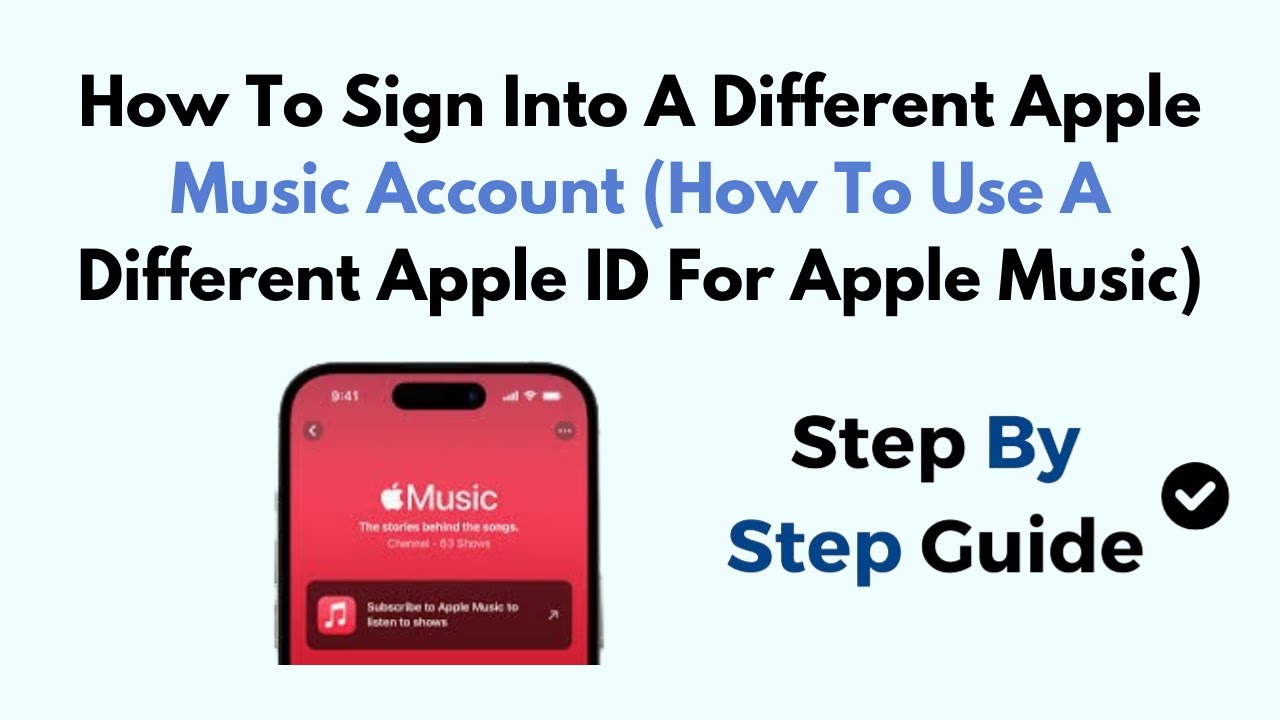
Open the app and tap “Try it free” or “Sign Up.” You’ll see a few options: sign in with your Apple ID, or if you don’t have one, tap “Create New Apple ID.” If you’re like me and have three old email addresses, pick the one you actually check.
You’ll enter your birthday, an email, and a password. Then, the app will ask for your payment details. I know, I know—hold on, don’t run yet. You get a free trial for one to three months depending on the offer. Set a reminder in your phone to cancel before it ends if you’re not hooked. No shame in that.
Step three: Pick your vibe (literally)
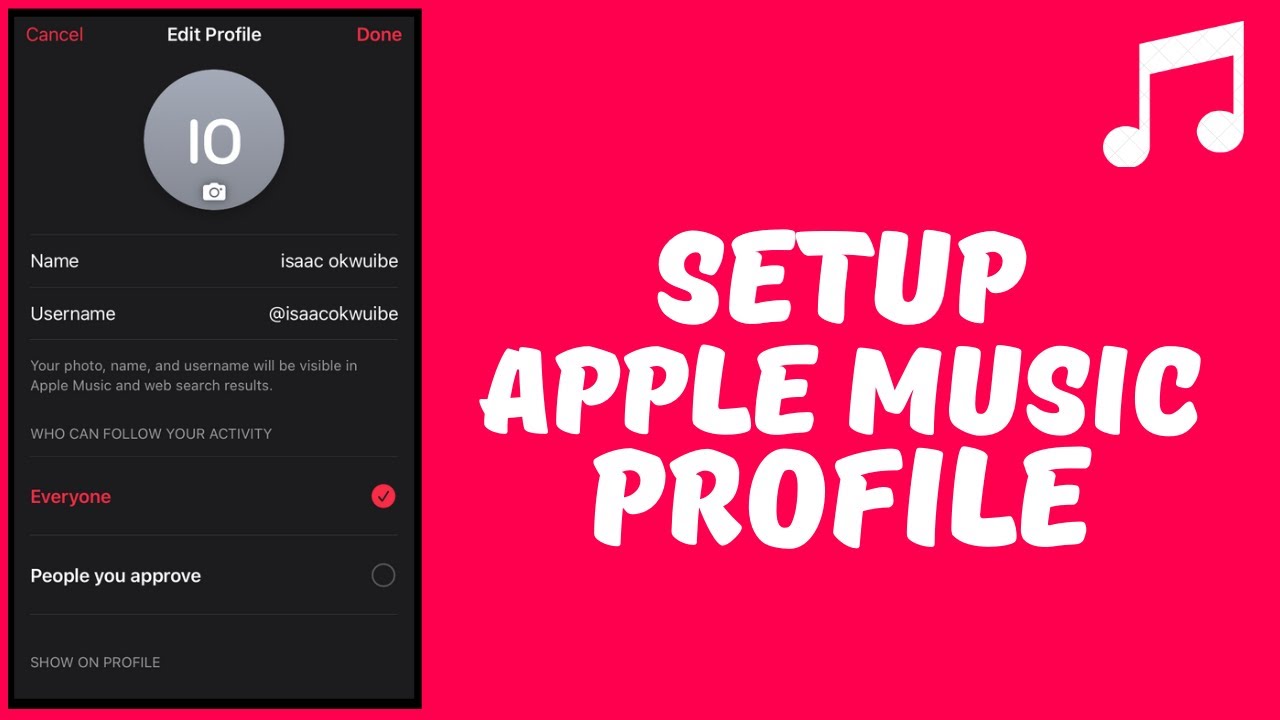
After you’re in, Apple Music will ask you to choose artists and genres you like. This is not a test; it’s like telling a bartender your taste so they hand you the perfect drink. Fling a few thumbs up at Taylor Swift, Drake, jazz, lo-fi beats—whatever floats your boat.
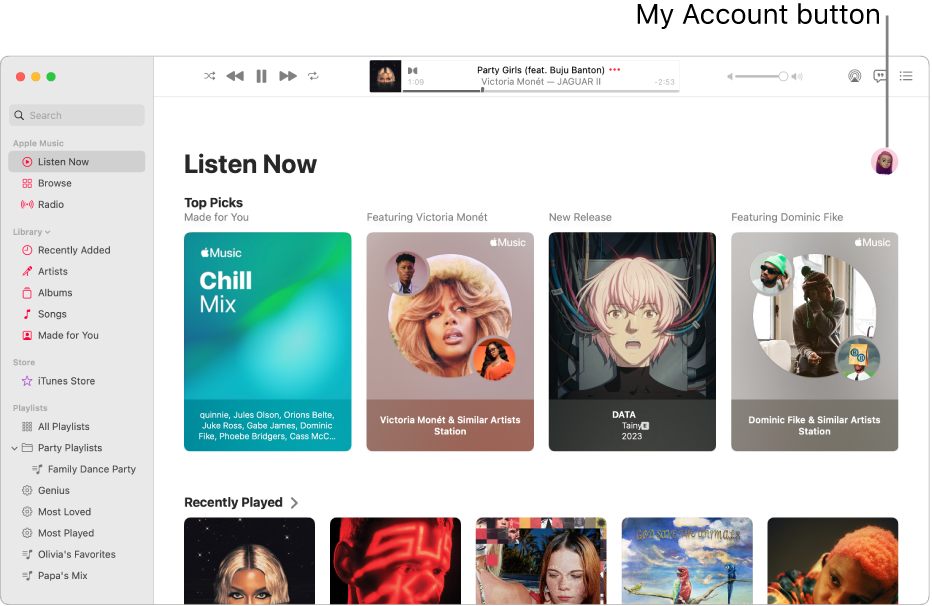
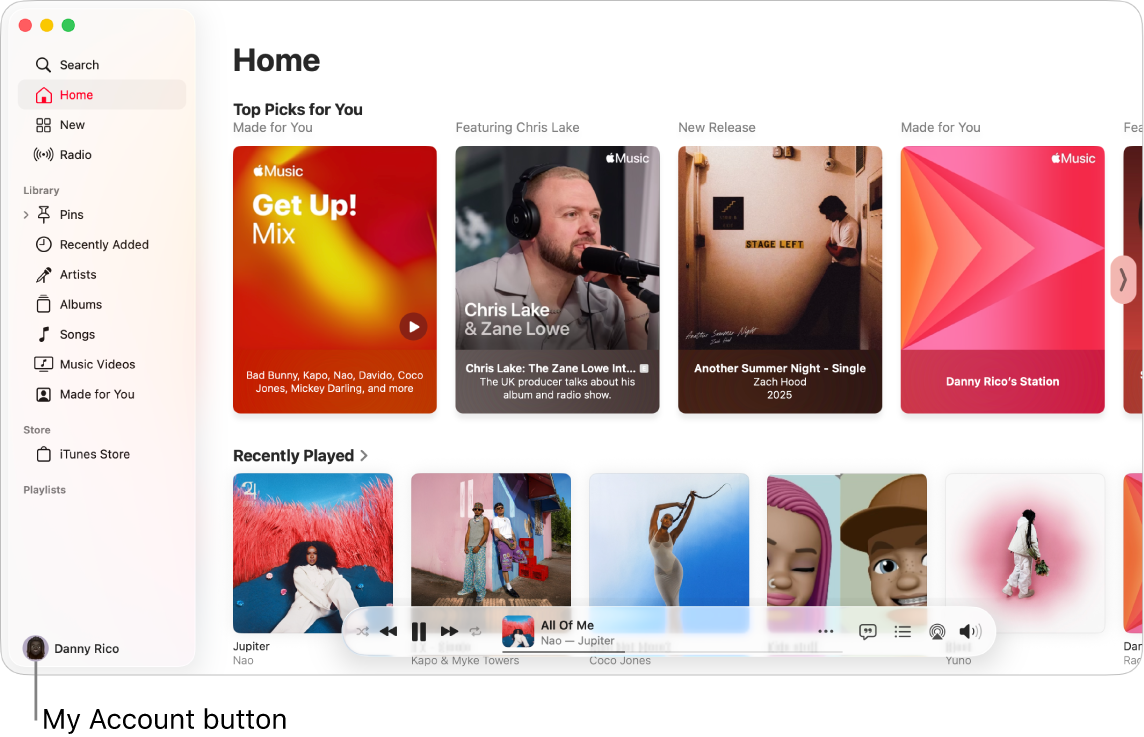
The more you pick, the better the playlists like “New Music Mix” and “Get Up! Mix” become. It’s basically a DJ who lives in your pocket and never gets tired of your repeats.
Step four: Make it yours and hit play
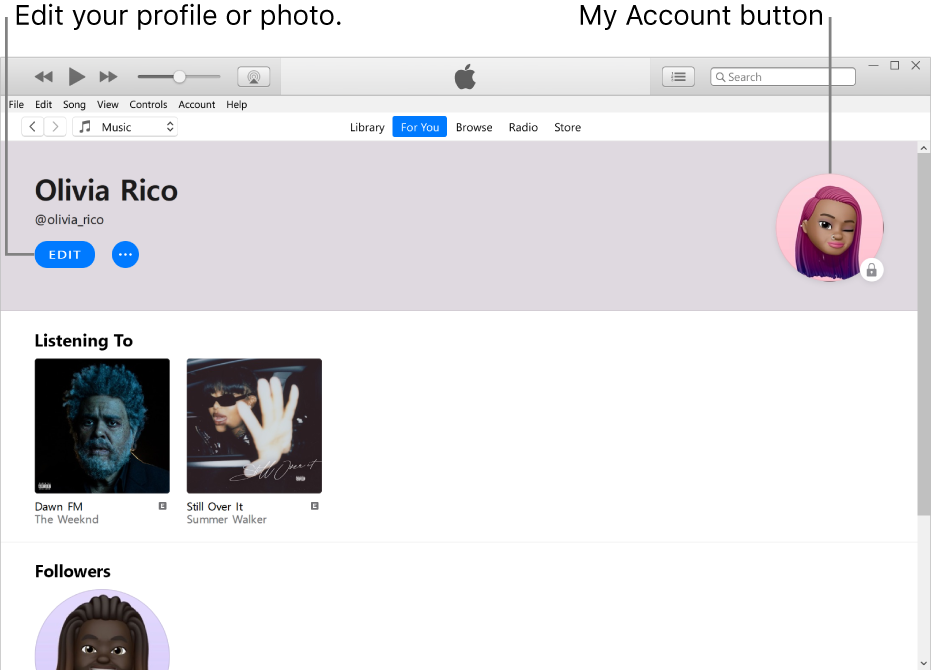
Now the fun part. Search for that song you loved in high school, add it to your library, or start a radio station from your favorite band. You can even share a playlist with your partner to see if they really do have taste.

My favorite trick? Use the “Lyrics” button to sing along embarrassingly loud at a red light. Nobody’s judging you—they’re stuck in traffic too.
One last little hug of advice
If you ever feel overwhelmed, just tap the “Home” tab and let the app guide you. There’s no wrong way to do this, like putting peanut butter on a burger—weird but delicious if you commit.
So go ahead. Create that account, press shuffle, and let your day get a soundtrack. You’ll wonder why you waited so long—and your morning coffee will finally have the perfect background music.