How To Connect My Sirius To Alexa

Meet Your New Best Friends: Alexa and SiriusXM
Imagine walking into your kitchen, coffee in hand, and just telling the air to play your favorite 90s hip-hop station. That’s not magic—that’s connecting your SiriusXM to Alexa. It’s like giving your smart speaker a backstage pass to every channel, every DJ, every sports game, and every commercial-free music station you adore.
You don’t need a degree in rocket science or a secret IT handshake. This is seriously the easiest tech win of your week, and I’m about to make it feel like a victory lap. Let’s get your Echo, Dot, or Show singing your Sirius tunes faster than you can say “Alexa, play The Bridge.”
Step One: The App Tango
First, grab your phone and open the Alexa app—you know, the one that’s been patiently waiting in your apps folder. Now, open the separate SiriusXM app (if you don’t have it, download it; it’s free, just like the first hit of a new obsession).
Must Read
In the Alexa app, tap on “More” in the bottom right corner, then go to “Skills & Games.” It sounds fancy, but it’s just the app’s library of magical add-ons. Search for “SiriusXM” and hit “Enable to Use.”
Pro tip: You’re not just enabling a skill—you’re unlocking a portal to literally thousands of channels. Treat yourself.
Step Two: The Login Handshake
Now, Alexa will ask you to link your account. This is like introducing two friends at a party—you just need to make the introduction. Follow the on-screen prompt to enter your SiriusXM username and password. Don’t panic if you forgot it; just hit “Forgot Password” and do the whole reset dance—we’ve all been there.
:max_bytes(150000):strip_icc()/002_how-to-play-siriusxm-on-alexa-5509397-c2db7ac6a2514e3998ef1119a13bedce.jpg)
Once you’ve linked, the app will give you a cheerful “You’re all set!” and honestly, that little message is better than a golden retriever greeting you at the door. Now, here’s the kicker: you must say “Alexa, open SiriusXM” once to complete the handshake. That’s it. No secret code, no blinking lights.
Step Three: Talk Like a Boss
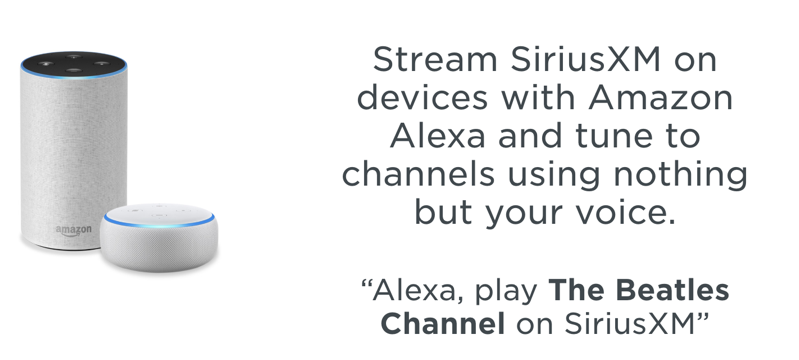
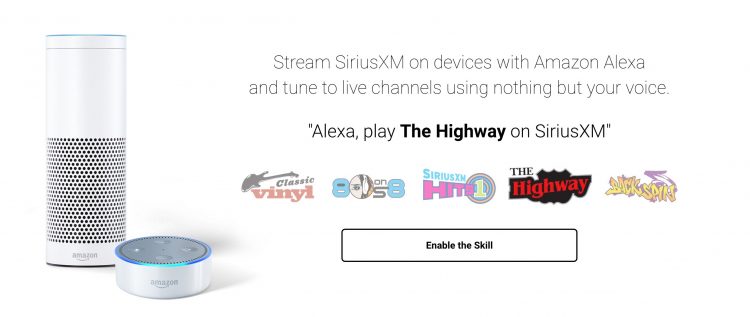
Here’s where the fun really begins. You can now say things like, “Alexa, play Chill on SiriusXM,” or “Alexa, play Howard Stern’s show on SiriusXM.” She’ll understand you better than your best friend after two glasses of wine.
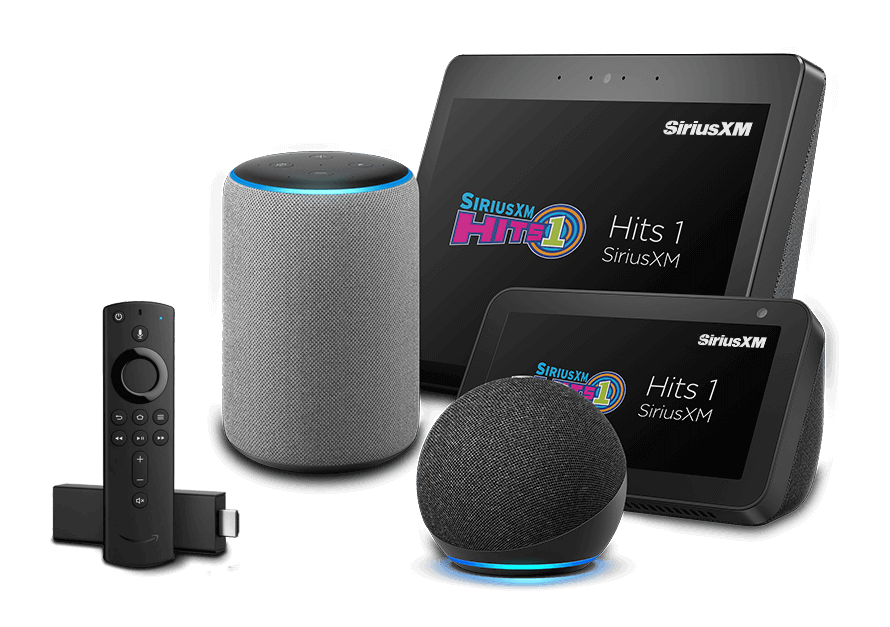
Want a specific song? Try, “Alexa, play Taylor Swift on SiriusXM Hits 1.” Yes, it’s that easy. You can also say, “Alexa, play the NFL game on SiriusXM” during football season, and she’ll find a live broadcast faster than your team’s quarterback throws a pass.
If you ever get stuck, just say “Alexa, ask SiriusXM for help”—and she’ll give you a list of commands. It’s like having a personal DJ with a cheat sheet.
When Things Go Hilariously Wrong
Okay, let’s be real. Sometimes Alexa hears “Sirius” and thinks you said “serious,” and she starts playing a podcast about taxes. Don’t throw the Echo out the window. Just repeat yourself slowly and clearly, like you’re talking to a very cute but slightly confused alien.
Another classic: you forget to say “on SiriusXM” at the end. So you say, “Alexa, play PopRocks,” and she plays some random radio station from Peru. Rookie mistake. Always include the magic words: “on SiriusXM.” It’s your golden ticket.
And if your Wi-Fi takes a nap mid-song, just unplug Alexa, count to three, and plug her back in. It’s the tech equivalent of a power nap—works every single time.

The Grand Payoff
Once you’ve done this, your home becomes a concert venue. You’ll be dancing in the kitchen while stirring pasta, pretending you’re a rock star in the shower, and dramatically air-conducting during classical music in the living room. Your Alexa will never look at you the same way again—she’ll be your personal jukebox.
Seriously, this takes about five minutes from start to finish. Five minutes to transform your boring breakfast routine into a private VIP lounge. Do it today, thank me later, and never touch a radio dial again.
Now, go forth and shout your first command. “ALEXA, PLAY THE BOSS ON SIRIUSXM!” Trust me, she’s ready. Are you?