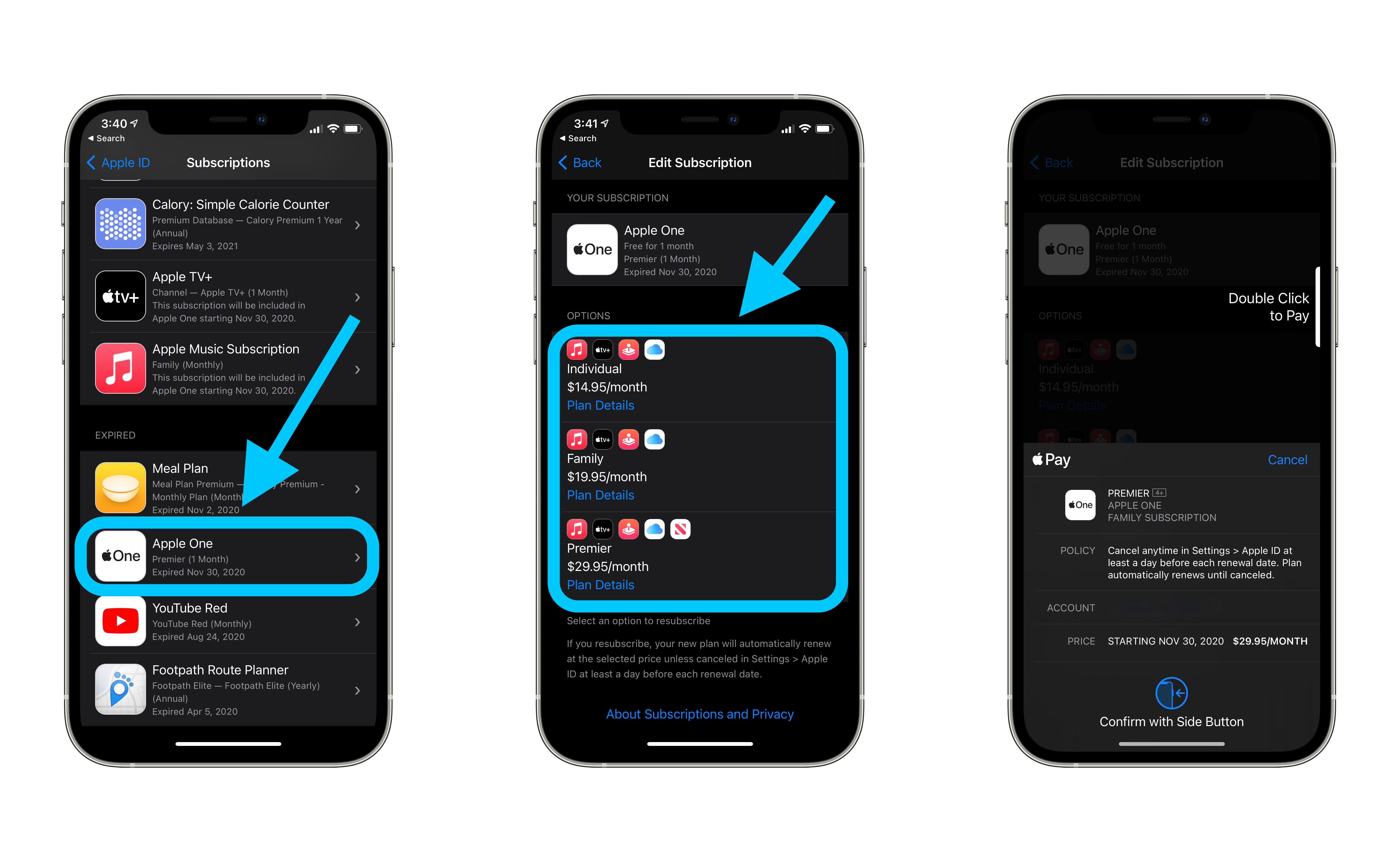
How To Check What Subscriptions You Have
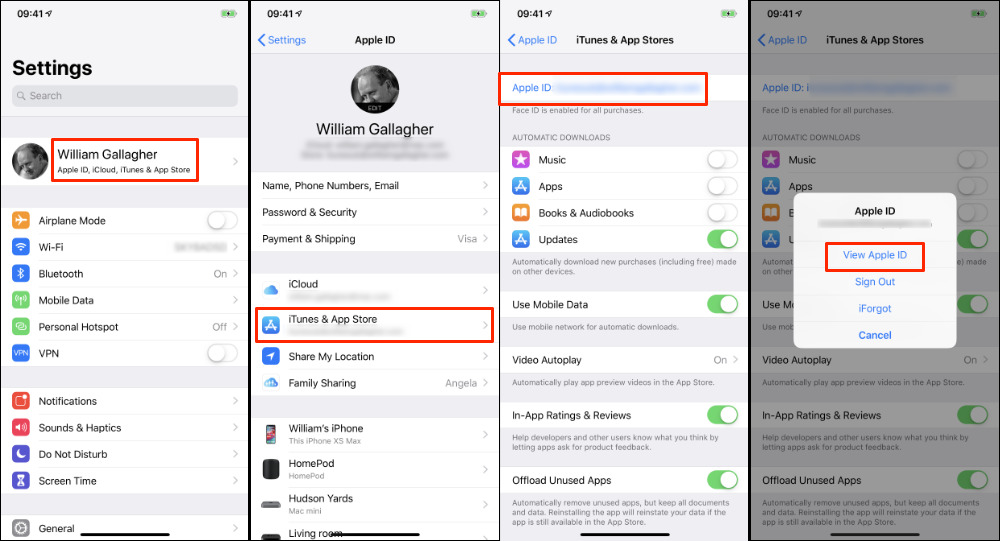
I still remember the day I realized I was paying for a music streaming service I hadn't used in months - it was a bit of a face-palm moment, to be honest! I mean, who doesn't love music, but I had completely forgotten that I was still subscribed to it. It got me thinking, how many other subscriptions do I have that I'm not even using?
As I started digging through my bank statements and emails, I discovered a whole list of recurring payments that I had completely forgotten about. It was like finding a treasure trove of unused subscriptions! From software services to online courses, I had subscribed to them all with the best of intentions, but never actually used them.
The Problem of Forgotten Subscriptions
We've all been there - we sign up for a free trial or a discounted offer, and before we know it, we're locked into a recurring payment plan. It's easy to lose track of these subscriptions, especially if you have multiple credit cards or payment methods linked to different services. And, let's be real, who doesn't love the idea of convenience and auto-renewal?
But, as I learned the hard way, it's essential to keep track of these subscriptions to avoid wasting money on services you don't use. So, how do you do it? Well, that's what I'm about to share with you - my top tips for checking your subscriptions and taking control of your recurring payments. Are you ready to dive in and take charge of your subscriptions?
Step 1: Review Your Bank Statements
The first step is to review your bank statements and look for any recurring payments that you're not familiar with. You can usually find this information online or by contacting your bank directly. I know, it's not the most exciting task, but trust me, it's worth it to avoid any unexpected charges.
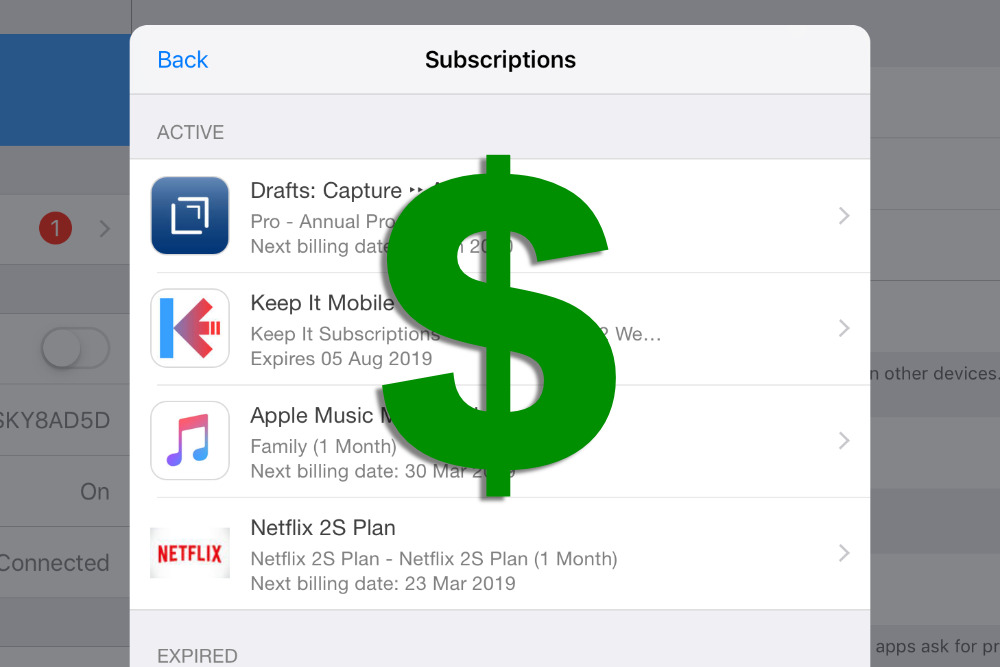
As you go through your statements, make a note of any subscriptions that you're not sure about. You can even create a spreadsheet to keep track of them - yes, I'm a nerd like that! The point is to have a clear overview of your subscriptions and be able to identify any unused or unwanted services.
Now, I know some of you might be thinking, "But I have so many subscriptions, where do I even start?" Don't worry, I've got you covered! The key is to start small and focus on one payment method at a time. For example, begin with your credit card statements and work your way through each transaction.

The Power of Password Management
Another game-changer for me was using a password manager to keep track of all my login credentials. Not only does it help with security, but it also makes it easy to access your accounts and review your subscriptions. Plus, many password managers offer additional features like subscription tracking and payment monitoring.
I mean, think about it - with a password manager, you can easily log in to all your accounts and check your subscriptions in one place. It's like having a personal assistant for your subscriptions! And, let's be real, who doesn't love the idea of convenience and organization?
Step 2: Contact the Service Providers
Once you've identified the subscriptions you want to cancel or modify, it's time to contact the service providers. Now, I know this might seem like a daunting task, but trust me, it's worth it. You can usually find the contact information on the service provider's website or by searching online.
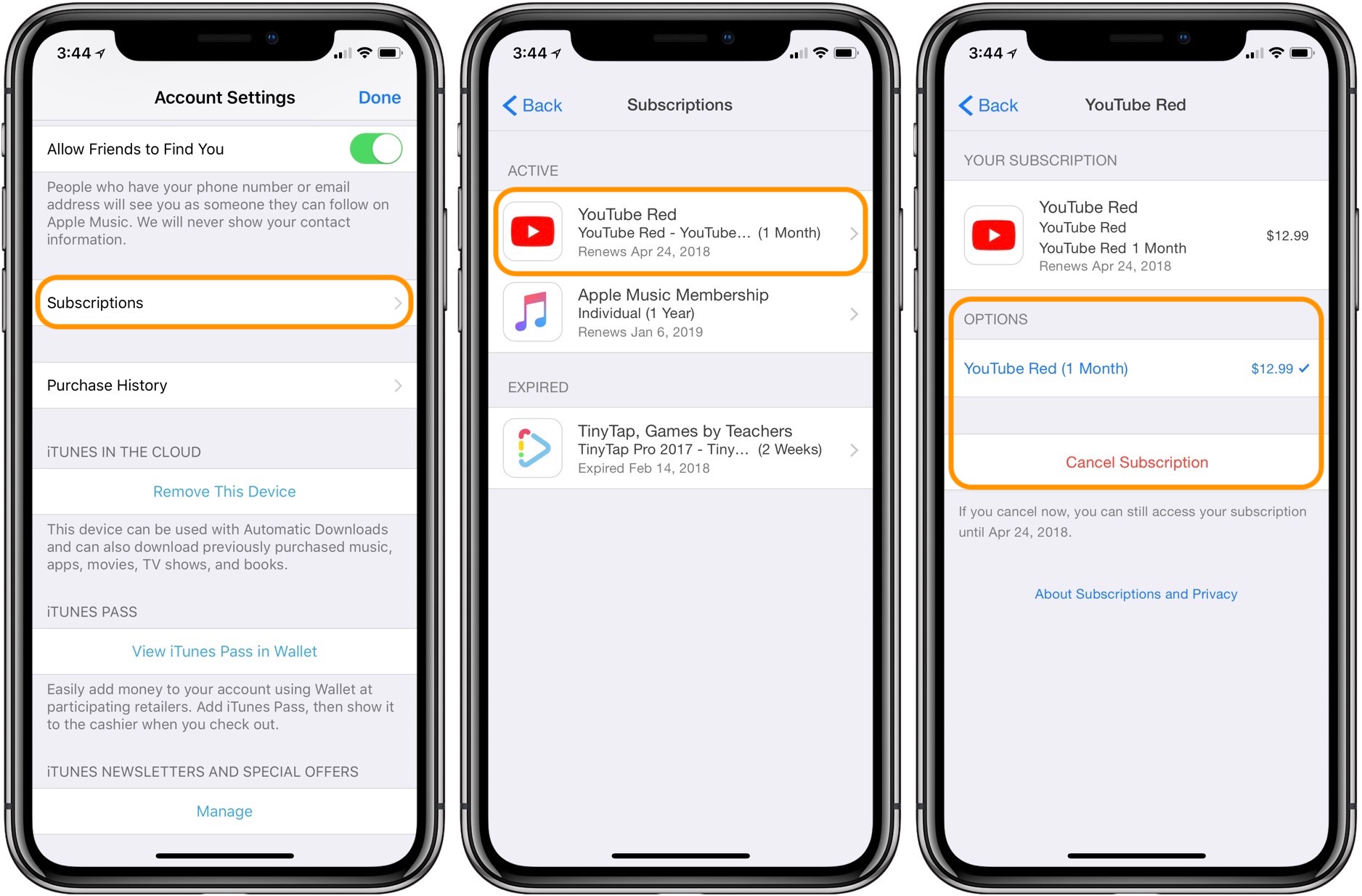
When you contact the service provider, be sure to have your account information ready, including your username and password. This will make it easier for them to locate your account and process your request. And, don't be afraid to ask questions or request clarification on any charges or fees.
Remember, it's your right as a consumer to control your subscriptions and make informed decisions about your recurring payments. So, don't be shy to speak up and advocate for yourself!
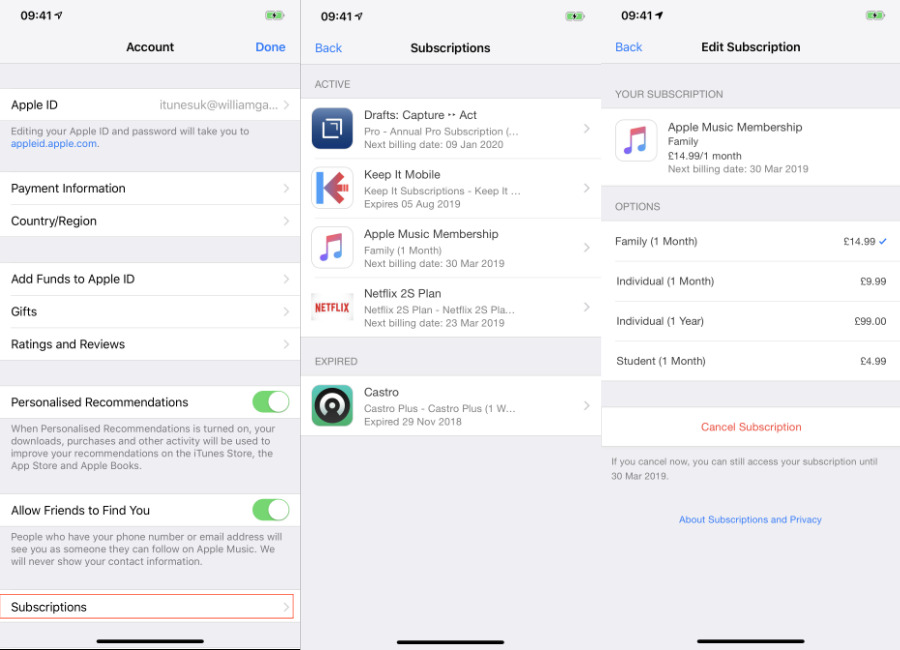
The Benefits of Subscription Management
By taking control of your subscriptions, you'll not only save money but also reduce stress and increase productivity. Think about it - no more wasting time trying to track down unwanted charges or cancel unnecessary subscriptions. You'll have more free time to focus on the things that matter to you!
Plus, by reviewing your subscriptions regularly, you'll be able to identify areas for improvement and make adjustments as needed. It's all about being proactive and taking charge of your financial life. So, go ahead and take the first step - your wallet (and your sanity) will thank you!
In conclusion, checking your subscriptions is an essential part of managing your finances and avoiding unwanted charges. By following these simple steps, you'll be able to take control of your recurring payments and make informed decisions about your subscriptions. So, what are you waiting for? Start reviewing your subscriptions today and start saving!