How To Change Your Number Iphone

Let’s be honest—your phone number is practically your digital fingerprint. But sometimes, that fingerprint needs a makeover, whether you’re dodging spam calls or starting a fresh chapter. Changing your number on an iPhone isn’t a tech nightmare; it’s a mini-reinvention, and I’m here to walk you through it with a smile.
First Things First: The Big Switch
Before you even touch your Settings, you need to get the new number from your carrier. This is the “buy the milk before you bake the cake” step—please don’t skip it.
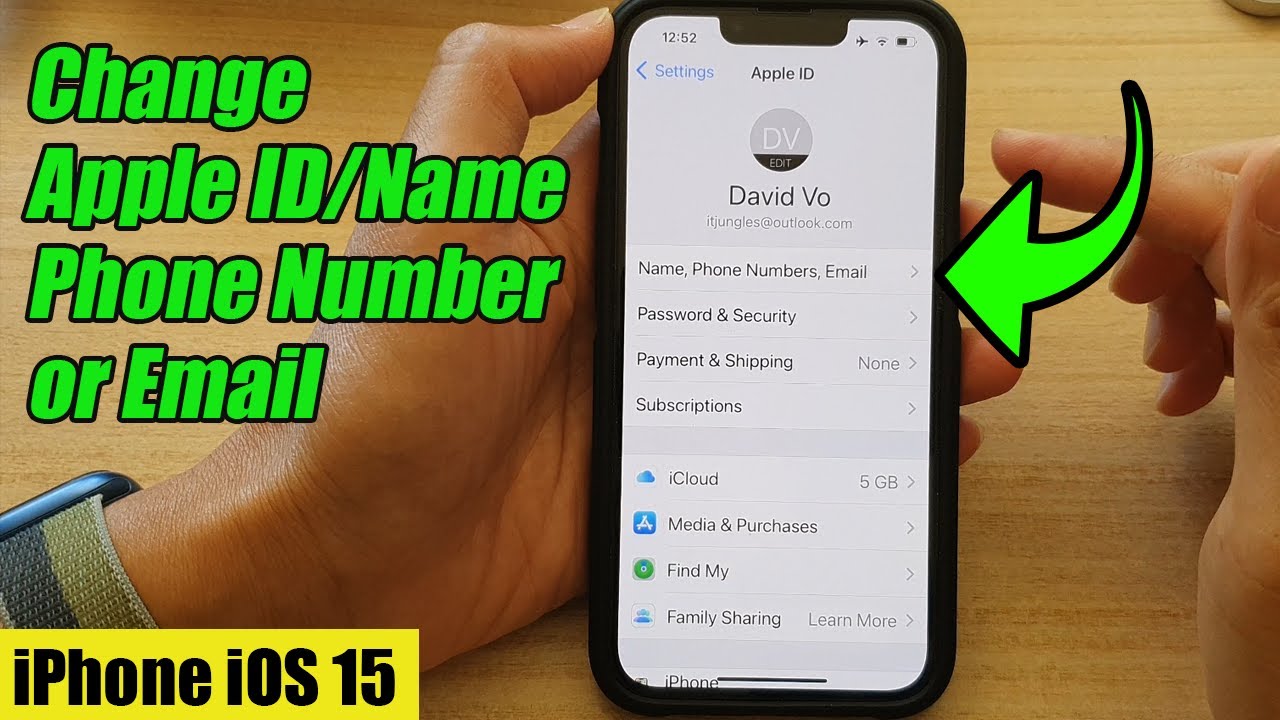
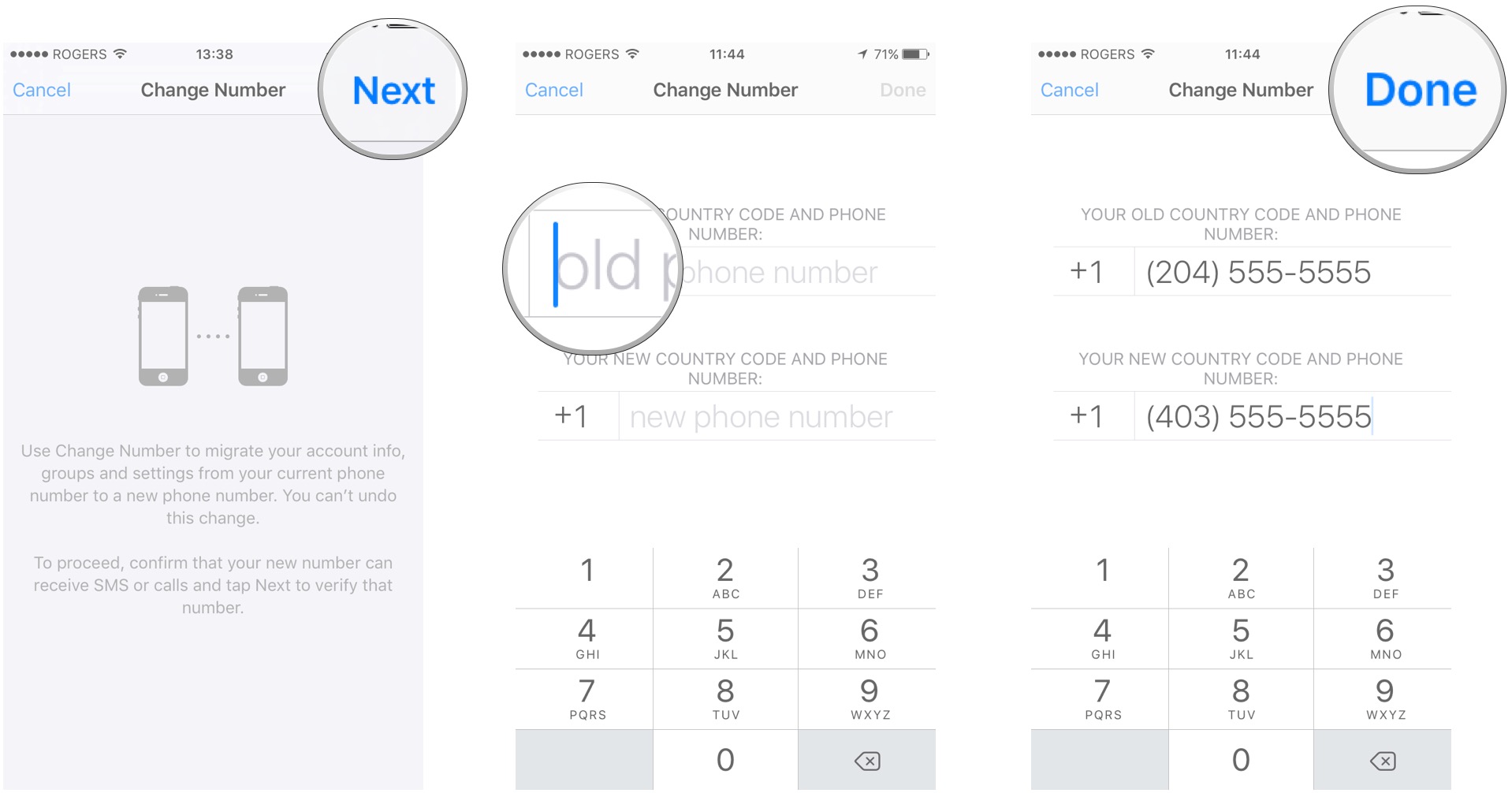
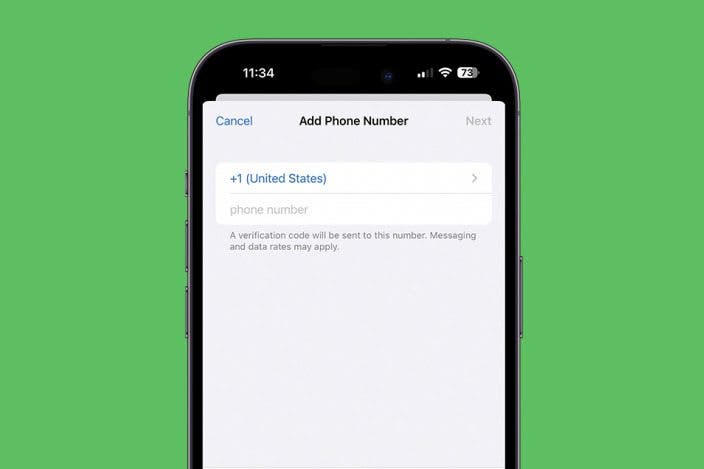
Once you have that shiny new digits, you’ll want to tell your phone to stop living in the past. Head to Settings > Phone, and you’ll see a field labeled “My Number.” Tap it, delete the old digits, and type in the new one. It’s that simple—your iPhone will now believe it’s the new you, even if your brain hasn’t caught up yet.
Must Read
But Wait, There’s More to Change!
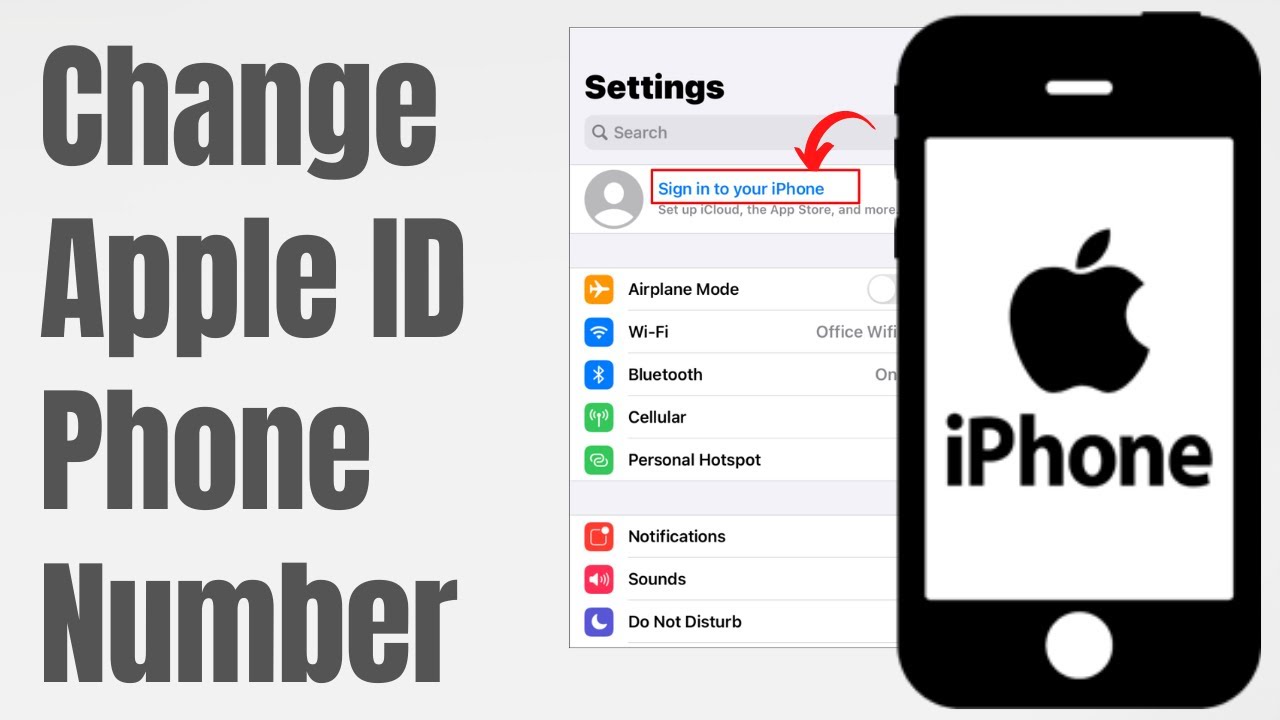
Your phone number is the root, but your Apple ID is the tree. If you use your number for iMessage or FaceTime, you’ve got to update it there too, or your friends will text your ghost. Go to Settings > Messages > Send & Receive, and make sure your new number is checked off. Do the same under FaceTime—it’s like telling your apps, “Hey, I’ve moved house, update your GPS.”
Don’t forget the sneaky places: your Medical ID (in the Health app) and any bank or two-factor authentication apps. Yes, it’s a tiny scavenger hunt, but every checkbox you tick is a tiny victory dance for your digital sanity.
Why This Feels Like Spring Cleaning
Here’s the fun part—changing your number is a decluttering moment. You get to decide who stays in your new orbit and who gets left in the old area code. You’ll rediscover the joy of privacy, and honestly, the silence from telemarketers is a symphony.
Plus, think of all the mistakes you can correct! That one ex who has your digits? Gone. That old group chat that never stops buzzing? A clean slate. It’s like getting a fresh notebook on January 1st—no smudges, just potential.
Pro Tips for a Smooth Ride
Write your new number down on a sticky note and put it on your fridge for a week. You’ll be surprised how often you forget your own digits when a cashier asks for a rewards number—awkward.
Tell your best friend the new number before you change it, so they’re not freaking out when you don’t reply to their meme. And yes, you will still get a few texts meant for the old owner—just reply with a polite “Wrong number, but have a great day!” and move on with a giggle.

The Uplifting Payoff
See, this isn’t just about tapping buttons—it’s about taking control. Every time you update your number, you’re saying, “I choose who reaches me, and I choose my own path.” That’s a powerful little rebellion in a world that’s always buzzing at us.
So go ahead, dive into those settings, and don’t stress the small stuff. You’re not just changing a sequence of digits—you’re upgrading your connection to the world. And if you ever get stuck, remember: the iPhone is your sidekick, not your boss. You’ve got this, and your new number is just the beginning of a more intentional, joyful digital life.