How To Cancel A Car Rental On Expedia

So, you've booked a car rental on Expedia, but now you need to cancel it - don't worry, it's easier than trying to parallel park in a crowded city! Cancellations can be a pain, but with the right steps, you'll be free from that rental in no time. Just remember to take a deep breath and follow along!
Step 1: Log In To Your Expedia Account
To start the cancellation process, you'll need to log in to your Expedia account - make sure you have your username and password handy, or you'll be stuck in a loop of frustration! Once you're in, navigate to the "My Accounts" or "My Trips" section, where you should see your car rental reservation staring back at you. Take a glance at the details to confirm it's the right one.
If you're having trouble finding your reservation, don't panic - it's like trying to find your car in a crowded parking lot, it'll turn up eventually! Just use the search function on the Expedia website, and type in your booking reference number or the dates of your rental. This should help you track down that elusive reservation in no time.
Must Read
Understanding Cancellation Policies
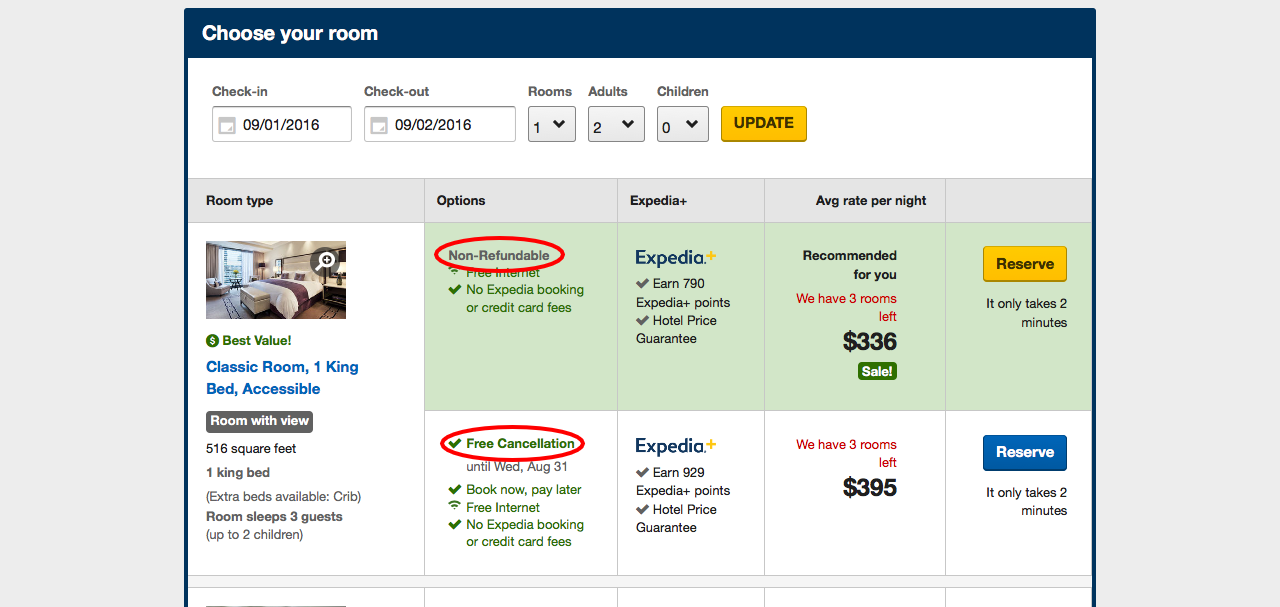
Before you cancel, it's essential to understand the cancellation policies of your car rental company - don't get caught out with a nasty surprise! Expedia usually displays the cancellation rules when you book, but if you're unsure, you can always check the fine print or contact the car rental company directly. Be aware that some companies might charge a fee for late cancellations, so it's crucial to know what you're getting into.
Now, let's talk about the types of cancellations - yes, there are different kinds! You might be able to cancel for free if you're within a certain timeframe, or you might need to pay a penalty. Don't worry, Expedia will guide you through the process, but it's always good to know what to expect.

Step 2: Cancel Your Car Rental
Okay, now it's time to actually cancel your car rental - the moment of truth! Click on the "Cancel" or "Modify" button next to your reservation, and follow the prompts to confirm your cancellation. You might need to provide a reason for cancelling, but don't worry, it's not like you're breaking up with someone - just be honest and move on!
If you're cancelling due to unforeseen circumstances, such as a flight cancellation or a family emergency, you might be able to get a refund or waive the cancellation fee. Keep your documents and proof of the circumstances handy, as you might need to provide them to Expedia or the car rental company.

What To Expect After Cancellation
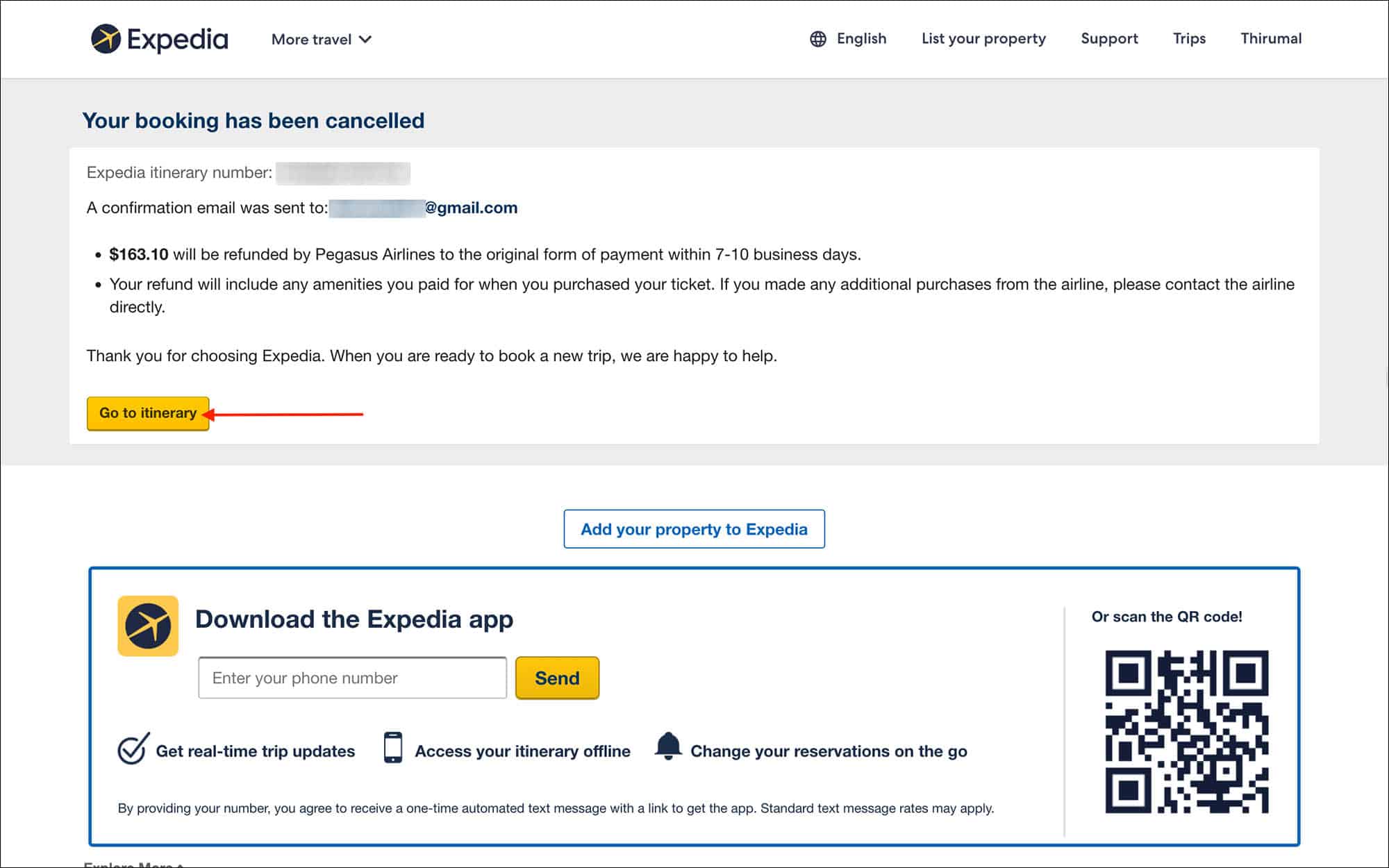
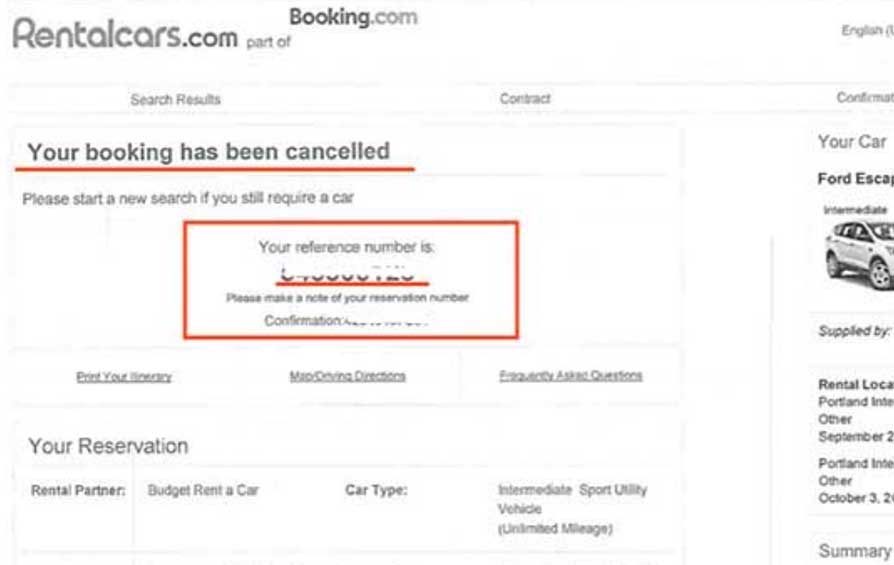
Once you've cancelled your car rental, you'll receive a confirmation email from Expedia - it's like a weight has been lifted off your shoulders! This email will summarize the cancellation details, including any fees or refunds due. Take a moment to review the email, and make sure everything looks correct.
If you're due a refund, it will be processed within a few days - patience is a virtue, my friend! The refund will be credited back to your original payment method, so keep an eye on your account. And if you have any issues or concerns, don't hesitate to reach out to Expedia's customer support - they're like the car rental cancellation therapists!
In conclusion, cancelling a car rental on Expedia is not the end of the world - it's just a minor detour! With these easy steps, you'll be back on track in no time, and you can focus on more important things... like planning your next adventure! So, take a deep breath, stay calm, and remember that sometimes cancellations can be a blessing in disguise. Happy travels, and may the road rise up to meet you!