How To Blur Background In A Video
We’ve all been there. You’ve recorded a fantastic video of your dog doing something hilarious, only to realize your kitchen looks like a tornado hit it. Or worse, your roommate walks by in the background wearing nothing but a towel and a confused expression.
Suddenly, that perfect clip is ruined. But fear not, because there’s a magic trick that saves more videos than a good filter: blurring the background. It’s like putting a fancy “bokeh” filter over your life, instantly hiding the laundry pile and making you look like a professional filmmaker.
Why Your Video Needs a Little Mystery
Think of your video background like the opening act at a concert. If the opening act is a guy juggling flaming chainsaws, nobody cares about the headliner. Your background is distracting people from your amazing face and witty commentary.
Must Read
Blurring it out is like telling the world, “Focus on me, not on my unmade bed.” It instantly elevates your content from “casual vlog” to “cinematic masterpiece.” Plus, it’s the only way to look classy when you’re actually sitting in your pajamas at 3 PM.
It’s the digital equivalent of wearing a nice shirt on a Zoom call, but for your whole room. You get all the credit for looking put-together without any of the actual cleaning.
The Three Amigos: How to Actually Do It
Now, you don’t need a Hollywood studio or a camera that costs more than your car. You’ve got a few simple options, and they all depend on your tool of choice. It’s easier than convincing your cat to sit still for a photo.
Option 1: Your Phone’s Magic (Portrait Mode)
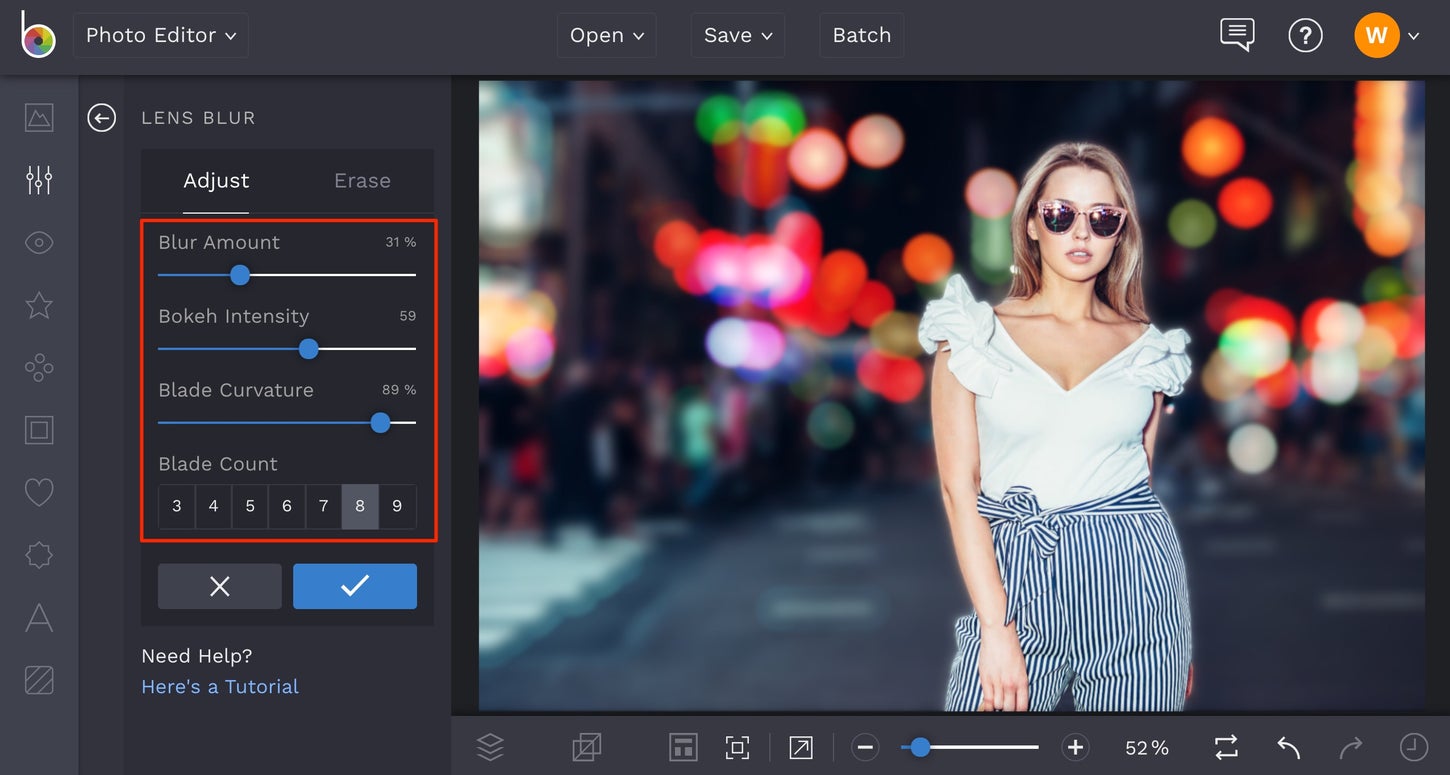
If you’re shooting on a modern smartphone, you’ve probably got a Portrait Mode or a “Cinematic Mode” hiding in your camera app. This is the cheat code. It uses software to detect the subject (you or your dog) and blurs everything behind them in real-time.
It’s like having a professional camera crew in your pocket, but instead of a director, it’s just a bunch of clever algorithms. Simply select the mode, frame your shot, and hit record. The phone does the heavy lifting; you just have to look somewhat presentable.

Just be careful—sometimes the phone gets confused and blurs your ear instead of the background. If that happens, just re-frame and try again. It’s not brain surgery; it’s just software having an off day.
Option 2: The Editing App Tango
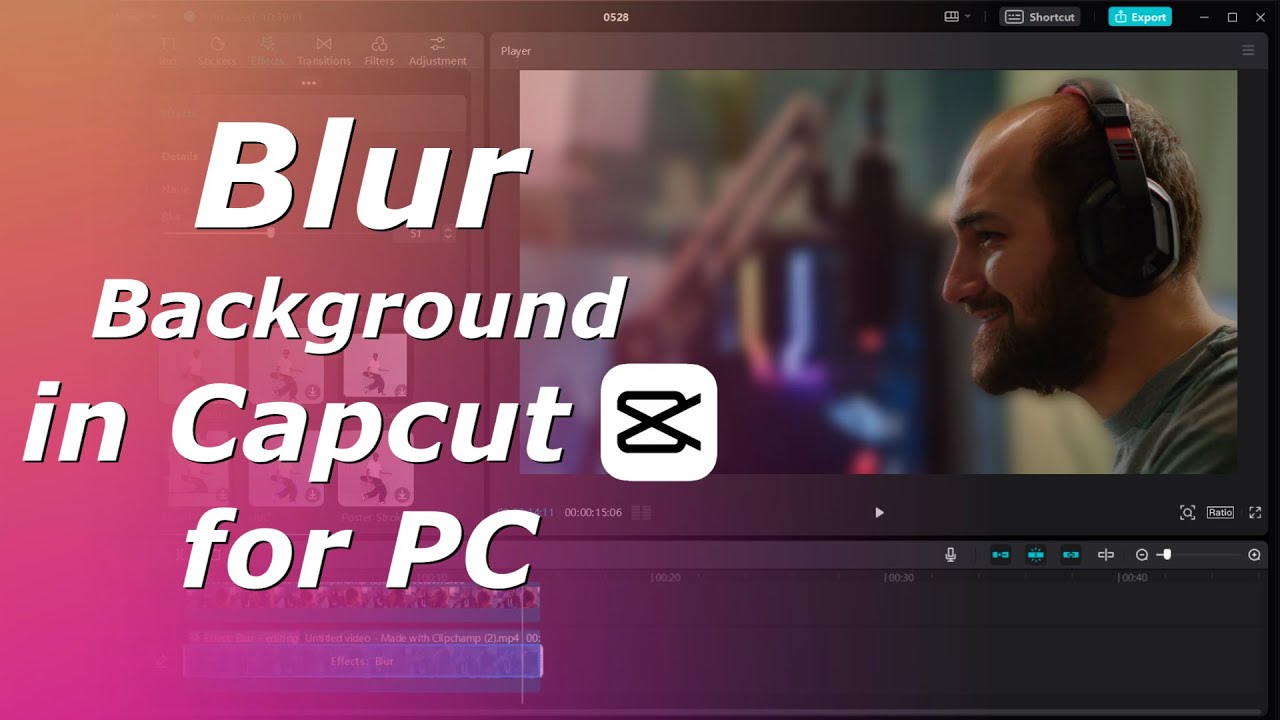
Already have the video recorded and messy? No problem. You can use an editing app like CapCut, InShot, or even iMovie to add the blur after the fact. This is the “do-over” approach for when you didn’t plan ahead—which is 90% of my life.
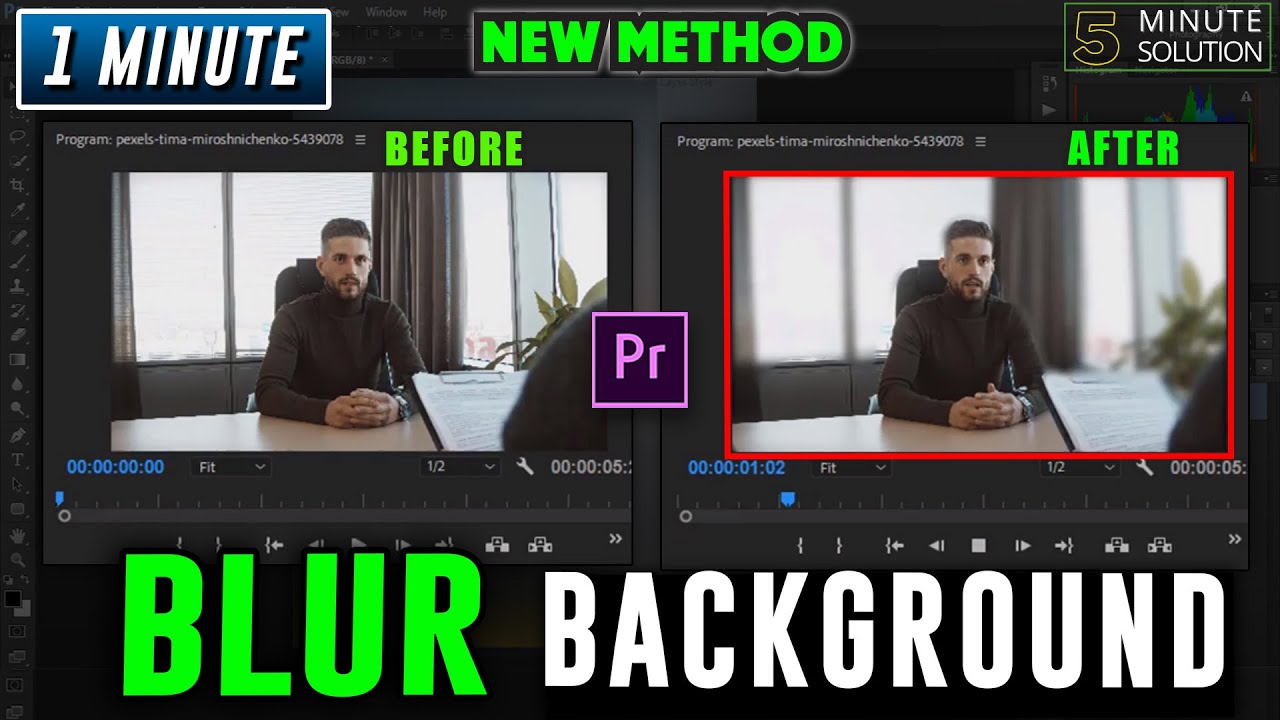
Most apps have a “Blur” or “Background” effect. You’ll pick your video, select the effect, and then use a brush to paint over the background you want to blur, leaving yourself in sharp focus. It’s like using a digital painting tool, except you’re painting with fuzziness.

It takes a bit of patience to trace around your head without making it look like you have a fuzzy halo. But with a little practice, you’ll be a blur-master, editing out the mess in your spare room with the confidence of a surgeon.
Option 3: The PC Power Move
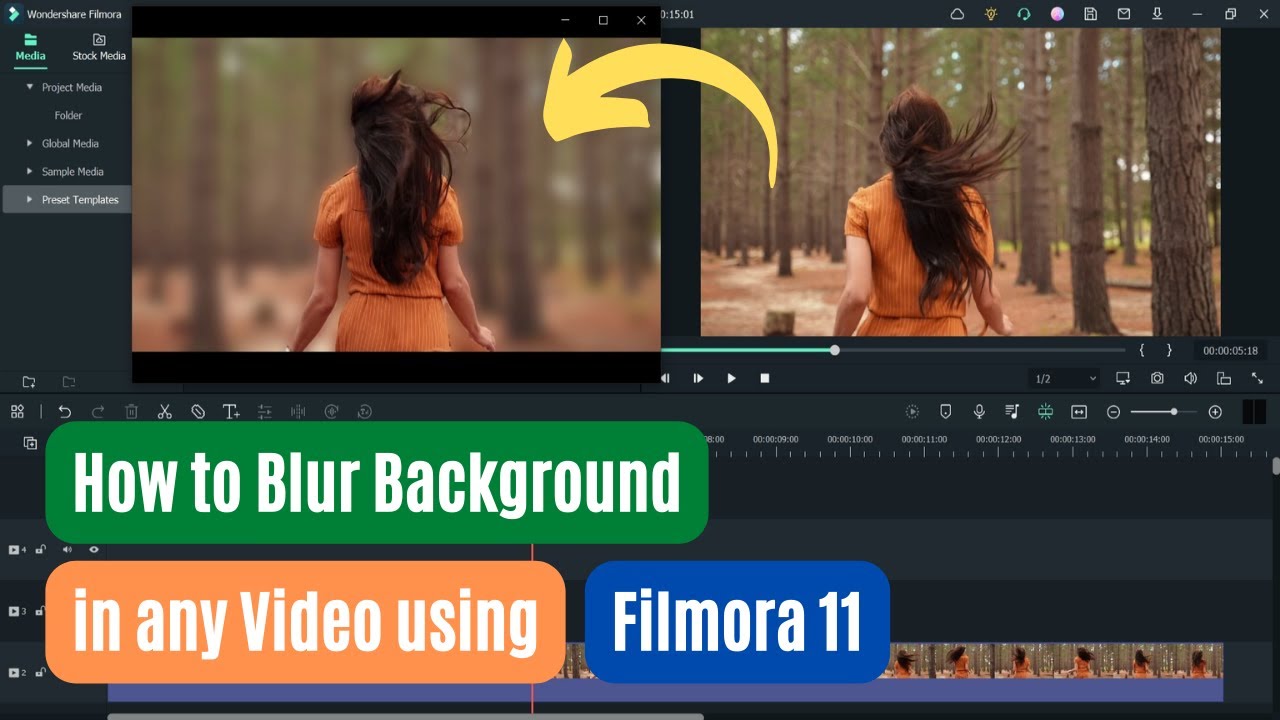
If you’re on a laptop or desktop, you’ve likely got more serious tools. Software like OBS Studio (for live streaming) or DaVinci Resolve (for editing) has keyframe and tracking features. It sounds scary, but it’s just a fancy way of telling the computer, “Follow my face and blur the rest.”
For live calls that aren’t Zoom, using a virtual background is your best friend. But if you want that real blur look, you can use the “Blur” filter in your editing software and apply it to the whole video while masking out your subject. It’s like putting a matte frame over a painting—you’re just hiding the ugly parts.

Don’t worry if your first attempt looks like a glitchy alien. We all start somewhere. The important thing is to have fun and remember that even a messy blur is better than showing your dusty ceiling fan in 4K.
The Grand Finale
So, next time you’re about to hit “record,” don’t stress about the mess behind you. Embrace the blur. It’s the ultimate wingman for your videos, hiding everything you don’t want the world to see.
Whether you use your phone’s magic, an app’s brush, or a PC’s tracking power, you’re now equipped to look like a pro. Go forth, blur that background, and let your glorious, non-distracted face take center stage. Your secret is safe with the pixels.