How To Backup Your Computer To A Hard Drive
So, you're one of those super organized people who always keeps their computer files in check, right? I'm definitely not one of them, but I've learned the hard way that backing up your computer is crucial. I mean, who hasn't had that mini heart attack when their computer crashes and they realize they've lost all their important files?
I recall a friend of mine who lost all her university project files because she didn't bother to backup her computer. Painful experience, let me tell you. She had to redo the entire project from scratch, and let's just say it wasn't a fun time for her.
Why Backup Your Computer?
So, why is backing up your computer so important? Well, for starters, it protects your files from getting lost or corrupted due to a computer crash or virus. And trust me, it's not a matter of if your computer will crash, but when.
Must Read
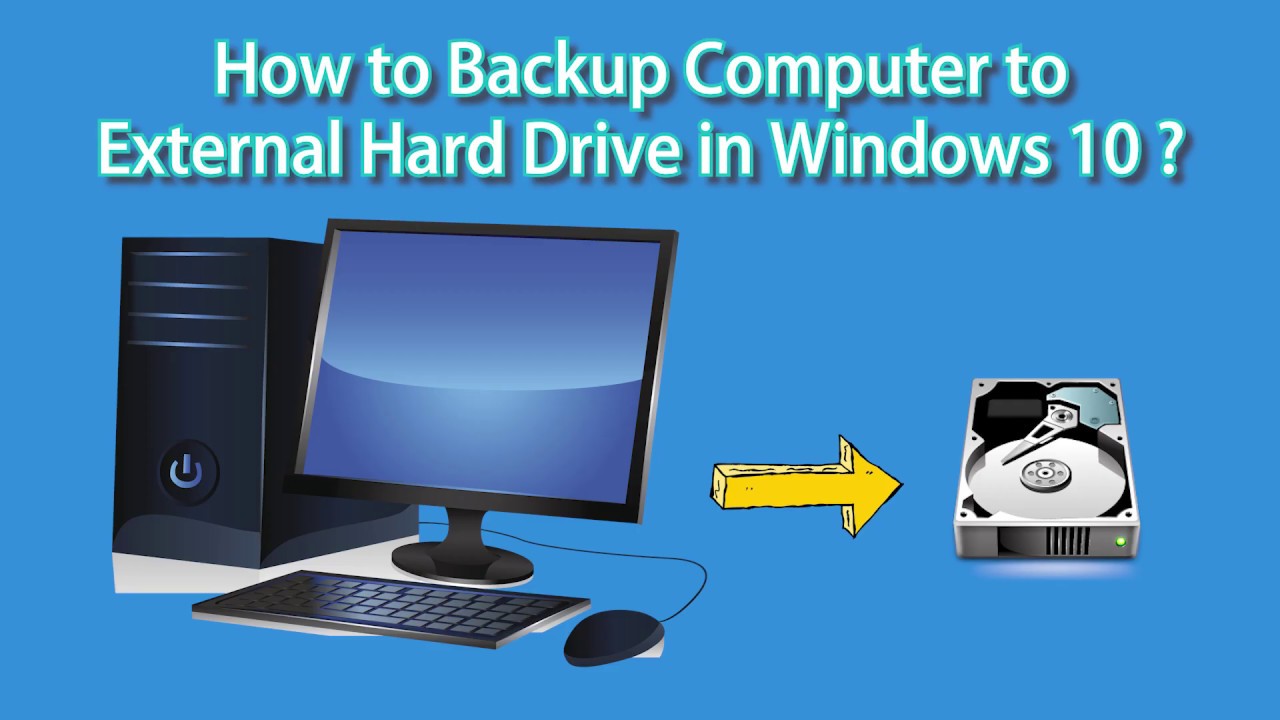
Think about it, all your important documents, photos, and videos are stored on your computer, and if something happens to it, all those files can be gone in an instant. Scary thought, right? That's why backing up your computer to an external hard drive is a must.
Choosing the Right Hard Drive
Now, when it comes to choosing the right hard drive for backing up your computer, there are a few things to consider. You'll want to choose a hard drive that's compatible with your computer, and has enough storage space to hold all your files. And, of course, you'll want to make sure it's reliable and won't fail on you when you need it most.

I'd recommend going for a hard drive with a larger storage capacity, just to be on the safe side. You don't want to have to worry about running out of space when you're trying to backup your files. And, if you're feeling extra cautious, you could even consider getting a second hard drive as a backup for your backup.
Now, I know what you're thinking, "But, I'm not tech-savvy, how do I even connect the hard drive to my computer?" Don't worry, it's easier than you think. Most hard drives come with a USB cable that you can simply plug into your computer, and voila, you're ready to start backing up your files.
![How to Backup PC to External Hard Drive [Windows 11/10]](https://www.ubackup.com/screenshot/en/std/backup/disk-backup/disk-backup.png)
Backups: The Basics
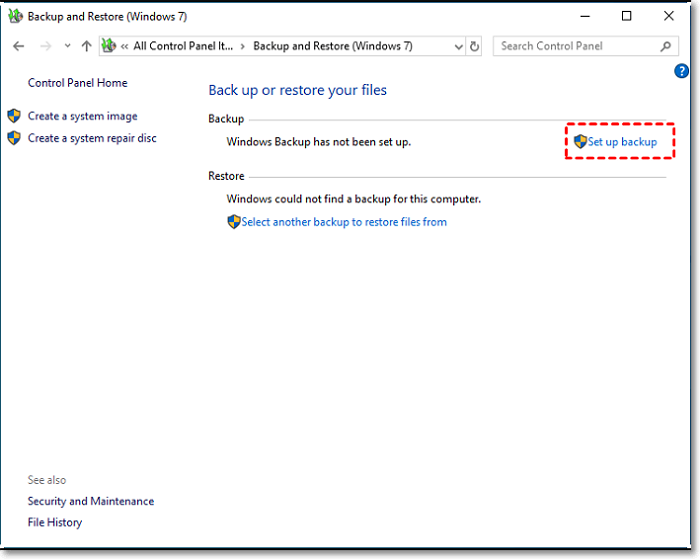
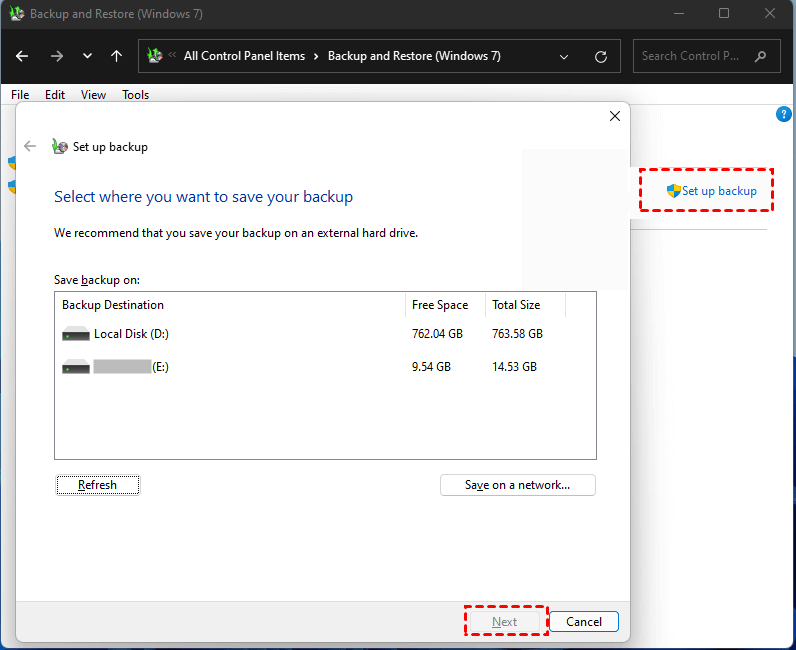
So, once you've got your hard drive all set up, it's time to start backing up your files. This is the easy part, but it's also the most important. You'll want to make sure you're backing up all your important files, including documents, photos, videos, and anything else you can't afford to lose.
You can either manually backup your files by dragging and dropping them into the hard drive, or you can use backup software to automate the process. Either way, make sure you're backing up your files regularly, so you don't have to worry about losing anything important.
And, just to be extra safe, you might want to consider encrypting your backups, so even if someone gets their hands on your hard drive, they won't be able to access your files. Peace of mind, right?
Maintenance is Key
Now, once you've got your backup system all set up, it's easy to forget about it and just let it run on autopilot. But, don't make that mistake. You'll want to regularly check your backups to make sure they're working properly, and that all your files are safe and sound.
This is also a good time to update your backup software, and make sure you're using the latest and greatest security patches. You don't want to leave your backups vulnerable to cyber threats, do you?
And, finally, don't forget to test your backups every now and then, to make sure you can actually restore your files if something goes wrong. You don't want to be stuck in a situation where you need to restore your files, only to find out that your backups aren't working.
So, there you have it, a quick and easy guide to backing up your computer to a hard drive. It's not rocket science, but it does require a bit of effort and dedication. But trust me, it's worth it in the end, when you can rest easy knowing that all your important files are safe and sound.