How To Activate Sodexo Premium Pass
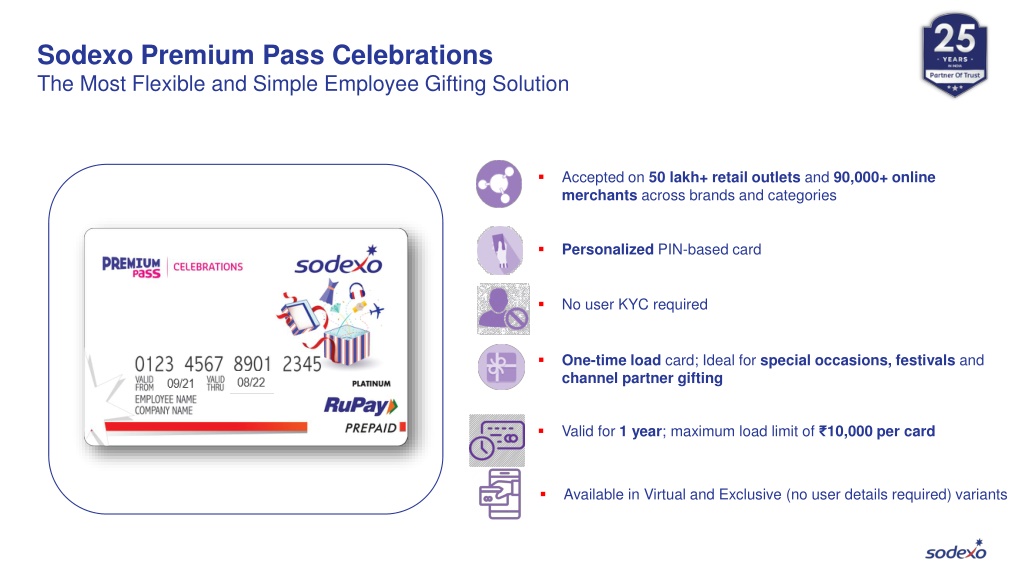
Have you ever stared at a shiny Sodexo Premium Pass, wondering if it’s just a fancy piece of plastic? It’s actually your key to a world of effortless meals, snacks, and everyday perks. Learning to activate it takes just a few minutes, and once you do, you’ll wonder how you ever managed without it.
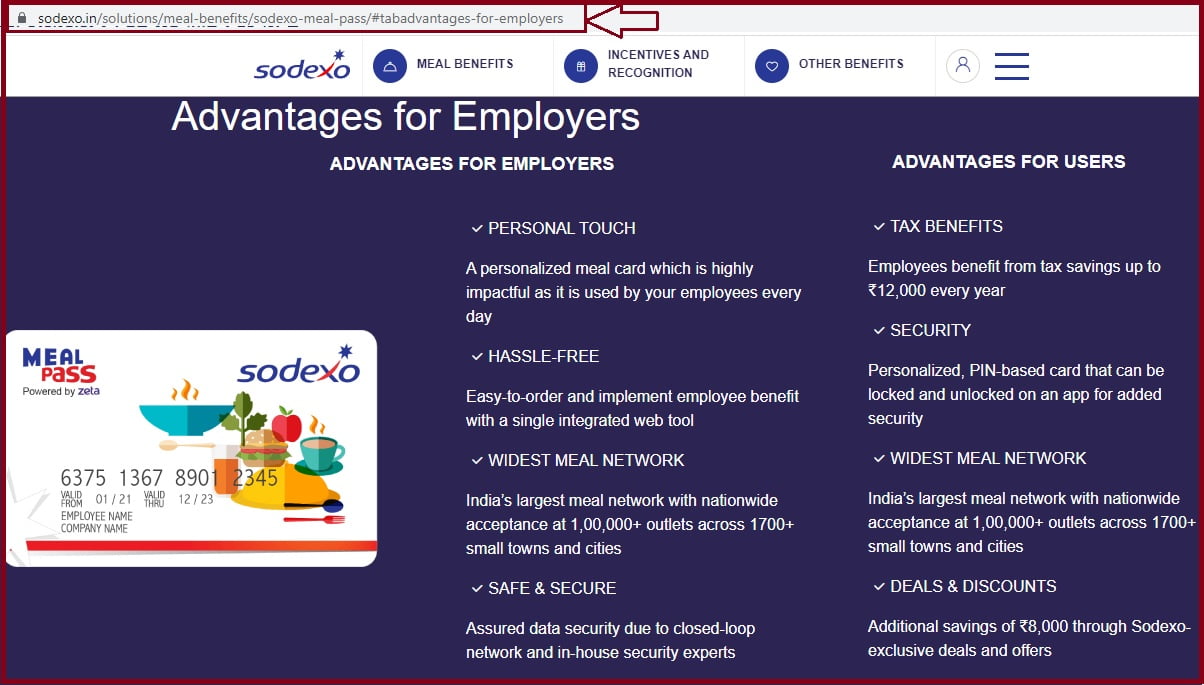
Think of this pass as a digital wallet that your employer or school has already topped up for you. Its purpose is simple: to let you pay for food and selected lifestyle services without touching your own bank account. The real benefit is convenience—you can grab lunch, buy groceries, or even pay for a cinema ticket with a quick swipe or tap.
For students, this pass is a lifesaver during exam week. Instead of queuing with cash or card, you just scan your pass at the campus café, and your hot coffee and sandwich are yours. In daily life, it also works at partnered supermarkets and restaurants, meaning your weekly shop can become a breeze—no more digging for loose change.
Must Read
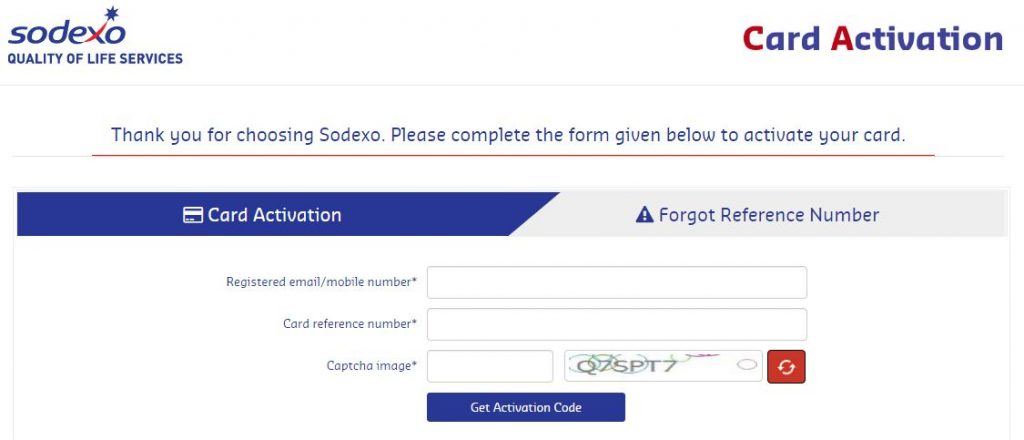
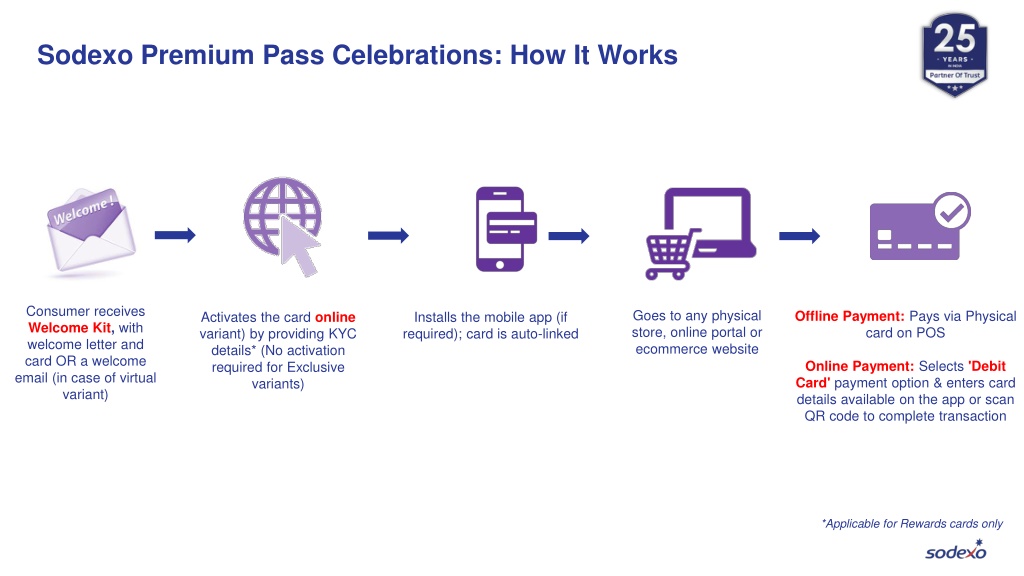
Activation is straightforward, but the exact steps depend on how you received it. Most passes come with a unique code printed on the back, either under a scratch-off layer or in a welcome email. You’ll need that code to get started.
First, check your welcome materials for a website URL or a mobile app name, like “Sodexo Benefits” or “Sodexo Pass.” Download the app or visit the site, then look for the “Activate” or “Register” button. Enter your pass number, the unique code, and your personal details—usually your name and date of birth.
Don’t forget to set a secure PIN when prompted. This PIN is your safety net for in-store purchases, so choose something memorable but hard to guess. After that, you might need to verify your email or phone number via a one-time code—it takes less than a minute.
Once activated, your balance will appear instantly, and you can start using the pass that same day. A great tip is to link your pass to a mobile wallet like Apple Pay or Google Pay, so you don’t even need to carry the physical card. That way, your phone becomes your pass, which is perfect for quick trips.

If you’re using this for work, check if your employer offers auto-reload features. Some plans let you set a minimum balance, so you never run out during a busy lunch rush. Also, browse the Sodexo app’s map to find nearby partners—you’ll often discover hidden gems like bakeries or food trucks you didn’t know accepted it.
A fun way to explore is to challenge yourself to pay for an entire day’s food using only the pass. From breakfast croissant to a late-night smoothie, you’ll see just how versatile it is. And if you ever forget your PIN, don’t panic—most apps offer a quick “forgot PIN” reset via your registered email.

Finally, keep an eye on promotional offers inside the app. Sodexo frequently runs discounts or bonus points at specific restaurants, so you can stretch your balance further. Activating your pass is a small step that turns into a daily habit of smart, cashless spending.
So go ahead, find that code, and get started. In less than five minutes, you’ll unlock a simpler, tastier way to handle your daily expenses—and you’ll never look back.