How To Access My Router Remotely
There’s a quiet thrill in realizing you can poke your head into your home’s digital brain from a beach in Bali or a coffee shop downtown. Accessing your router remotely used to feel like a sysadmin’s secret handshake, but now it’s a creative tool for the rest of us. Think of it as a magic window into your own little network universe—one that’s surprisingly fun to open.
For the artist or hobbyist, this trick is pure gold. Imagine checking your 3D printer’s progress from your phone while you’re stuck in traffic, or tweaking your home studio’s Wi-Fi channels to keep your music streaming smooth. You can even adjust your smart lights for a “welcome home” scene before you turn the key. It’s not just convenience; it’s artful control over your environment.
Casual learners love it because it turns your home into a living lab. You can monitor how many devices are fighting for bandwidth, or test a new security setting while you’re eating lunch. It’s a low-stakes way to understand firewalls, ports, and VPNs without a degree in IT. Plus, impressing friends with a remote reboot of your router is a genuine party trick—trust me.
Must Read
Here’s a quick taste of what you can do: change your DNS to dodge slow loading for your favorite art tutorials. Or set up a guest network for visiting friends, all from your laptop at work. Some folks use it to block distracting sites on their own home PC before they even arrive—pre-committed productivity. And for the bold, you can check your security camera feeds while on a walk, just to see who’s raiding the bird feeder.
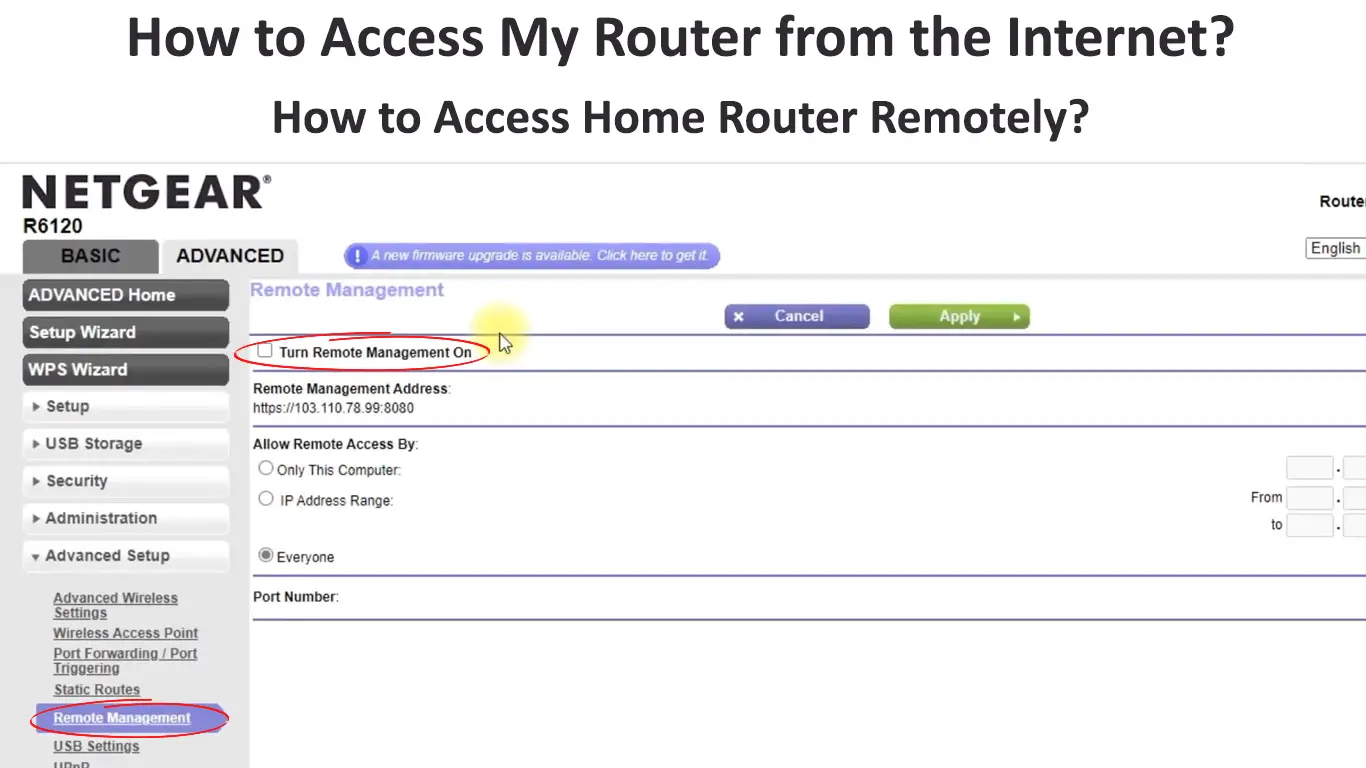
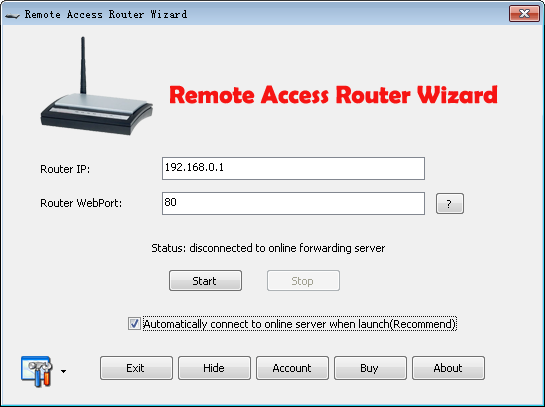
Before you dive in, know the basics: first, find your router’s IP (usually 192.168.1.1) and log into its admin page. Then, you’ll likely need to enable “remote management” or “remote access” under settings—but be careful. Always change the default admin password to a long, ugly passphrase, and never use port 8080 if you can avoid it; choose a random high number instead. For a safer route, consider setting up a free dynamic DNS service (like No-IP) so you don’t have to memorize your home IP address.

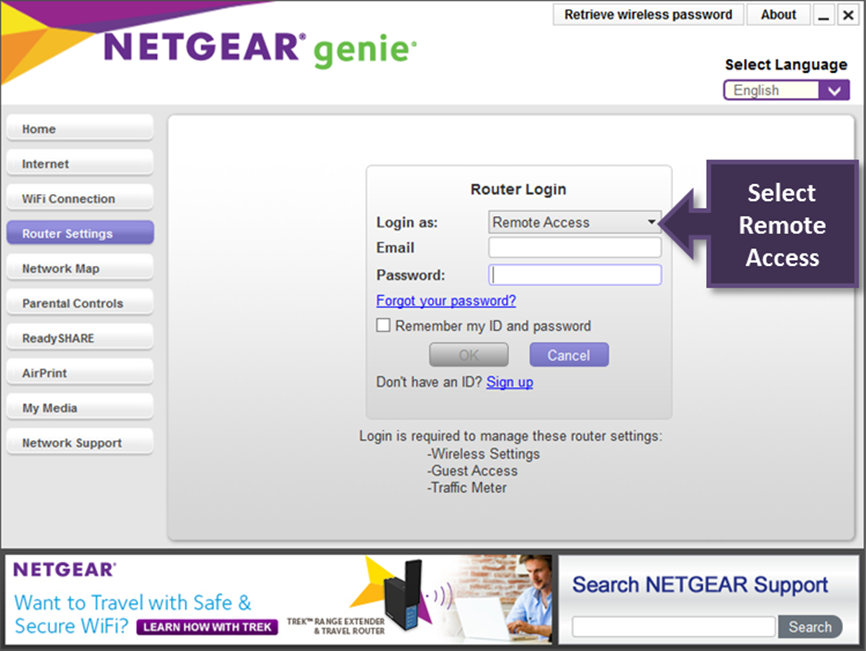
Better yet, skip direct exposure and use a VPN server on your router (many modern ones support it). This way, you connect to your home network privately, as if you’re sitting on your couch, without opening the front door to strangers. If that feels heavy, you can start with your router’s companion mobile app—most brands offer a cloud-based remote view that hides the scary technical bits. Test it first from your own phone’s cellular data, not your home Wi-Fi, to make sure it works.
Why is this so enjoyable? Because it flips a mundane appliance into a little spaceship with a remote control—you’re not just a user, you’re the pilot. There’s a cozy satisfaction in fixing a frozen network from a park bench, a tiny victory over distance and cables. Plus, it’s a safe adventure: you’re only tweaking your own house, so mistakes cost you a YouTube timeout, not a data breach. Once you’ve done it, you’ll never look at your router as a boring black box again—it’s your obedient, faraway friend.