How Long Does Hellofax Take To Send
Let’s face it—faxing feels like a relic from a bygone era, yet it stubbornly clings to life in offices, doctor’s offices, and legal firms. That’s exactly why HelloFax has become the hero for anyone who needs to send a document without hunting down a clunky machine. It’s the digital bridge between your modern laptop and the world’s stubbornly analog paper pushers.
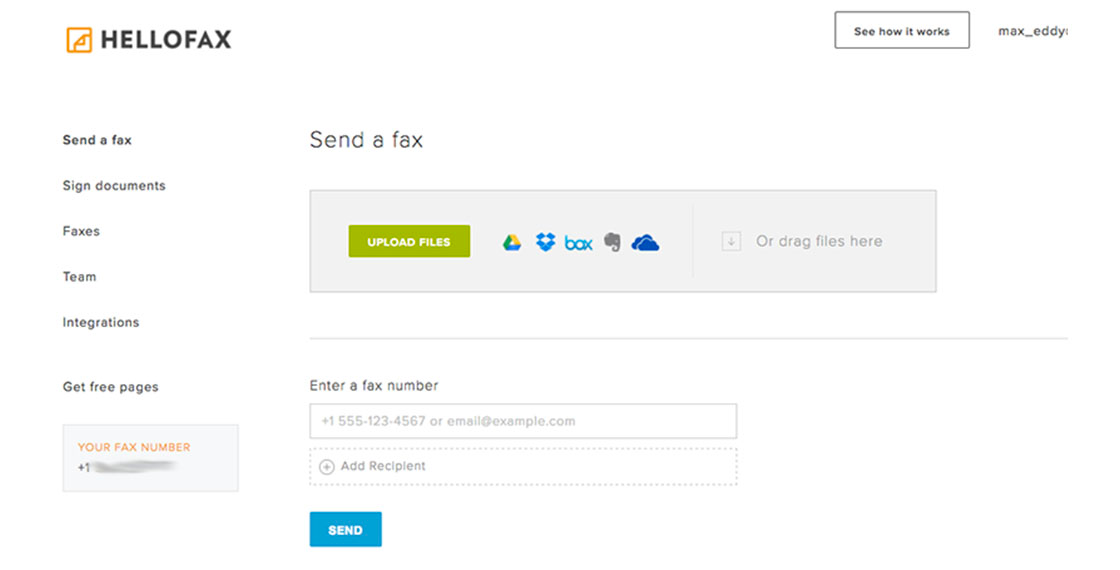
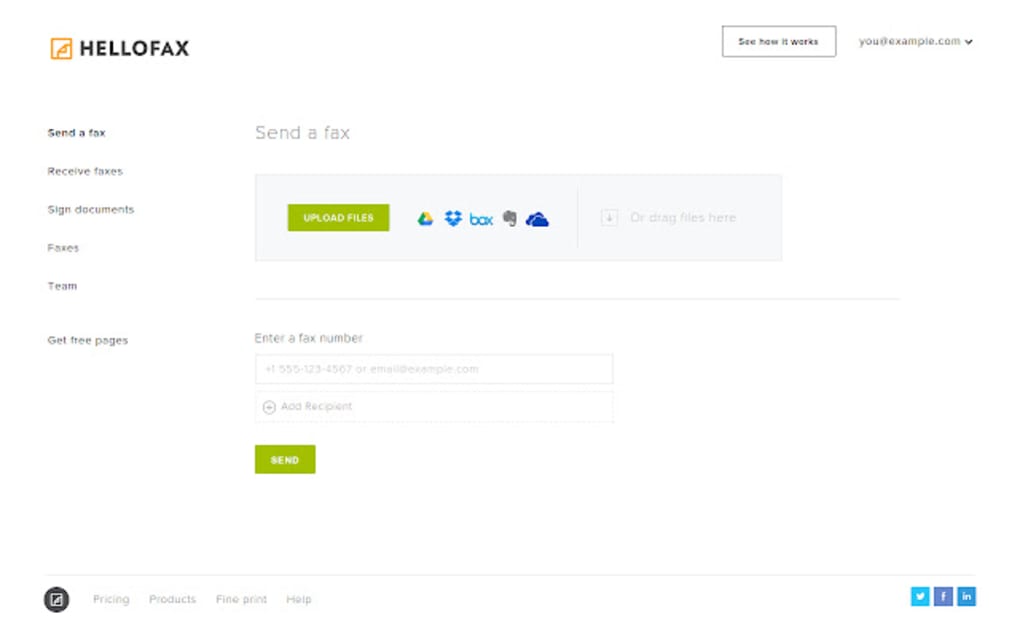
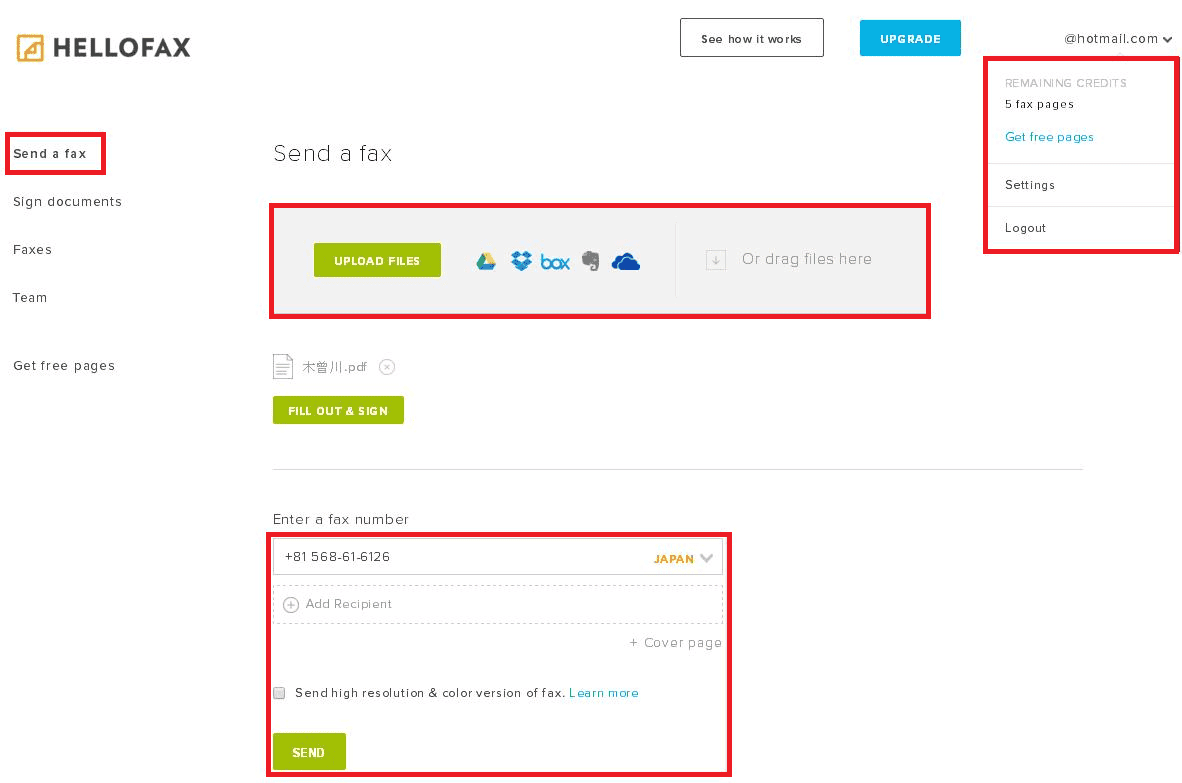
The beauty of HelloFax is that it takes a chore that used to require ink, toner, and a prayer to the fax gods, and turns it into something you can do in your pajamas. You upload a PDF, type in a number, and hit send—it’s that simple. For real estate agents closing a deal or a freelancer signing a contract, this service saves hours of drive time and head-scratching.
So, how long does HelloFax actually take to send? In most cases, you’re looking at under one minute for a standard, multi-page document. The transmission itself is lightning-fast, but the real timing depends on the receiving machine’s speed and line quality. Think of it like this: your part is instant, but the other side might be stuck in 1998’s dial-up era.
Must Read
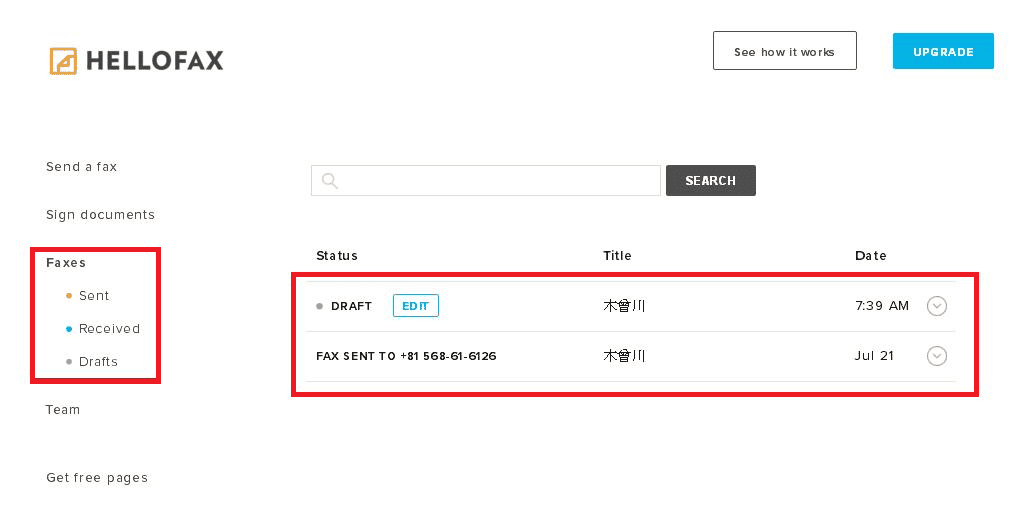
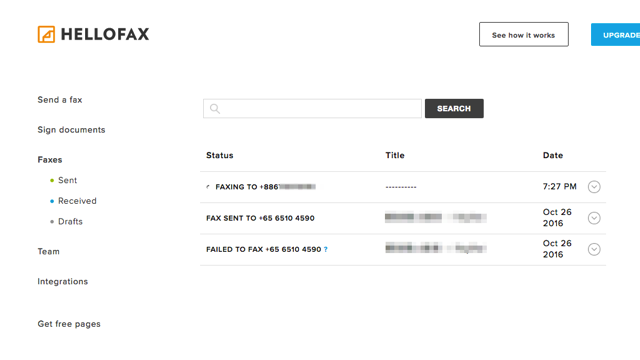
Typically, a single-page fax zips through in about 10 to 30 seconds, while a 20-page document might take two to three minutes. The service sends your file to their secure servers, then retries automatically if the line is busy. That means you don’t have to babysit the process—it just works, usually within a single attempt.
However, there’s a sneaky delay worth knowing: the confirmation email. After your fax succeeds, HelloFax sends you a delivery receipt, but that can lag by a minute or two due to email queues. So, while the actual sending is speedy, your peace-of-mind notification might arrive slightly later than the fax itself.
Common uses include signing lease agreements, submitting medical records, or sending signed tax forms to your accountant. In each case, you’re trading a 30-minute car ride for a 30-second click. It’s also a lifesaver when a client insists on a fax but you’re on a beach—HelloFax doesn’t care about your location, only your internet connection.
To get the fastest results, always upload a clean, text-based PDF rather than a photo of a document. Photos of crumpled paper are the “slow lane” because the system has to process the image, which can add 10 to 15 seconds. Also, check the receiving number twice—a wrong digit will cause a failed attempt, and that retry can take up to five minutes.
Another pro tip: send during off-peak hours (before 9 AM or after 6 PM) to avoid busy lines at the recipient’s machine. And if you’re in a hurry, use their “priority” option if available—it bumps your fax to the front of the line. For everyday use, the free tier is fine, but a paid plan ensures faster retries and no queuing delays.
Finally, remember that HelloFax’s promise is about reliability, not just speed. Even if a fax takes 90 seconds, you’re saving 25 minutes of actual work. The next time someone asks, just smile and say, “It’s faster than you think—usually faster than making a coffee.” That’s the modern magic of a digital stamp on an analog ritual.