
How Do You Find Out What Your Wifi Password Is
:max_bytes(150000):strip_icc()/006_find-wifi-password-on-windows-11-5216845-df2fdda1aa4645b38ceb6c3eea795887.jpg)
Have you ever found yourself in a situation where you need to share your Wifi password with a friend or family member, but you have no idea what it is? This can be frustrating, especially if you're not exactly tech-savvy. Don't worry, it's easier than you think to find out what your Wifi password is.
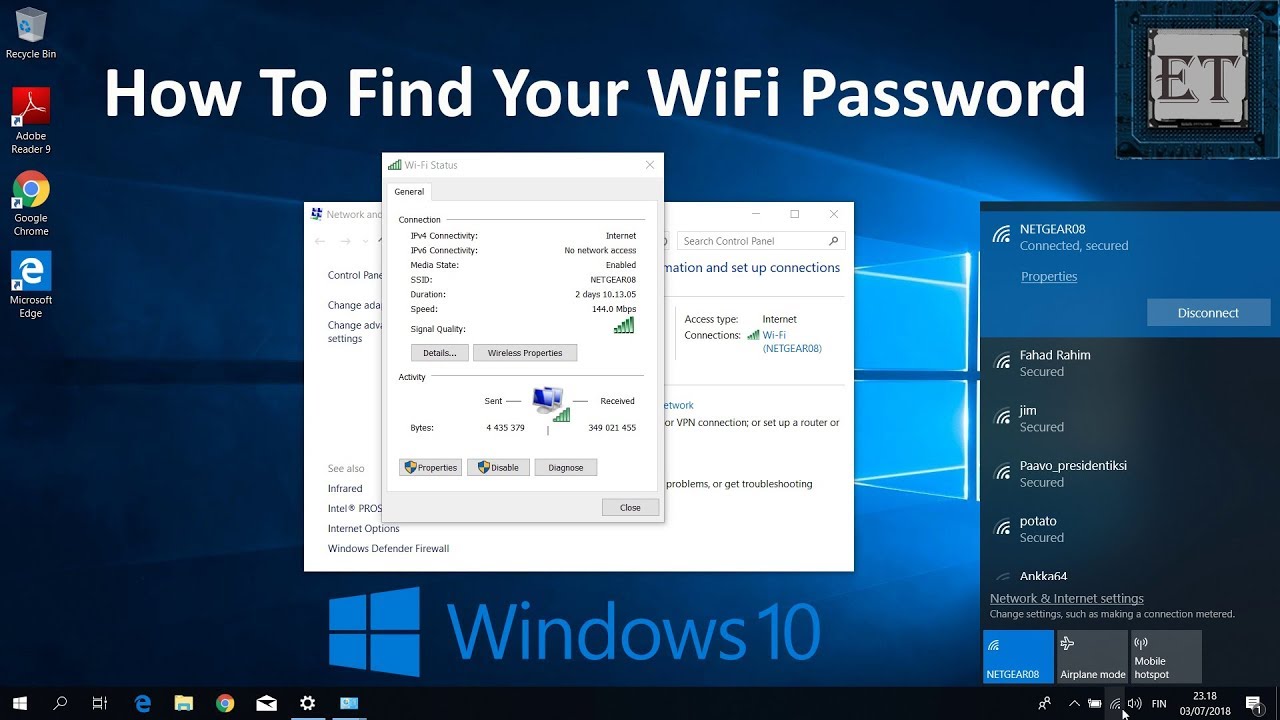
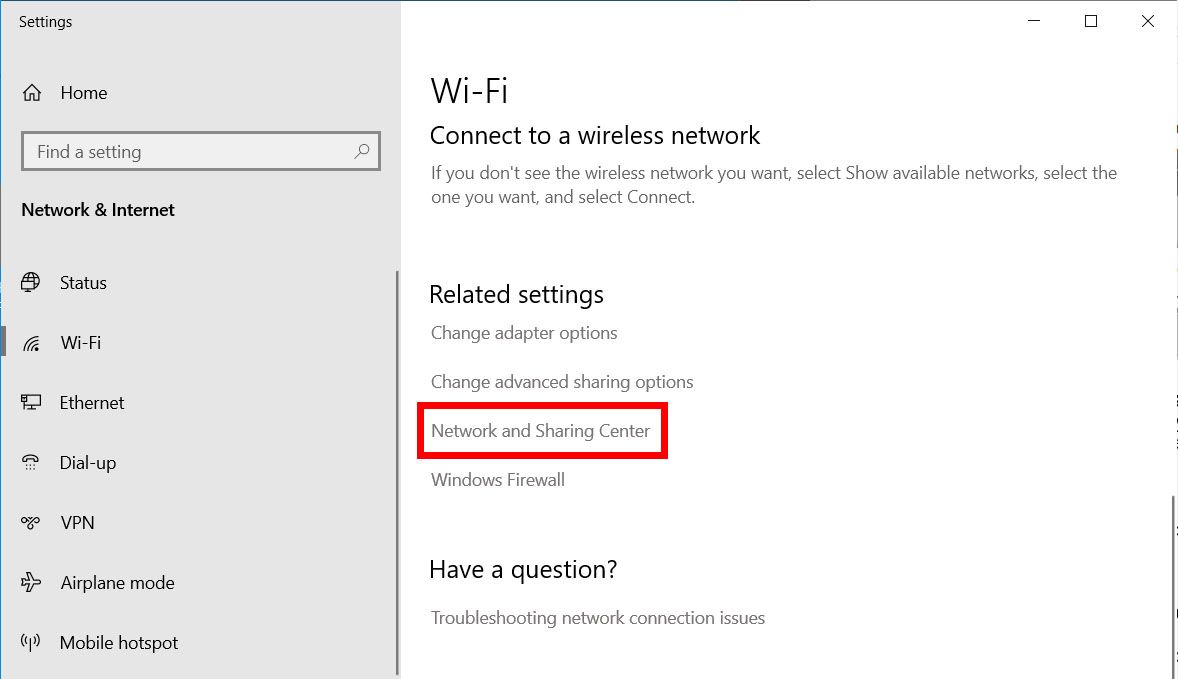
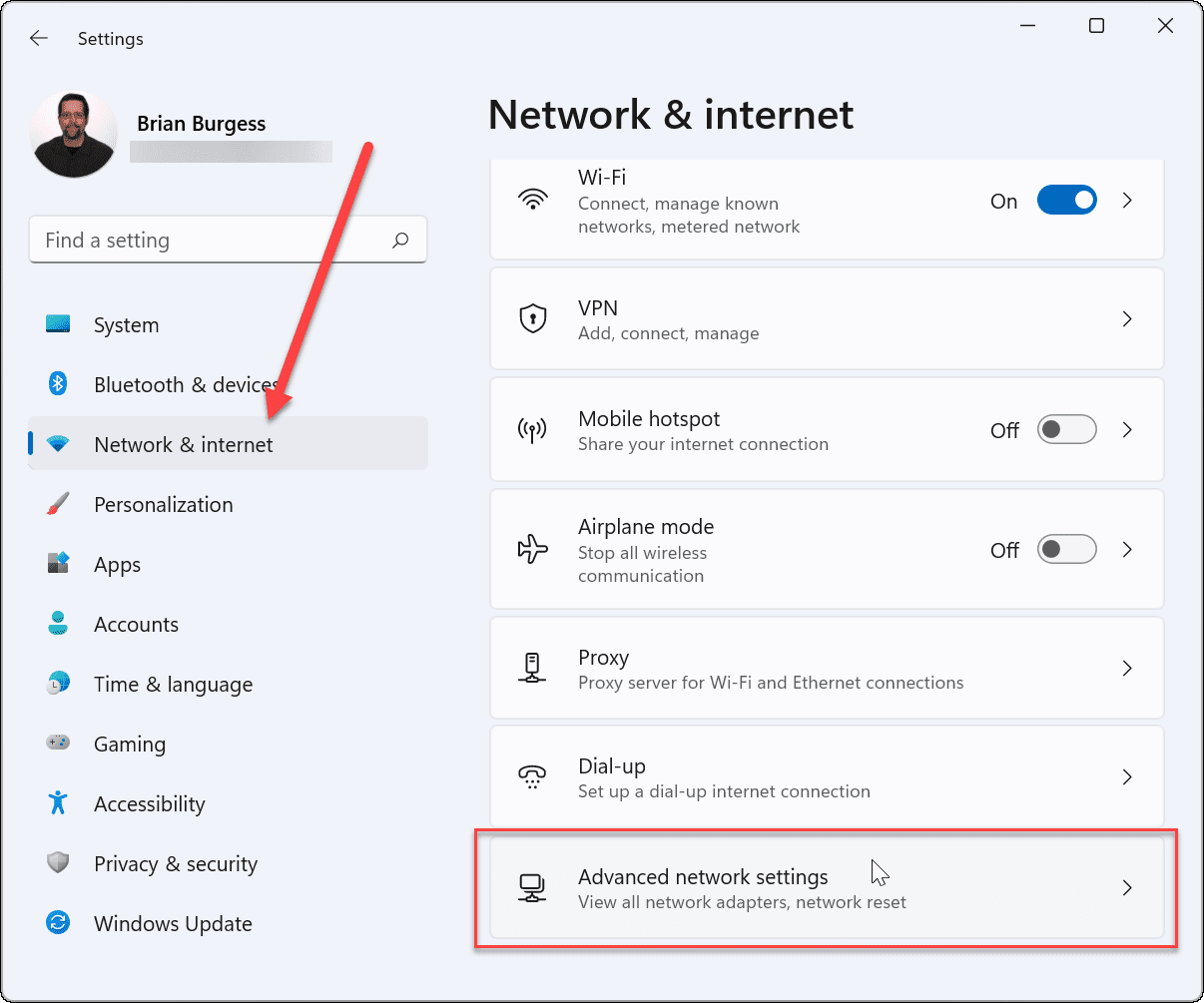
If you're using a Windows computer, you can find your Wifi password by going to the Network and Sharing Center. From there, you can click on the Wireless Network you're connected to and select Wireless Properties, then click on the Security tab to reveal your Wifi password. It's like a little treasure hunt, and the prize is being able to share your Wifi password with others.
For Mac Users
If you're using a Mac, the process is a bit different, but just as easy. You can find your Wifi password by going to the Keychain Access application, which stores all of your passwords and other sensitive information. By selecting the Wifi network you're connected to, you can reveal your Wifi password and share it with others.
Must Read
Using the Router is another way to find your Wifi password, and it's often the easiest method. Most routers have a small sticker on the bottom or side with the Wifi password printed on it, along with the router's IP address. If you can't find the sticker, you can always log in to the router's website using the IP address to access the settings and find your Wifi password.
It's amazing how often we need to share our Wifi password with others, whether it's a friend who's visiting or a family member who needs to get online. By knowing how to find your Wifi password, you'll be the host with the most, and everyone will appreciate your tech expertise.
If you're still having trouble finding your Wifi password, don't worry, it's not the end of the world. You can always reset your router to its default settings, which will give you a new Wifi password. Just be sure to write it down and store it in a safe place, so you don't have to go through the process again.
So, go ahead and give it a try - finding your Wifi password is a fun and easy adventure. You might be surprised at how simple it is, and you'll feel like a tech superhero when you're able to share your Wifi password with others. Who knows, you might even discover some other cool things you can do with your router and Wifi network.
The Benefits of Knowing Your Wifi Password
Knowing your Wifi password can be really beneficial, especially if you have a lot of devices that need to connect to the internet. You'll be able to share your Wifi password with others, and you'll also be able to connect to your Wifi network from anywhere in your home or office. It's a great feeling to be in control of your Wifi network and to know that you can access the internet whenever you need to.

In addition to being able to share your Wifi password with others, knowing your Wifi password can also help you to troubleshoot any problems you might be having with your Wifi network. If you're having trouble connecting to the internet, checking your Wifi password is often the first step in figuring out what's going wrong. By knowing your Wifi password, you'll be able to quickly and easily identify any problems and get back online in no time.
So, why not give it a try and see if you can find your Wifi password? It's a fun and easy challenge, and you might be surprised at how simple it is. With your Wifi password in hand, you'll be able to connect to the internet from anywhere and share your Wifi network with others. It's a great feeling to be in control of your Wifi network, and knowing your Wifi password is the first step.

As you can see, finding your Wifi password is not as difficult as it might seem. With a few simple steps, you can discover your Wifi password and start sharing it with others. Whether you're using a Windows computer, a Mac, or you're accessing your router directly, the process is easy and straightforward.
In conclusion, knowing your Wifi password is an essential part of being able to connect to the internet and share your Wifi network with others. By following the simple steps outlined above, you can find your Wifi password and start enjoying the benefits of being able to access the internet from anywhere. So, go ahead and give it a try - you might be surprised at how easy it is to find your Wifi password.
And, as a final note, it's always a good idea to write down your Wifi password and store it in a safe place, so you don't have to go through the process of finding it again. This will save you time and frustration in the long run, and it will also help to ensure that you're always able to connect to the internet when you need to. By knowing your Wifi password and keeping it in a safe place, you'll be able to enjoy all the benefits of being online, without any of the hassle or stress.
-(1).png)