How Do You Activate An Old Iphone
So, you’ve found an old iPhone buried in a drawer, right next to a pile of tangled earbuds and a forgotten chapstick. Maybe it’s your old phone, or a hand-me-down from a friend, and you’re staring at a black screen that just won’t wake up. The big question is, how do you breathe life back into this little slab of glass and metal?
First things first, let’s talk about the most obvious culprit: the battery. If that iPhone has been sitting for six months, a year, or since the last Star Wars movie came out, its battery is probably as flat as a pancake. Don’t panic—this is the easiest fix. Plug it into a wall charger, not a laptop, and give it at least 15 minutes. Sometimes, the screen will stay black for a while, making you think it’s dead, but it’s just sipping power quietly, like a sleepy turtle waking up from a nap.
Is It Charging or Just Trolling You?
Here’s a classic trick: after you plug it in, look for a little lightning bolt icon on the screen. If you see it, great—your phone is alive and just being dramatic. But if you see nothing, try a hard reset. On most older models, you hold down the Home button and the Power button together for about ten seconds. It’s kind of like giving your phone a gentle shake to say, “Hey, wake up!”
Must Read
And what if the screen flashes the “Plug into iTunes” logo? That’s a whole different beast. That means your phone is in Recovery Mode, which sounds scary, but it’s just a digital waiting room. You’ll need a computer with iTunes or Finder to give it a fresh start, but don’t worry—we’ll get to that in a sec. Your phone isn’t broken; it’s just asking for a little help, like a friend who needs a boost to jump-start their car.
The Setup Dance
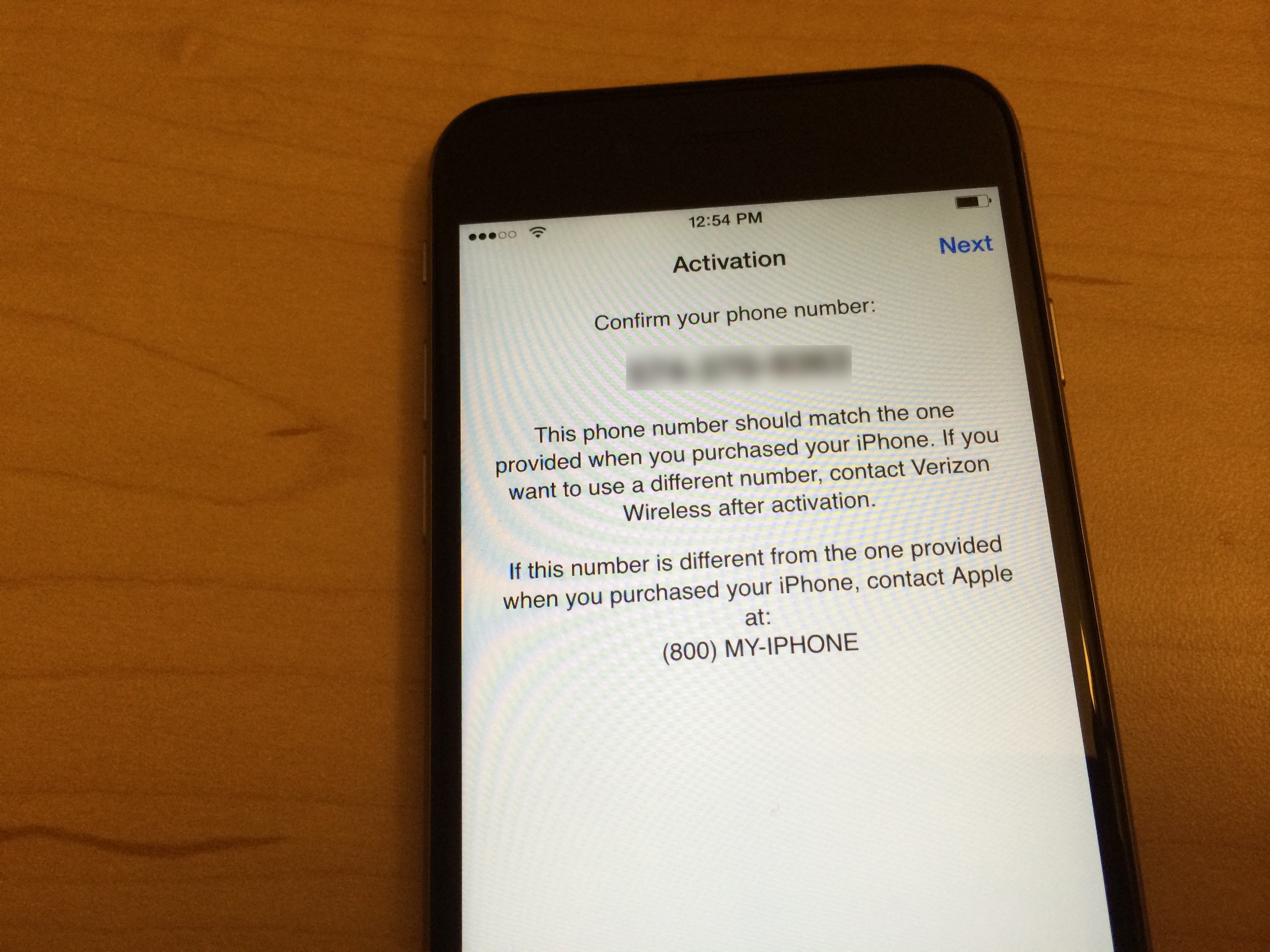
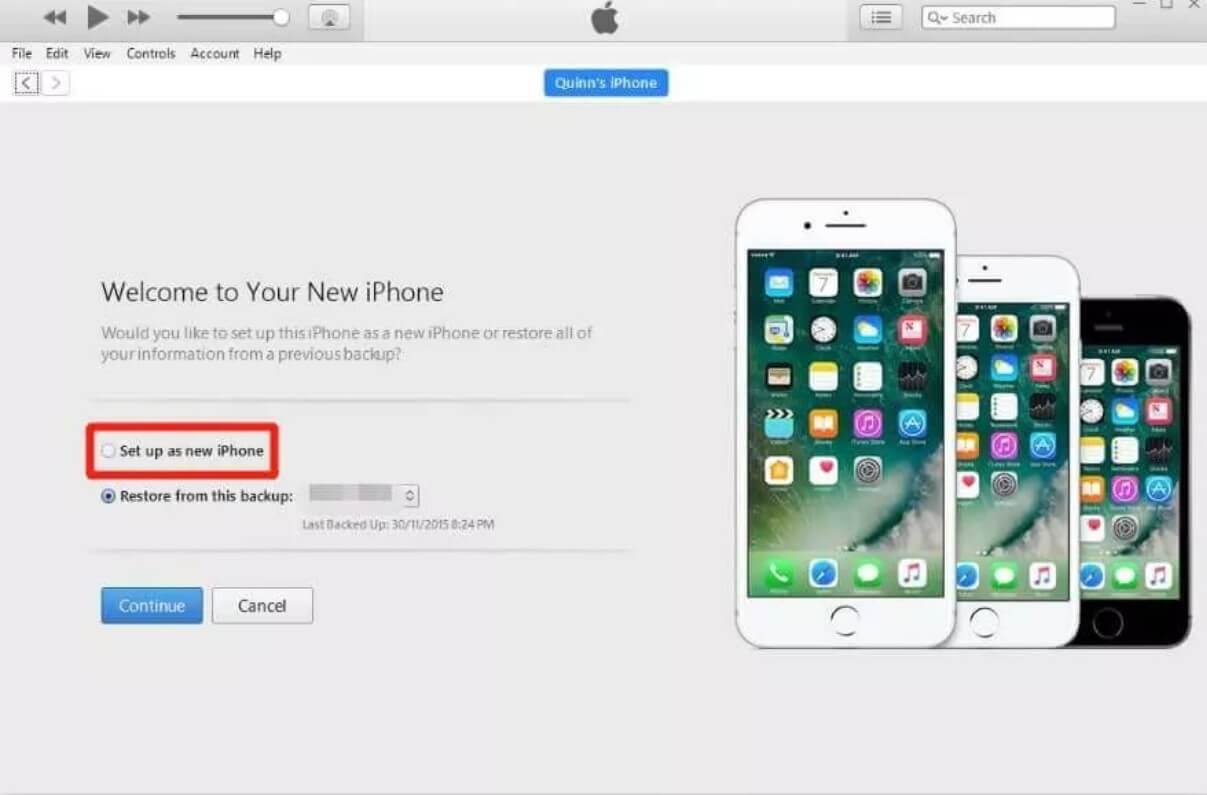
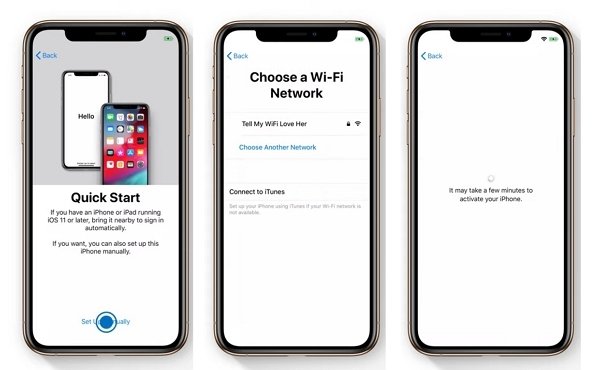
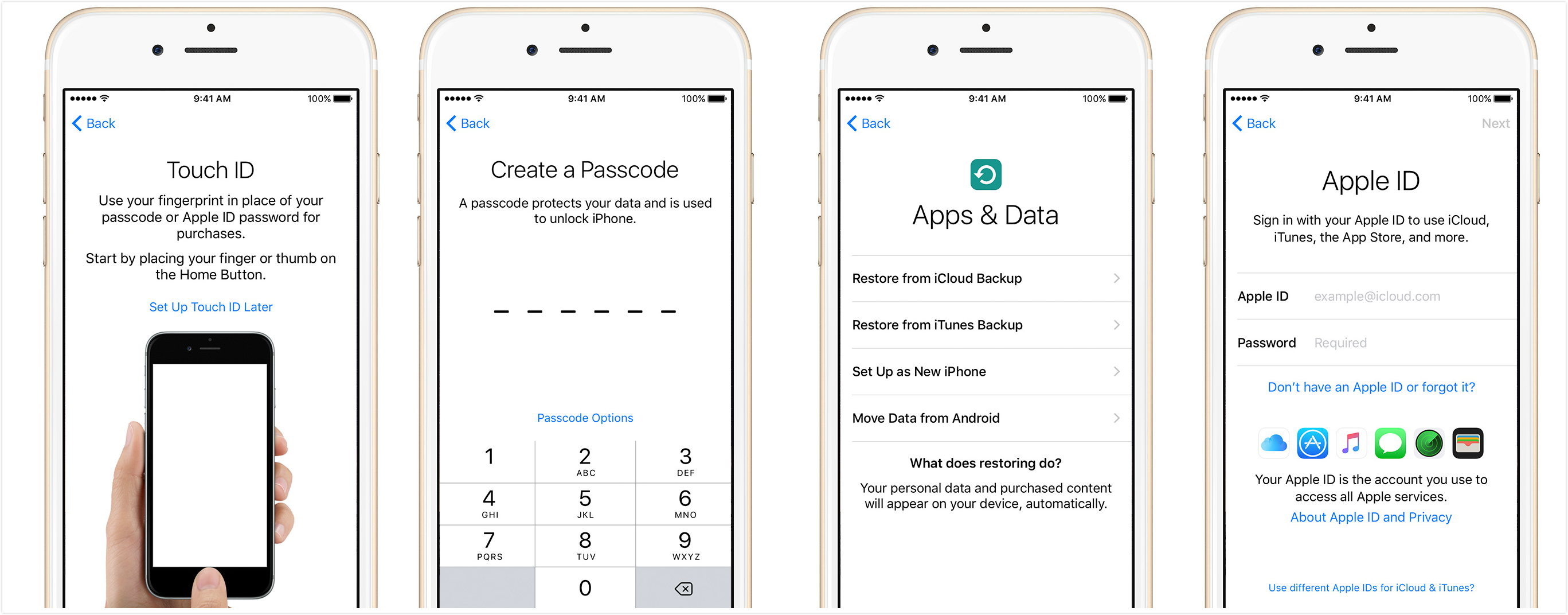
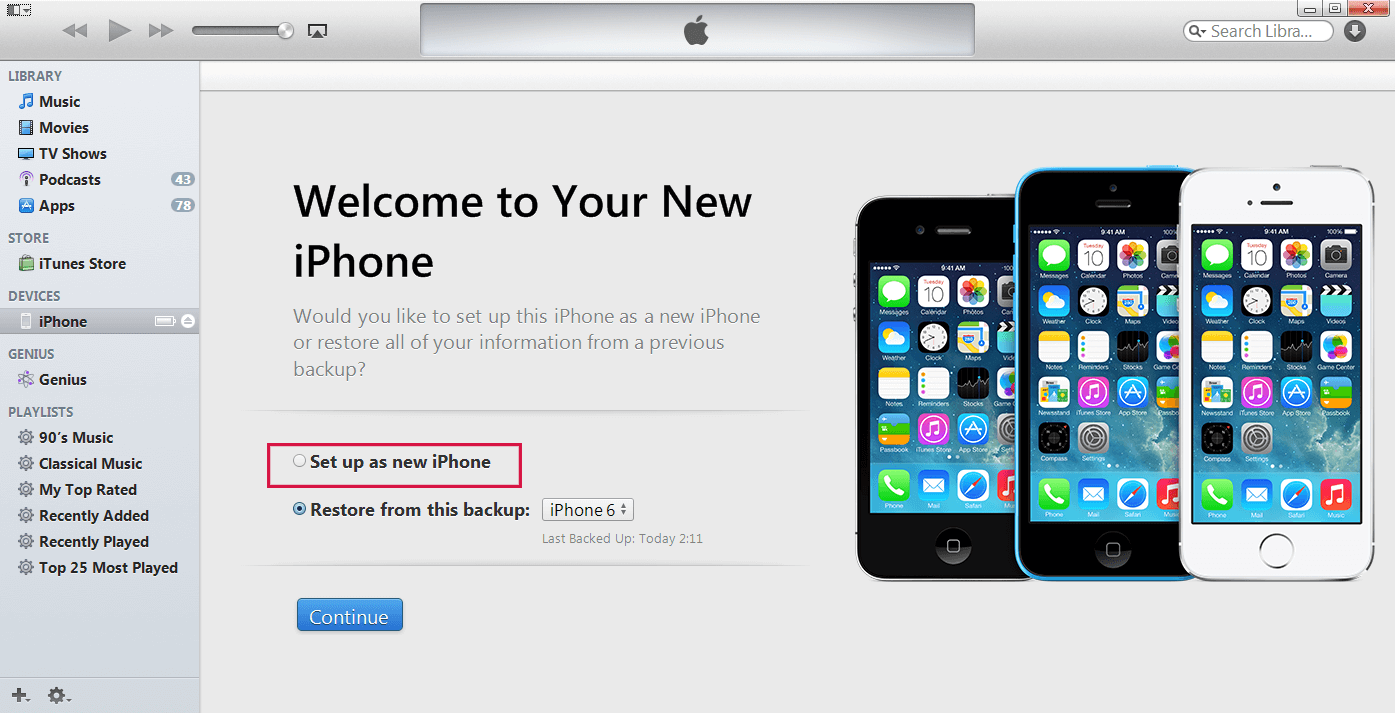
Once the screen lights up, you’ll see the “Hello” screen in a bunch of languages. This is the fun part! You get to slide through the setup, and it’s surprisingly satisfying. It asks if you want to restore from a backup or set it up as new. If you’re just curious and want to play with an old device for nostalgia, set it up as new—it’s the clean slate option, like a blank notebook for your brain.
If you want to keep your old photos and messages from your previous iPhone, you’ll need to connect it to Wi-Fi and sign into your iCloud. But hold on—if that phone is from 2015 with an old iOS version, some apps might not work anymore. That’s fine! It’s like visiting a retro arcade; you don’t expect everything to play perfectly, but it’s a blast to navigate the old menus. The icons look chunky, and the animations are slower, but there’s a weird charm in that digital time capsule.
The “Forgotten Password” Dilemma
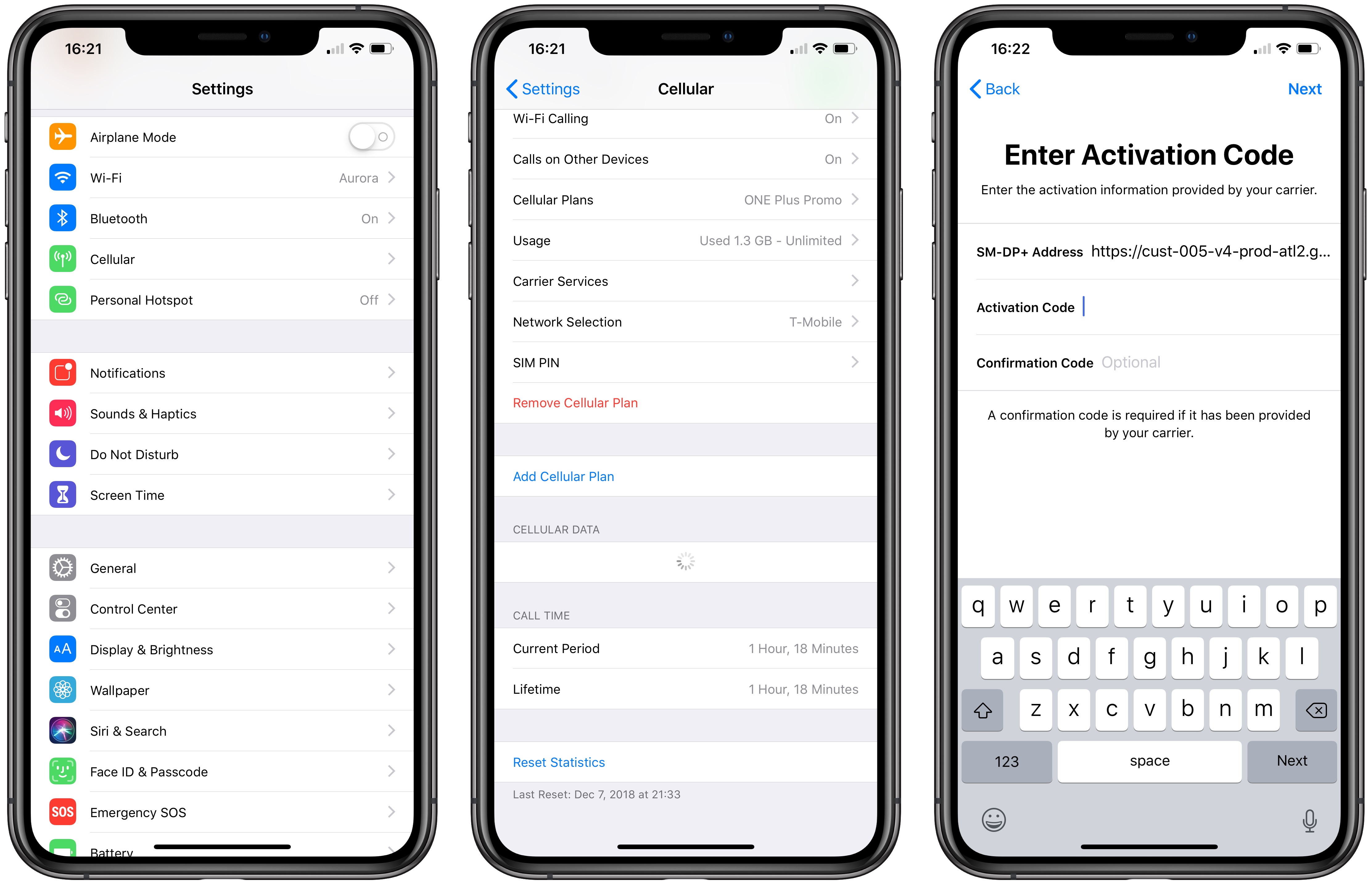
Ah, the password. You know, that six-digit code you swore you’d never forget? If you’re stuck on the “Enter Passcode” screen and you’re drawing a blank, you’re not alone. You might have to erase the phone via iTunes or iCloud using “Find My iPhone.” That will wipe it clean, and you’ll lose everything, but then you can set it up fresh. It’s a bittersweet moment. You lose the memories, but you get a functioning device again. Sometimes you have to let go of the past to play a round of Flappy Bird from the App Store’s graveyard.
Finally, remember that an old iPhone is a hidden treasure, not a paperweight. It can become a dedicated music player, a baby monitor camera, or a cool little clock for your desk. So take your time, plug it in, and be patient. Once it boots up, it’s not just a phone—it’s a snapshot of who you were, just waiting for you to say hello again.
![How to Activate a Replacement iPhone in 2026 [Detailed Guide]](https://www.mobitrix.com/apple-support/images/article/en/how-to-activate-replacement-iphone-select-a-set-up-option.png)