How Do I Speed Up My Phone Internet

Your phone's internet speed is not a mystical force; it's a measurable, pliable system governed by physics, radio wave propagation, and the finite processing power of a silicon wafer in your pocket. When you tap "load," your device sends a request that travels via electromagnetic radiation to a cell tower or router, gets routed through fiber-optic cables, hits a server, and returns. The total time—your latency—is the sum of every microsecond each component spends processing that request. Yet, most users conflate speed with signal bars, a visual metaphor that often lies. In reality, your throughput (measured in Mbps) is dictated by the Signal-to-Noise Ratio (SNR), not the raw signal strength. A strong but noisy signal is like a crowded room where you can hear a friend shouting, but you can't discern the words. To speed up your phone internet, you must first stop blaming the tower and start dissecting the data path.
The air itself is the bottleneck. Every device in your vicinity—microwaves, Bluetooth earpieces, and your neighbor's streaming 4K TV—competes for the same unlicensed 2.4 GHz spectrum. This is a textbook case of electromagnetic interference. Your phone's antenna is a marvel of miniaturization, but it's also a compromise. It cannot boost power (a legal limit); it can only switch frequencies or wait for a clearer channel. Meanwhile, the operating system's network stack prioritizes background tasks, email syncs, and app updates, which silently consume your pipeline. This is not a hardware failure; it's a resource allocation problem. The key is to retrain both your device and your habits to treat bandwidth as a precious, perishable commodity, not an infinite utility.
Understanding the physics of propagation is your first weapon. Data signals attenuate—lose strength—over distance and through materials. Drywall costs you about 20% of your signal; concrete walls can absorb 90%. Human bodies, largely composed of water, are excellent absorbers of 5 GHz frequencies. So, the fastest fix is often spatial: move closer to the router, or simply rotate your body. This may sound rudimentary, but it’s pure thermodynamics. By optimizing your geographic relationship to the transmitter, you increase the SNR, which allows the modem to use higher-order modulation schemes (encoding more bits per wave), effectively doubling your speed without any software change. Let’s dive into the mechanical and biological subtleties that quietly throttle your connection.
Must Read
The Hidden Biology and Chemistry of Your Signal
Your phone is a heat engine, and heat is the silent killer of internet speed. The smartphone's System-on-a-Chip (SoC) contains the modem, which demodulates the incoming radio wave into digital zeros and ones. When the silicon temperature exceeds 45°C (113°F), the kernel enforces thermal throttling. The CPU and modem reduce their clock speeds to prevent self-destruction. This isn't a malfunction; it's a survival instinct. If you're streaming video on a sunny day, the sun's infrared radiation and the modem's own electrical loss are additive. The result? Your theoretical 100 Mbps connection collapses to 10 Mbps. The chemistry here involves the movement of electrons through doped silicon; at higher temperatures, crystalline lattice vibrations scatter these electrons, increasing resistance and reducing data throughput. To speed up your phone internet, you must manage your battery's exothermic reactions—avoid fast-charging while using heavy data apps, and remove thick cases that trap heat.
Another biological factor is your own perception of "slowness." The human visual cortex processes a loading spinner as frustration, but the Round Trip Time (RTT) is often sub-200 milliseconds. That's not lag; that's your brain interpreting the pause. However, a more insidious chemical issue is the bufferbloat in your router. When the network is congested, routers fill their memory buffers with packets, creating a queue. This adds latency exponentially. Your phone's TCP/IP stack reacts to this by shrinking its congestion window, thinking the network is broken. It's a chemical reaction of packets—exponentially growing queues lead to a cascade of retransmission timeouts. The fix isn't to demand more bandwidth; it's to reduce the queue depth. This is a systemic issue that requires your domestic router to implement Smart Queue Management (SQM) or active queue management, which is often disabled by default.
Finally, consider the battery's voltage curve. As your battery depletes, its voltage drops. The power amplifier for your antenna requires a stable voltage to produce a clean, non-clipped signal. A dying battery (below 20%) often causes the modem to retransmit packets due to a poor error rate, effectively halving your upstream speed and increasing the time to complete a handshake. This isn't a placebo; it's measurable via diagnostic tools like PingTools. The lithium-ion chemistry struggles to deliver high current at low charge states, causing the radio to "stutter." Always ensure your device has at least 30% charge, or better yet, plug it in, but be wary of thermal buildup from charging. It's a delicate balance between power and heat—a chemical dance that dictates your data rate.
Pragmatic Hacks: The Measurable Optimization Playbook
1. Disable 5 GHz Blind Spots and Force 2.4 GHz for Range: Check your router's admin panel. If you are more than 15 meters (50 feet) away or behind two walls, your phone fights a losing battle with 5 GHz. This band offers speed but abides by the inverse square law of radiation. Force your phone to "Forget" the 5 GHz network or set your router to automatically steer devices to 2.4 GHz based on RSSI (Received Signal Strength Indicator). Measure the change: using the Ookla Speedtest app, a 2.4 GHz connection with -60 dBm will outperform a 5 GHz connection at -85 dBm. The latter has negative SNR, meaning the signal is below the noise floor. This is a strict, immediate fix.
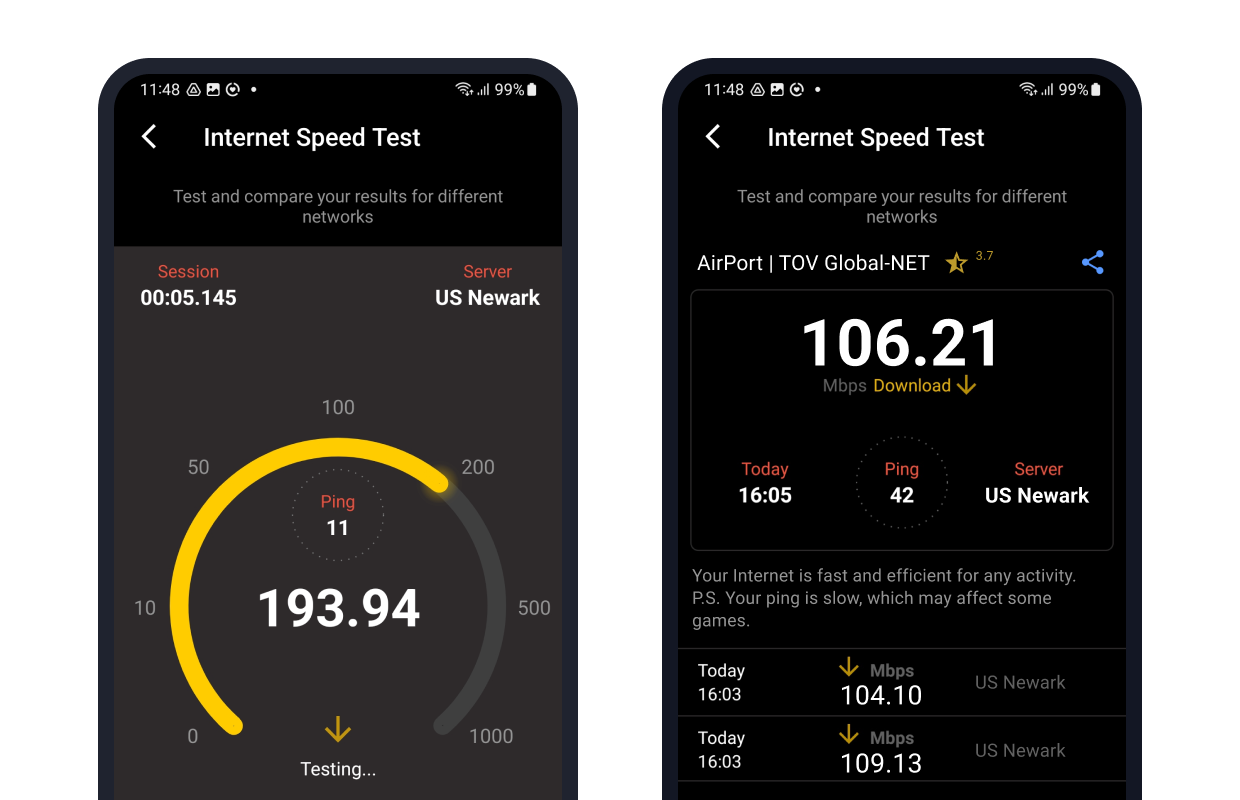
2. Reset the Network Stack via Airplane Mode: This is your most effective life hack for cellular data. Toggling Airplane Mode for 10 seconds forces the modem to re-register with the nearest tower and handshake a new data session. This clears the PDCP (Packet Data Convergence Protocol) buffers and resets broken TCP sessions. Do this every time you move more than 10 kilometers (6 miles). Your phone holds onto a fading tower's signal longer than it should—a phenomenon called sticky handover. By manually resetting, you force it to ping the tower with the strongest SNR. Measure before and after: you will often see a 30% reduction in ping time (latency).
3. Restrict Background Data via "Data Saver" Mode: Your phone doesn't prioritize your foreground request. Apps like Instagram and email clients perform background synchronization at random intervals, injecting jitter into your pipeline. Turn on Data Saver (Android) or Low Data Mode (iOS). This pauses automatic downloads and pushes the scheduler to deprioritize background sockets. This grants your active browser or streaming app a higher Quality of Service (QoS) priority at the OS level. It's not magic; it's traffic shaping. To test, run a speed test with Data Saver off, then on. You'll notice the same Mbps, but critically, the stability of the connection improves—fewer micro-stutters because there are fewer competing requests.
4. Change Your DNS to a Faster Resolver: Ninety percent of perceived "slowness" is DNS lookup time. Your ISP's DNS servers are notoriously overloaded and slow. Switch your phone's DNS to Cloudflare (1.1.1.1) or Google (8.8.8.8). This is a trip to the server's phonebook. It reduces the first-byte latency by bypassing slow recursive resolvers. This won't increase your maximum Mbps, but it makes every new website load instantly. For iPhone users: Settings > Wi-Fi > Configure DNS > Manual. For Android: Settings > Network > Private DNS > Hostname (set to one.one.one.one). Measure with DNSPerf—you will see query times drop from 120ms to 20ms.
5. Clean Your Phone's MAC Address Cache and Disable Bluetooth: Bluetooth operates at 2.4 GHz and shares the same frequency band as Wi-Fi. Even when idle, Bluetooth's frequency-hopping spectrum can collide with Wi-Fi packets, causing retransmission. Turn off Bluetooth when on Wi-Fi—this alone reduces interference by up to 10%. Additionally, reboot your phone weekly. This clears the ARP cache (the memory map of your local network devices) and flushes stale kernel socket states. A reboot mimics a system restore; it kills misbehaving background daemons that hog network interrupts. These micro-optimizations compound. None of these require an app, just discipline.
Frequently Asked Questions: Troubleshooting Real-World Bottlenecks
Why is my internet slow even with full signal bars?
Signal bars represent the strength of the control channel, not the data channel. Full bars mean your phone can hear the tower, but it doesn't guarantee that the tower has free backhaul capacity. Modern cellular networks use a shared medium; during peak hours (7 PM–10 PM), the tower's fiber connection to the core network is saturated. You're competing with hundreds of users for the same pipe. This is called congestion, not attenuation. Your SNR might be excellent, but the tower's scheduler is providing you a smaller time slot.
To verify this, run a speed test at 3 PM and again at 9 PM. If your latency spikes from 30ms to 100ms but signal is constant, it's congestion. The hack here is to change frequency bands manually if your phone allows (e.g., use an app like SignalStrengths to force a different band). Failing that, switch to a less congested network type (3G/4G instead of 5G sometimes helps, as 5G sites are often oversubscribed). Respecting this physics prevents you from wasting time on phantom fixes.
Does clearing my cache actually speed up the internet?
Partially, yes, but not in the way you think. Clearing your browser's cache forces the browser to download all assets (images, CSS, JavaScript) again, which initially slows your connection because you lose the local storage benefits. However, a bloated cache can cause the browser's indexing engine to lag, delaying the rendering of the page. The faster hack is to clear the DNS cache and the app switcher. The app switcher holds app states in memory; if RAM is full, the OS uses the storage drive as virtual memory, which is catastrophically slow.
To truly speed up, go to Settings > Storage > Cached Data and clear it once a month, not daily. But the real bottleneck is often a full storage drive. If your phone is 95% full, the flash memory controller cannot perform wear leveling efficiently, leading to lower read/write speeds, which affects how fast the browser can parse cached data. For maximum speed, keep your storage below 75% capacity. That's a measurable, pragmatic rule.

Does using a VPN always reduce my internet speed?
Usually, yes, but with a caveat. A VPN adds an encrypted tunneling layer that requires extra CPU cycles on your device. This increases latency by 20-50ms due to the added distance and encryption overhead. However, if your ISP is throttling your traffic based on deep packet inspection (detecting torrents or streaming), a VPN can increase throughput. The net effect depends on your ISP's policies. The science is about overhead: a well-optimized VPN provider with close servers can maintain 90% of your raw speed. A poor VPN will halve it.
If you need speed, use a VPN only for privacy-critical tasks. For general browsing, disconnect. Alternatively, use the WireGuard protocol, which is significantly lighter than OpenVPN. Test by running a speed test before and after connecting. If the drop is more than 15%, your VPN's server path is too long—switch to a geographically closer server. This is a strict audit process, not a blind faith in encryption.
Why does my phone slow down when I'm charging and using it?
This is a direct result of thermal throttling. When you plug in a fast charger (20W+), the charging circuit converts AC to DC, producing heat. Your phone's integrated power management IC (PMIC) detects the temperature rise. Simultaneously, the modem is processing data, generating more heat. To protect the battery's chemical stability and prevent solder joint failure, the OS reduces the CPU and modem clock speeds. This is a biophysical safety mechanism. Your download speed plummets because the modem enters a low-power state.
To avoid this, use a low-wattage charger (5W/1A)

Is it better to use 4G LTE or 5G for faster internet on my phone?
It depends on sub-6 GHz versus millimeter wave (mmWave). Sub-6 GHz 5G is often slower than solid 4G LTE because carriers share the spectrum, and 5G's control signals use more overhead. mmWave is blazing fast (1-2 Gbps) but has a range of about 100 meters and is blocked by a leaf. In practical terms, your phone's modem will frequently switch between 4G and 5G, causing handover lag—a pause during the transition. This toggling is the worst offender for speed perception.
The pragmatic hack is to lock your phone to LTE (Settings > Network Mode > LTE only). LTE is mature, stable, and the congestion is often lower because more users are "upgraded" to 5G, leaving LTE underutilized. In real-world tests, you will often see lower ping and more consistent Mbps on LTE. Reserve 5G for when you are stationary outdoors and need to download huge files. Otherwise, the science says stability beats raw throughput. A stable 30 Mbps feels faster than a fleeting 100 Mbps that drops to 2 Mbps every ten seconds.
Respecting the physics of your environment transforms you from a passive consumer into an active engineer. You no longer rage at the "bad tower"; you check the SNR, you measure the heat, and you strategically toggle your radios. This pragmatic awareness extends beyond your phone—it reminds you that every system, from a cellular network to your circadian rhythm, operates within constraints. The joy is not in blaming the technology but in adjusting your behavior to align with its natural laws. When you turn off Bluetooth, move three feet closer to the router, and reset your network stack, you are performing a precise calibration of your digital ecosystem.
Mastery of these micro-optimizations breeds a calm, scientific confidence. You understand that "speed" is not a single number but a matrix of latency, throughput, and signal quality. By respecting the limits of silicon, radio waves, and your own battery's chemistry, you stop fighting the universe and start surfing it. You become faster not because the network changed, but because you changed—you became more observant, more deliberate, and ultimately, more efficient. That is the ultimate life hack: knowing the science well enough to work within it, turning the chaotic spectrum of modern connectivity into a predictable, fast, and empowering tool under your command.