How Do I Sell My Stock On Fidelity

Picture this: you’re on your couch, coffee in hand, casually scrolling through your Fidelity app like it’s a social feed. Then you spot it—that one stock you bought on a whim, now glowing green and screaming “sell me.” Your heart does a little cha-cha, but your thumb freezes. Selling on Fidelity doesn’t have to feel like defusing a bomb; it’s more like ordering takeout once you know the menu.
Let’s be real—Fidelity’s interface can look like a spreadsheet had a baby with a filing cabinet. But beneath that corporate skin, there’s a slick machine built for moments like this. First things first: log into your account, and don’t let the dashboard’s 47 tiny numbers intimidate you. You’re not here to solve a puzzle; you’re here to cash out.
Finding Your Sell Button (It’s Not Hidden)
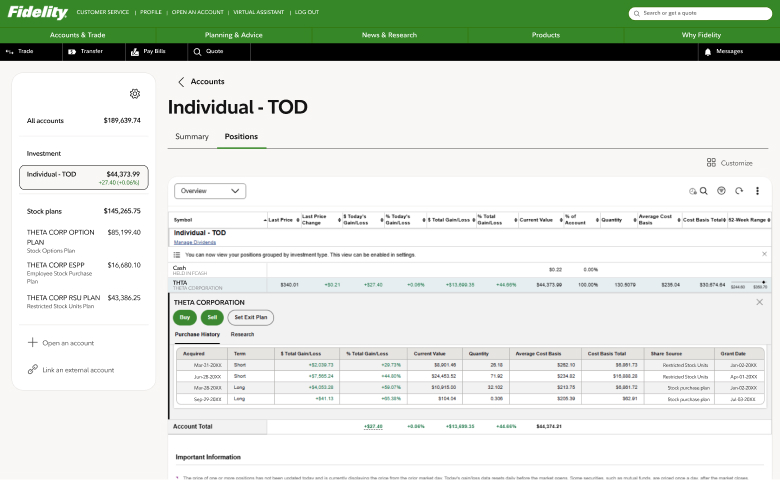
Head to your portfolio page—that’s the “Positions” tab, which sounds like a military term but is really just your stock list. Click on the stock you want to dump, and look for a button that says “Trade” or “Sell” in the top right corner. It’s not wearing a disguise; it’s literally right there, like the ketchup packet at the bottom of your bag.
Must Read
Once you click, you’ll see a trade ticket that asks for three things: shares, order type, and time in force. Don’t overthink it—this is where the magic happens, but also where newbies freeze. Breathe. You’re about to become a stock-selling whisperer.
The Order Type: Market vs. Limit (Your New Best Friends)
Here’s the fun part, and it’s simpler than choosing a Netflix show. A market order is the “I want out NOW” option—it sells at the current price, instantly, like waving goodbye from a moving car. A limit order is the “I’m picky” move: you set a minimum price, and if the stock dips below that, you wait. Think of it as saying, “I’ll sell for $50, not a penny less, and I’ll nap until then.”
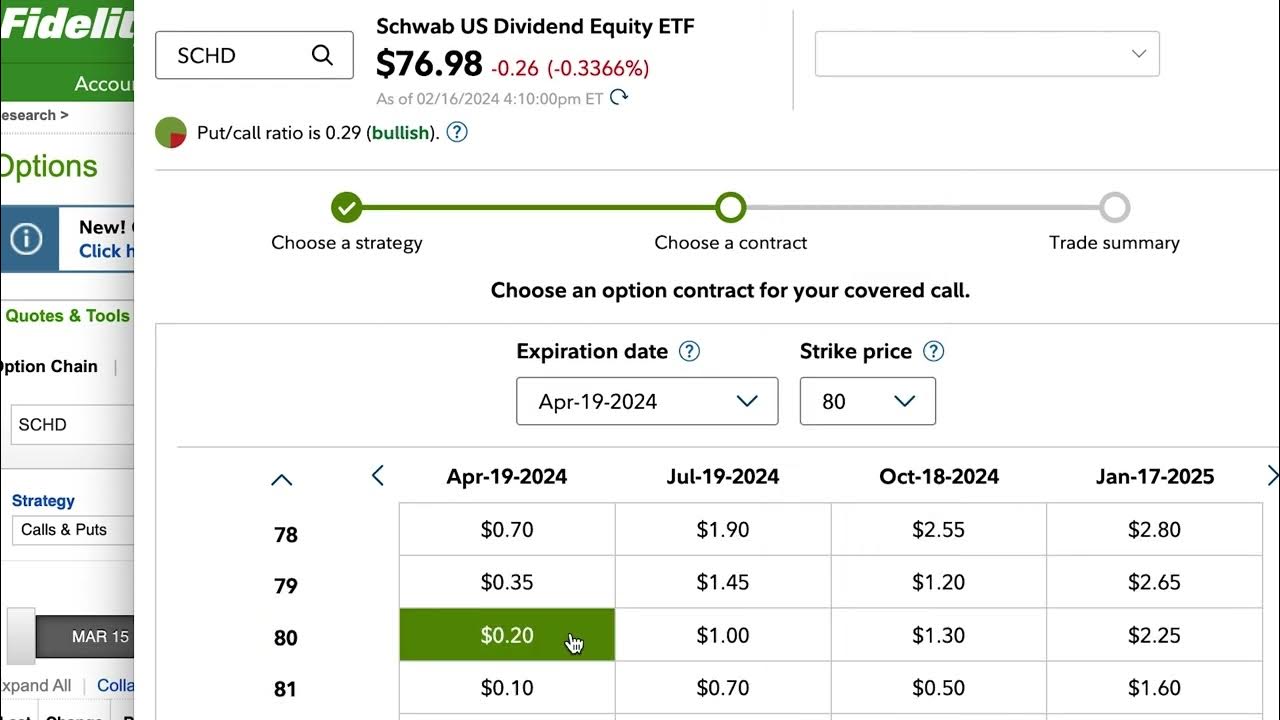
For most casual sellers, a market order is your go-to. It’s fast, no-nonsense, and perfect for when you’re watching the ticker spike during lunch. But if you’re selling a volatile stock—say, a meme coin that moonwalks—use a limit order to avoid a nasty surprise. Fun fact: Fidelity doesn’t charge commissions on most stock trades, so you’re not losing money to fees—unless you count the cost of your emotional rollercoaster.
Click, Confirm, and Do the Happy Dance
After you pick your order type, enter the number of shares. You can sell all, a portion, or even fractional shares if you’re holding less than one—yes, really, Fidelity lets you sell 0.7 shares, which is oddly satisfying. Then, choose your “time in force”: “Day” means the order expires at market close, while “Good till canceled” (GTC) hangs around for up to 180 days like that gym membership you forgot.

Hit “Preview Order,” and Fidelity will show you a summary—read it like a text from a friend who’s about to spill tea. Check the estimated proceeds, the price, and the fees (which, again, are usually zero). If it looks right, click “Place Order.” That’s it. You’ll get a confirmation screen that feels like a victory lap, and the money hits your cash balance within seconds. Not hours. Not days. Seconds. Welcome to 2025.
Pro Tips for the Smoother Sell
Timing matters more than you think. Avoid selling in the first 15 minutes after market open (9:30 AM ET) or the last 15 minutes before close—those windows are chaos, like a Black Friday sale for algorithms. Instead, aim for mid-morning or early afternoon, when the market takes a coffee break and prices chill out.
Also, don’t forget about taxes. Selling a stock that’s gained value triggers a capital gains tax—your profit gets a haircut for Uncle Sam. If you held the stock for less than a year, it’s taxed as regular income (ouch). Held for more than a year? You get the lower long-term rate, which is basically the finance world’s version of a loyalty discount. Check your holding period before you hit sell, and maybe schedule your trade around that anniversary date.
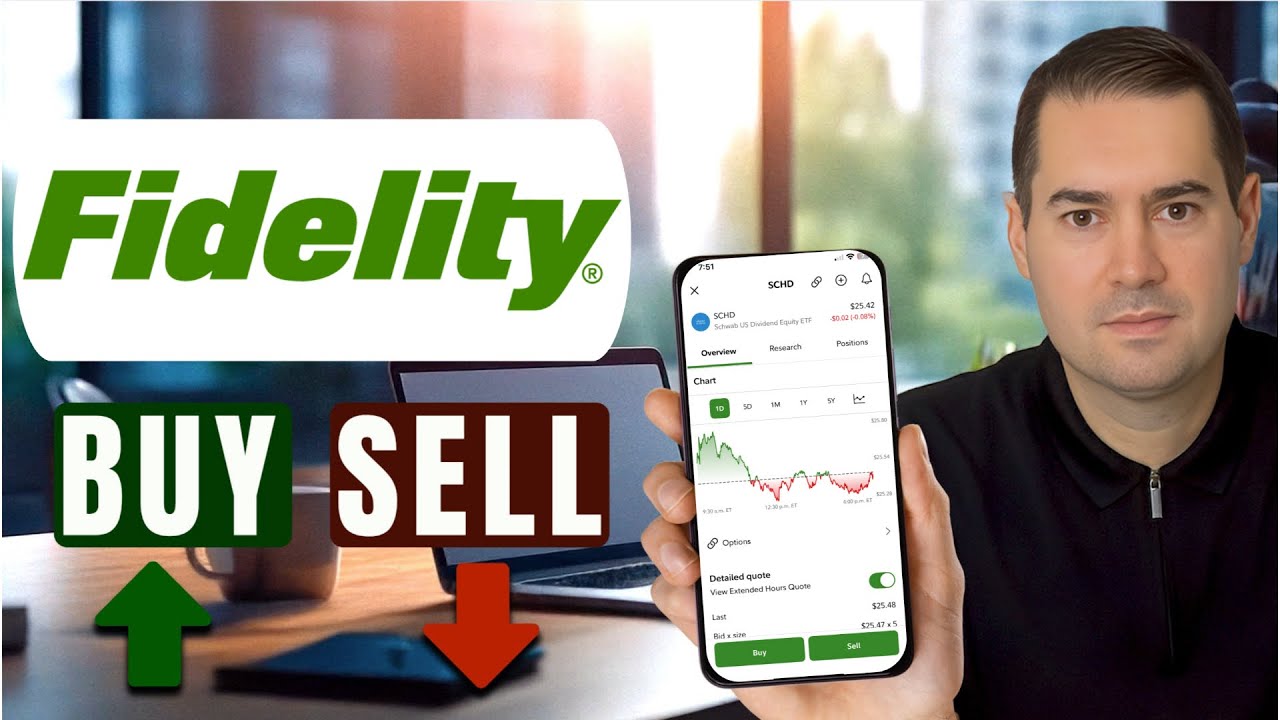
And here’s a fun little nugget: Fidelity’s mobile app lets you sell with just your thumbprint. No typing, no PIN, just a pressure-sensitive “yes” to your bank account. It’s the closest thing to a magic wand that investing has ever offered.

The Reflection: Selling Is Just Another Door
After you sell, you might feel a mix of relief, giddiness, and a tiny “what if.” That’s normal—selling is not a goodbye, it’s a reallocation. You’re not emptying your portfolio; you’re making room for the next idea, the next coffee-run brainstorm, the next green candle.
Think about how you sell old sneakers on a marketplace or trade a book you’ve read for one you haven’t. It’s the same rhythm in life: let go of what’s served its purpose, even if it’s still shiny. Whether that stock doubled or just gave you a modest bump, you showed up, made a choice, and moved forward. That’s not just investing—that’s living with a little bit of style.
So go ahead, click that sell button. The app won’t bite, and your future self will thank you for being decisive. Now, about that cash—coffee’s on me?