How Do I Recover Files That I Permanently Deleted

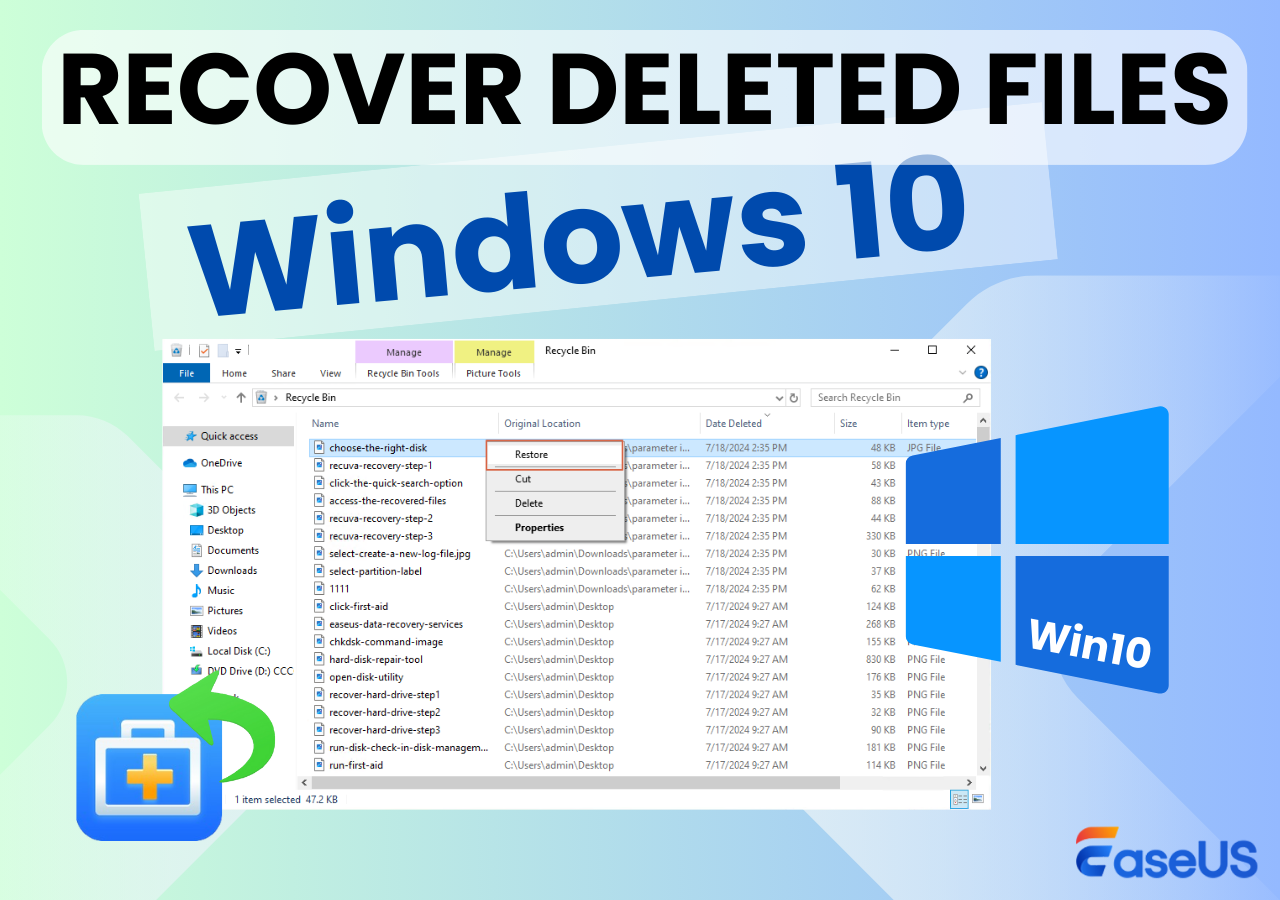
Oh no, you've just permanently deleted a crucial file and now you're in a panic! Don't worry, it's more common than you think, and the good news is that it's often possible to recover deleted files. With the right tools and techniques, you can breathe a sigh of relief and get back to work.
The thought of losing important data can be stressful, especially if it's related to work or personal projects. However, with the help of data recovery software, you can increase your chances of getting those files back. By understanding how file deletion works, you'll be better equipped to tackle the recovery process.
Understanding File Deletion
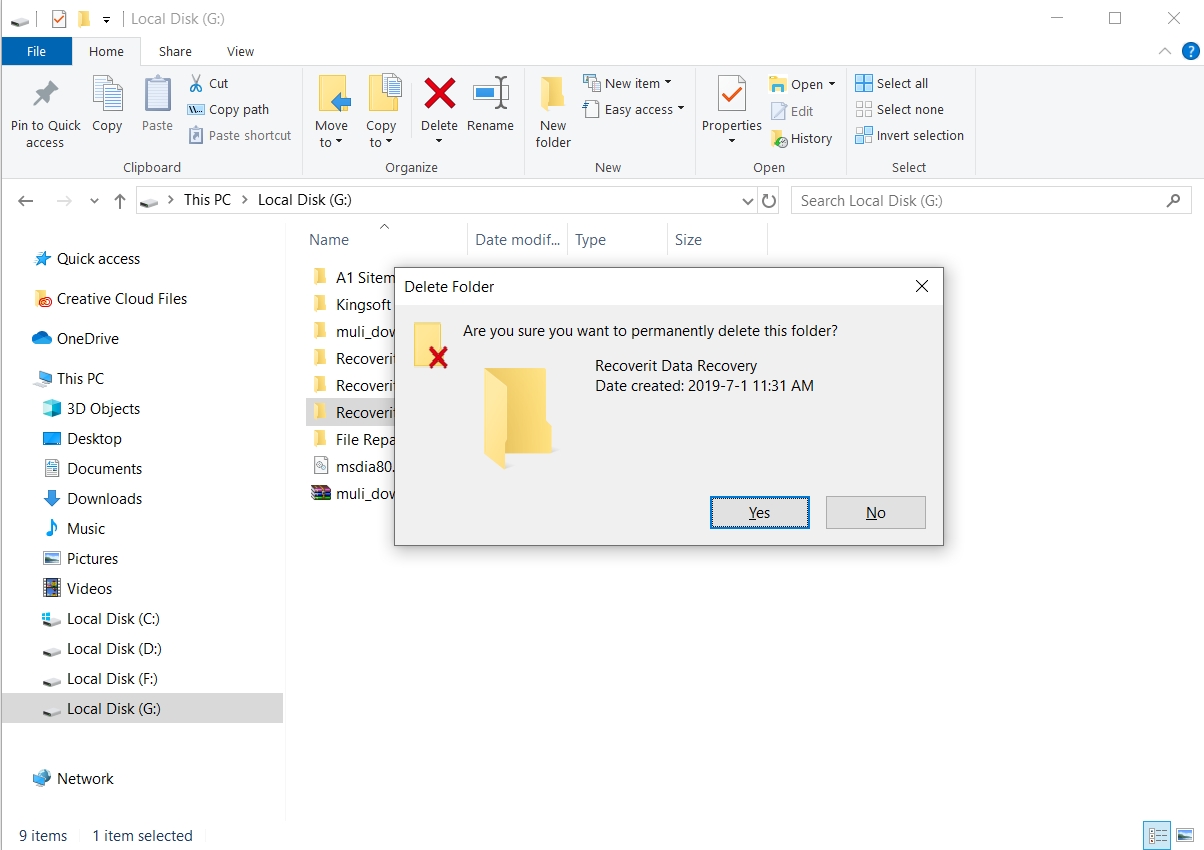
When you delete a file, it's not immediately erased from your computer. Instead, the operating system marks the space occupied by the file as available for future use. This means that until the space is overwritten, the file remains recoverable. It's essential to act quickly, as the more you use your computer, the higher the risk of overwriting the deleted data.
Must Read
The key to successful file recovery is to stop using the affected device or drive immediately. This will minimize the chance of overwriting the deleted files and give you the best possible chance of recovery. By taking this step, you'll be able to preserve the data and increase the likelihood of a successful recovery.
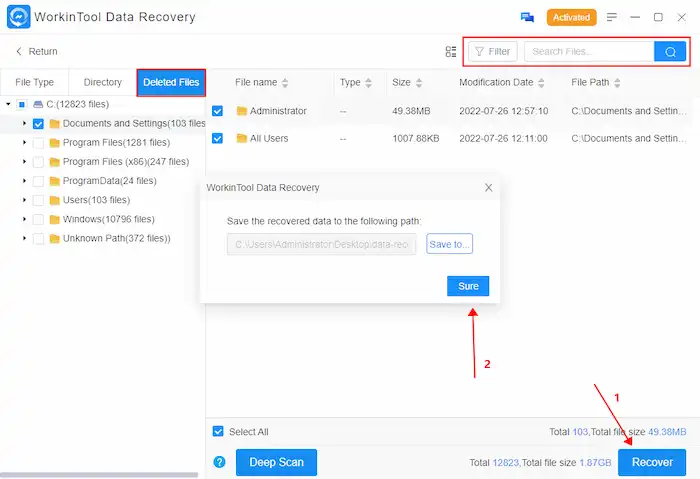
A data recovery tool can help you locate and retrieve deleted files. These tools work by scanning the device or drive for recoverable data and allowing you to preview and restore the files you need. Some popular options include Recuva, EaseUS Data Recovery Wizard, and Stellar Data Recovery.

Using Data Recovery Software
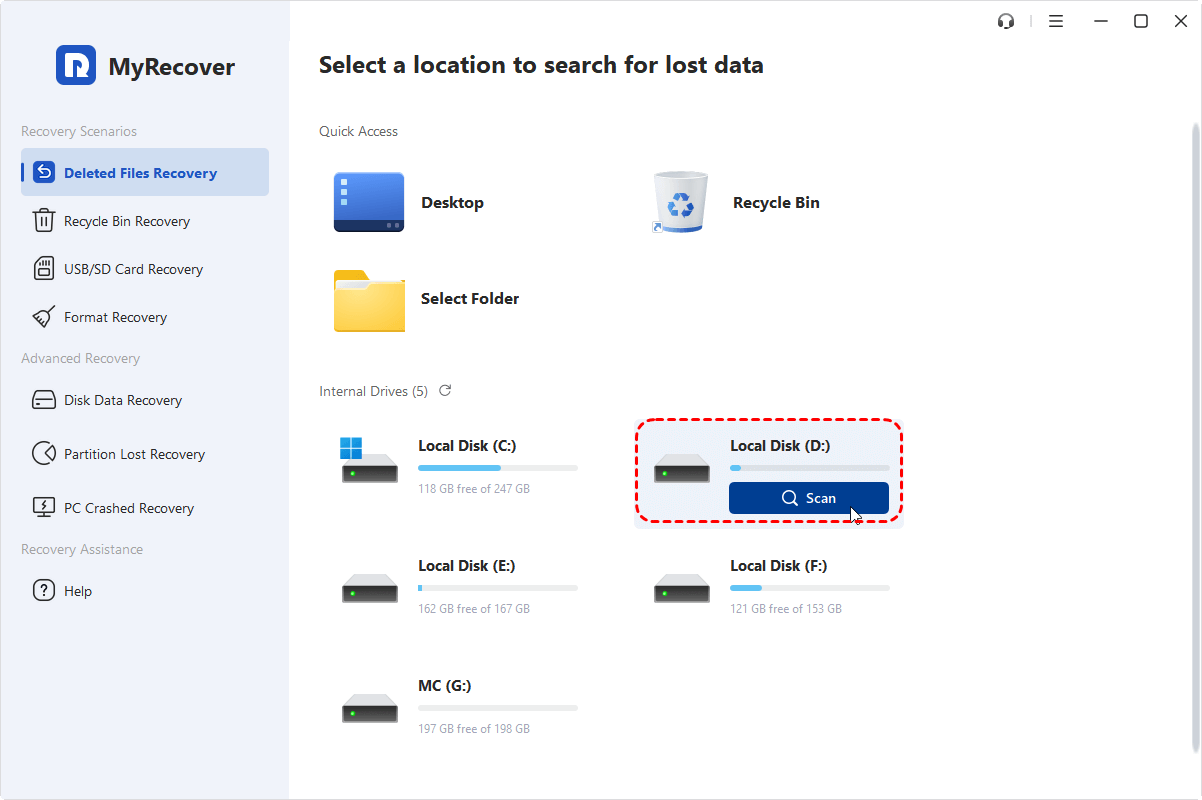
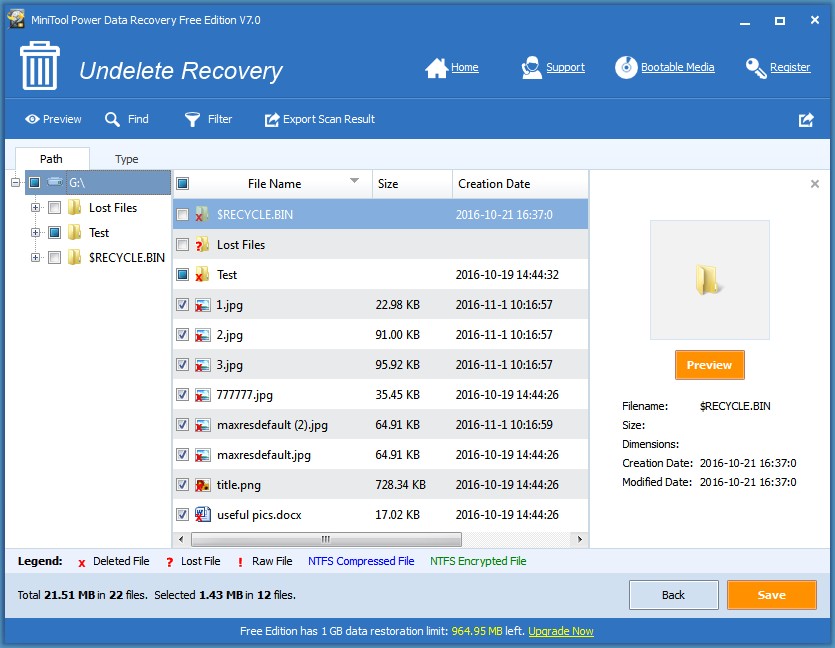
Using data recovery software is a relatively straightforward process. Simply download and install the chosen software, select the device or drive you want to scan, and follow the on-screen instructions. The software will then scan for recoverable files and display them in a list, allowing you to select and restore the files you need.
File recovery can be a complex process, and success is not always guaranteed. However, by understanding the basics of file deletion and using the right data recovery tools, you can significantly increase your chances of retrieving lost data. Remember to act quickly and avoid using the affected device or drive to minimize the risk of overwriting the deleted files.
In addition to using data recovery software, it's also important to maintain good data habits to prevent file loss in the future. This includes regularly backing up your data, using cloud storage, and being cautious when deleting files. By taking these precautions, you can reduce the risk of data loss and ensure that your important files are safe.
Deleted file recovery can be a daunting task, but it's often possible with the right approach. By understanding how file deletion works, using the right data recovery tools, and maintaining good data habits, you can minimize the risk of data loss and ensure that your important files are safe. So, the next time you accidentally permanently delete a file, don't panic – instead, take a deep breath and start the recovery process.
Remember, file recovery is not just about retrieving lost data; it's also about preventing data loss in the first place. By being mindful of your data habits and taking steps to protect your files, you can avoid the stress and hassle of file recovery. So, take control of your digital life and make data recovery a thing of the past.
Finally, don't forget to backup your data regularly to prevent data loss in the future. By doing so, you'll be able to rest easy knowing that your important files are safe and secure. And, if you do accidentally permanently delete a file, you'll be able to recover it with ease.