How Do I Permanently Block A Website
Let’s be honest: we’ve all been there. You’re mid-afternoon, telling yourself you’ll just “check one thing” on that site, and suddenly it’s 4 PM, your to-do list is a paperweight, and you’ve somehow learned the entire history of a celebrity’s feud with a houseplant. The internet is a glorious, infinite library, but it’s also a casino that serves you cat videos instead of cocktails.
So, you’ve decided to take drastic action. You want to permanently block a website, not just think about blocking it while you’re already scrolling. That’s like putting a lock on the fridge after you’ve eaten the whole cake — we need to do this before the craving hits. The good news? It’s easier than teaching your grandma to use a smart TV, and the payoff is a feeling of smug, digital superiority.
Why Your Willpower is a Myth (And That’s Okay)
First, let’s get one thing straight. Your willpower is a tiny, exhausted puppy that falls asleep by 10 AM. Trying to resist a site by sheer force of “I won’t click” is like trying to stop a flood with a paper towel. You need a physical, digital wall so high that even your most distracted self can’t climb it.
Must Read
You need to make the internet boring on purpose. That’s the whole trick. It’s not about being strong; it’s about being lazy. If the site loads faster than a blink, you’re done for. But if it throws up an error page that looks like a 1998 Geocities site? You’ll probably just sigh and go wash the dishes instead.
Step 1: The Nuclear Option (Parental Controls)
This is the “smash the piggy bank with a hammer” approach. On your phone (iOS and Android) and on Windows, you have built-in parental controls. Yes, I know you’re a grown adult who pays taxes — but that’s exactly why this works. You are your own strict parent now. Set up a screen time limit or a content blocker, and give the password to your spouse, your roommate, or that one friend who owes you money.

The beauty here is the barrier to entry. To unblock it, you have to ask someone, which is humiliating. There’s nothing funnier than watching a 35-year-old beg their partner for “just five minutes” on a website that shows oddly satisfying soap-cutting videos. The awkwardness alone will make you decide the site wasn’t that important.
Step 2: The Router – Go Big or Go Home
If you want to go full fortress, log into your Wi-Fi router. This is the box with blinking lights that your internet provider gave you. It’s the bouncer of your entire house — it controls every device, from your laptop to your smart fridge. If your fridge can browse the web, we have bigger problems than your Reddit addiction.
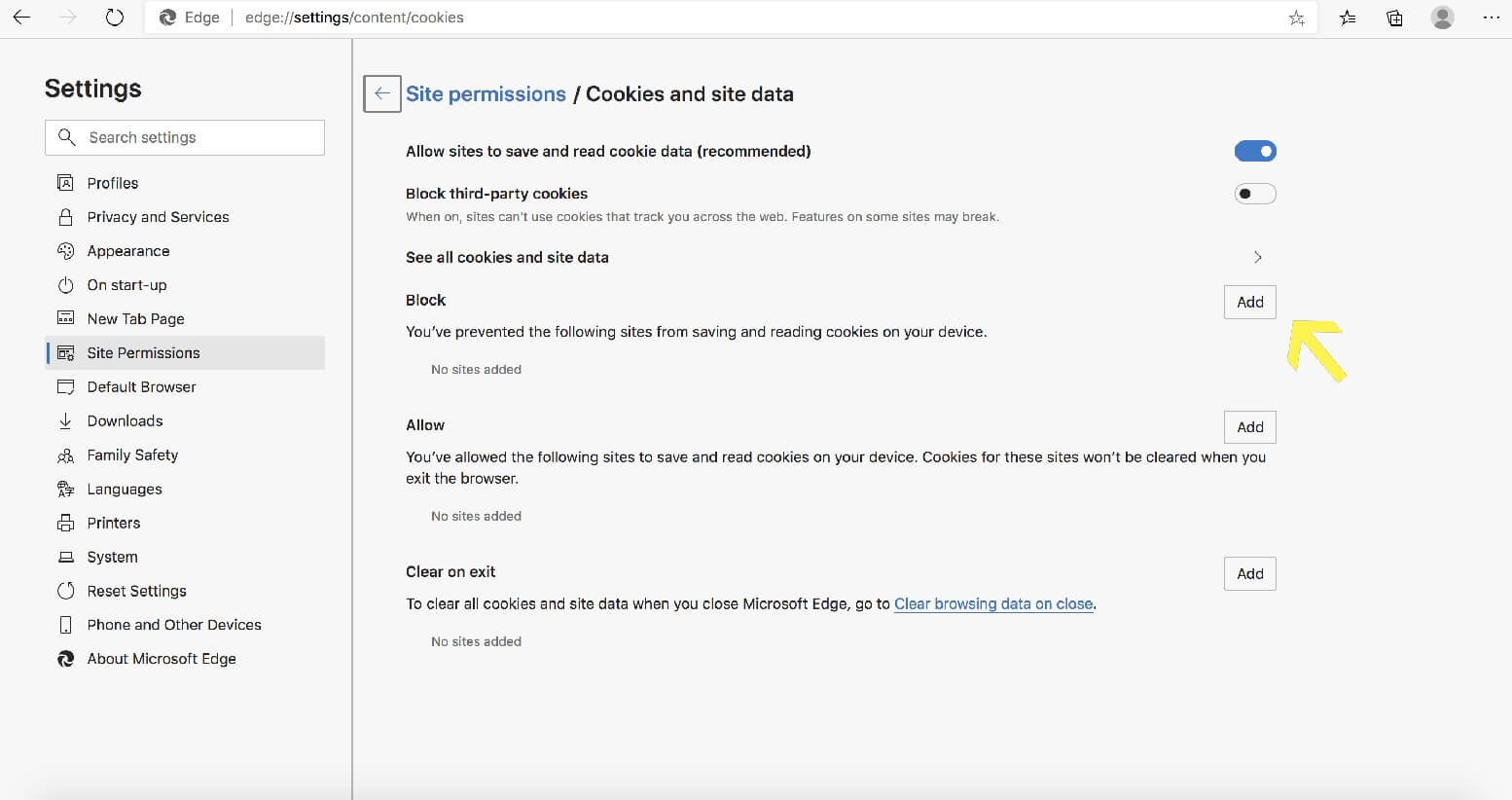
Once inside the router settings (usually by typing an IP address like 192.168.1.1), look for “Parental Controls” or “Access Restrictions.” You can block a domain, or even better, the whole domain family. For example, blocking “facebook.com” is good, but blocking “*.facebook.com” makes sure you can’t sneak in via a weird mirror site. It’s like putting up a “No Trespassing” sign in six different languages.
But wait, there’s a catch!
Remember, this blocks the site for everyone in your house. That includes your kids who need it for homework (weak excuse) and your cat who streams bird-watching videos. You might have to explain to your family why “www.coolmathgames.com” is now a forbidden land. The answer is: “Because I love you, and also because I have zero self-control.” It’s a beautiful lesson in vulnerability.
Step 3: The Browser Extension – The Sniper Approach
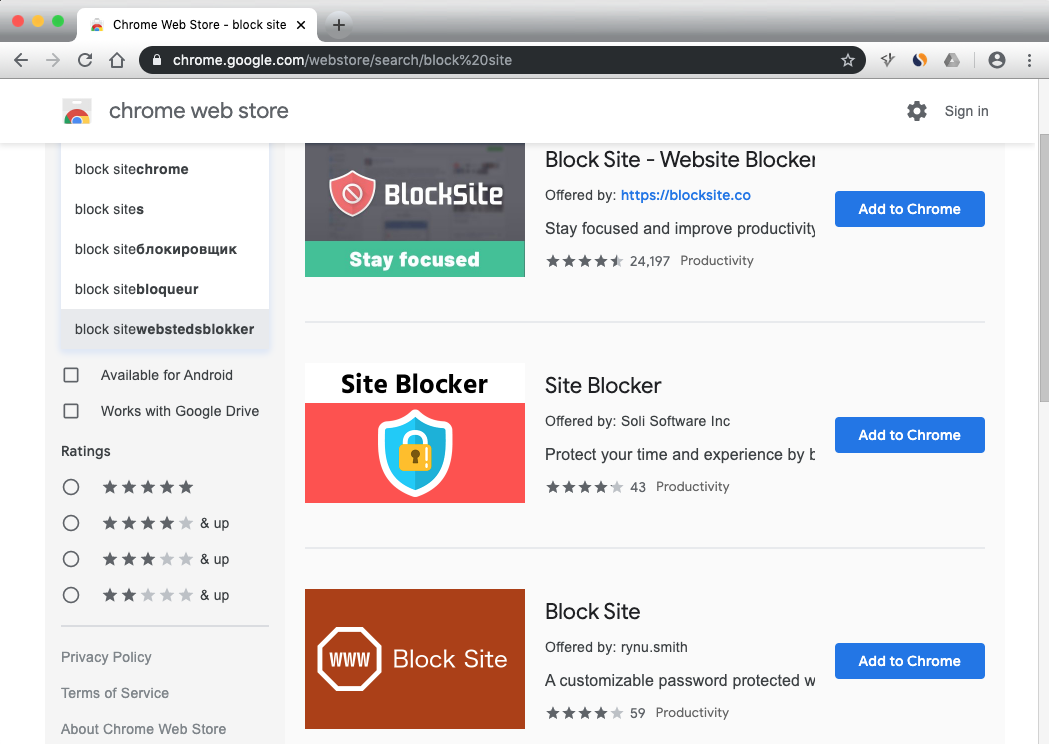
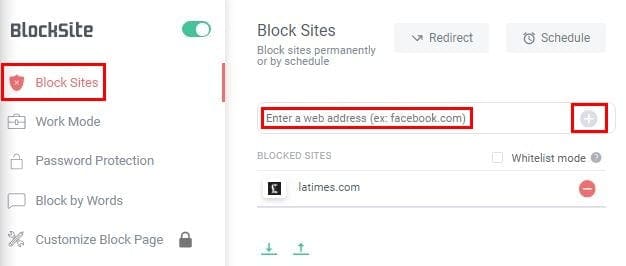
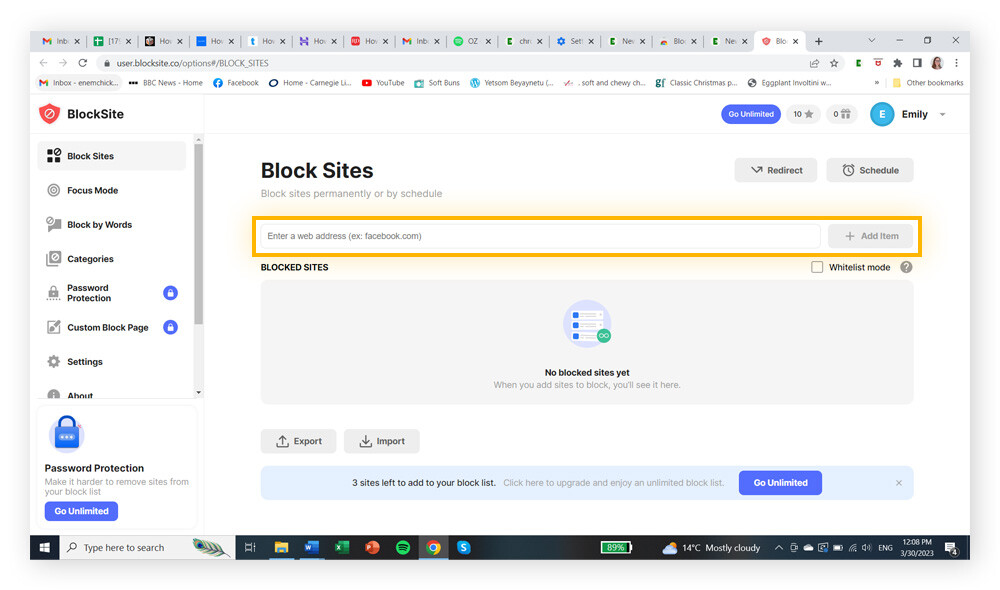
For a more surgical hit, use browser extensions. Apps like BlockSite or LeechBlock are your secret agents. They sit quietly in your Chrome or Firefox browser, waiting to strike. You add the URL, set the timer, and boom — the site becomes invisible.
The best part? You can set “work hours” where the site is blocked. So, from 9 AM to 5 PM, that news site is a ghost. But at 7 PM, it’s open season. This teaches you delayed gratification, which is basically the adult version of not eating all your Halloween candy in one night.
The “Nuclear” Final Boss: Editing the Hosts File
If you’re a computer nerd, or you just like feeling like a hacker, you can edit your “hosts” file. This is a text file on your computer that tells it where to go for every website. You can add a line that sends, say, “youtube.com” to a dead-end IP address like 127.0.0.1 (which is your own computer).
If you do this, the site will just… refuse to load. It’s like sending a letter to Santa Claus but putting the wrong address, and the post office sends it back with a giant red stamp saying “RETURN TO SENDER.” It’s deeply satisfying, even though it requires Googling “how to find the hosts file” first.

The Real Secret: Make it a Ritual
Here’s the kicker. Blocking the site is a one-time fix, but the urge is a recurring weed. So, when you feel the urge to visit that blocked site, don’t just sit there. Redirect that energy. Start a load of laundry. Open an Excel spreadsheet. Call your mom. You’ll be amazed at how quickly you’ll do chores just to avoid seeing that “Site Blocked” message.
And if you mess up? If you unblock it in a moment of weakness? Don’t sweat it. Just re-block it and move on. Every successful day is a win. It’s like a diet for your brain, and honestly, the first week is withdrawal hell. But after that? You’ll wonder how you ever wasted so much time on a thing that made you feel vaguely tired anyway.
So go ahead. Pick your weapon. Build your wall. Your future, more productive self will look back and nod, probably while sipping a nice cup of coffee and reading an actual book. You’ve got this, you beautiful, distracted disaster.
:max_bytes(150000):strip_icc()/018-how-to-block-a-website-15c9ef3394f34fa6942eb40d6831ef79.jpg)