
How Do I Make Another Instagram Account

So, you want to create another Instagram account? Well, you're not alone! Many people have multiple accounts for various reasons, such as separating their personal and professional life or creating a dedicated account for their hobbies.
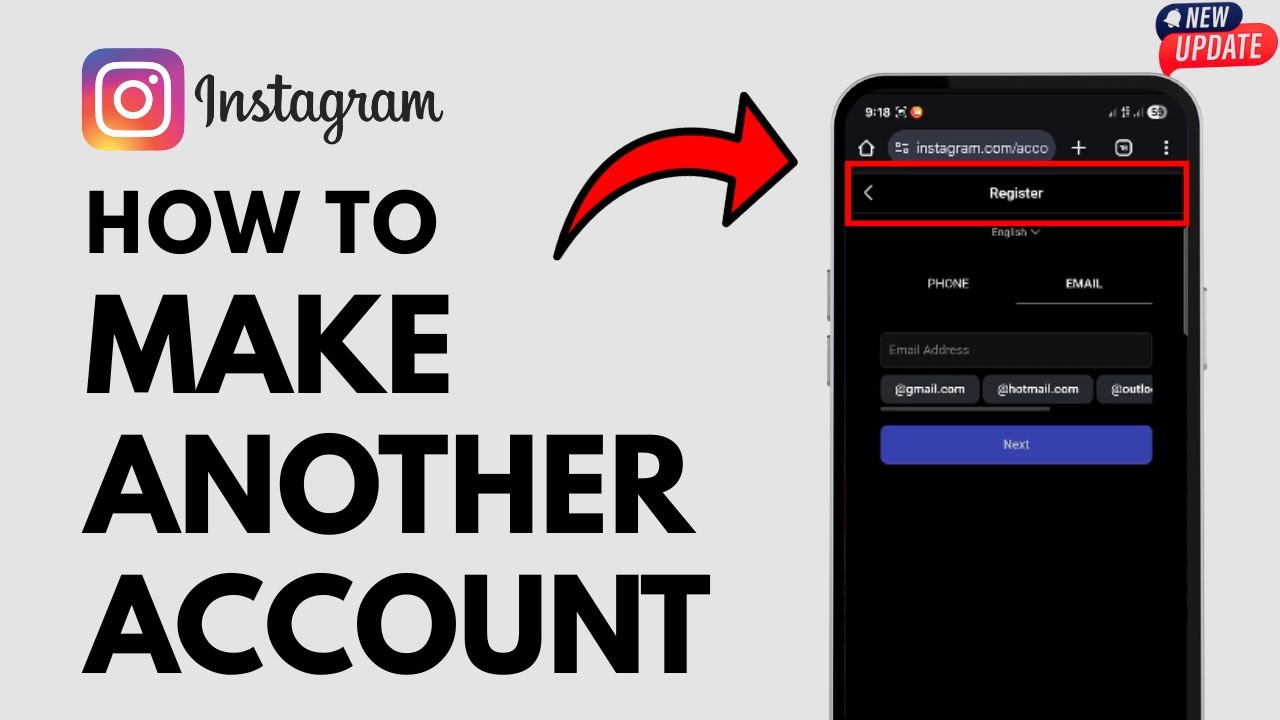
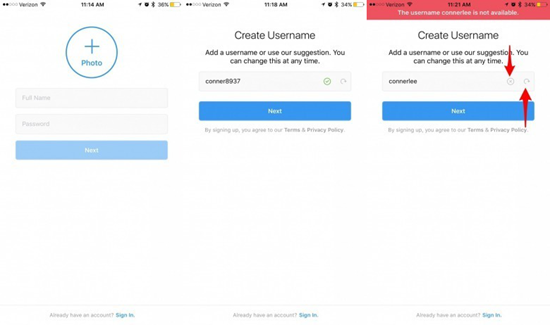
To start, you'll need to download the Instagram app and tap on "Sign up" at the bottom of the screen. Then, choose a username and password for your new account, making sure they're different from your existing account. It's also important to use a different
Getting Started
Once you've signed up, you'll be asked to add a profile picture and bio to your new account. You can use a different photo and bio to differentiate your new account from your existing one. Don't worry too much about making it perfect at this stage, as you can always edit it later.
Now, let's talk about the fun part - customizing your new account! You can add a profile theme that reflects your personality or the theme of your account. For example, if you're creating a foodie account, you could use a food-themed profile picture and bio.
As you start posting on your new account, you might realize that you need to switch between accounts frequently. Luckily, Instagram allows you to add up to 5 accounts and switch between them easily. To do this, go to your profile settings and tap on "Add Account" to link your existing account to your new one.

Tips and Tricks
One thing to keep in mind is that Instagram has a policy against spamming, so make sure you're not posting the same content on multiple accounts. Instead, try to create unique and engaging content for each account. You can also use Instagram's built-in features, such as IGTV and Reels, to create different types of content.
Another tip is to use third-party apps to help you manage your multiple accounts. For example, you can use apps like Hootsuite or Buffer to schedule posts and track your analytics. These apps can save you a lot of time and help you grow your following.

Lastly, don't be afraid to get creative with your new account! You can use Instagram's built-in filters and editing tools to make your posts stand out. You can also collaborate with other Instagram users or brands to reach a wider audience.
As
the saying goes, "you can never have too many Instagram accounts"!Okay, maybe that's not a real saying, but it's definitely true for many Instagram enthusiasts. So, go ahead and create that new account, and don't be afraid to experiment and have fun with it.
In conclusion, creating another Instagram account is easy and fun! With these tips and tricks, you can create a unique and engaging account that reflects your personality or interests. So, what are you waiting for? Start creating your new account today and join the Instagram community!


![How to Make Another Account on Instagram [Create Second Account] - YouTube](https://i.ytimg.com/vi/ePwpWIvvzAo/maxresdefault.jpg)