How Do I Get My Internet Speed Faster
Okay, let’s be real for a second. You’re here because your Netflix is buffering like it’s 2004, or your video call looks like a potato. I get it. That spinning wheel of doom is the absolute worst. But before you chuck your router out the window, let’s have a chat about fixing this mess.
The Blame Game: It’s (Probably) Your Router
First, let’s talk about the plastic box that runs your digital life. Your router is probably sitting in a corner, buried behind a plant, or stacked next to a microwave. That’s a crime against technology, my friend. Position matters more than you think.
Move it to a central spot, up high, like a proud king on a shelf. Keep it away from thick walls, fish tanks, and anything with a motor. If your router is older than your pet, it might be time for an upgrade. Seriously, five-year-old routers are just decorative paperweights with blinking lights.
Must Read
The Sneaky Wi-Fi Thieves
Do you know who else is on your network right now? Probably your neighbor’s smart fridge, your kid’s tablet, and that random device you forgot about. Wi-Fi is like a pizza; if too many people grab slices, you get crumbs. Check your connected devices via the router’s app or website.
If you see a device named “TP-Link_EXT_4829” that isn’t yours, kick it off. Then, change your password faster than you change your socks. Use a long, weird phrase with numbers and symbols. “CorrectHorseBatteryStaple1999” is a thousand times better than “password123.”

The Ethernet Secret (It’s Not Sexy, But It Works)
Okay, I know this sounds like a boomer suggestion, but hear me out. Plug a cable into your computer. Yes, a literal wire from the router to your laptop. It’s like skipping the line at a nightclub while everyone else waits outside in the cold. Wired connections are always faster—period.
You don’t have to do it forever. Just use it for the big stuff, like downloading a new game or uploading a massive file. For casual browsing, you can unplug and live dangerously again. But for that important job interview, please, get the cable. Your future boss will see your sharp face, not a frozen pixelated mess.
Channel Surfing (For Nerds Only)
Don’t glaze over, this is cool. Your Wi-Fi has channels, like radio stations. But everyone default to the same one, causing a traffic jam. You can log into your router settings and switch to a less crowded channel. It sounds complicated, but there are apps that do it for you.

Alternatively, just use the 5GHz band instead of the 2.4GHz one. The 5GHz is faster but has a shorter range; the 2.4GHz goes further but is slow as molasses. If you’re in the same room as the router, force your device to use 5GHz. It’s like switching from a bus to a sports car.
Your Devices Are Liars
Sometimes, the internet is fine. It’s your device that’s acting up. Your phone might be clogged with 80 open tabs and a background app that’s refreshing every second. Close the tabs. Restart your phone. Do a full power cycle by turning it off, counting to ten, and turning it back on. Magic, I tell you.
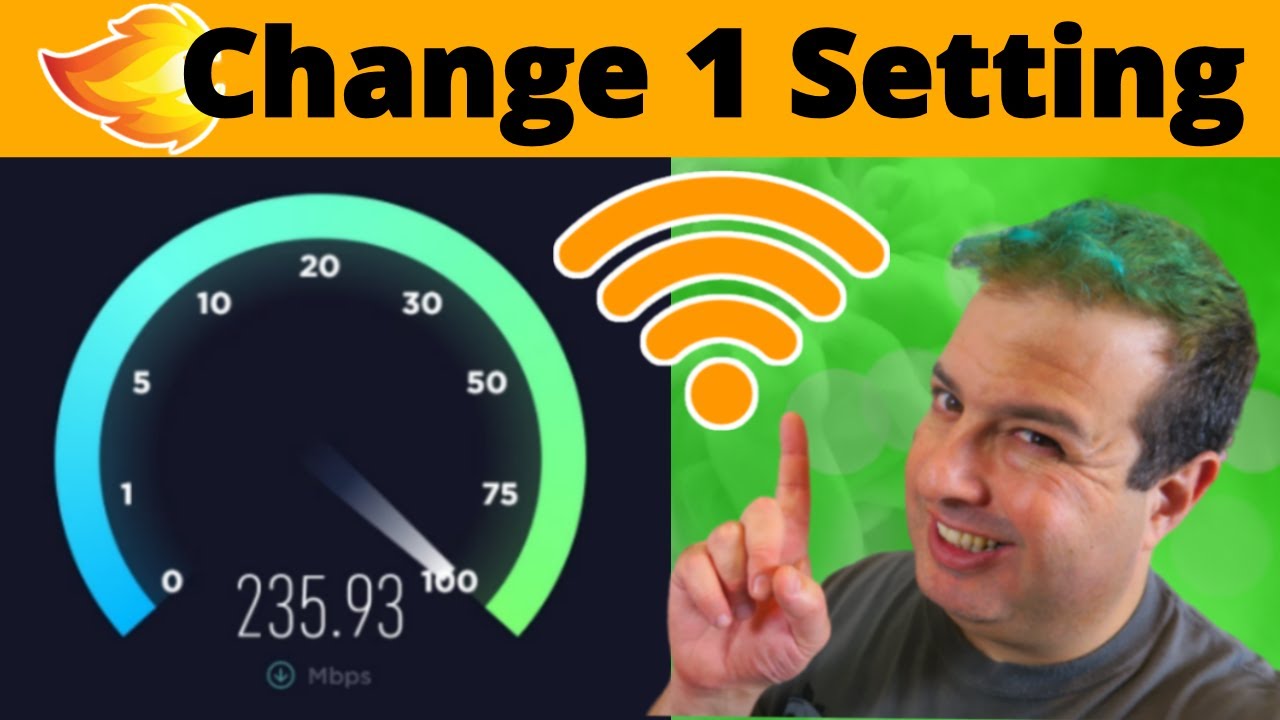
Also, check your data plan. Is your “unlimited” plan actually throttling you after 20GB? Oh, they don’t tell you that upfront, do they? Look at your bill or run a speed test on speedtest.net. If it says 5Mbps but you’re paying for 200, you need to make an angry phone call. Channel your inner Karen, but politely.
The Router Reboot Ritual
You know the drill. Unplug it, wait 30 seconds (full 30, sing the alphabet), plug it back in. This is the digital equivalent of smacking an old TV. It clears the router’s memory and resets all those weird glitches. Do this at least once a week. Make it a Sunday ritual alongside your laundry and existential dread.
If rebooting doesn’t cut it, check for firmware updates. Routers have a “check for updates” button, and you never click it. Click it. It might fix security holes and boost speed by fifteen percent. Fifteen percent is a lot, people.

The Final Countdown: Call Your ISP
If you’ve done all this and you’re still stuck in dial-up hell, it’s time to call your Internet Service Provider. But don’t just call and yell. Be prepared. Have your speed test results ready. Ask them, “Are there any outages in my area?” or “Is my modem on the approved list?”
Sometimes they’re capping your speed because your old modem is garbage. Ask for a new one. Or threaten to switch providers. That always makes them sweat. Remember, you are the customer; they want your money, so make them earn it. If they can’t fix it, maybe it’s time to switch. And if you can’t switch, just move to a city with better fiber. It’s extreme, but you got to do what you got to do for fast internet.
Now go forth, run your speed test, and enjoy that sweet, sweet buffer-free life. You deserve it. Cheers.