How Do I Find My Playlist On My Phone
You’ve got the perfect song stuck in your head, but your playlist has vanished into the digital void. It’s a modern-day treasure hunt, and you’re the detective with a phone in your pocket. Finding your playlist is actually a superpower once you know the secret handshake with your device.
The Great Playlist Hide-and-Seek
Whether you use Spotify, Apple Music, or YouTube Music, playlists love to play hide-and-seek. The good news? They’re almost always hiding in the same three places. Your main goal is to stop scrolling frantically and start tapping with purpose.
The biggest benefit here is time saved—and your sanity restored. Instead of digging through thousands of songs, you’ll jump straight to your curated vibes in under ten seconds.
Must Read
Spotify: Your Library Is Your Castle
Open the app and look at the bottom right corner—there’s a little icon that says “Your Library.” Tap it, and you’ll see a grid of your created playlists, liked songs, and albums. It’s the closest thing to a digital filing cabinet.
If you’re still lost, swipe down on that screen to reveal the search bar. Type the playlist’s name, and it’ll pop up like a gopher after a long winter. Pro tip: tap the “Playlists” filter at the top to narrow the hunt instantly.
“I once panicked for twenty minutes, only to realize my playlist was just one tap away on the Home tab.” — A very relieved listener
Apple Music: The Library Tab Is Your Friend
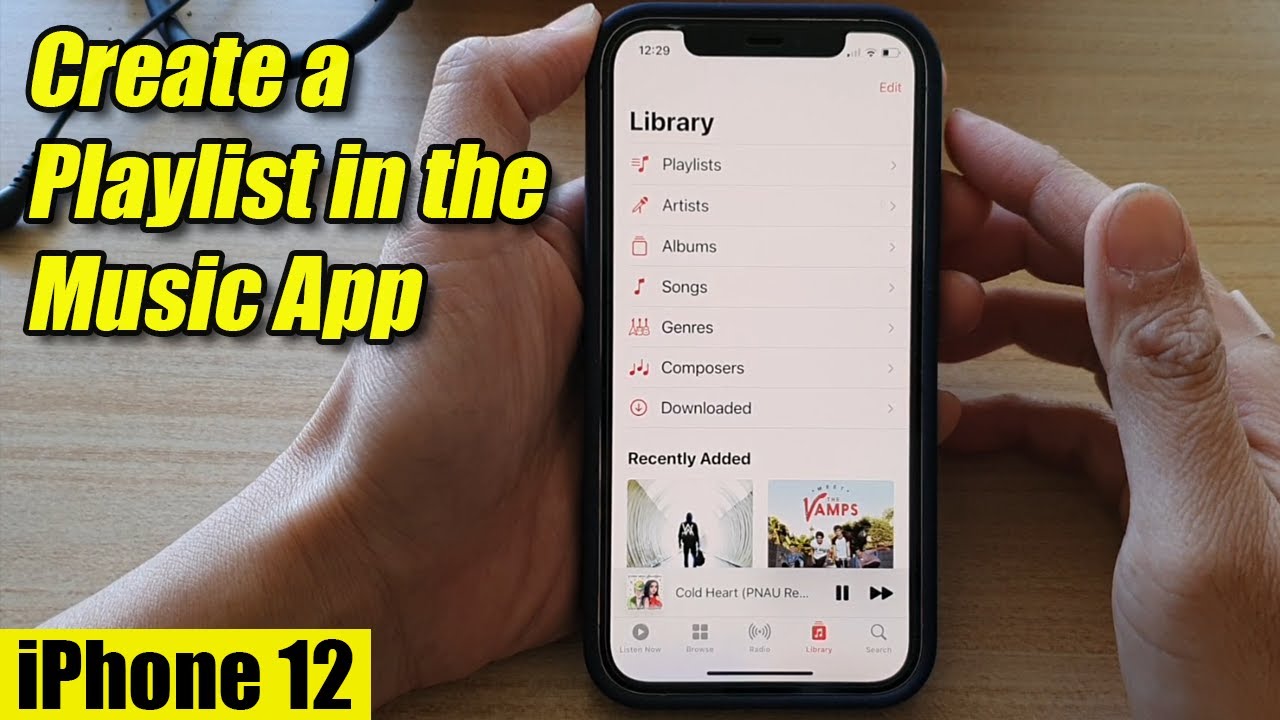
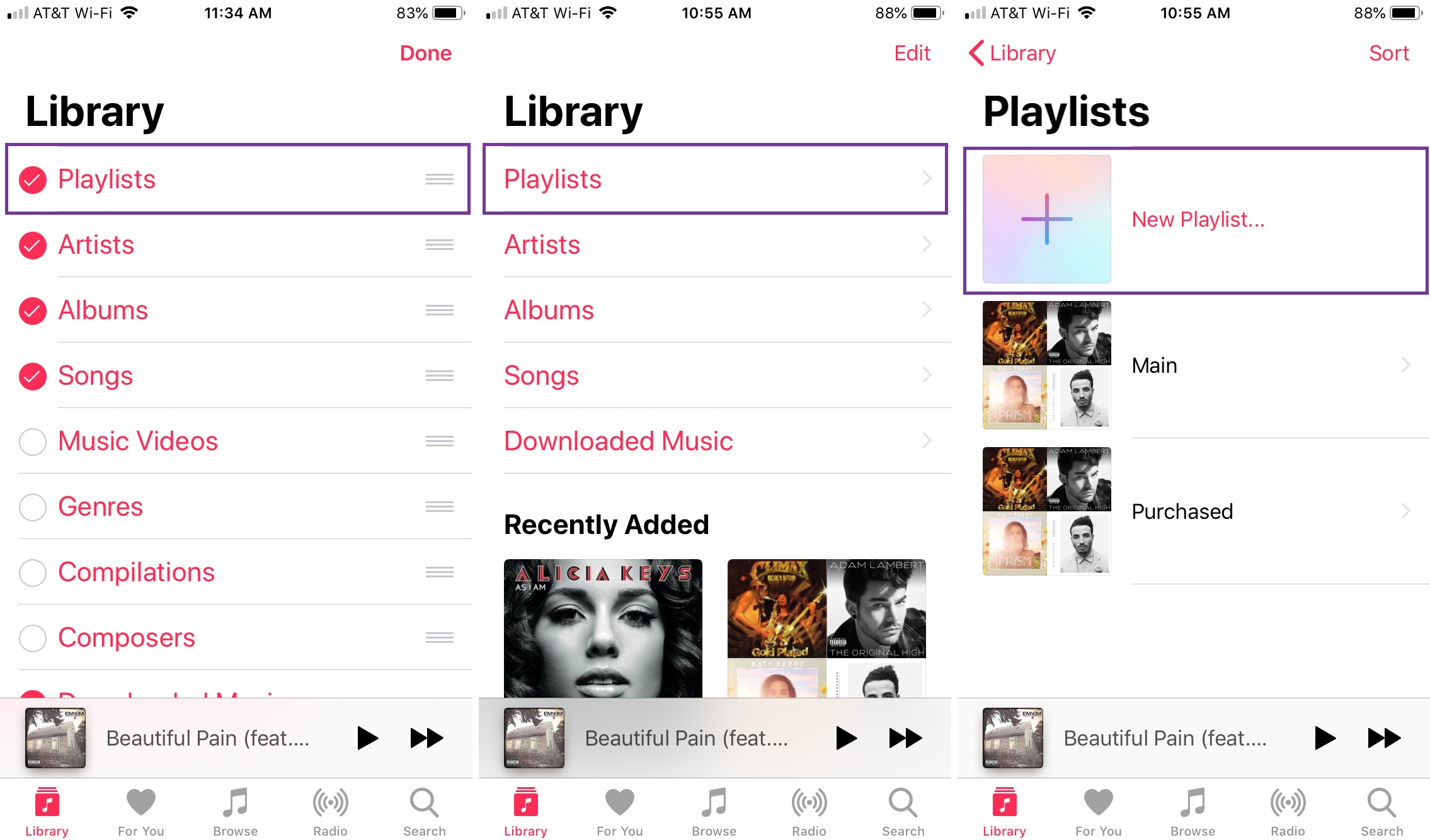
For Apple Music users, tap “Library” at the bottom of the screen. You’ll see a row of options—select “Playlists” to see everything you’ve saved or made. It’s that simple, so no need to wrestle with Siri.
If you don’t see it, make sure you’re not in the “Listen Now” tab, which shows recommendations instead of your stuff. Also, check if you accidentally filtered by “Recently Added” instead of “Artists.” A quick tap on “Playlists” fixes everything.
YouTube Music: The Library Icon Looks Like a Folder
In YouTube Music, look for the “Library” tab at the bottom, next to “Home” and “Explore.” Once there, tap the “Playlists” chip near the top. Your playlist will appear, often sorted by date updated or alphabetical order.

Still missing? Try tapping your profile picture in the top right. Sometimes playlists get tucked under “Your Channel” if you accidentally toggled a privacy setting. Remember, private playlists only show up in your library, not on your public profile.
What If It’s Really Gone?
Don’t panic—your playlist isn’t dead, it’s just sleeping. Check your “Recently Played” section on the Home tab of any music app. That’s a goldmine for quickly resurrecting a lost mix.
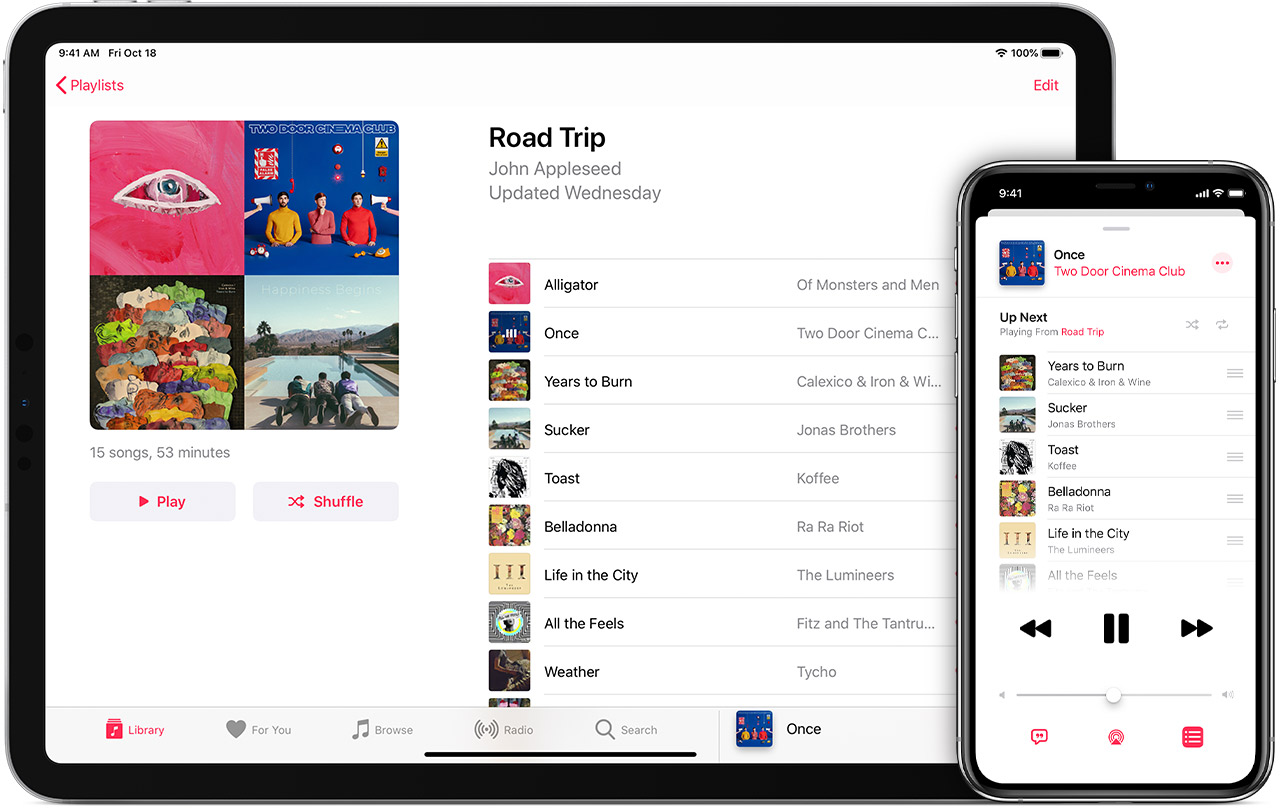
If you still can’t find it, search for the playlist’s title in the app’s main search bar. It works even if the playlist is unlisted or saved from another user. And if you’re using an Android phone, also check if you have multiple profiles or a “Guest Mode” turned on—that’s a sneaky culprit.
Master the “Sort” and “Filter” Magic
Once you’re in the Playlists section, use the sort icons (usually a slider or a “Recent” dropdown) to arrange by “Recently Added” or “Alphabetical.” This helps when you have 500 playlists and only remember the album art color.
Also, don’t forget the search bar inside “Your Library.” It’s not just for songs—it searches playlist names too. Type “road trip” or “workout,” and boom, there’s your mix.
:max_bytes(150000):strip_icc()/what-is-spotify-download-music-01-f4c4e70b93fa4411beda76f3f723103c.jpg)
The Final Tap: Use Voice or Shortcuts
On many phones, you can just say, “Hey Google, play my playlist called [name]” or “Hey Siri, shuffle my [name] playlist.” Voice commands bypass all the menus entirely, which is mind-blowingly convenient.
If you want to be extra fancy, save your go-to playlist to your phone’s home screen. On iOS, tap the three-dots menu → “Add to Home Screen.” On Android, use the “Add to Home screen” widget from your music app’s settings. Then finding it is just one tap from your wallpaper—no hunting, no fuss.
Your phone isn’t hiding your playlist; it’s just waiting for you to learn its secret handshake. Now you know it, so go forth and press play.