How Do I Delete Reviews On Google

Ever woken up in a cold sweat thinking about that one scathing review someone left on your business page? You know the one—it’s about a customer who claims your tacos were served on a frisbee, or that your haircut made them look like a startled poodle. Before you spiral into a panic, let’s get one thing straight: you cannot just zap any review into oblivion on Google. But hold on, because there are a few secret backdoors that might just save your digital reputation.
The Big, Honest Truth About Deleting
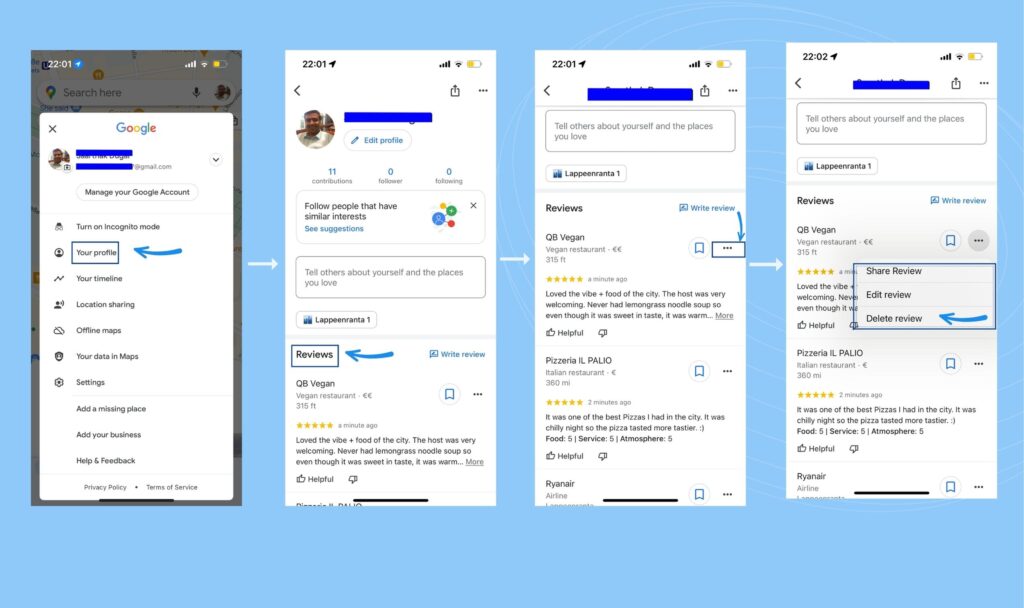
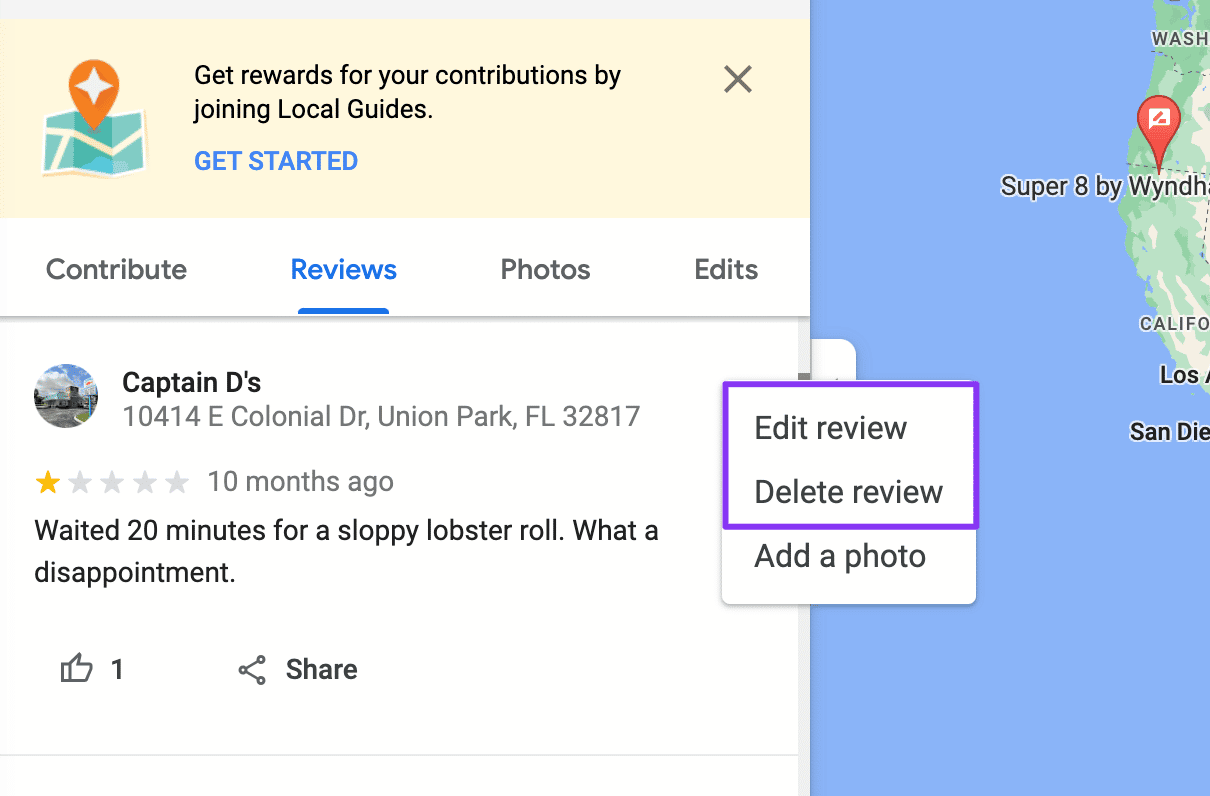
Here’s the kicker: Google doesn’t let you, the business owner, delete user-generated reviews. That power belongs solely to the person who wrote the review, or to Google itself if the review violates their strict policies. So, when you search "how do I delete reviews on Google," the real answer is usually you don’t. Instead, you’ve got a toolkit of sneaky workarounds that are frankly more entertaining than wielding a delete button.
Think of it like trying to remove a marker stain from your favorite shirt. You can’t make it vanish, but you can scrub hard, cover it with a patch, or turn it into a “design feature.” Your Google Business Profile is the shirt, and your responses are the patch. Ready to get crafty?
Must Read
Your First Move: The 'Flag' Button (It's a Shot in the Dark)
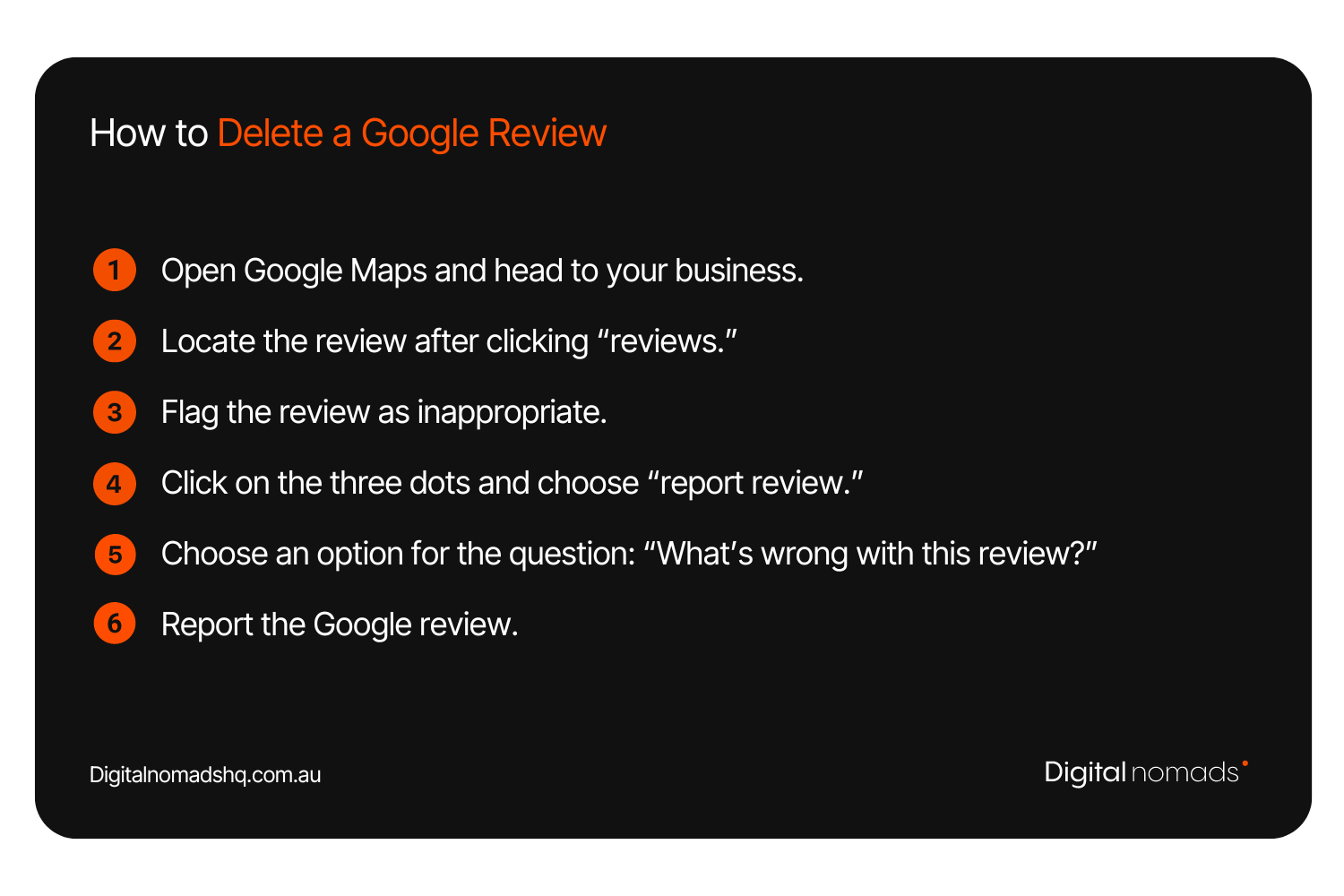
If a review is truly awful—think spam, hate speech, or fake nonsense about a product you don’t sell—you can flag it. Log into your Google Business Profile, find the offending review, and click the three little dots next to it. Choose “Flag as inappropriate” and submit your plea to the Google gods.
Here’s the funny part: Google will review your request with the speed of a sloth on a coffee break. Sometimes it works, sometimes it doesn’t, and sometimes you get a mysterious email saying “no violation found” for a review that clearly says “this place is run by lizard people.” Do it anyway—it’s free, and it feels like you’re doing something.
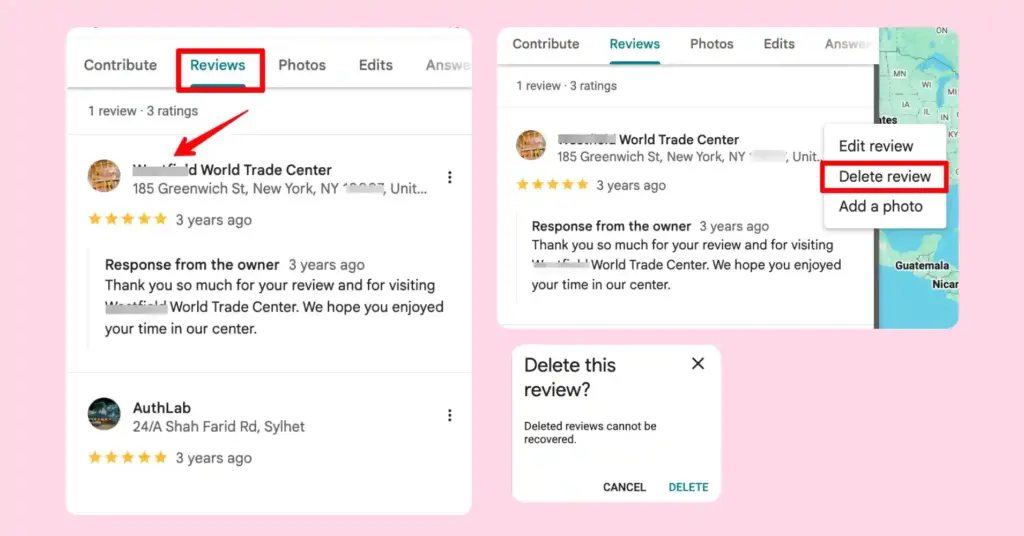
Remember: Flagging is not a deletion button. It’s a lottery ticket with very low odds of winning.
The Entertaining Art of the Public Reply
Since you can’t delete, you might as well put on a show. A clever, polite, and slightly witty public reply to a terrible review is gold for your business. It shows potential customers you care, and it’s wildly fun to read—for you and for them. Try something like, “We’re sorry you felt our nachos were ‘a crime scene.’ We’ve since hired a cheese detective!”
Resist the urge to get snarky or defensive. Instead, be the calm, cool adult in the room. A good reply can actually make the negative review look bad, not you. That’s the ultimate cheat code: turn their garbage into your charm.
Ask Nice Customers to Post Their Own (Bury the Bad)
This is where you become a master puppeteer. You cannot delete review number one, but you can drown it in a sea of five-star love. Actively ask happy customers—ones you know in real life—to leave a quick review. Make it easy for them with a simple link, and don’t offer bribes (that’s illegal).
Fresh, positive reviews push the ugly one down to page two, where it will be forgotten. Over time, the algorithm cares more about your average rating and volume. You’re not deleting the past; you’re rewriting the future, one gushing compliment at a time.
When Google Actually Steps Up
There are rare, magical moments when Google will remove a review on its own. This happens if the review contains personal information (someone’s phone number), conflict of interest (a competitor writing a fake rant), or explicit content. If you spot one of these, flag it with extra vigor and mention the specific policy. This is the closest you’ll get to a true “delete” without asking the author directly.
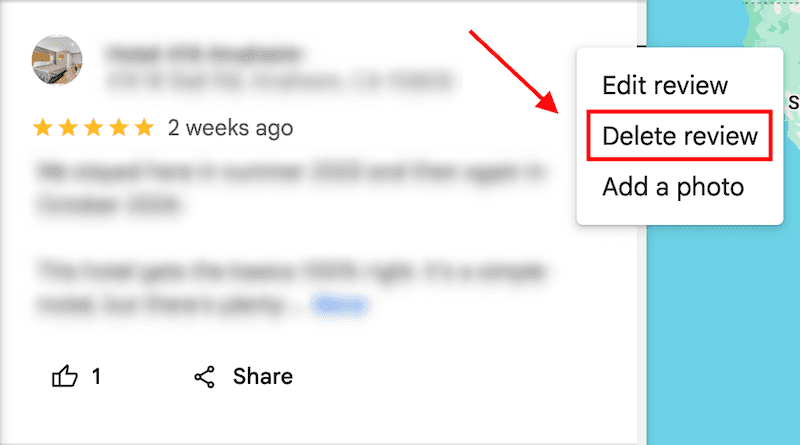
And yes, you can try politely messaging the reviewer and asking them to remove it. Sometimes people are just having a bad day and will relent. It’s a long shot, but hey—you asked for entertainment, and negotiating with strangers for digital mercy is peak drama.
So, What’s the Real Takeaway?
Stop obsessing over deletion and start enjoying the game. You now know that “how do I delete reviews on Google” is the wrong question. The right question is, “How do I make that review irrelevant?” The answer is simply: be responsive, be funny, and outshine the haters with consistent great service.
You’ll never have a totally clean slate, and that’s okay. A few bumps in your review history actually make you look human and trustworthy. So go forth, craft your witty replies, and watch the magic happen—just don’t hold your breath for Google to hand you that delete key.