How Do I Check My Wifi Connection
Let’s be honest. Your Wi-Fi is basically a moody houseguest. One minute it’s glorious, streaming 4K cats. The next, it’s sulking in a corner, refusing to load a single GIF. Checking your connection isn’t tech-support drudgery. It’s detective work for your digital life.
The Blinking Box of Mystery
First, find your router. It’s that little plastic beast with antennas, blinking like a confused robot. Walk over to it. Yes, physically get up. The lights are your first gossip session.
A solid green light means you’re golden. A slow, rhythmic blink? That’s just it breathing. But a frantic, orange strobe light? That’s your router having a tiny panic attack. Give it a moment. Or a stern look. It works sometimes.
Must Read
The Quick and Dirty Phone Trick
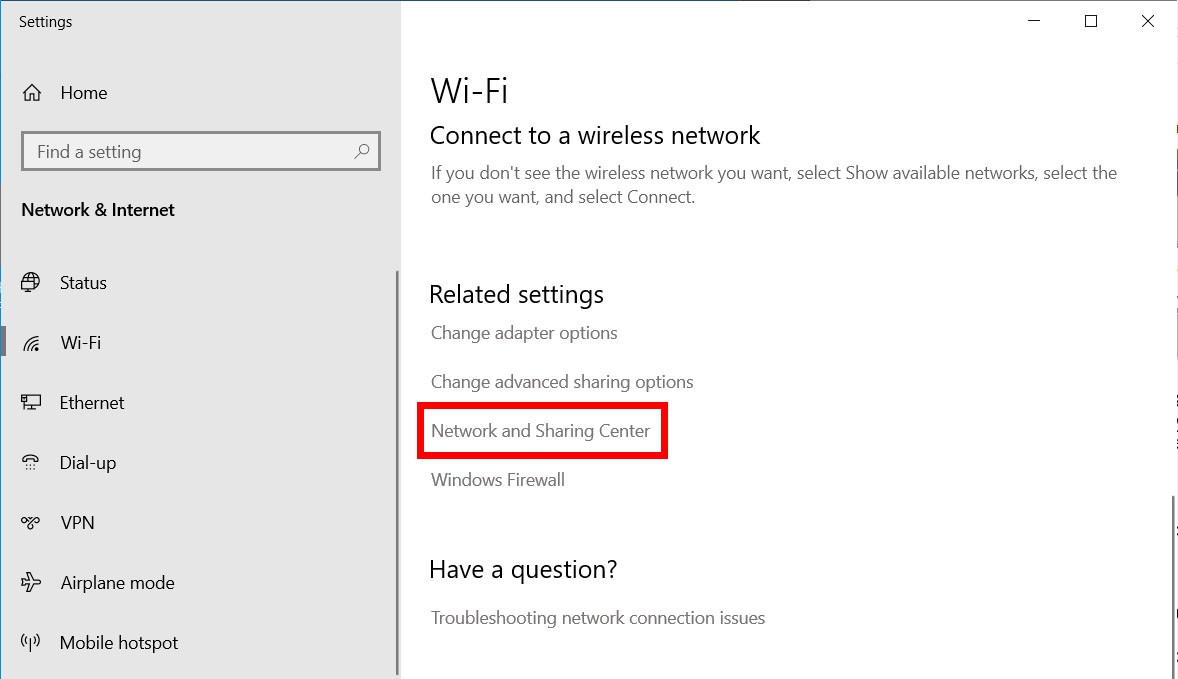
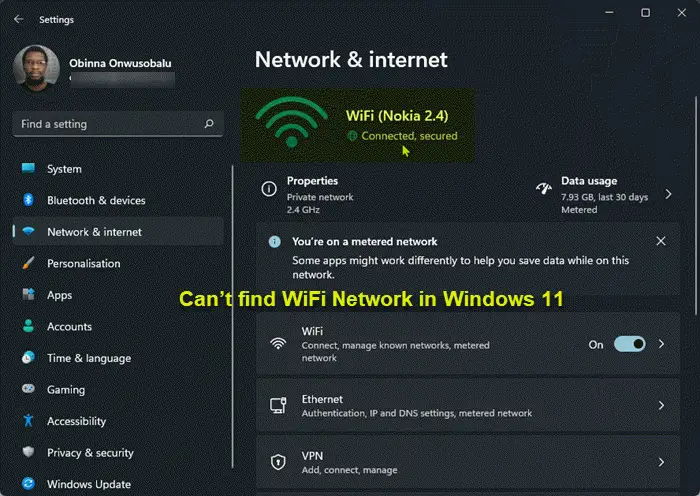
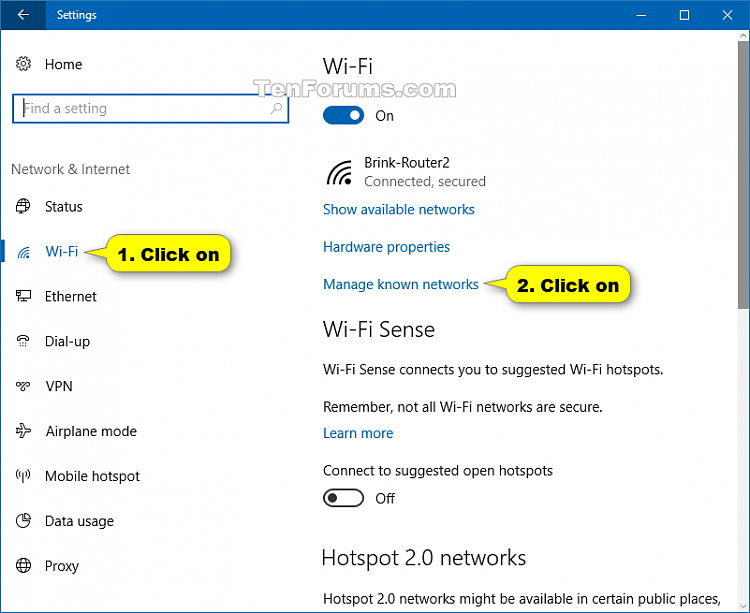
Grab your phone. Open your settings. Tap that Wi-Fi menu like you mean it. You’ll see the network name. Look for the little checkmark or “Connected” text. That’s only step one. It’s like seeing a wedding ring—it means attached, but not necessarily happy.
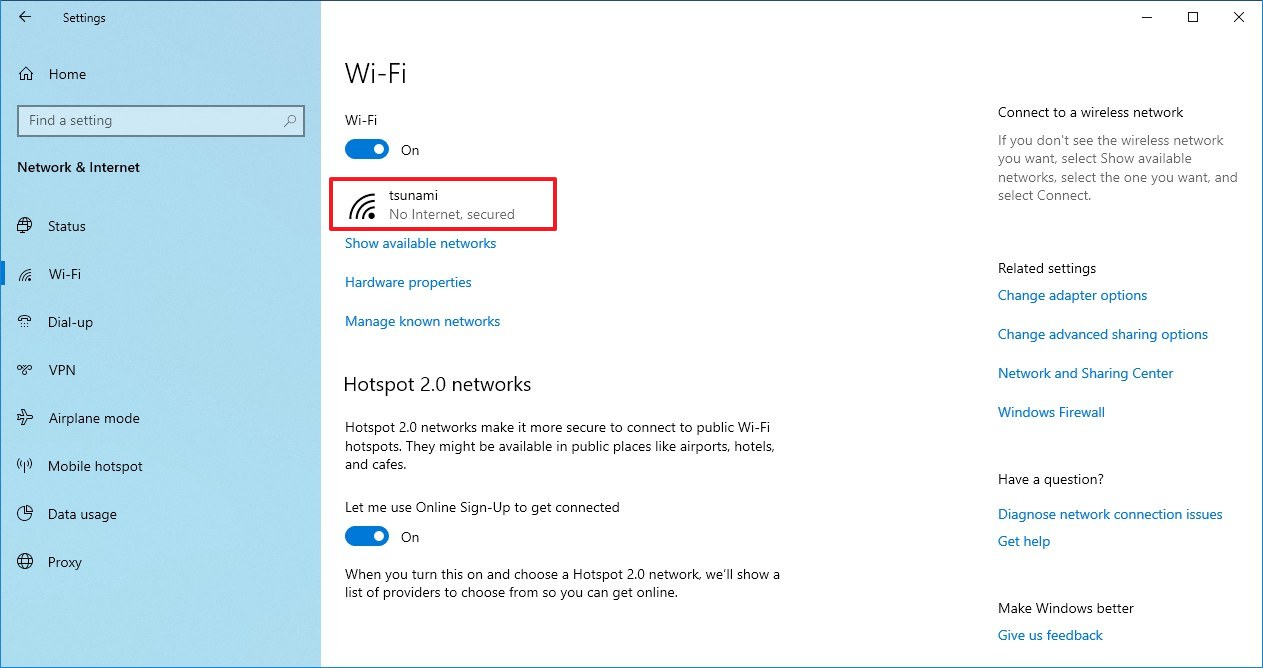
Look just below the name. Do you see “No Internet Access”? That’s the Wi-Fi equivalent of a silent treatment. If you see a tiny “!” or a lock icon, you’re in a weird limbo. It’s connected, but the internet is ghosting you.
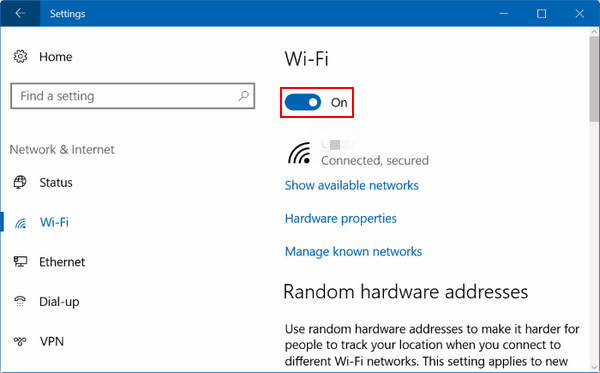
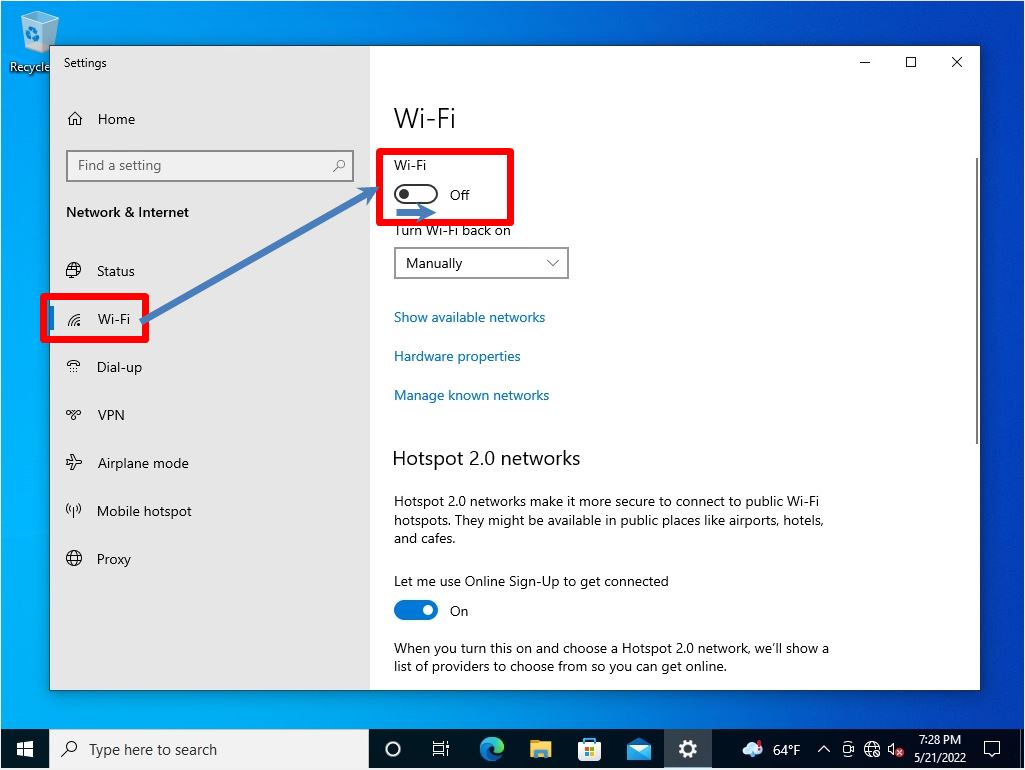
Here’s a fun trick: turn Wi-Fi off on your phone. Now turn it back on. It’s the digital version of shaking a snow globe. You’d be shocked how often this forces your phone to grab a fresh, happier connection.
The Speed Test Spectacle
Now, let’s get scientific. Open a web browser and search for “speed test.” Click any big, colorful button. This is your moment of truth. Watch those numbers spin like a slot machine.
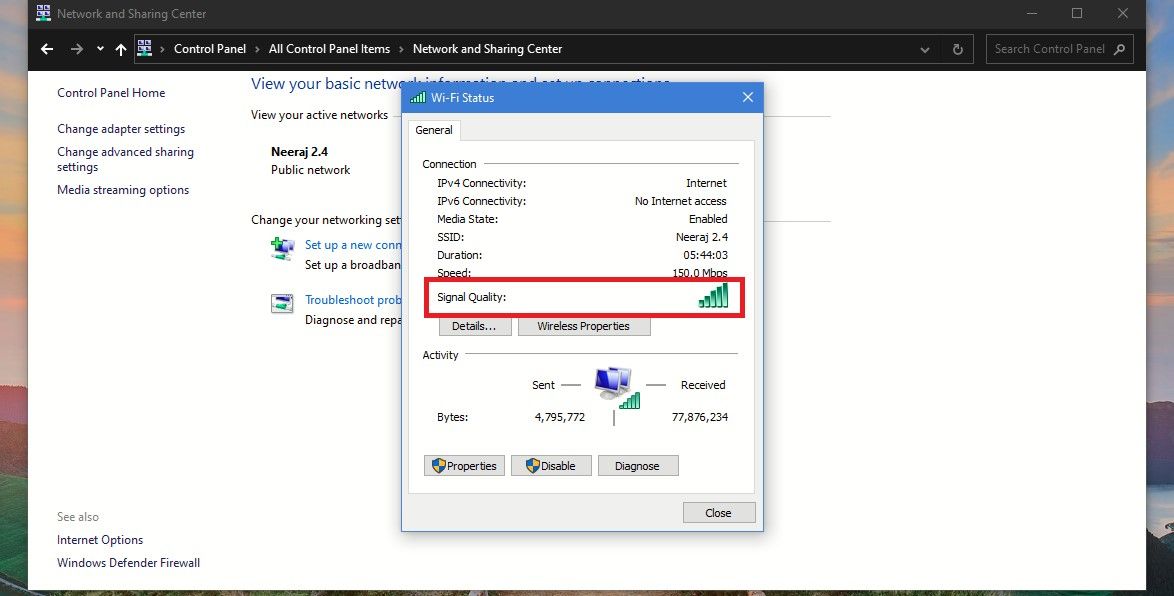
If your download speed is above 25 Mbps, you’re practically royalty. You can stream, game, and video-call like a boss. If it’s under 5 Mbps? That’s dial-up nostalgia you didn’t ask for. You’re in loading-screen purgatory.
Funny fact: your “100 Mbps” plan rarely delivers 100 Mbps. It’s like a pizza place promising 30 minutes. Life happens. Thick walls, microwaves, and even your neighbor’s fish tank can interfere. Yes, water stops Wi-Fi. It’s basically a magic trick.
The “Where Is the Router?” Game
You know that feeling when you stand up and the Wi-Fi gets better? That’s because you were sitting on the signal. Seriously. Your body is a water bag that absorbs Wi-Fi. Move three feet to the left. Problem solved more often than you’d think.
Routers hate closed doors, metal objects, and being shoved behind a fish tank. Give it space. Put it on a shelf, like a prized trophy. Elevation is key. Wi-Fi waves spread downward and outward, like a sprinkle of invisible glitter.
Also, check for other devices. Your microwave runs on the same 2.4 GHz frequency. Heating up leftover pizza while on a Zoom call? You’re asking for pixelation. It’s a silent war between your lunch and your laptop.

The Reboot Ritual
When all else fails, there is the ancient chant: “Have you tried turning it off and on again?” Find the power cable on the router. Unplug it. Count to ten. That’s not random—it lets the capacitors fully discharge. Plug it back in.
Watch the lights do a little boot-up dance. It takes two minutes. Go make a snack. When you return, the Wi-Fi gods have usually been appeased. It’s a cliché because it works. It’s the friendship bracelet of internet fixes.
So next time your video buffers on a dance move, don’t panic. Just check the box, move your body, and give the router a little break. You’re now a Wi-Fi whisperer. Go forth and stream with confidence.
-(1).png)