How Do I Check All My Subscriptions
Okay, let’s be honest for a second. You probably have more subscriptions than you have actual hobbies, right? We’ve all been there—signing up for a free trial of a meditation app we never open, or a meal kit service that we swore would change our lives (spoiler: it didn’t). Checking all your subscriptions feels like cleaning out a junk drawer—you know it’s necessary, but you’d rather binge-watch a show instead.
But here’s the thing: those little monthly fees are like quiet vampires on your bank account. They don’t shout; they just nibble away at your hard-earned cash. So, let’s play detective together and find where your money is hiding. Grab a coffee (or tea, if you’re fancy), and let’s dive into the rabbit hole of recurring charges.
Step One: Your Bank and Credit Card Statements (The Unsexy Truth)
First things first, log into your online banking. I know, I know—that’s about as fun as watching paint dry, but trust me, it’s step one for a reason. Scroll through the last two to three months and look for any small, repeating charges with weird names.
Must Read
You’ll spot things like “NETFLIX 15.49” or “Spotify AB.” But you might also see a charge from “FLIXMATE” or “GAMING SUB” that makes you squint and mutter, “What on earth is that?” Highlight anything that you don’t instantly recognize—we’ll deal with the mystery meat later.
Step Two: The Apple or Google Rabbit Hole
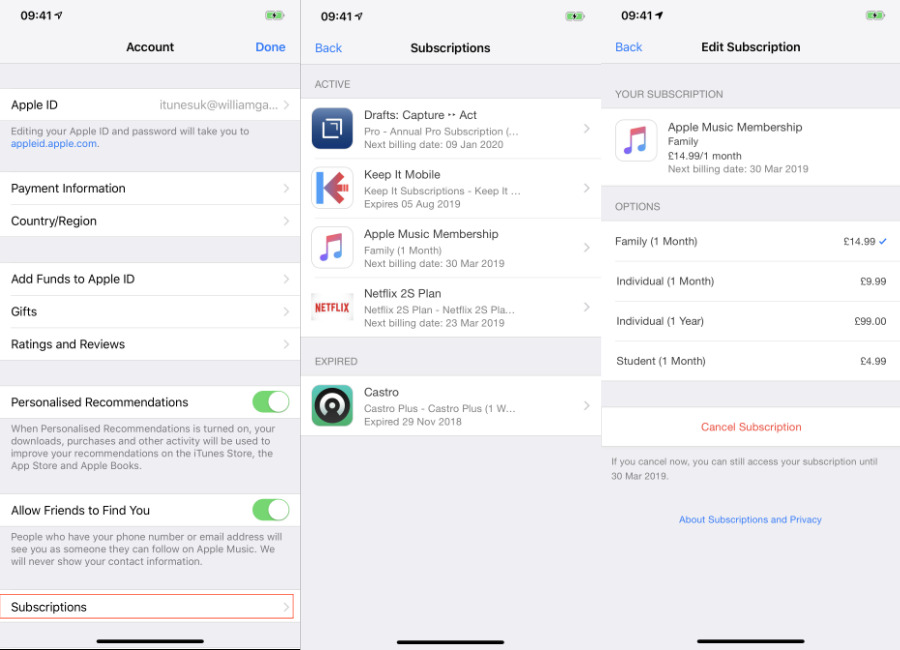
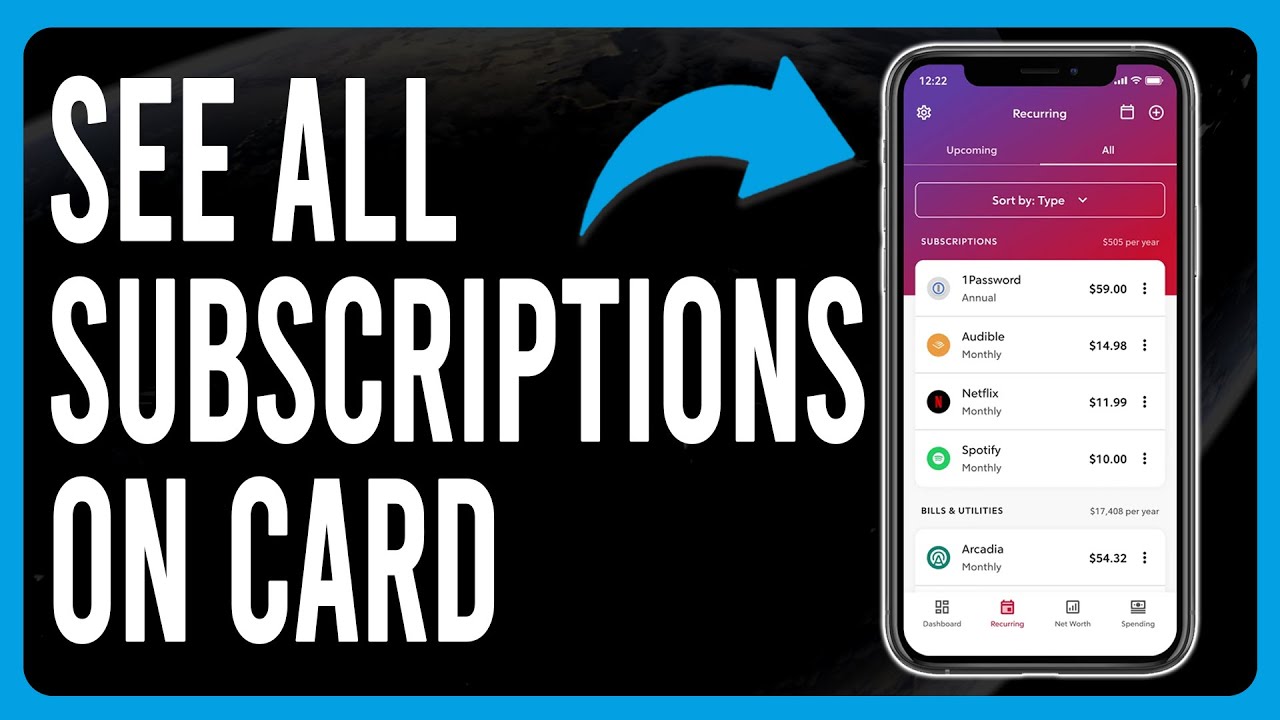
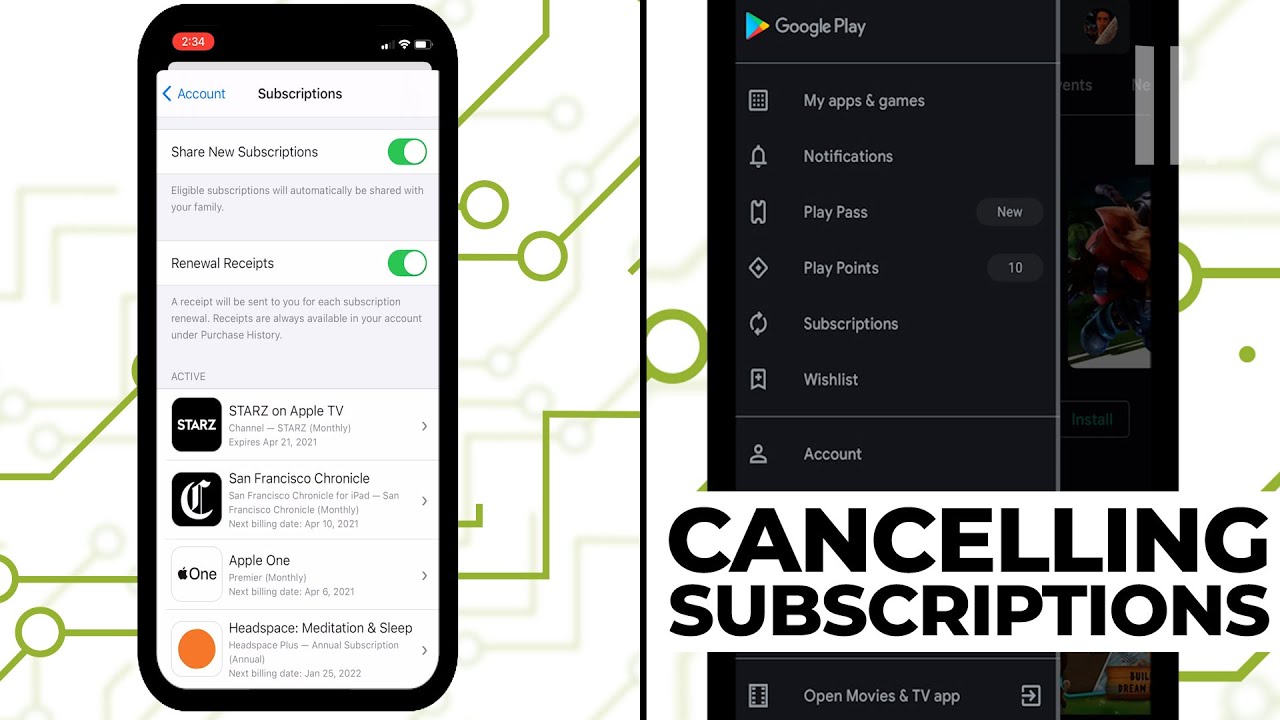
If you’re an iPhone user, go to your Settings and tap your name at the top. Then hit “Subscriptions.” Boom—there’s a whole list of things you’ve bought through Apple, from that cloud storage to a podcast app you forgot existed. It’s like a museum of your past impulses.
Android users, don’t feel left out! Head to the Google Play Store, tap your profile icon, and select “Payments & subscriptions.” You’ll find the same kind of digital graveyard. This is where most sneaky subscriptions hide, especially if you signed up through an app rather than a website.
Pro tip: If you see a subscription for “Daily Horoscope Plus” that you bought at 2 AM during a moment of cosmic panic, it’s okay. We’re not here to judge. We’re here to cancel.
Step Three: Email Detective Work (The Fun Part)
Now, let’s turn into a digital Sherlock. Open your email inbox (or better yet, the search bar) and type in the word “receipt.” Or, even better, search for “your subscription is about to expire.” That phrase is a goldmine—companies love to send those emails as a gentle nudge.
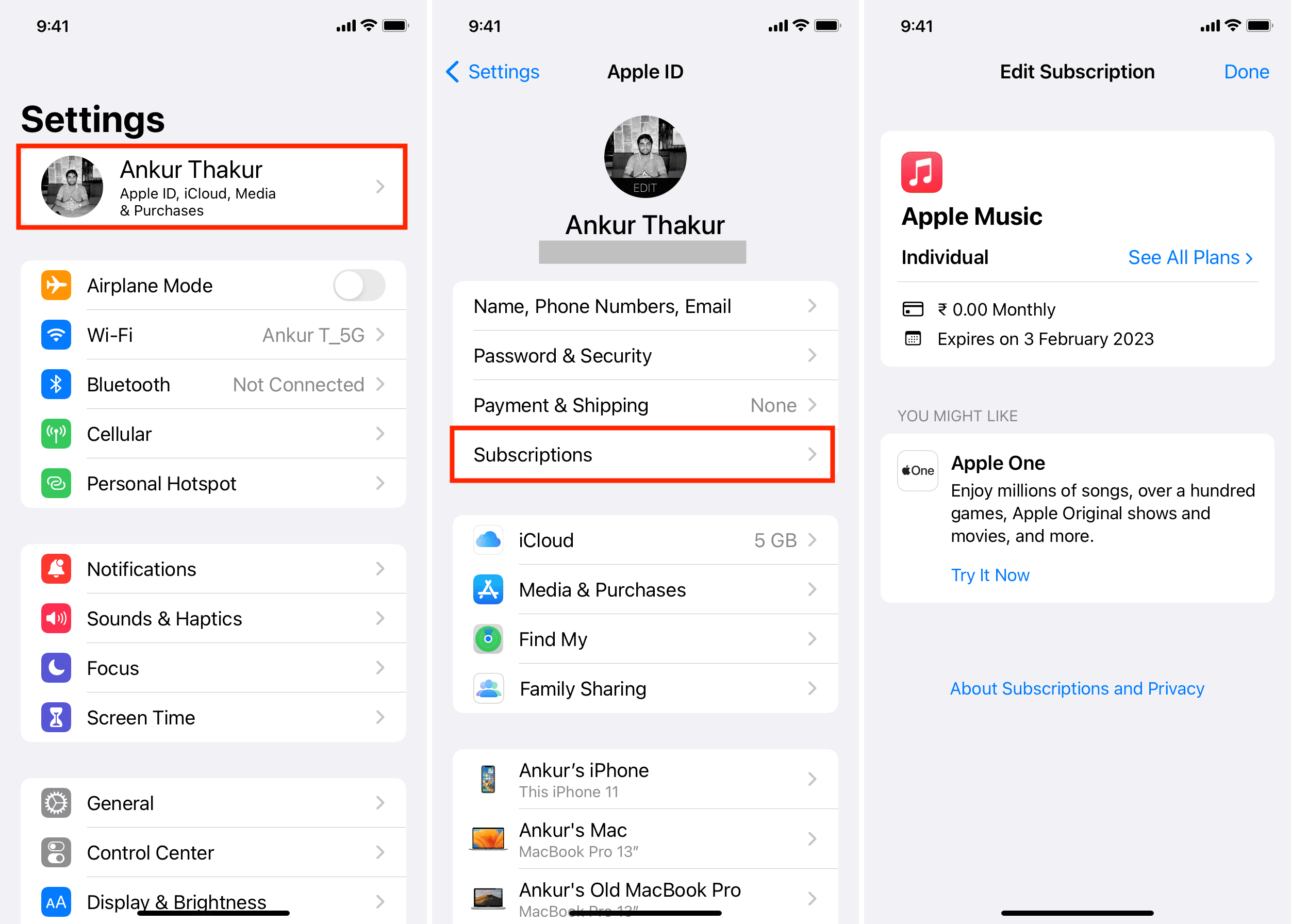
You’ll likely find a mountain of confirmation emails from places you forgot you ever visited. Also search for “welcome to” and “invoice.” Make a list of every single company that has sent you a payment confirmation in the last year. It’s scary, but also a little thrilling, like finding money in an old coat pocket—except it’s the opposite, it’s money you’re losing.
Step Four: Use a Subscription Tracker App (Your Digital Guardian Angel)
If doing this manually feels like a part-time job, don’t sweat it—there are apps for that! Services like Rocket Money or Truebill can scan your bank accounts and automatically find recurring charges. They’ll even cancel subscriptions for you.
Yes, you heard that right. These apps are like having a tiny, ruthless assistant who’s not afraid to fire someone on your behalf. Most have a free tier, so you don’t need to add another subscription to find your subscriptions. Meta, right?
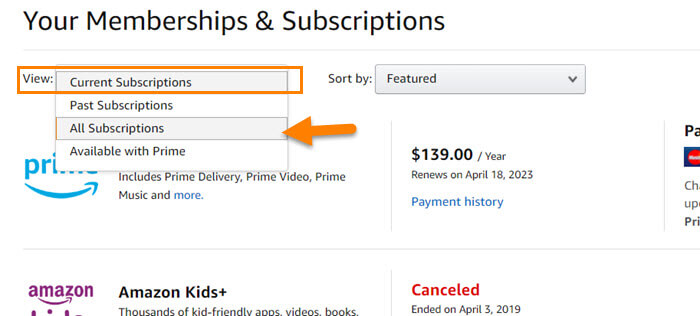
Just be aware that they’ll ask for your bank login, which can feel a bit like handing over the keys to your house. But they use bank-level encryption, and honestly, they’ve saved people hundreds of dollars. Just don’t sign up for their premium plan without reading the fine print—irony is a cruel mistress.
Step Five: The “Cancel Everything” Power Move
Once you have your list, it’s time to make some decisions. I want you to look at each subscription and honestly answer this question: “Did I use this in the last 30 days?” If the answer is no, cancel it. Right now. I’ll wait.
Still here? Okay, good. I’m proud of you. For the ones you’re keeping, consider whether you need the premium tier. Are you really listening to that “premium audio quality” on your busted car speakers? Probably not. Downgrade that sucker.
And for the love of all things holy, set a calendar reminder to do this again in three months. Otherwise, you’ll be back to square one, wondering why you’re paying for a “Mystery Meat of the Month” club you never joined.
You Did It! (And You’re Kind of a Rockstar)
See? That wasn’t so painful, was it? It’s like flossing—unpleasant in the moment, but your wallet feels so much better afterward. You’ve reclaimed your power, and your bank account is doing a little happy dance.
So go ahead, treat yourself to something nice—a coffee, a snack, or even a new subscription… just kidding! Don’t do it. But seriously, you’re now a subscription-savvy superhero. You can walk into any digital storefront with confidence. High five. Now go forth and spend your found money on something that actually brings you joy.