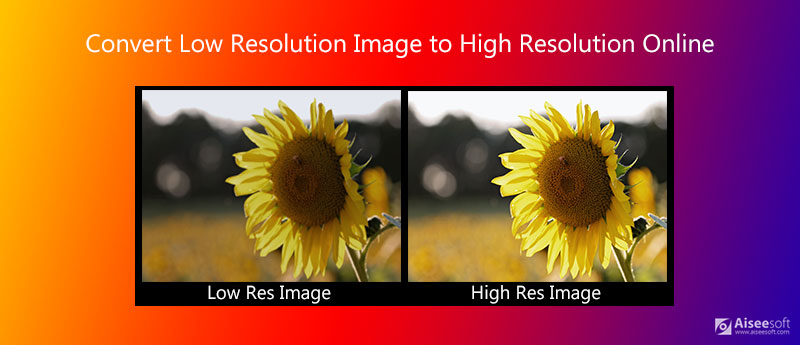
How Can You Make An Image Higher Resolution
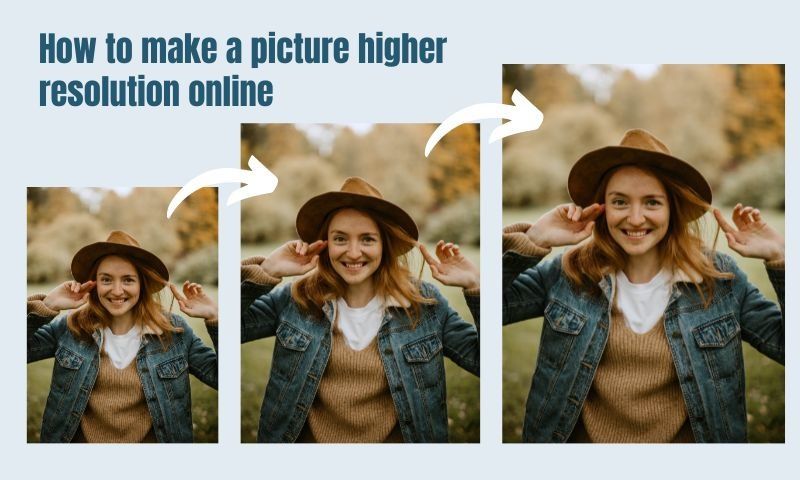
I still remember the first time I tried to zoom in on a low-resolution image, and let's just say it was a disaster. The image became all pixelated and blurry, and I couldn't make out any of the details. It was like trying to solve a puzzle with missing pieces, and I was left feeling frustrated and disappointed.
But, have you ever wondered how you can make an image higher resolution? I mean, think about it, with the advancement of technology, we can now enhance images to make them look sharper and more detailed. And, as someone who's interested in photography and graphic design, I was curious to learn more about the process.
Understanding Resolution
So, let's start with the basics, shall we? Resolution refers to the number of pixels in an image, with higher resolution images having more pixels and lower resolution images having fewer. And, when you zoom in on an image, you're essentially magnifying the pixels, which can make the image appear pixelated or blurry.
Must Read
Now, you might be thinking, "But, why can't I just add more pixels to an image to make it higher resolution?" Well, it's not that simple, my friend. You see, when you add more pixels to an image, you're essentially guessing what the missing pixels should be, and this can lead to artifacts and distortions in the image.
Methods for Increasing Resolution
So, how can you make an image higher resolution without guessing what the missing pixels should be? Well, there are a few methods, including upsampling and super-resolution. Upsampling involves interpolating new pixels based on the surrounding pixels, while super-resolution uses algorithms to enhance the image.

Another method is to use image editing software, such as Adobe Photoshop or Lightroom, which have tools and features that can help you enhance and refine your images. And, if you're feeling adventurous, you can even try using AI-powered tools, such as Deep Image or Let's Enhance, which use machine learning algorithms to enhance your images.
Now, I know what you're thinking, "But, won't these methods degrade the image quality?" And, to be honest, yes, they can. But, if you're careful and use the right techniques, you can minimize the degradation and end up with a higher resolution image that looks amazing.
Practical Tips and Tricks
So, what are some practical tips and tricks for making an image higher resolution? Well, first of all, it's essential to start with a good quality image. If the original image is low-resolution or pixelated, it's going to be challenging to enhance it. Secondly, be careful when upsampling or super-resolution, as this can introduce artifacts and distortions into the image.
Another tip is to use image editing software that has advanced tools and features, such as content-aware fill or perspective warp. And, don't be afraid to experiment and try out different techniques and tools to see what works best for your image. After all, practice makes perfect, right?
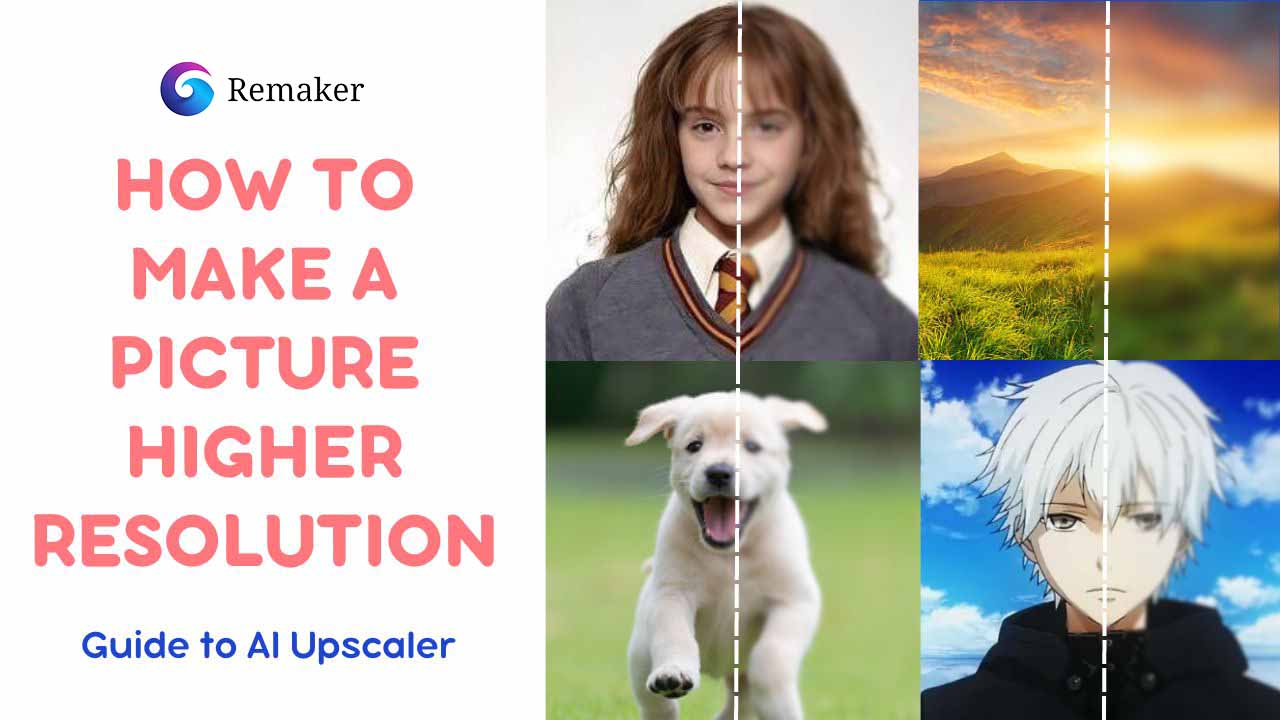
Finally, remember that enhancing an image is all about balance. You want to enhance the image without overdoing it, as this can lead to an unnatural look. So, take your time, be patient, and don't be afraid to try again if things don't turn out as expected.
In conclusion, making an image higher resolution is a complex process that requires patience, practice, and a good understanding of the techniques and tools involved. But, with the right approach and a bit of creativity, you can enhance your images and make them look amazing. So, go ahead, give it a try, and see what you can achieve!