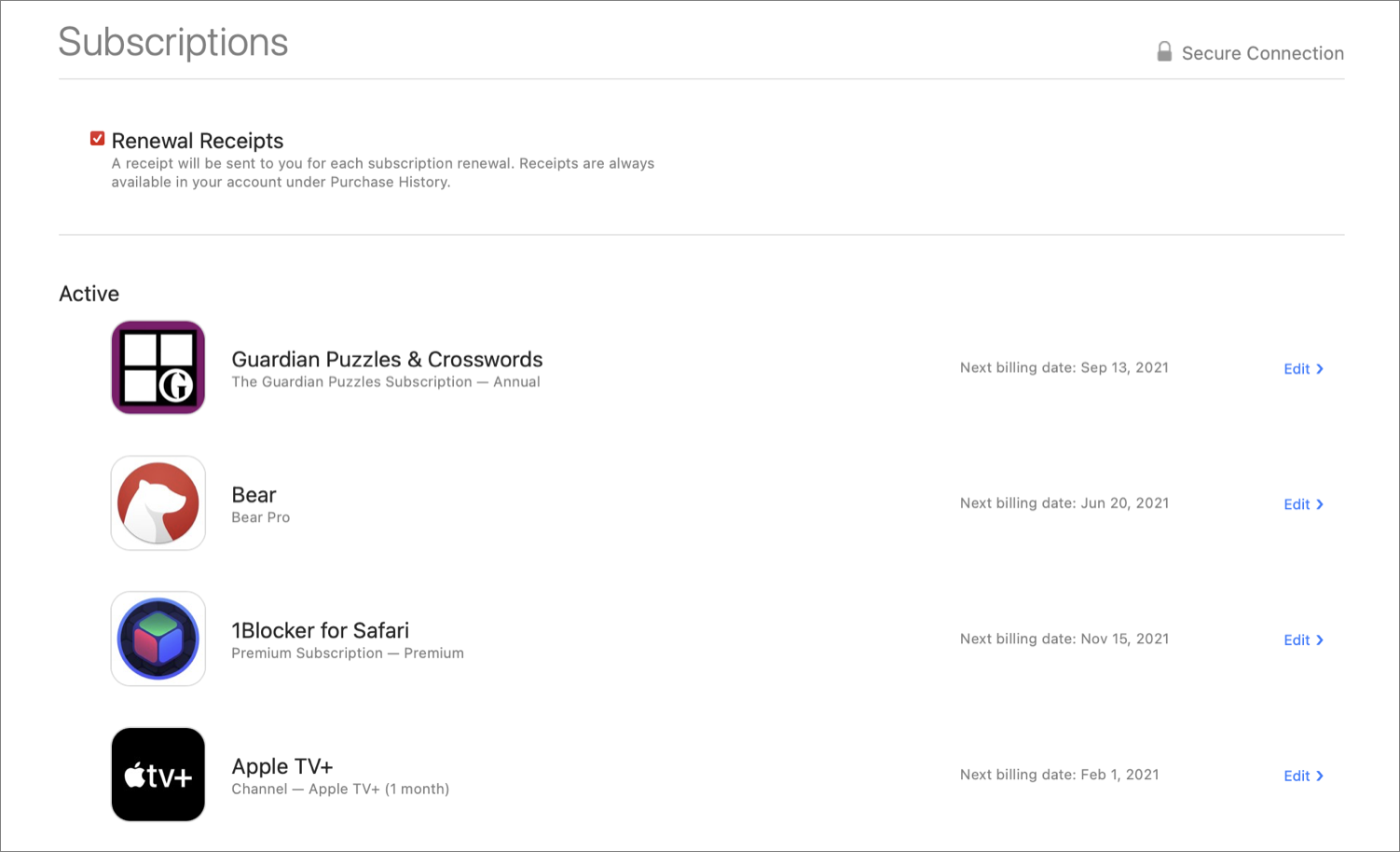
How Can I See All Of My Subscriptions
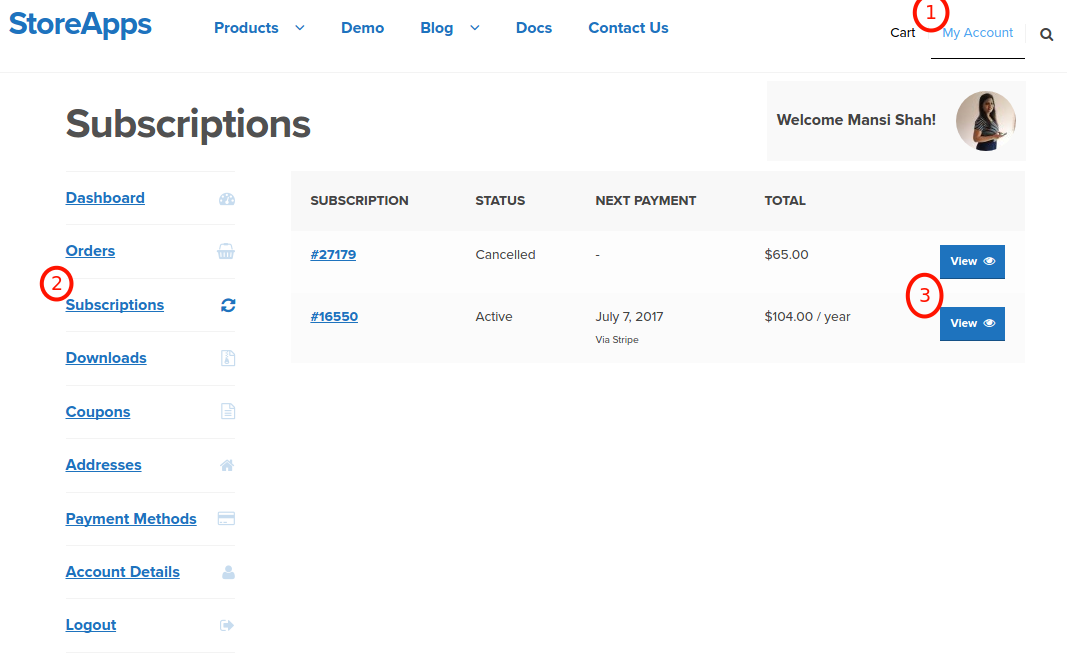
You know that sneaky feeling when you check your bank statement and see a $14.99 charge from a company you swear you broke up with three years ago? That’s your subscription graveyard rising from the dead. We’ve all been there—paying for that “free trial” of a meditation app we opened once, or the streaming service that only gets used by your cat.
The Horror Show of Hidden Fees
Let’s be honest: your subscriptions are like those old Tupperware containers in the back of your fridge. You know they exist, but you have no idea what’s inside, and you’re too scared to look. But here’s the good news—finding them all is easier than you think, and you don’t need a detective’s license.
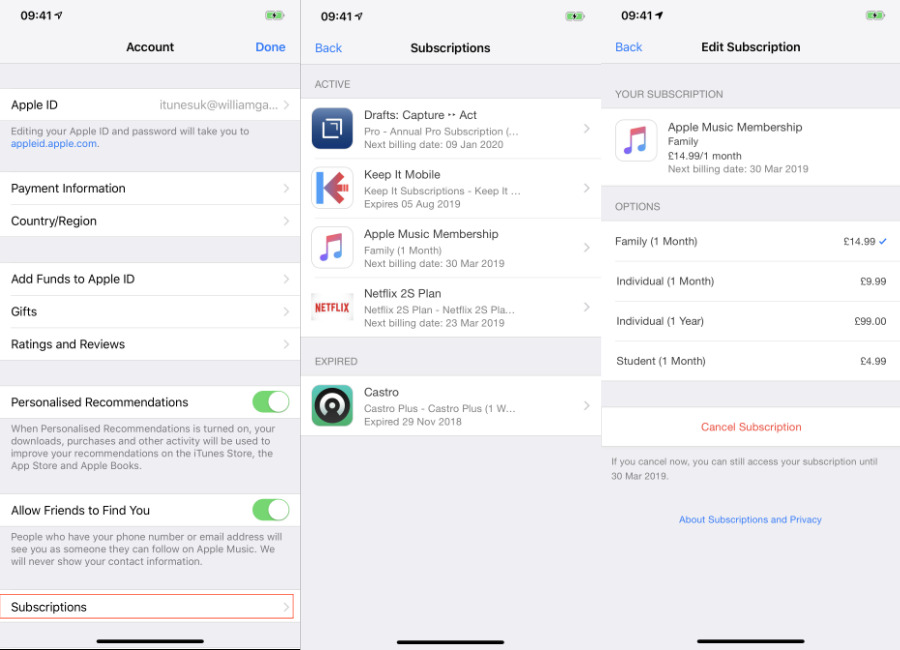
First, grab your phone. On an iPhone, you’re literally three taps away from a full confession. Go to Settings, tap your name at the top, then hit Subscriptions. Boom! There they are—every app, every service, every little monthly vampire sucking your wallet dry. You’ll see stuff you forgot existed, like that “Astrology Daily” app you downloaded after a bad breakup.
Must Read
For Android users, it’s just as easy. Open the Google Play Store, tap your profile icon, then go to Payments & subscriptions. You’ll see a list longer than your holiday shopping list. Some of these will be pleasant surprises; others will make you gasp like you just saw a spider in your cereal.
Don’t Forget the Big Boys
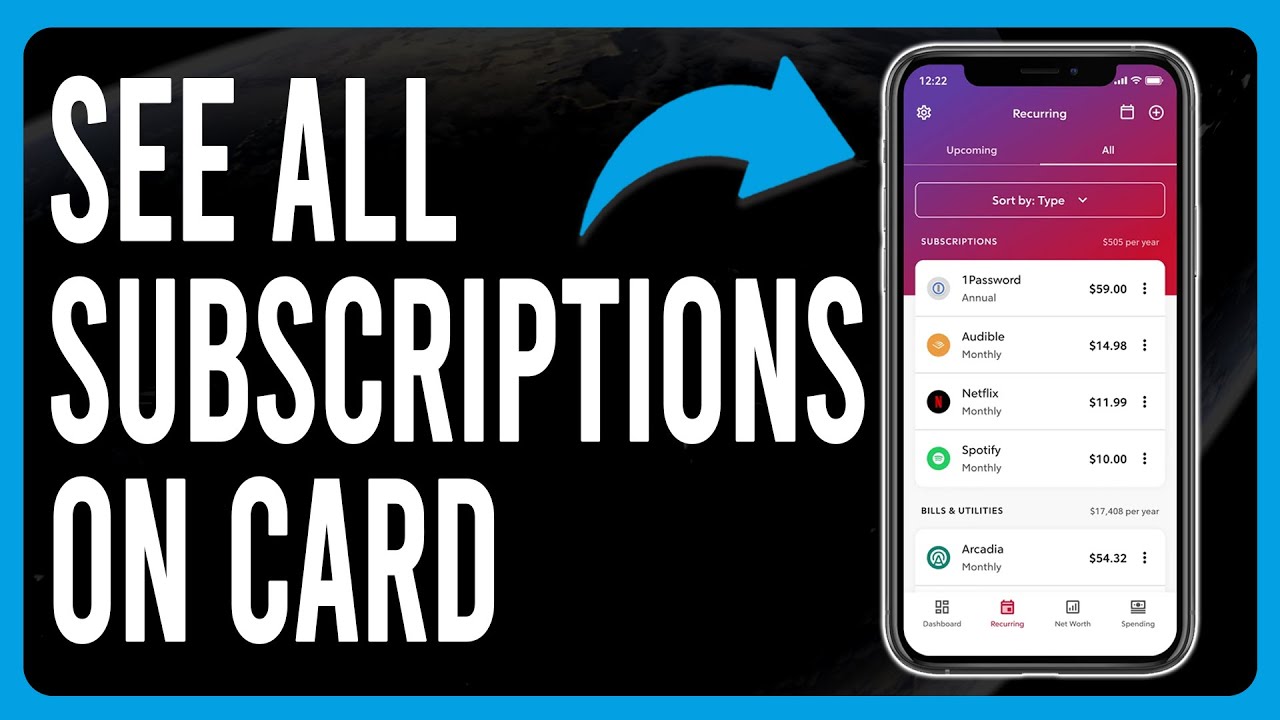
Now, here’s the kicker—your phone only shows apps you bought through the store. But what about Netflix, Spotify, or that gym membership that keeps charging you even though you haven’t lifted a finger since 2021? Those live on your bank or credit card statement. Go to your banking app and search for “recurring payments” or just scroll through the last three months like a forensic accountant.
Look for small, weird charges like “Subly” or “CloudSync Pro”—they always sound so official. If you see something you don’t recognize, don’t panic. Just google it. If it turns out to be that dating app you forgot to cancel after you met your partner, well, congratulations on love, but say bye to that charge.
Protip: Create a spreadsheet named “The Vampire List.” Every time you cancel something, write it down. Future-you will send a thank-you note.
Use the Secret Weapon: Email Search
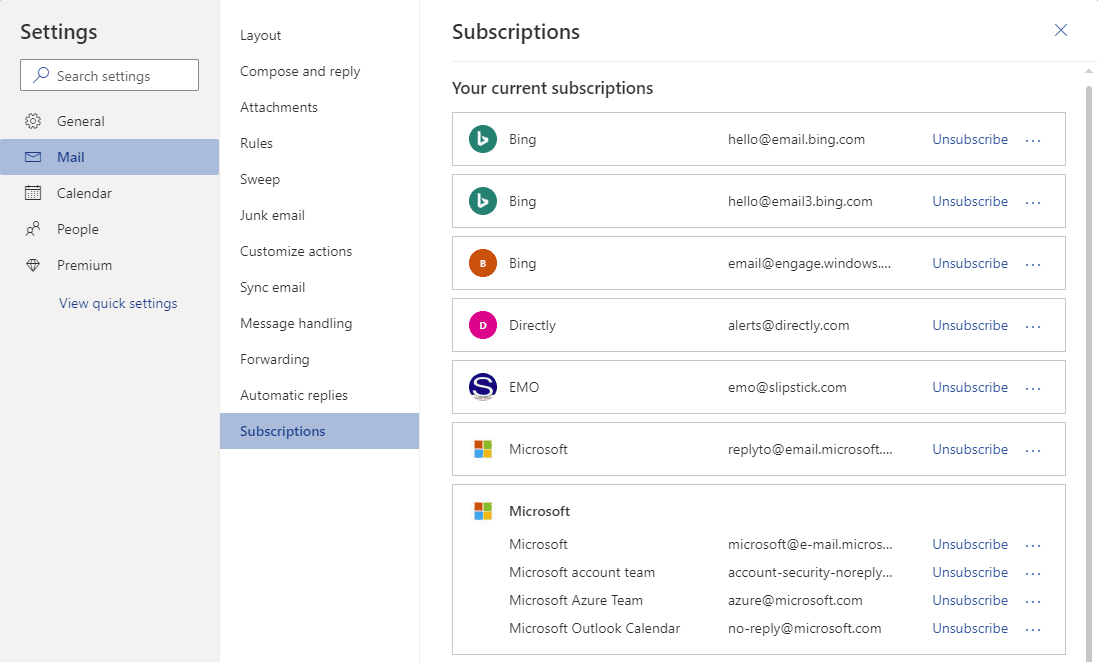
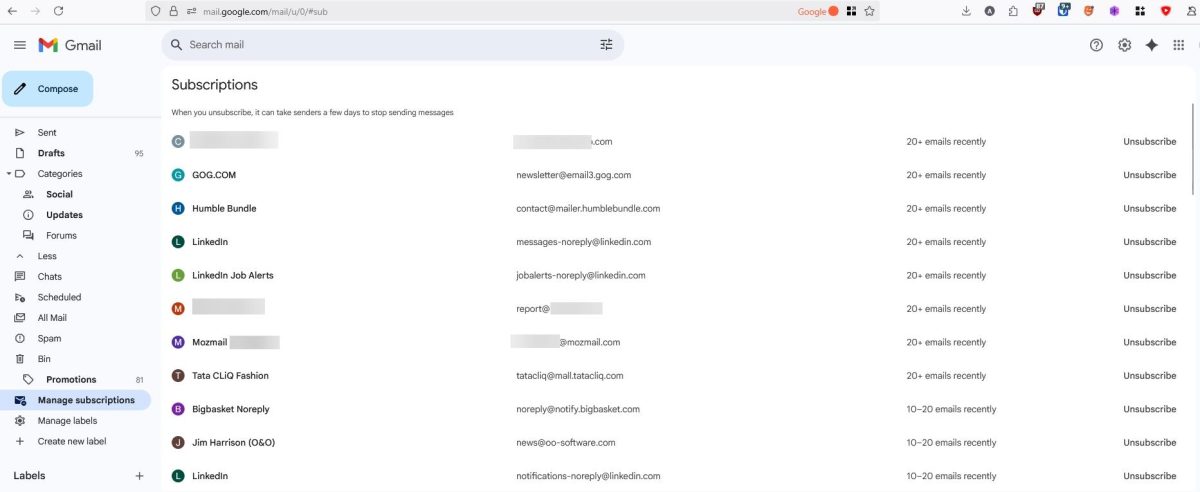
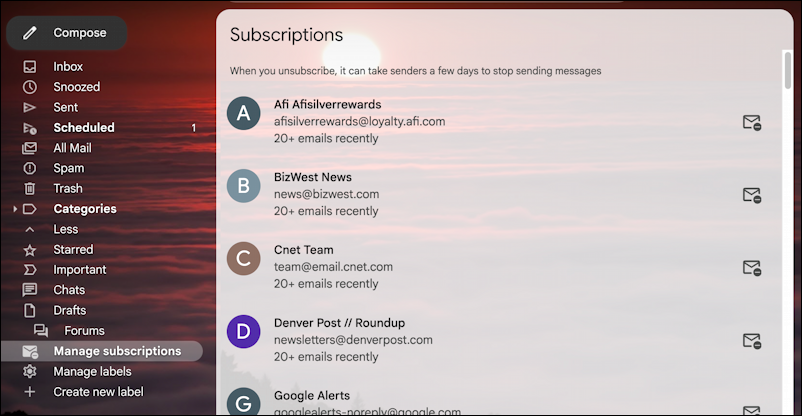
Another genius trick is to search your email for the word “receipt” or “your subscription”. Seriously, do it right now. You’ll find hundreds of little confirmations from services you forgot you ever signed up for. It’s like opening a time capsule, except the treasure is a bunch of $4.99 charges from a puzzle game you played on a flight to Vegas.
Once you see everything, the fun begins. You get to play God of Your Own Finances. Do you really need three different music apps? No. Do you need that “meal prep kit” that you’ve been paying for but never cooking? Absolutely not. Cancel like you’re swatting flies—fast, decisive, and a little ruthless.
Make It a Party
Here’s the secret to enjoying this: turn it into a game. Set a timer for 15 minutes, grab a snack, and go on a cancellation spree. Every time you cancel, do a little fist pump. You’ll start feeling lighter, richer, and more in control than when you walked in. Honestly, it’s more satisfying than clearing your inbox to zero.
After you’re done, treat yourself to something small—like a coffee you actually bought with the money you saved. Then, set a reminder to do this again in three months. Because new subscriptions will try to sneak in. They always do. They’re little ninjas with a credit card reader.
So go ahead, look at your subscriptions today. You’ll laugh, you’ll gasp, you’ll cancel a few things, and you’ll walk away feeling like a financial superhero. And remember: the fastest way to see all of your subscriptions is to open your eyes, your phone, and your bank app—then let the purging begin.

:max_bytes(150000):strip_icc()/iOSSubscriptions01-97b8e9ce685c441fbb6ea6223be11698.jpg)